When an agent corrects the assistant, the fix is saved for the whole service team
Service agents use the company assistant for warranty and product questions. When an agent spots a wrong answer and writes the right rule, a team lead approves it and it joins the team's memory, so every later answer uses it.
- Used day to day by
- Service agents
- Team leads
- Service head
What the assistant uses here
Answers from your systems, within each person's access.
- Channels Reaches people where they already talk
- Team memory What the team teaches it, kept and reused, with a name behind each rule
- Your approval Acts in your systems only after a person approves
How it runs with AI
Agents ask the company assistant on Teams while they handle tickets in Freshdesk. When an answer is wrong, the agent writes the correct rule in plain words. A team lead approves it and it is saved to the service team's memory. Every later answer on that topic uses it and shows the rule it came from.
How it is done today
When an answer is wrong, the agent fixes it for that customer and moves on. The same mistake comes back the next week from another agent, and the fix lives only in one person's memory.
How the assistant works here
Where people ask, what it draws on, and what comes back.
Where people ask
-
 Microsoft Teams, steps 1, 2, 3 and 5
Who asks
- Service agents
- Team leads
- Service head
What it draws on
Apps
-
 Freshdesk, steps 1 and 5
Context
- Team memory, step 4
- Product range, step 1
- Warranty terms, step 1
- Service team memory, step 4
What comes back, and who decides
- A request prepared for approval, step 3
- An answer with its sources, step 5
Who decides
- A team lead approves the correction for the whole team, step 3
How a request runs
-
Step 1, the assistant: Answers an agent's warranty question on Teams
-
Step 2, the assistant: Takes the agent's correction and sends it to a team lead to approve
- Person
Step 3, a person: A team lead approves the correction for the whole team
-
Step 4, the assistant: Saves the rule to the service team's memory, with who wrote and approved it
-
Step 5, the assistant: Uses the saved rule the next time anyone asks, and shows where it came from
The same flow works with the apps you use.
Who controls it
-
Access
It runs with each person's own access, so it shows only what they could open themselves
-
Approvals
A correction joins the team's memory only after a team lead approves it
-
Record
Every saved rule shows who wrote it and who approved it, and can be edited or removed
This fits you if
- Agents answer warranty and product questions every day
- Some rules live in people's heads rather than in a document
- Team leads can spare a few minutes a day to approve corrections
What to watch for
- Rules that change prices or policy still go through the owner of that policy
Often done together
 Company assistant
Customer service Incoming queries
Agents on a call get a suggested answer from past tickets, the knowledge base and the caller's orders
 Exotel
 Zendesk
 Unicommerce
 Confluence
Customer service Incoming queries
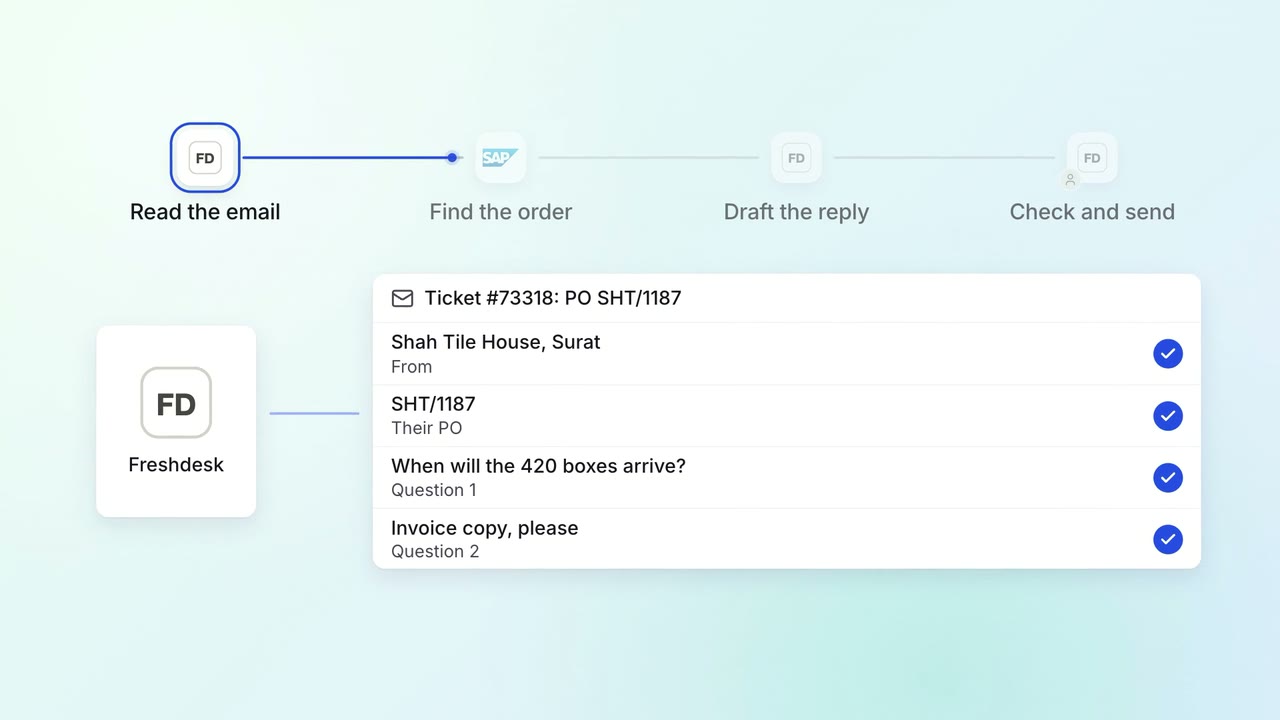
Agents get a drafted reply to every email, with the order details filled in
- Freshdesk
 SAP S/4HANA
Customer service Help articles
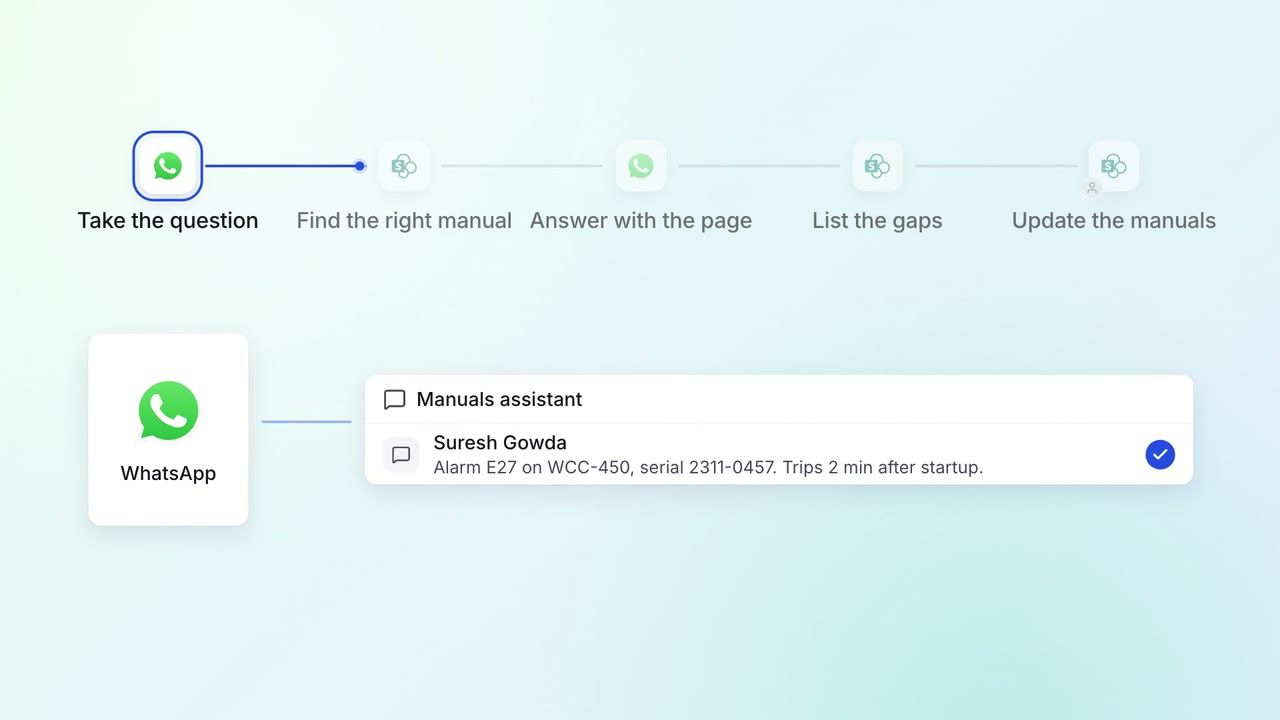
Field engineers get answers from every product manual on WhatsApp, with the page
 SharePoint
 WhatsApp Business