Agents get a drafted reply to every email, with the order details filled in
When an agent opens an email ticket in Freshdesk, a reply is ready, with the order, dispatch and invoice details pulled from SAP. The agent checks it, edits and sends.
- Used day to day by
- Customer service agents
- Support team leads
- Customer service head
How it runs with AI
When an agent opens a ticket, a draft reply is already in the reply box, with the dispatch date, lorry receipt number and invoice pulled from SAP, written in your house style. Questions that need a decision, such as a credit note, are marked for the agent with the facts gathered. The agent checks the draft, edits it and sends.
How it is done today
Dealers and builders email the customer service team about orders shipped from your plants and depots. For each ticket in Freshdesk, an agent finds the sales order in SAP from the customer's PO number, checks the delivery and the lorry receipt, downloads the invoice and types a reply. A simple status question takes several minutes, and the tone and detail change from agent to agent.
Step by step
Where the work happens, what the AI does, and where it hands over to a person.
-
Step 1, AI
Reads each new email ticket and lists every question the customer asks
Needs to know: Types of customer question
In
 Freshdesk
 -
Step 2, AI
Finds the sales order, delivery, invoice and lorry receipt in SAP from the PO number
Needs to know: Registered customer emails
In
 SAP S/4HANA , Freshdesk
 Exception to step 2
Leaves a note asking for the order number when the PO matches nothing in SAP
-
Step 3, AI
Drafts the reply in your house style, with the details filled in and the invoice attached
Needs to know: House style and templates, Decisions left to agents
In
Freshdesk , SAP S/4HANA Exception to step 3
Marks any question that needs a decision, such as a credit note, with the facts gathered
-
Step 4, Person
Checks the draft against the SAP details, edits if needed and sends
In
Freshdesk , SAP S/4HANA
What stays with a person
- Checks the draft against the SAP details, edits if needed and sends
Apps in this example
- Freshdesk
- SAP S/4HANA
The same flow works with the apps you use.
This fits you if
- Your team answers more than 1,000 customer emails a month in Freshdesk
- Most emails ask about order status, dispatch, invoices or documents
- Answering means looking things up in SAP S/4HANA first
- Replies vary in tone and detail from agent to agent
What to watch for
- The agent sends every reply. Credits, rate differences and any delivery date beyond what SAP shows stay with your team
- The draft is as current as SAP, so plants and depots post each dispatch and lorry receipt on the day the truck leaves
- Order details go only to email addresses registered to that customer. A request from a new address gets a draft asking the customer to confirm who they are
- A team leader owns the templates and house style, and reads a sample of sent replies each week
Often done together
Customer service Incoming queries
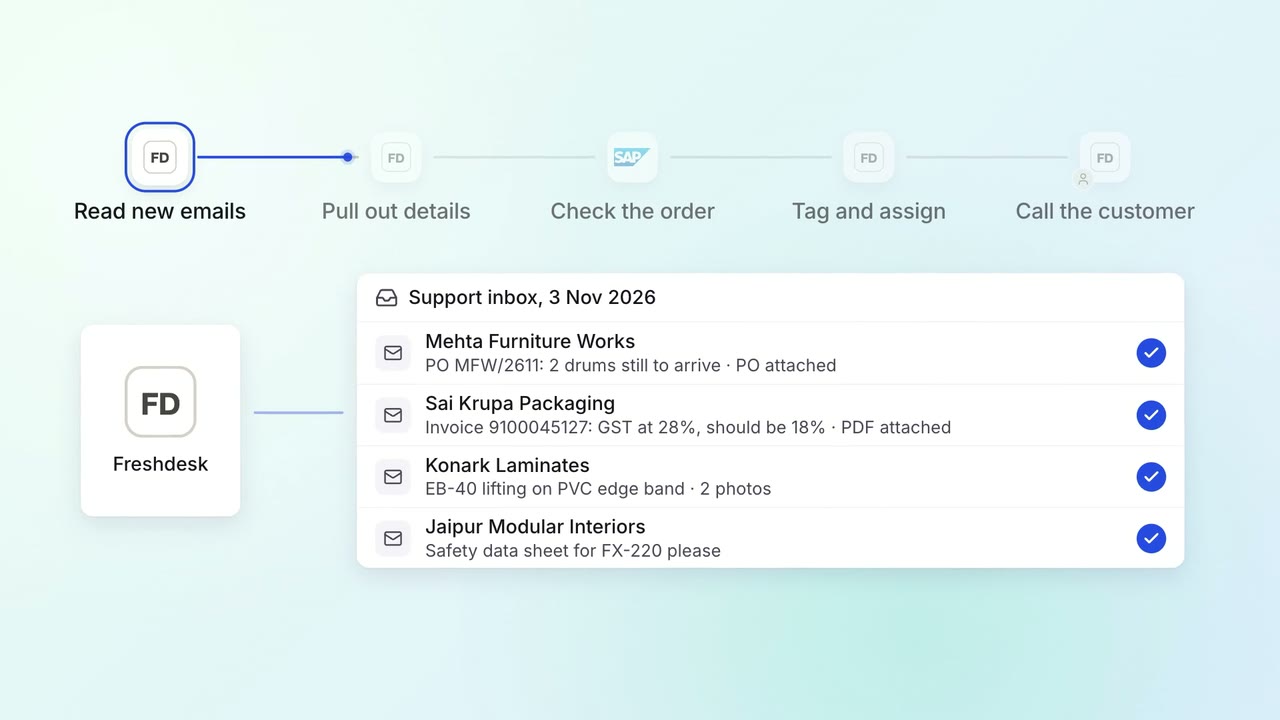
Every support email is read, tagged and sent to the right team within minutes
- Freshdesk
- SAP S/4HANA
Customer service Incoming queries
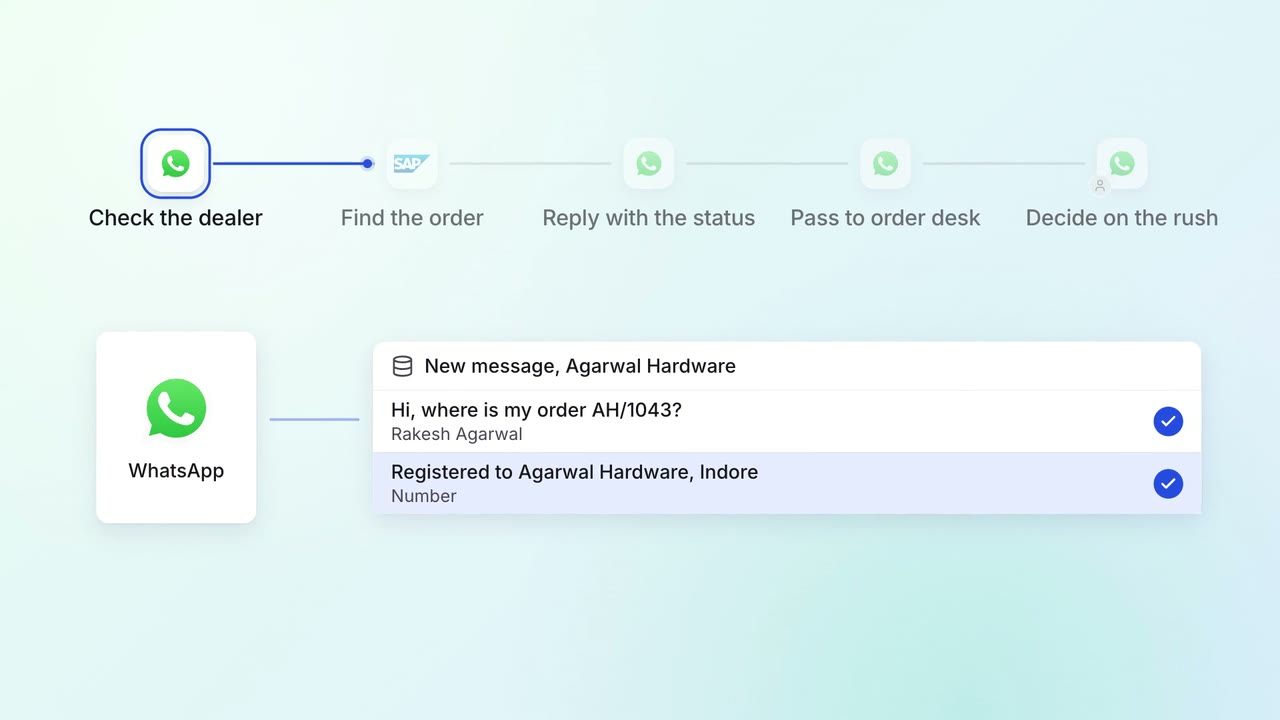
Dealers and customers get their order status on WhatsApp, straight from SAP
 WhatsApp Business
- SAP S/4HANA
Operations Order processing
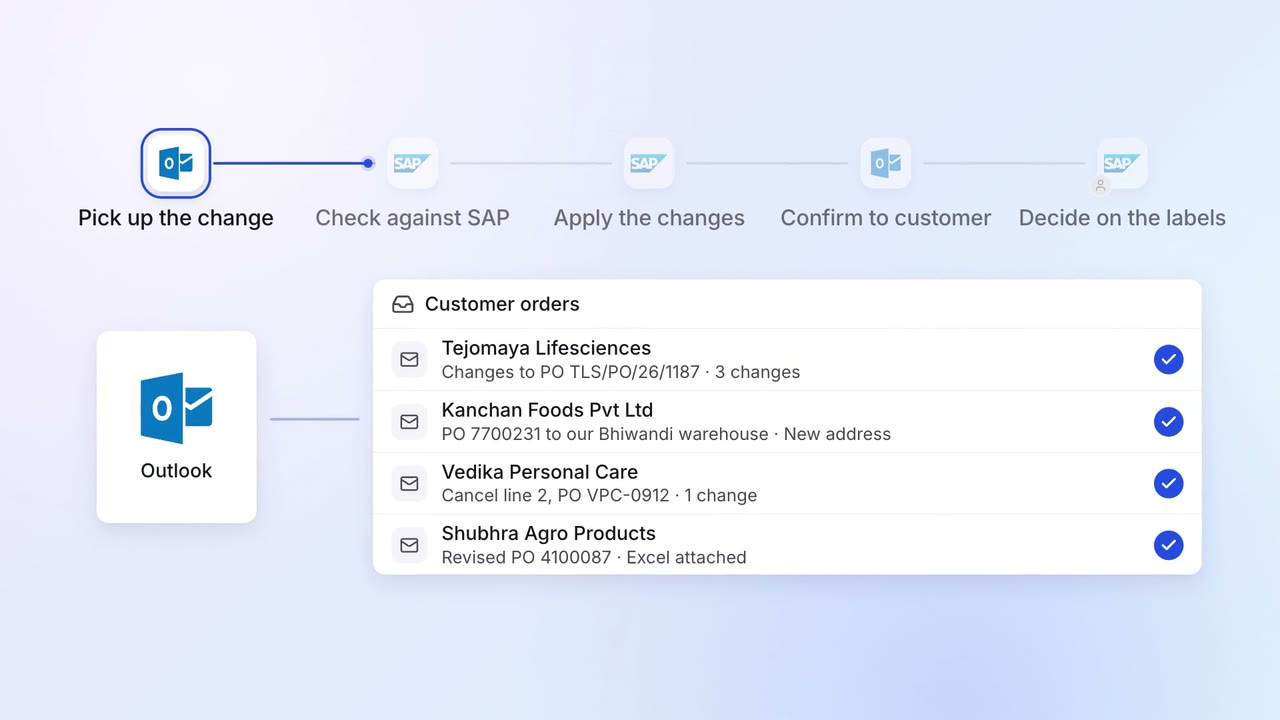
Customer order changes are applied in SAP and confirmed the same day
 Outlook
- SAP S/4HANA