Cost-centre owners hear about overspends the week they happen
Every Monday the AI checks each cost centre's spend and open purchase orders in SAP against its budget, and tells the owner on Teams what drove any overspend.
- Used day to day by
- Department heads
- FP&A team
- Financial controllers
How it runs with AI
Every Monday the AI compares each cost centre's spend and open purchase orders in SAP with its budget to the end of the month. When one goes over, it finds the postings behind it and tells the owner on Teams, with the main causes. Owners reply in the chat, and the FP&A team has every answer by Monday afternoon.
How it is done today
Cost-centre owners see their spend in the monthly MIS, well into the next month. By then an overspend that began early in the month has run for weeks, and the purchase orders behind it are already placed. The FP&A team then spends days emailing owners for the reasons.
Step by step
Where the work happens, what the AI does, and where it hands over to a person.
-
Step 1, AI
Pulls last week's postings, open purchase orders and budgets from SAP
Needs to know: Cost centres and owners
In
 SAP S/4HANA
 -
Step 2, AI
Compares spend plus open orders with each budget to the end of the month
Needs to know: Monthly budgets, Overspend threshold
In
SAP S/4HANA -
Step 3, AI
Finds the purchase orders and invoices behind each overspend
Needs to know: Usual spend by cost centre
In
SAP S/4HANA -
Step 4, AI
Tells the owner on Teams, with the causes, and asks which costs will repeat
Needs to know: Owner of each cost centre, Plant finance controllers
In
 Microsoft Teams
 Exception to step 4
Reminds the owner after 2 working days, then tells the plant finance controller
-
Step 5, Person
Decides what spending to hold, and finance approves any budget transfer
In
Microsoft Teams , SAP S/4HANA
What stays with a person
- Decides what spending to hold, and finance approves any budget transfer
What counts as an overspend
The check adds what each cost centre has already spent to what it has ordered on open purchase orders, and compares the total with its budget up to the end of the current month. Spend that simply lands early in the month stays within that budget, so each flag is a real overspend. Finance sets the threshold. The owner hears when a cost centre first crosses it, and again each time the gap grows by the same amount.
Apps in this example
- SAP S/4HANA
- Microsoft Teams
The same flow works with the apps you use.
This fits you if
- You run more than 50 cost centres, each with a named owner
- Each cost centre has a monthly budget, in SAP or in Excel
- Owners first see their spend in the monthly MIS
- Your FP&A team spends days each month asking owners why spend moved
What to watch for
- Close each purchase order once its last invoice is in, since the check counts every open order as spend
- The assistant reads SAP and reports. Holding spending and moving budget stay with the owner and finance
- Spend booked to the wrong cost centre looks like an overspend. Owners can say so in the chat, and finance moves the posting
Often done together
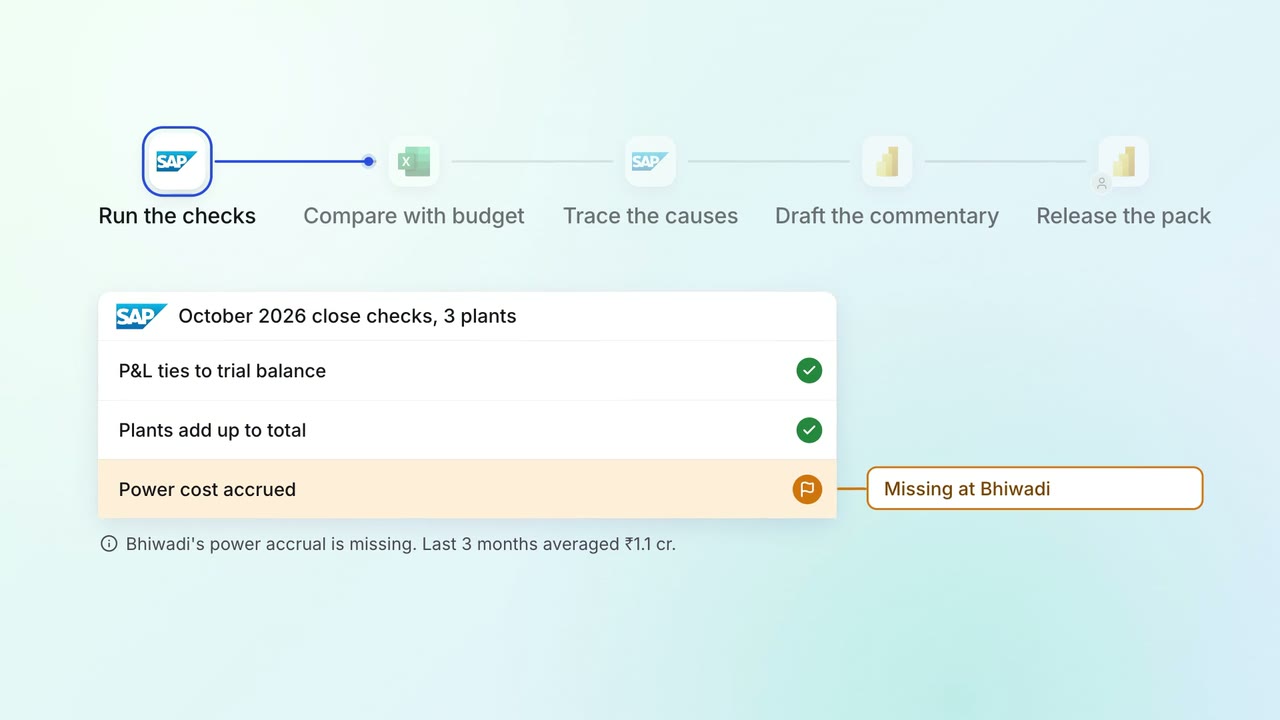
Leadership Management reports
The monthly MIS pack arrives with the numbers checked and the variances explained
- SAP S/4HANA
 Excel
Excel Power BI
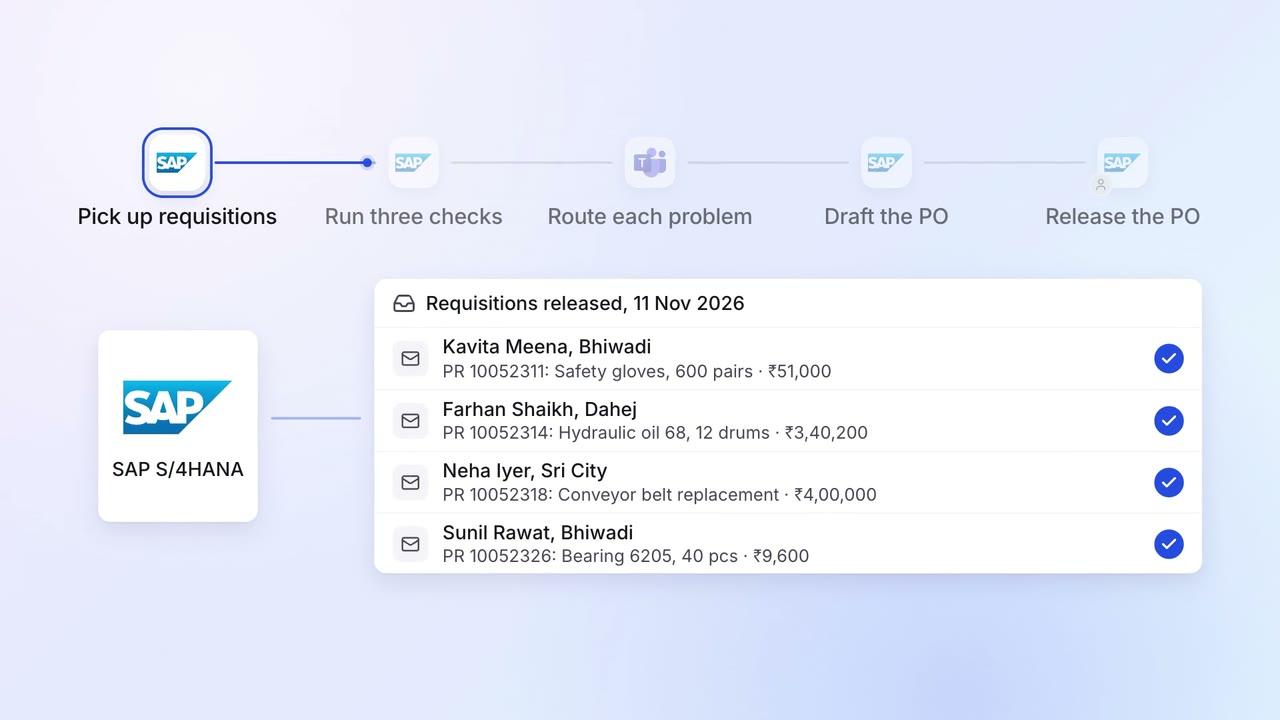
Operations Inventory and purchasing
Requisitions are checked for budget, rate contract and duplicates before a PO
- SAP S/4HANA
- Microsoft Teams
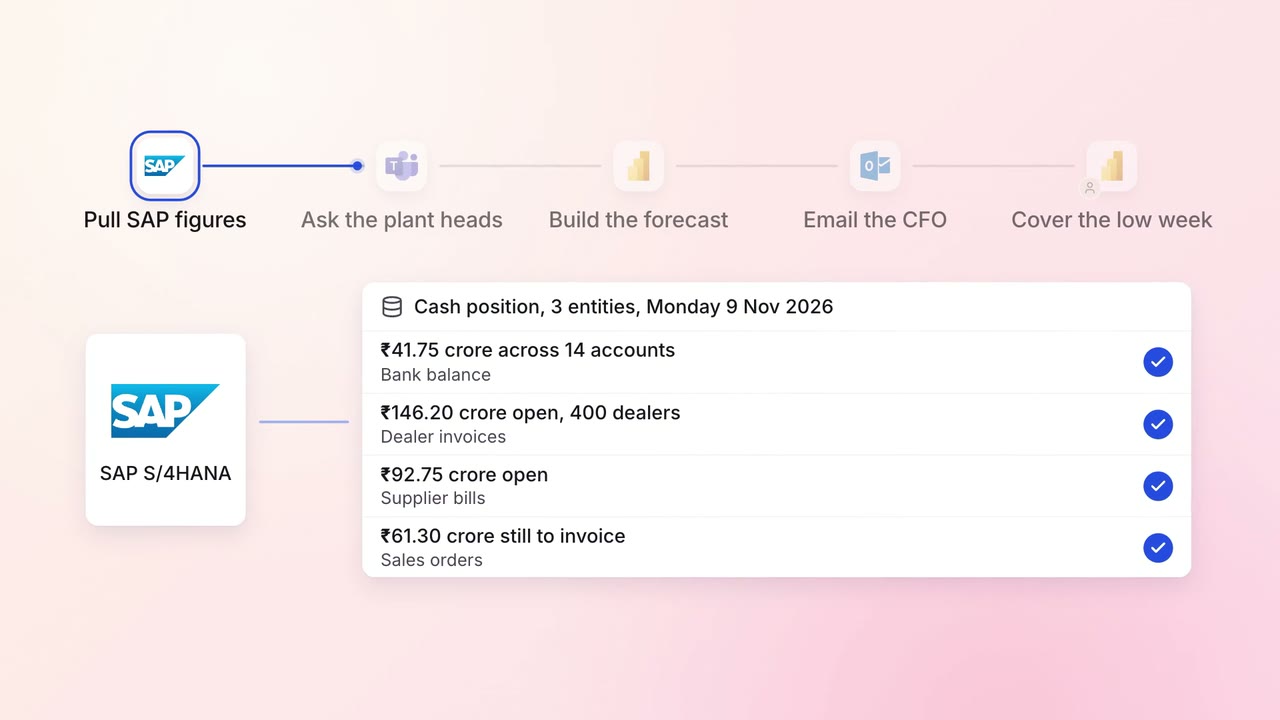
Finance MIS and cash flow
A 13-week cash forecast that updates itself every Monday
- SAP S/4HANA
- Microsoft Teams
- Excel
- Power BI
 Outlook