Customers check their orders, dues and shipments in one portal, and pay online
Each customer sees their orders, invoices, dues and shipment tracking in one place and pays online. Payments close the invoice in NetSuite, and questions reach the account manager as Zendesk tickets.
- Used day to day by
- Customers
- Account managers
- Accounts team
How it runs with AI
Each customer signs in to a portal that shows their orders, invoices, dues and shipment tracking, drawn from NetSuite and Shiprocket. They pay any invoice online through Razorpay, and NetSuite marks that invoice paid. A question about an order opens a Zendesk ticket for the account manager, with the order and invoice attached.
Step by step
Where the work happens, what the AI does, and where it hands over to a person.
-
Step 1, AI
Shows each customer their open orders, unpaid invoices and what is overdue, from NetSuite
Needs to know: Which logins see which accounts
In Customer portal ,
 NetSuite
 -
Step 2, AI
Matches each order to its Shiprocket shipment and shows where it is
Needs to know: Promised delivery dates, Account manager per customer
In Customer portal ,
 Shiprocket
 Exception to step 2
Alerts the account manager when a shipment runs late
-
Step 3, AI
Takes payment through Razorpay and marks the invoice paid in NetSuite
Needs to know: Payment methods offered
In Customer portal ,
 Razorpay , NetSuite
 -
Step 4, AI
Turns a question about an order into a Zendesk ticket for the account manager, with the order, invoice and delivery proof attached
Needs to know: Account manager per customer
In Customer portal ,
 Zendesk
 -
Step 5, Person
Checks the packing record and decides whether to resend the boxes or issue a credit note
In
Zendesk , NetSuite
What stays with a person
- Checks the packing record and decides whether to resend the boxes or issue a credit note
Apps in this example
- Customer portal
- NetSuite
- Shiprocket
- Razorpay
- Zendesk
The same flow works with the apps you use.
This fits you if
- You sell to a few hundred business customers who order again and again
- Account managers spend hours a week on order status, invoice copies and statements
- Your orders and invoices are in NetSuite, and you ship through Shiprocket
- Matching customer bank transfers to invoices takes your accounts team hours each month
What to watch for
- Each customer sees only their own account. When one buyer has several branches, your team decides which login sees which branch
- Credit notes, disputes and changes to payment terms stay with the account manager and the accounts team. The portal records the question and a person decides
- Tracking shows the courier's latest scan, so a parcel between scans shows its last known place
- Your accounts team decides up front which payment methods the portal offers, and keeps large or unusual payments on bank transfer if it prefers
Often done together
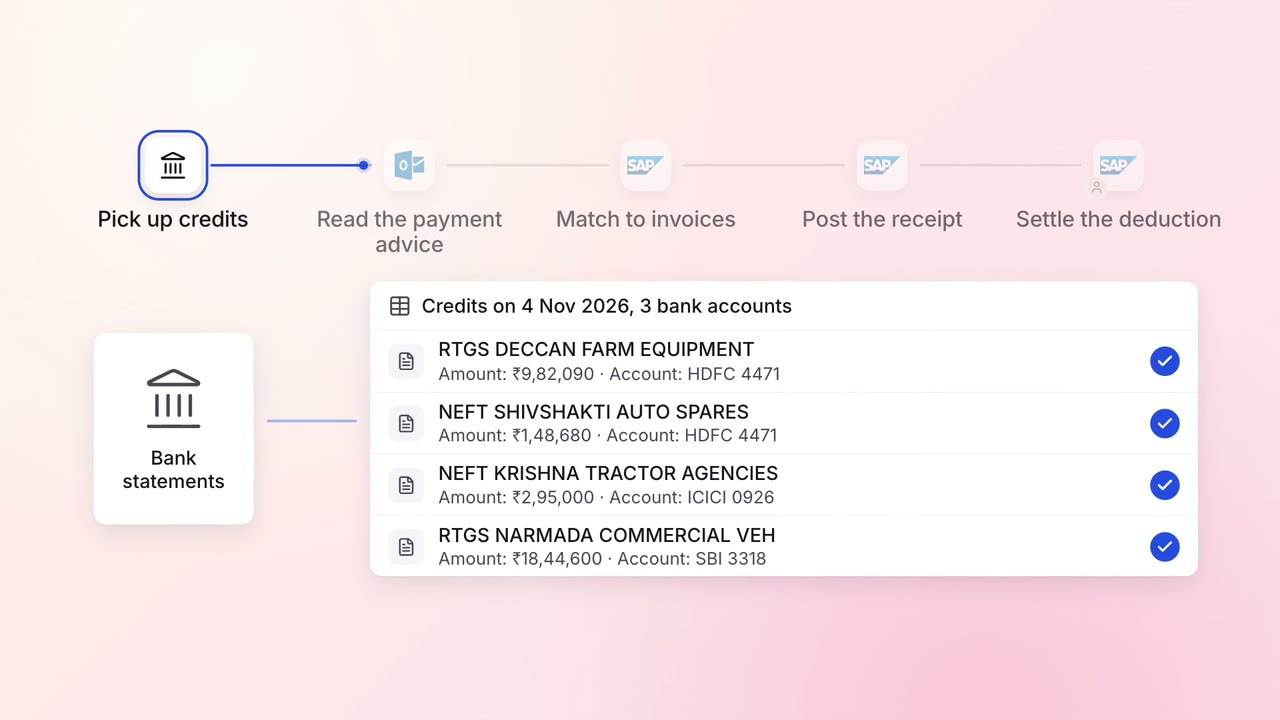
Finance Invoicing and collections
Customer payments are matched to the right invoices the day they land
- Bank statements
 Outlook
 SAP S/4HANA
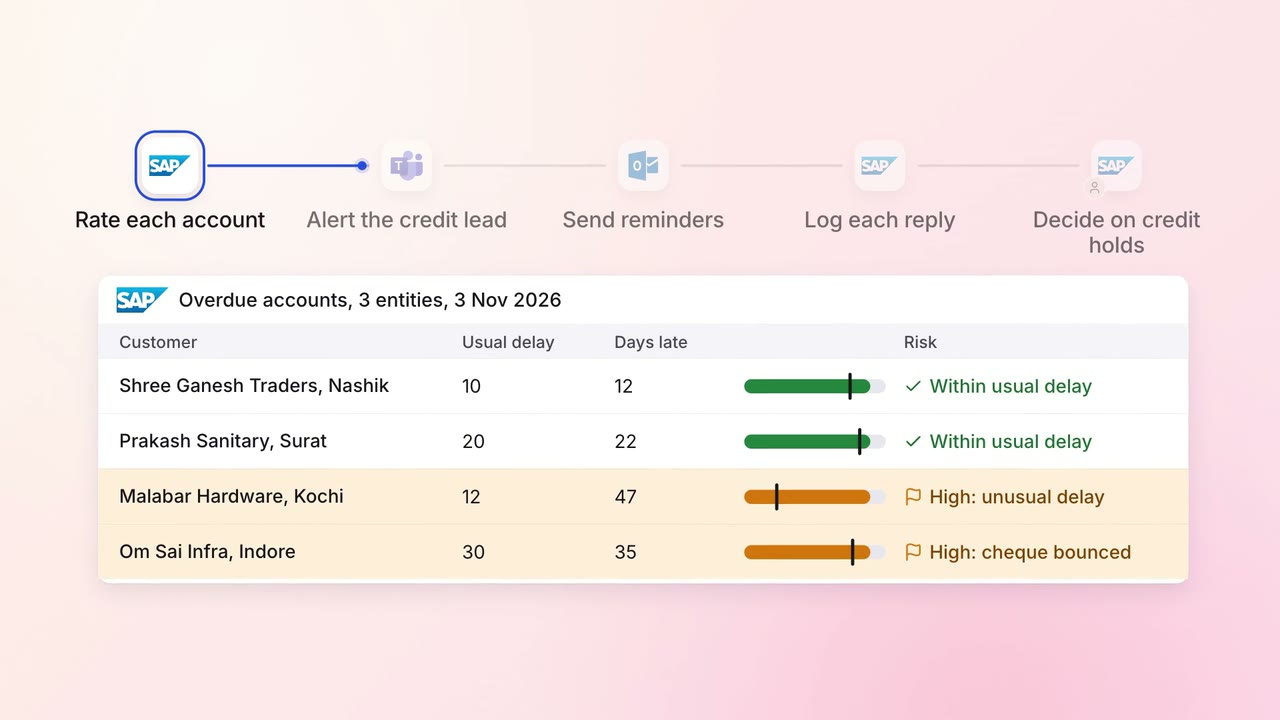
Finance Invoicing and collections
Overdue invoices get the right reminder, and risky accounts reach a person first
- SAP S/4HANA
- Outlook
 Microsoft Teams
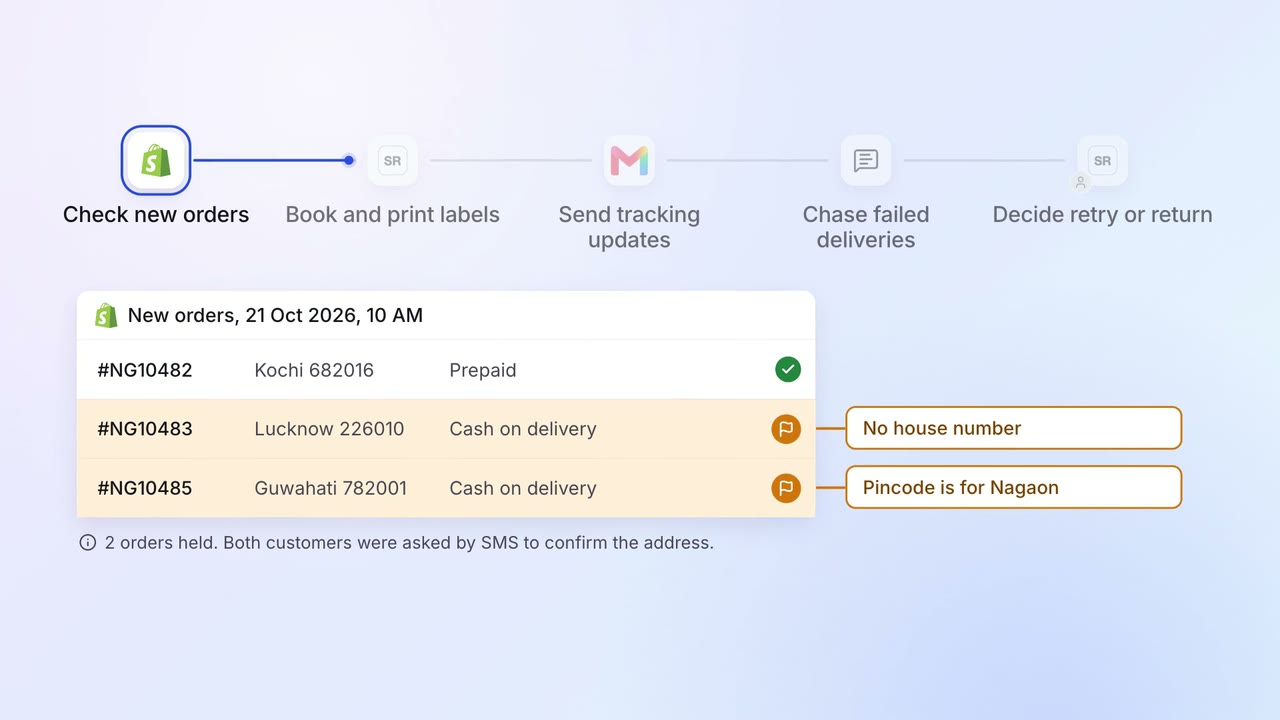
Operations Dispatch paperwork
Parcels are booked and labelled as they are packed, and customers hear by email and SMS
 Shopify
- Shiprocket
 Gmail
Gmail- MSG91