Customer TDS is matched with Form 26AS every month, and each gap is chased
Each month, the AI matches the TDS your customers deducted, as booked in Tally Prime, with Form 26AS, and drafts an email for every shortfall. Your accounts head sends it.
- Used day to day by
- Accounts team
- Accounts head
How it runs with AI
Each month, the AI downloads Form 26AS from TRACES and matches every customer's entry with the TDS booked in Tally Prime, invoice by invoice. For each shortfall it drafts an email to the customer with the invoices, the amounts and your PAN, and your accounts head sends it. The AI checks Form 26AS again every 2 weeks, follows up, and closes the gap when the amount shows.
How it is done today
Customers pay your invoices less the TDS they deduct, and the accounts team books that TDS against each receipt in Tally Prime. Whether each customer actually reported it shows only in Form 26AS, and most teams check that once a year, just before the tax return. By then a missing amount can be a year old, and getting the customer to correct an old filing takes weeks of emails.
Step by step
Where the work happens, what the AI does, and where it hands over to a person.
-
Step 1, AI
Downloads Form 26AS from TRACES each month, with the TDS every customer reported
Needs to know: Customer list with TANs
In TRACES
-
Step 2, AI
Matches each customer's entry with the TDS booked in Tally Prime, invoice by invoice
Needs to know: Customer list with TANs, How TDS is booked
In TRACES ,
 Tally Prime
 Exception to step 2
Lists TDS that shows in Form 26AS but not in Tally Prime, for the accounts team to book
-
Step 3, AI
Drafts an email to each customer with a shortfall, listing the invoices, amounts and your PAN
Needs to know: Approved email wording, Customer accounts contacts
In
 Gmail , Tally Prime
 -
Step 4, Person
Checks each draft and sends it to the customer
In
Gmail -
Step 5, AI
Checks Form 26AS again every 2 weeks and follows up until each amount shows
Needs to know: Past emails to each customer, Reminder limit
In TRACES ,
Gmail Exception to step 5
Tells the accounts head when a customer has not replied after 2 reminders, so someone calls
What stays with a person
- Checks each draft and sends it to the customer
Apps in this example
- Tally Prime
- TRACES
- Gmail
The same flow works with the apps you use.
This fits you if
- Most of your customers are companies that deduct TDS when they pay you
- Your books are in Tally Prime, and customer TDS is booked against each receipt
- Form 26AS is checked against the books once a year, close to the tax return
- You have found TDS missing from Form 26AS too late to get it corrected easily
What to watch for
- The match is only as good as the receipt entries in Tally Prime. A payment booked without its TDS shows as a gap, so the team books TDS when each payment arrives
- Some customers report late. The AI keeps the gap open and keeps following up, and the accounts head decides when to stop and call
- Writing off a shortfall, or raising it with a customer's management, stays with the accounts head and the founder
- The TRACES login stays with your company. The AI only downloads the statement
Often done together
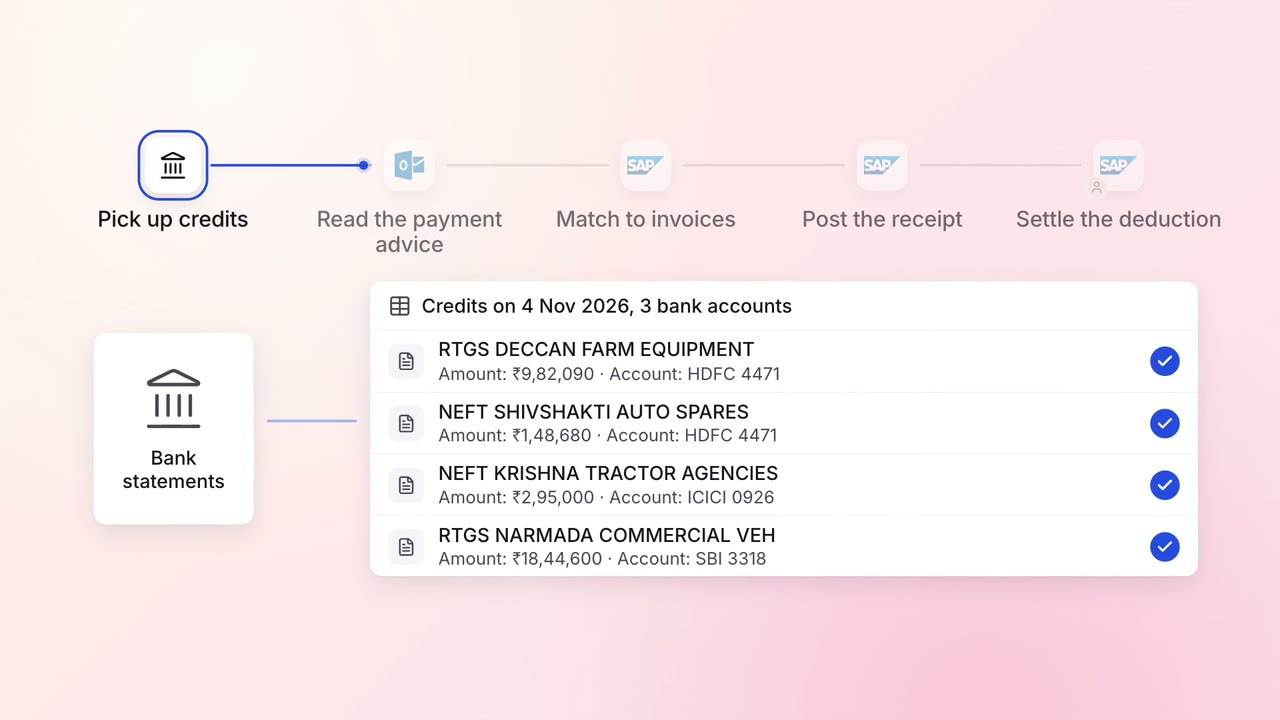
Finance Invoicing and collections
Customer payments are matched to the right invoices the day they land
- Bank statements
 Outlook
 SAP S/4HANA
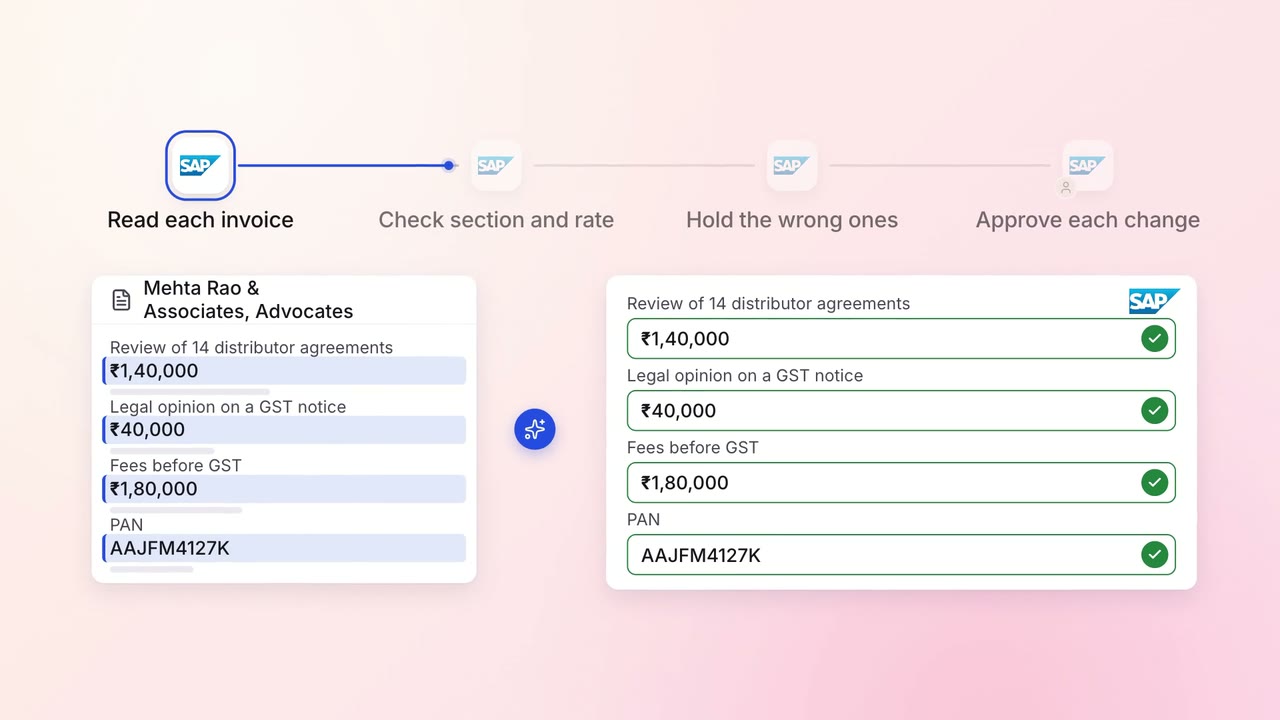
Finance GST and TDS
TDS on every vendor payment is checked for the right section and rate
- SAP S/4HANA
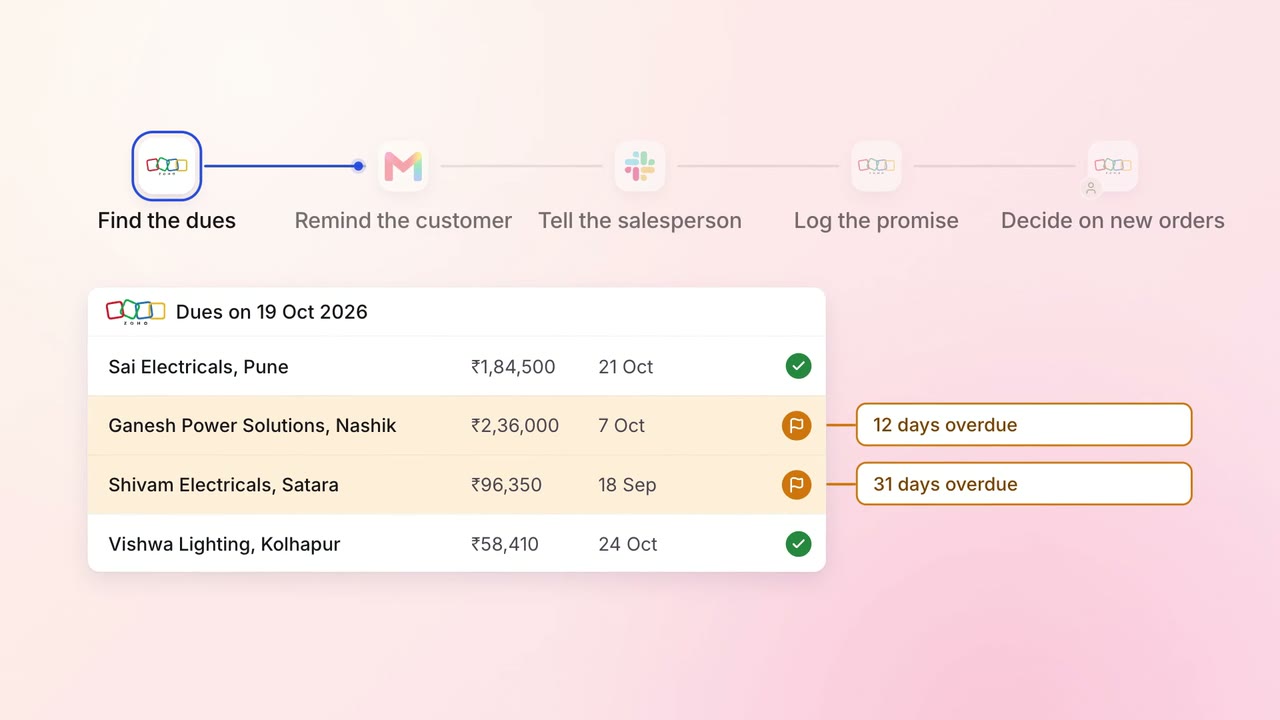
Finance Invoicing and collections
Customers are reminded of their dues, and their salesperson hears about it the same day
 Zoho Books
- Zoho CRM
- Gmail
 Slack
Slack