Handwritten dealer orders sent on WhatsApp become sales orders, checked for stock and credit
Dealers send a photo of a handwritten order on WhatsApp. The company assistant reads it, matches each line to the price list, checks stock and the dealer's dues in SAP Business One, and prepares the order for a coordinator to approve.
- Used day to day by
- Dealers
- Sales coordinators
- Sales managers
What the assistant uses here
Answers from your systems, within each person's access.
- Channels Reaches people where they already talk
- Photos and voice Reads photos and handwriting, and understands voice notes in Indian languages
- Your approval Acts in your systems only after a person approves
How it runs with AI
The company assistant reads each order photo as it arrives on the WhatsApp Business number, matches every line to an item on the price list, and checks stock and the dealer's dues in SAP Business One. It prepares the sales order with anything doubtful marked. A coordinator approves it, and the dealer gets the order number and dispatch date on the same chat.
How it is done today
Dealers write their orders on paper and send a photo. A coordinator reads the handwriting, finds each item code, checks stock and the dealer's credit, and types the order in. On busy days photos wait for hours, and a dealer over the limit is sometimes found only at dispatch.
How the assistant works here
Where people ask, what it draws on, and what comes back.
Where people ask
-
 WhatsApp Business, steps 1 and 5
Who asks
- Dealers
- Sales coordinators
- Sales managers
What it draws on
Apps
-
 SAP Business One, steps 2, 3 and 4
Context
- Item names dealers use, step 1
- Price list, step 2
- Item codes, step 2
- Credit policy, step 3
What comes back, and who decides
- A request prepared for approval, step 4
- A confirmation in the same chat, step 5
Who decides
- A sales coordinator checks the prepared order and approves it, step 4
How a request runs
-
Step 1, the assistant: Reads the handwritten order in the photo a dealer sends on WhatsApp
-
Step 2, the assistant: Matches each line to the price list and checks stock in SAP Business One
-
Step 3, the assistant: Checks the dealer's dues against the credit limit
- Person
Step 4, a person: A sales coordinator checks the prepared order and approves it
-
Step 5, the assistant: Sends the dealer the order number and dispatch date on WhatsApp
The same flow works with the apps you use.
Who controls it
-
Access
It runs with each person's own access, so it shows only what they could open themselves
-
Approvals
Orders go into the ERP only after a coordinator approves them, at least until the matches have proved reliable
-
Record
Every question, source, action and approval is recorded
This fits you if
- Dealers send orders as photos or messages on WhatsApp
- Coordinators key the orders into an ERP such as SAP Business One
- Credit limits are set in the ERP but checked late
What to watch for
- WhatsApp needs a WhatsApp Business number connected through the official business platform
- A line the assistant cannot read or match is marked for the coordinator, never guessed
Often done together
Operations Order processing
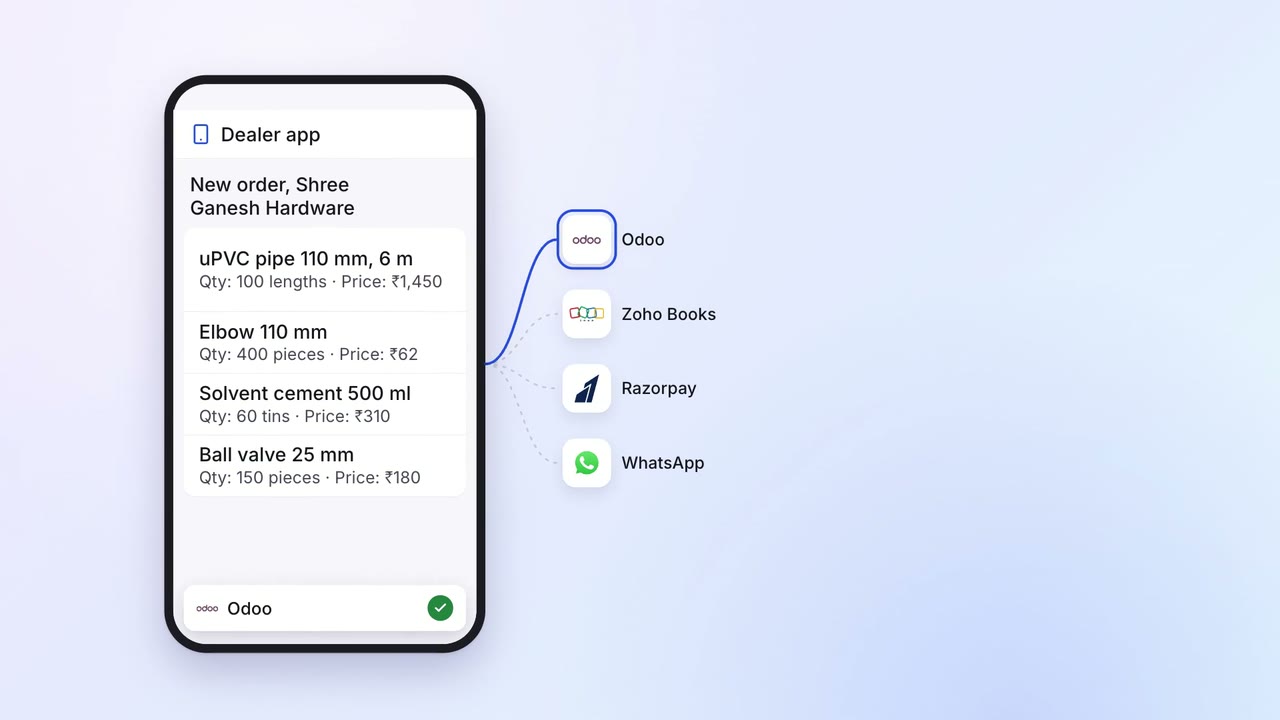
Dealers order in one app that checks stock, credit and schemes, and pay online
- Dealer app
 Odoo
Odoo Zoho Books
 Razorpay
- WhatsApp
Customer service Incoming queries
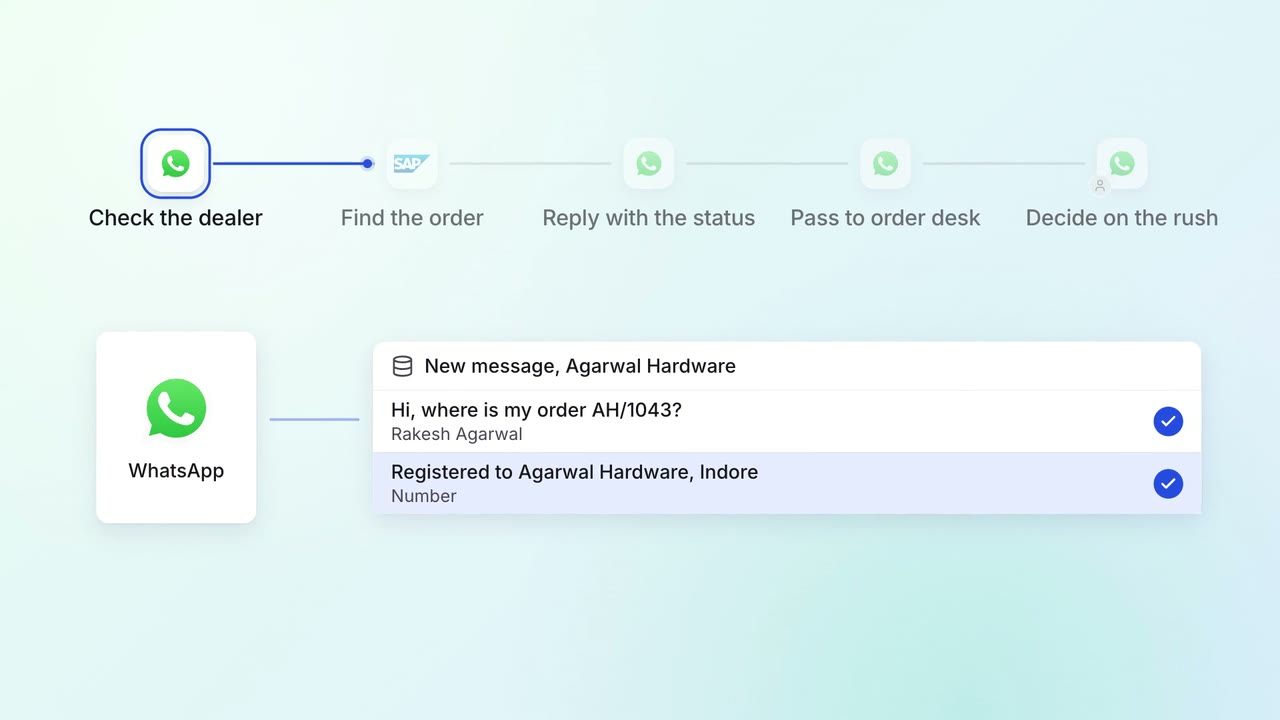
Dealers and customers get their order status on WhatsApp, straight from SAP
- WhatsApp Business
- SAP S/4HANA
Operations Order processing
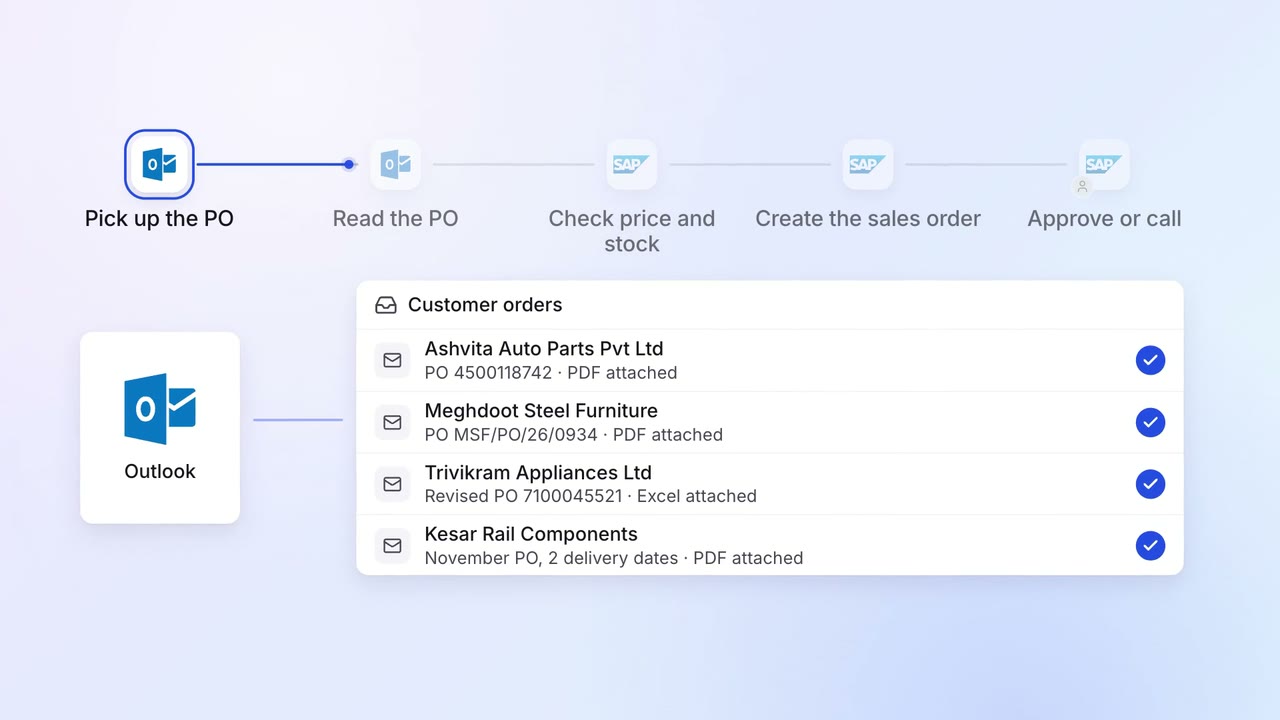
Customer POs become sales orders in SAP, checked against price and stock
 Outlook
- SAP S/4HANA