Dealers order in one app that checks stock, credit and schemes, and pay online
Dealers order at any hour in an app that shows depot stock, applies the scheme running that day, checks their credit and takes payment online. The order reaches Odoo with no retyping.
- Used day to day by
- Dealers
- Order desk
- Area sales managers
- Accounts team
How it runs with AI
Dealers order in the dealer app at any hour. It shows stock at their nearest depot from Odoo, applies the scheme running that day and checks their credit in Zoho Books. When an order goes over the limit, the dealer pays the overdue amount online, and the order goes straight into Odoo with a confirmation and dispatch dates on WhatsApp.
Step by step
Where the work happens, what the AI does, and where it hands over to a person.
-
Step 1, AI
Takes the dealer's order in the app, starting from their usual items
Needs to know: Each dealer's usual items
In Dealer app ,
 Odoo
Odoo -
Step 2, AI
Checks stock for each item at the dealer's nearest depot in Odoo and gives a dispatch date
Needs to know: Nearest depot per dealer, Dispatch lead times
In
Odoo , Dealer app -
Step 3, AI
Applies the scheme running that day from Odoo and shows the order value
Needs to know: Schemes running today, Dealer price lists
In
Odoo , Dealer app -
Step 4, AI
Checks the dealer's credit limit and unpaid invoices in Zoho Books
Needs to know: Credit limit rules, Who approves more time
In
 Zoho Books , Dealer app
 Exception to step 4
Sends a credit request to the area sales manager when the dealer asks for more time
-
Step 5, Person
Pays the overdue invoice online in the app, which brings the order within the limit
In Dealer app ,
 Razorpay
 -
Step 6, AI
Places the order in Odoo, records the payment in Zoho Books and confirms on WhatsApp
Needs to know: How payments are recorded
In
Odoo , Zoho Books ,  WhatsApp
What stays with a person
- Pays the overdue invoice online in the app, which brings the order within the limit
Apps in this example
- Dealer app
- Odoo
- Zoho Books
- Razorpay
- WhatsApp
The same flow works with the apps you use.
This fits you if
- You sell through more than 100 dealers or distributors
- Dealers phone or message their orders to a salesperson or the order desk
- Your stock and orders are in Odoo and your accounts are in Zoho Books
- You run schemes that change through the year, and dealers ask which one applies
What to watch for
- Credit limits and exceptions stay with your area sales managers and accounts team. A dealer who asks for more time sends a request, and the sales manager decides
- The app shows stock as Odoo records it, so the depots enter stock moves the same day for the dispatch dates to hold
- Someone in sales sets each scheme's dates and rules before it starts, and the app applies only the schemes running that day
- Dealers choose to get order updates on WhatsApp when they join the app
Often done together
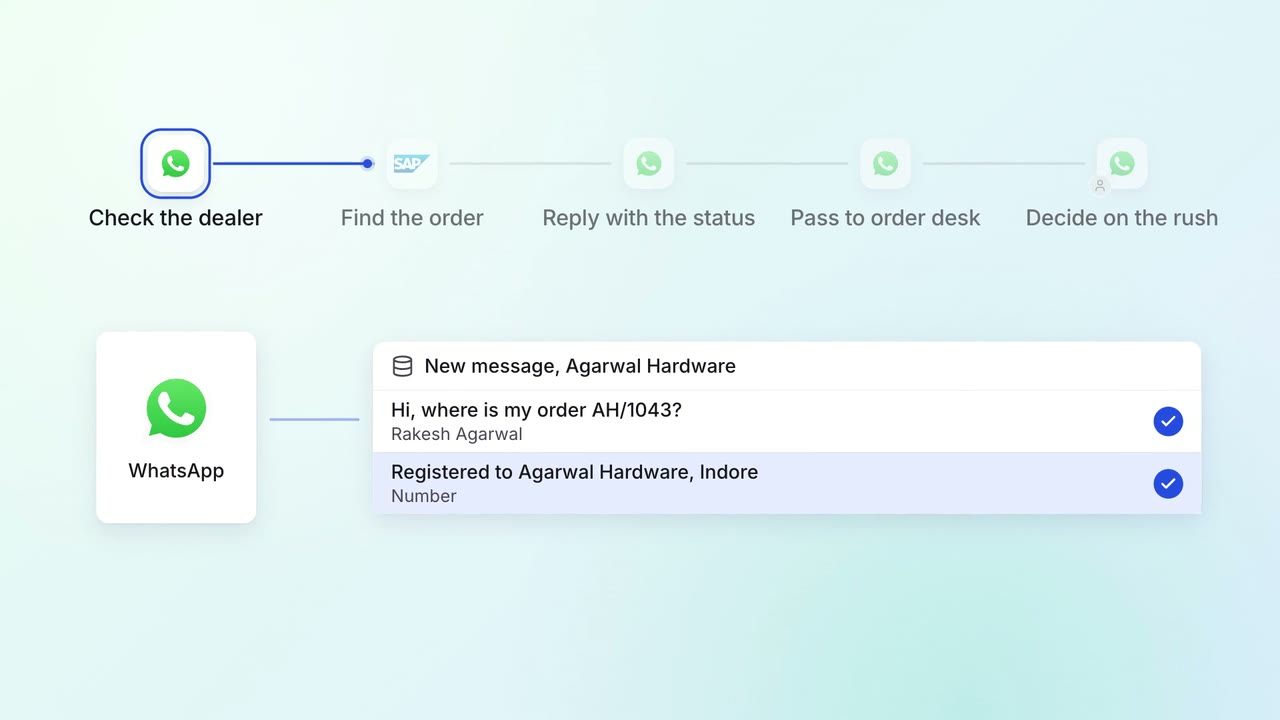
Customer service Incoming queries
Dealers and customers get their order status on WhatsApp, straight from SAP
- WhatsApp Business
 SAP S/4HANA
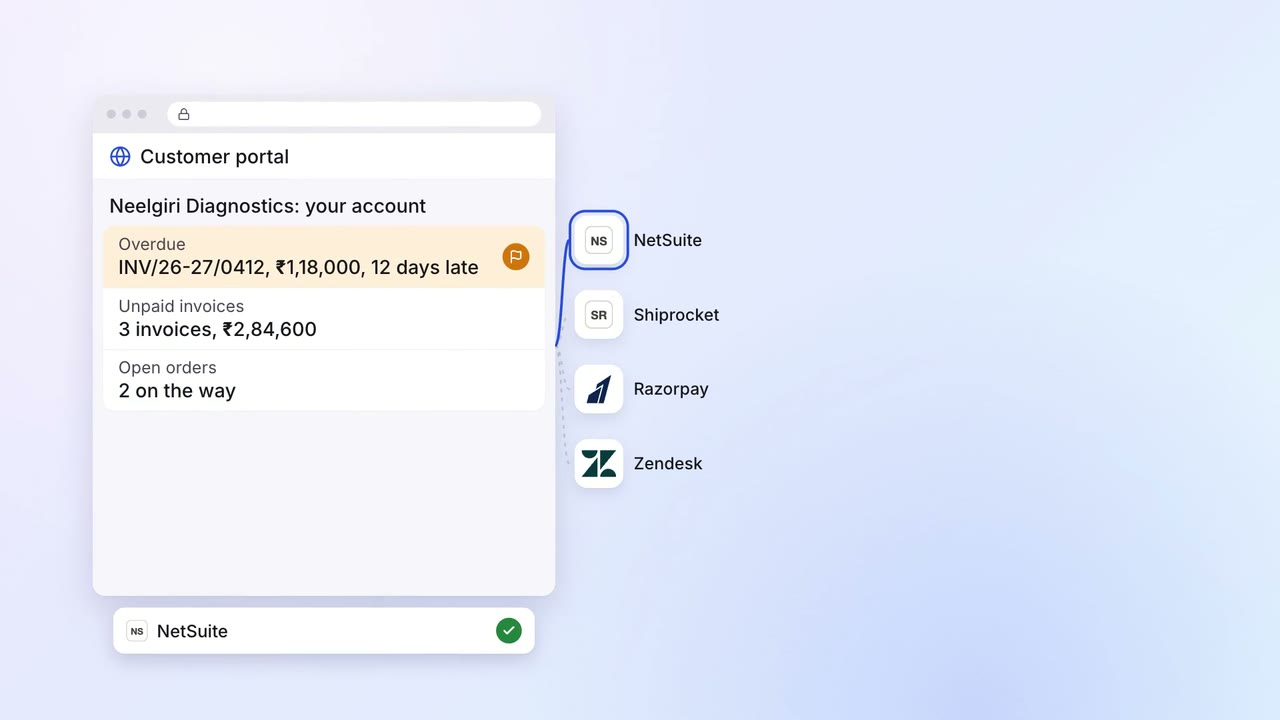
Sales Renewals and account care
Customers check their orders, dues and shipments in one portal, and pay online
- Customer portal
 NetSuite
 Shiprocket
- Razorpay
 Zendesk
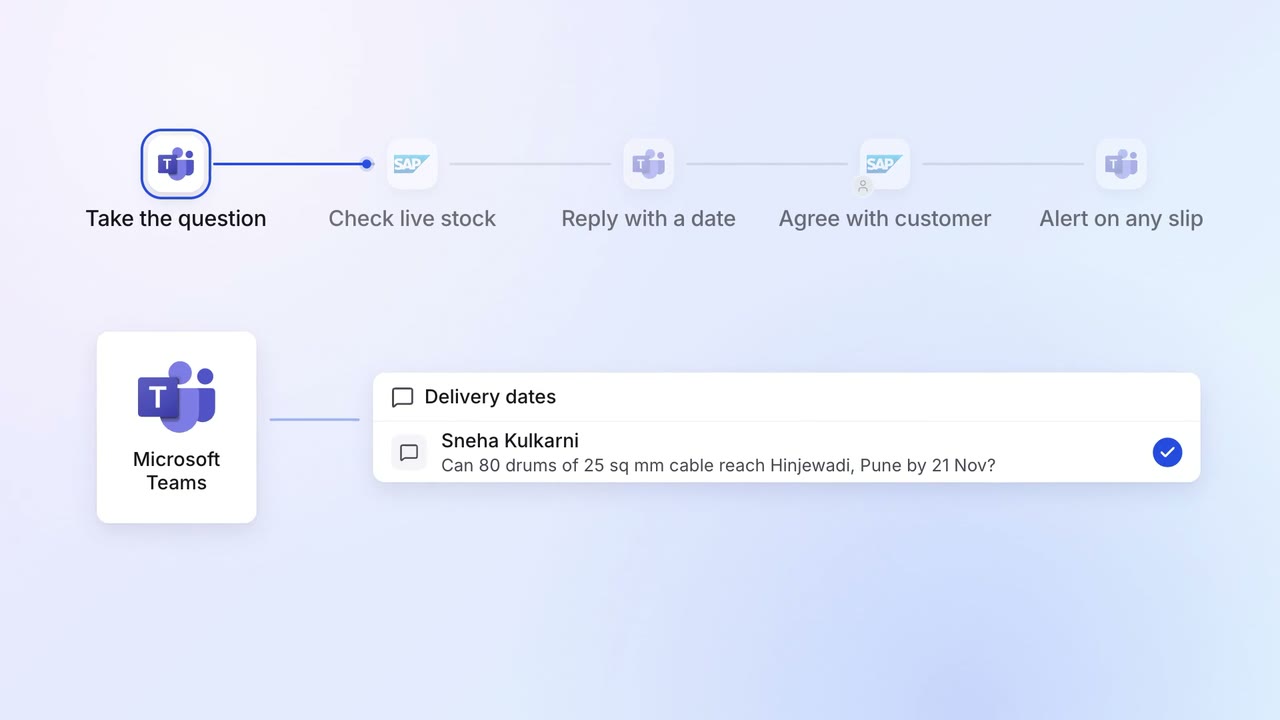
Operations Order processing
Salespeople promise delivery dates the plants can meet
- SAP S/4HANA
 Microsoft Teams