Every delivery is confirmed at the door, and the proof reaches accounts and the customer
Drivers confirm each drop in a phone app with a photo, the receiver's signature and the location. The delivery is recorded against the invoice in Tally Prime, and the customer gets the proof by email.
- Used day to day by
- Drivers
- Dispatch team
- Accounts team
- Sales coordinators
How it runs with AI
Drivers work from a phone app that lists the day's stops in route order. At each door, the driver takes a photo of the goods and the receiver signs on the phone, and the app checks the location against the customer's address on Google Maps. The delivery is recorded against the invoice in Tally Prime, and the customer gets the proof by email within minutes.
How it is done today
Drivers carry a paper delivery challan for each drop and bring the signed copies back in the evening, and some go missing. Accounts waits for them before marking invoices delivered. When a customer says cartons were short, the team searches the day's bundle and calls the driver.
Step by step
Where the work happens, what the AI does, and where it hands over to a person.
-
Step 1, AI
Lists the van's stops for the day from the invoices in Tally Prime, in route order
Needs to know: Van routes, Customer delivery addresses
In
 Tally Prime , Driver app
 -
Step 2, AI
Records a photo of the goods, the receiver's name and signature, and the time of each drop
Needs to know: Authorised receivers per customer
In Driver app
-
Step 3, AI
Checks the drop's location against the customer's address on Google Maps, and the cartons against the invoice
Needs to know: Customer addresses, Allowed distance per customer
In Driver app ,
 Google Maps , Tally Prime
 Exception to step 3
Alerts the sales coordinator to a short or refused delivery, with the photo and the receiver's remark
-
Step 4, AI
Records the delivery against the invoice in Tally Prime, with the time and a link to the proof
Needs to know: Invoice for each drop
In
Tally Prime -
Step 5, AI
Emails the customer the proof of delivery, with the photo, signature, time and location
Needs to know: Customer contact for proof
In
 Gmail
Gmail -
Step 6, Person
Decides whether to replace the refused cartons or credit the customer
In
Tally Prime
What stays with a person
- Decides whether to replace the refused cartons or credit the customer
Apps in this example
- Driver app
- Tally Prime
- Google Maps
- Gmail
The same flow works with the apps you use.
This fits you if
- You deliver with your own vans on fixed routes
- Each van makes 10 or more drops a day
- Signed challans come back in the evening, and some go missing
- Customers hold payments while they question what was delivered
What to watch for
- Drivers need a working phone. The app keeps each proof on the phone and sends it when the signal returns
- The location check allows a set distance from the address. Set it per customer, since large hotels and markets have several gates
- Agree with each key customer who may sign for deliveries, so the right person signs
- Replacements, credit notes and disputes stay with your sales coordinator and accounts. The app gathers the photo, the signature and the remark
Often done together
Operations Dispatch paperwork
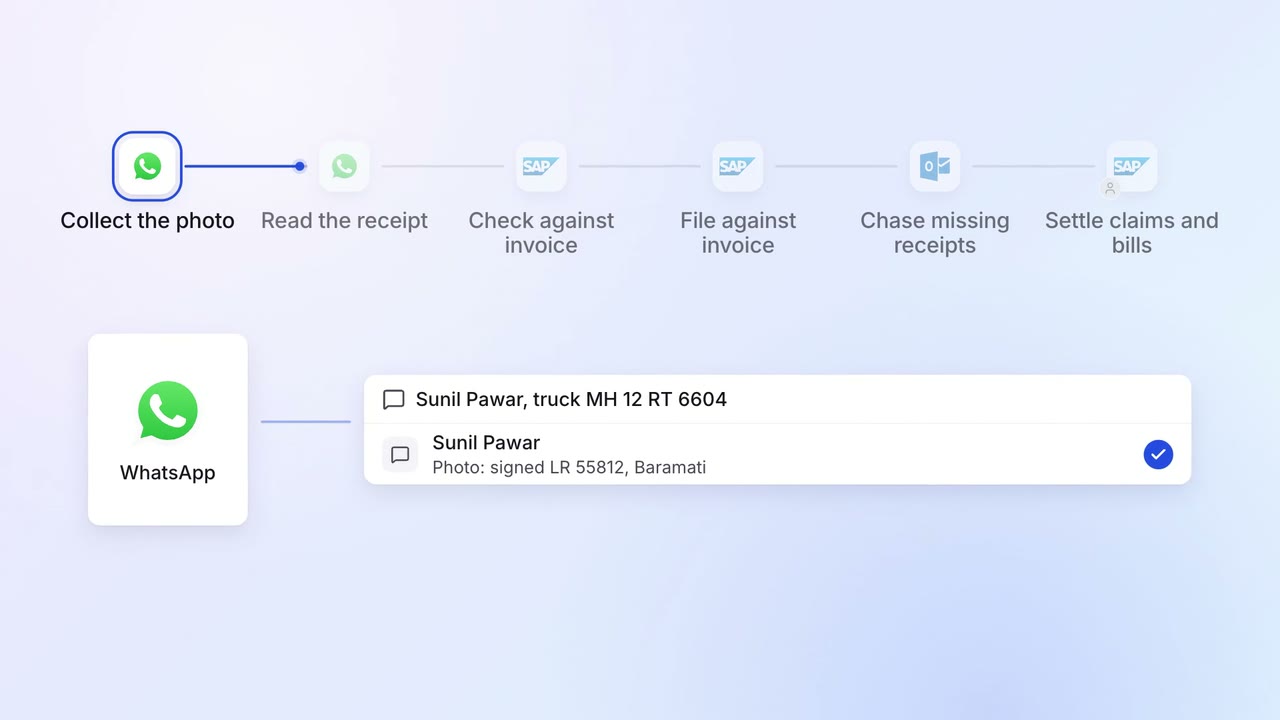
Proof of delivery is collected, read and filed against each invoice
 WhatsApp Business
 SAP S/4HANA
 Outlook
Finance Invoicing and collections
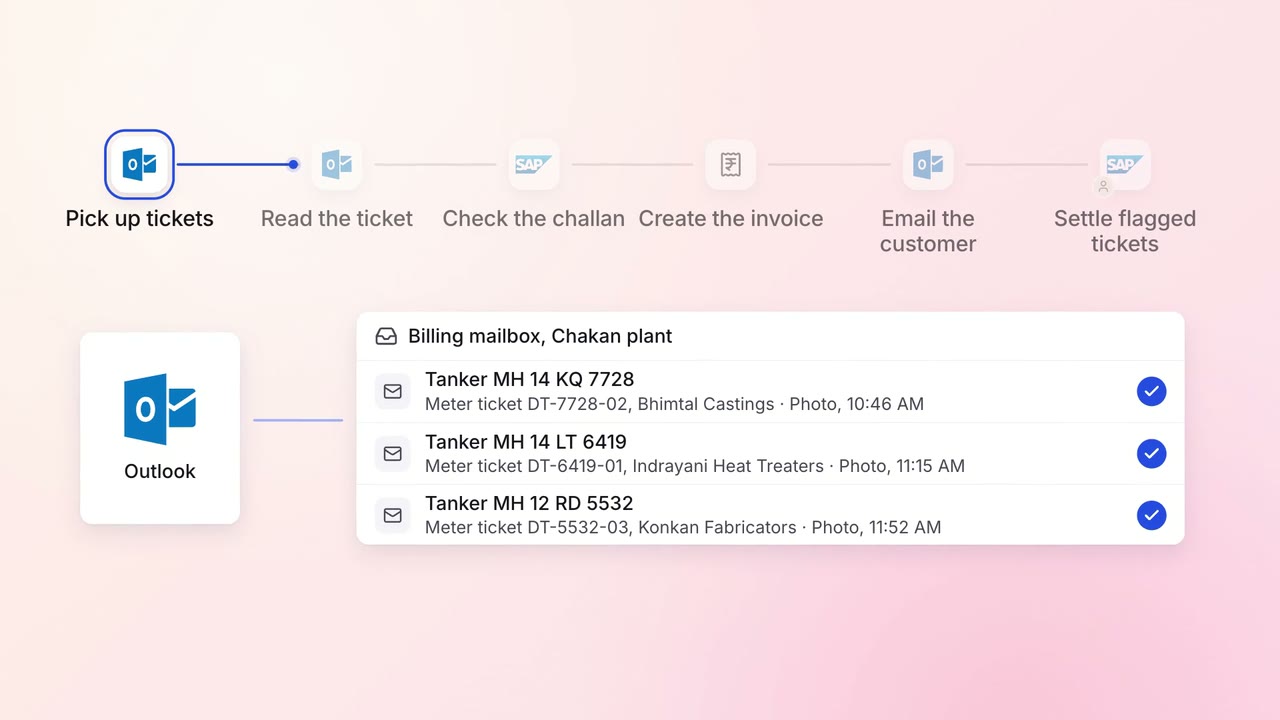
Every tanker delivery is invoiced, e-invoiced and emailed the same day
- SAP S/4HANA
- E-invoice portal
- Outlook
Customer service Incoming queries
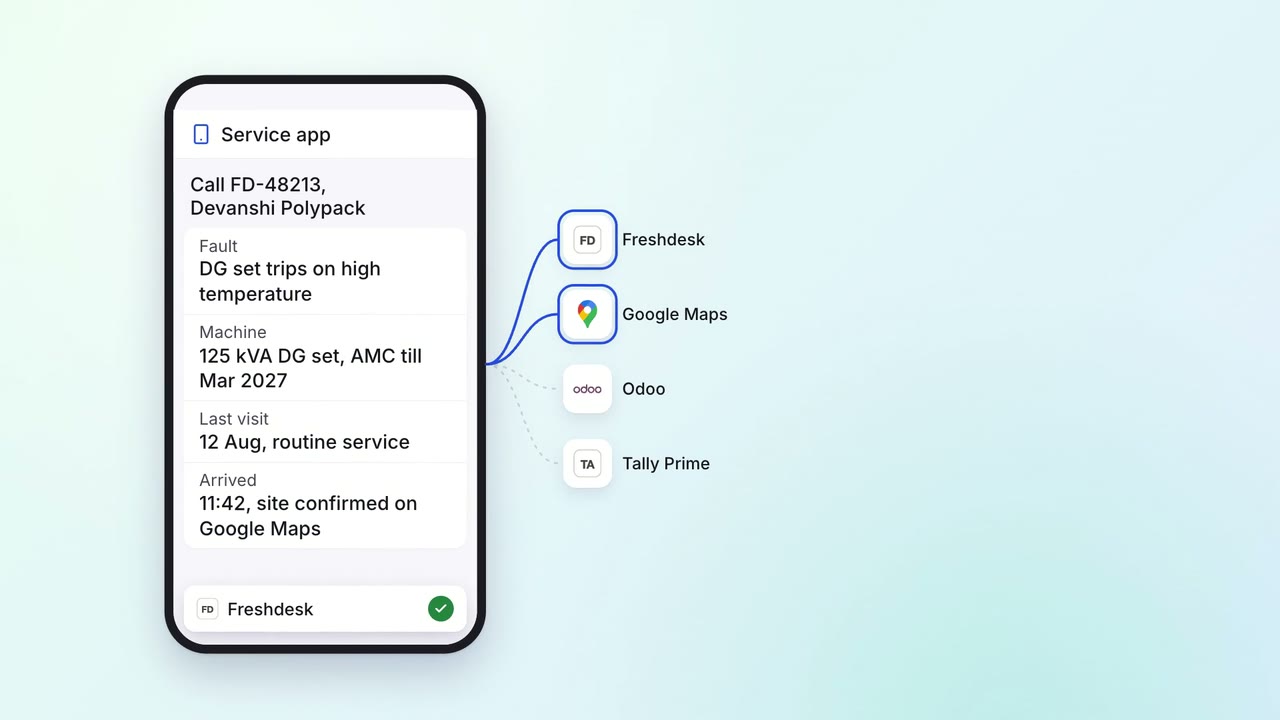
Field engineers close calls on a phone app, and the invoice goes out before they leave
- Service app
 Freshdesk
 Odoo
Odoo- Tally Prime
- Google Maps