Engineers ask for a drawing and get the released revision, with what changed and why
An assistant on Teams finds the released revision in Autodesk Vault, explains each change from Jira and checks that the inspection sheet in SharePoint matches.
- Used day to day by
- Quality inspectors
- Production engineers
- Quality team
- Design engineers
What the assistant uses here
Answers from your systems, within each person's access.
- Channels Reaches people where they already talk
- Your approval Acts in your systems only after a person approves
How it runs with AI
Engineers ask on Teams in plain words. The assistant finds the released revision in Vault, explains each change from its Jira ticket, checks that the inspection sheet in SharePoint matches, and answers in about a minute with a link to each source. An inspection sheet that lags the drawing goes straight to the quality engineer.
How the assistant works here
Where people ask, what it draws on, and what comes back.
Where people ask
-
 Microsoft Teams, steps 1, 4 and 5
Who asks
- Quality inspectors
- Production engineers
- Quality team
- Design engineers
What it draws on
Apps
-
 Autodesk Vault, steps 2 and 4
 -
 Jira, step 3
 -
 SharePoint, steps 4 and 6
Context
- Part and drawing numbers, step 1
- Released revisions only, step 2
- Revision to ticket links, step 3
- Inspection sheet per drawing, step 4
- Quality engineer per part, step 4
- Drawing access by person, step 5
What comes back, and who decides
- An answer with its sources, step 5
Who decides
- The quality engineer updates the inspection sheet before the batch is inspected, step 6
How a request runs
-
Step 1, the assistant: Reads the question an engineer or inspector asks on Teams
-
Step 2, the assistant: Finds the drawing in Autodesk Vault and reads which revision is released
-
Step 3, the assistant: Reads the Jira ticket behind the revision and explains what changed and why
-
Step 4, the assistant: Checks the inspection sheet in SharePoint against the released drawing
Exception Alerts the quality engineer on Teams when an inspection sheet lags the released drawing
-
Step 5, the assistant: Replies with the revision to use, what changed and a link to each source
- Person
Step 6, a person: The quality engineer updates the inspection sheet before the batch is inspected
The same flow works with the apps you use.
Who controls it
-
Access
The shop floor and inspectors get answers only from released revisions. Work-in-progress revisions show only to the design engineers who can open them in Vault
-
Approvals
Releasing a revision and updating an inspection sheet stay with the design and quality engineers who sign for them. The assistant reports what it found
-
Record
Every question, source, action and approval is recorded
This fits you if
- Your drawings and their revisions live in Autodesk Vault
- Engineering changes are raised and approved as Jira tickets
- Inspection sheets, control plans and customer approvals sit in SharePoint
- The shop floor asks the design office "which revision is current?" several times a day
What to watch for
- Drawings for each customer stay with the people Vault allows to see them, and answers follow the same permissions
- If a change is approved in Jira but its revision is not yet released in Vault, the assistant says so and points to the last released revision
Often done together
 Company assistant
Operations Quality and audits
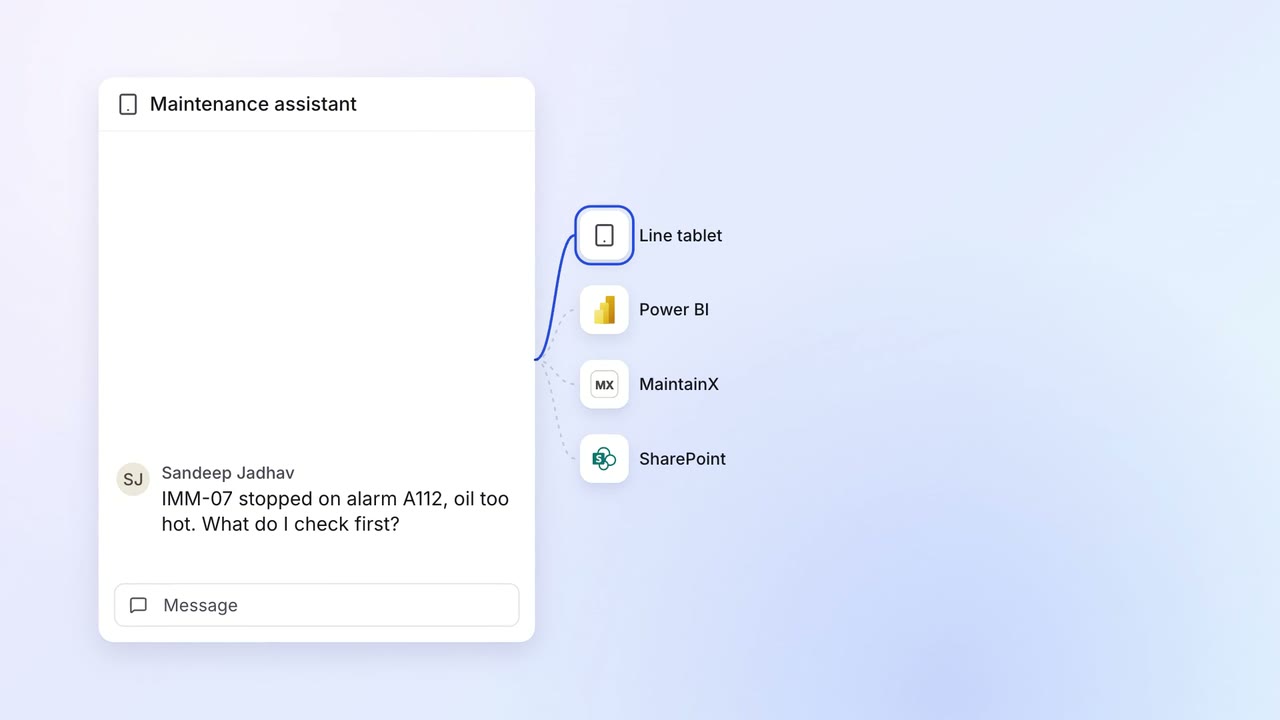
Technicians get answers at the machine, from the manual, the readings and past repairs
- Line tablet
 MaintainX
 Power BI
- SharePoint
Operations Quality and audits
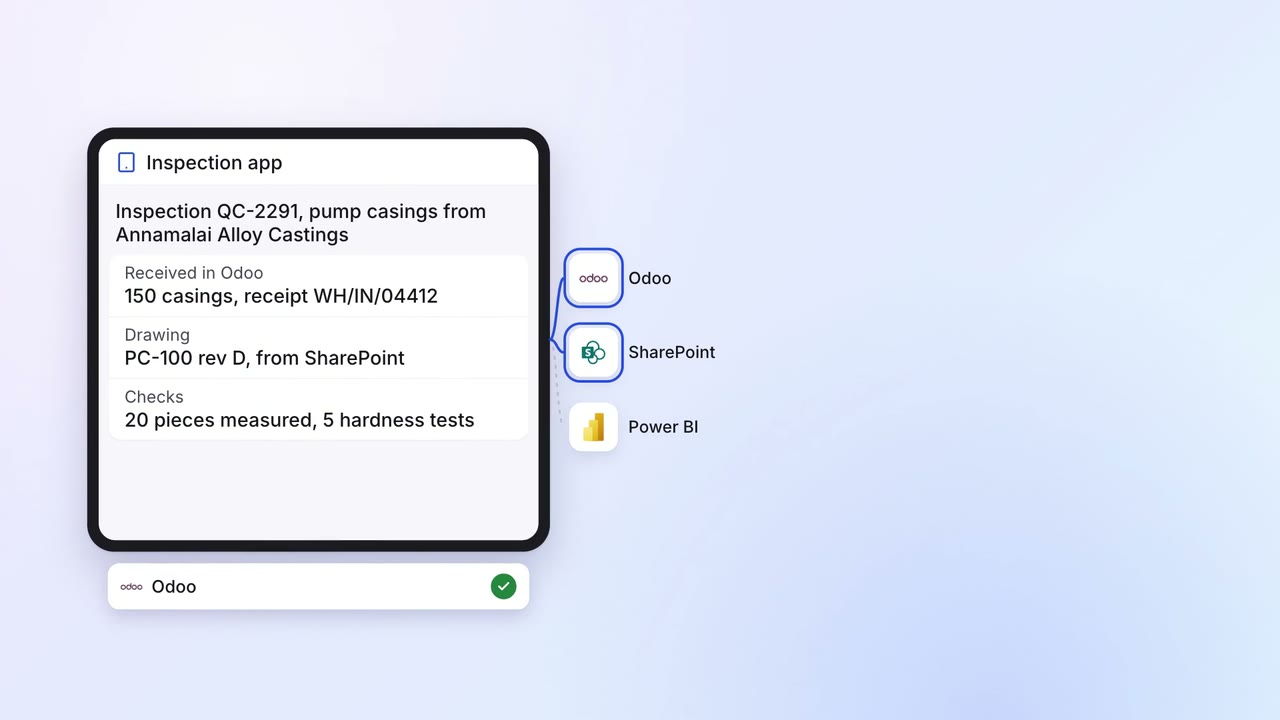
Incoming material is inspected on a tablet, and only passed lots reach the line
- Inspection app
 Odoo
Odoo- SharePoint
- Power BI
Operations Quality and audits
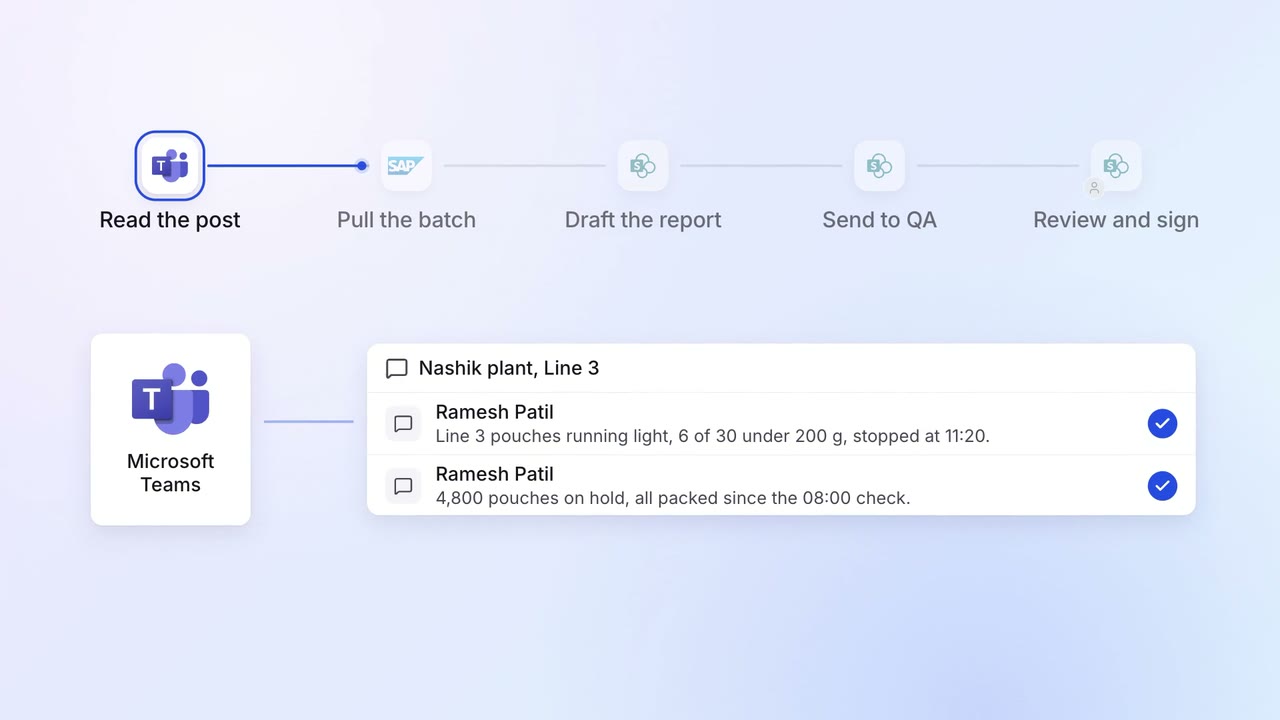
Quality deviations are written up and sent for sign-off on the same shift
- Microsoft Teams
 SAP S/4HANA
- SharePoint