Technicians get answers at the machine, from the manual, the readings and past repairs
Technicians ask the line tablet in plain words. The assistant answers from the machine's manual in SharePoint, its readings in Power BI and past work orders in MaintainX, with each source shown.
- Used day to day by
- Maintenance team
- Shift supervisors
What the assistant uses here
Answers from your systems, within each person's access.
- Your approval Acts in your systems only after a person approves
How it runs with AI
The technician asks the tablet at the line in plain words. Within a minute the automated assistant answers with the checks from that machine's manual, its recent readings and what fixed the same alarm before, with a link to each source. Questions the records do not answer go to the shift engineer.
How the assistant works here
Where people ask, what it draws on, and what comes back.
Where people ask
- Line tablet, steps 1 and 5
Who asks
- Maintenance team
- Shift supervisors
What it draws on
Apps
-
 MaintainX, steps 3 and 6
 -
 Power BI, step 2
 -
 SharePoint, step 4
Context
- Machine IDs and models, step 1
- Alarm code list, step 1
- Limits for each reading, step 2
- Past fixes per alarm, step 3
- Manual for each machine, step 4
- Lock-out steps, step 4
- Escalation to shift engineer, step 5
- Who sees part costs, step 5
What comes back, and who decides
- An answer with its sources, step 5
Who decides
- Does the repair, decides when the machine restarts and logs the cause and fix in MaintainX, step 6
How a request runs
-
Step 1, the assistant: Reads the question a technician types on the tablet at the line
-
Step 2, the assistant: Pulls the machine's recent readings for that alarm from Power BI
-
Step 3, the assistant: Finds past work orders in MaintainX for the same alarm on the same machine, and what fixed them
-
Step 4, the assistant: Opens the alarm's section in the machine's manual in SharePoint
-
Step 5, the assistant: Replies on the tablet with the checks in order and a link to the manual page and each work order
Exception Alerts the shift engineer when the manual and past work orders do not cover the question
- Person
Step 6, a person: Does the repair, decides when the machine restarts and logs the cause and fix in MaintainX
The same flow works with the apps you use.
Who controls it
-
Access
It runs with each person's own access, so it shows only what they could open themselves
-
Approvals
The technician and the shift engineer decide the repair and when the machine restarts. The assistant gives the checks and the history
-
Record
Every question, source, action and approval is recorded
This fits you if
- Machines stop on alarms several times a week, and the fix depends on who is on shift
- Machine manuals are PDFs in SharePoint, or paper copies kept near the line
- Repairs are logged as work orders in MaintainX or a similar maintenance system
- Machine readings already reach a Power BI report
What to watch for
- The assistant quotes safety steps such as lock-out word for word from the manual, and sends any question about overriding an interlock straight to the shift engineer
- Each technician signs in on the tablet with their own ID. Part costs and supplier rates in MaintainX are shown to the maintenance manager only
- Technicians record the cause and the fix when they close each work order, so the next answer can use it
Often done together
Operations Quality and audits
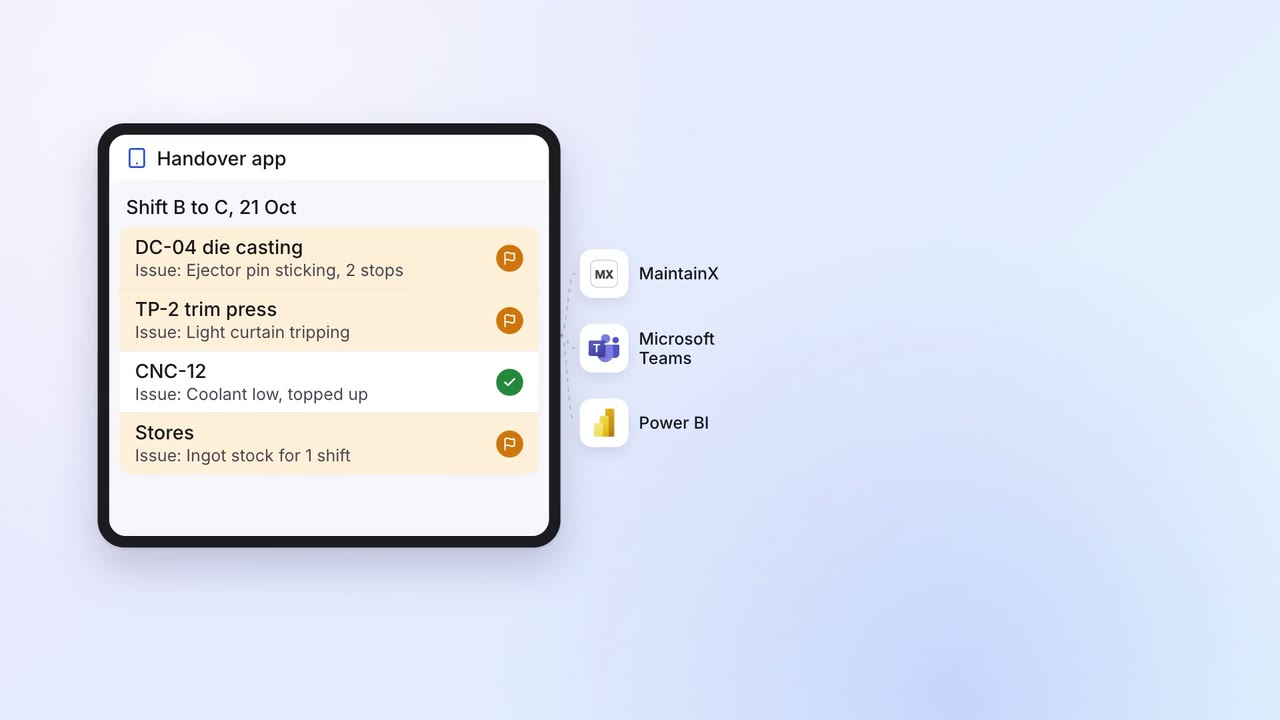
Open issues at shift change become work orders for the next shift
- Handover app
- MaintainX
 Microsoft Teams
- Power BI
Customer service Help articles
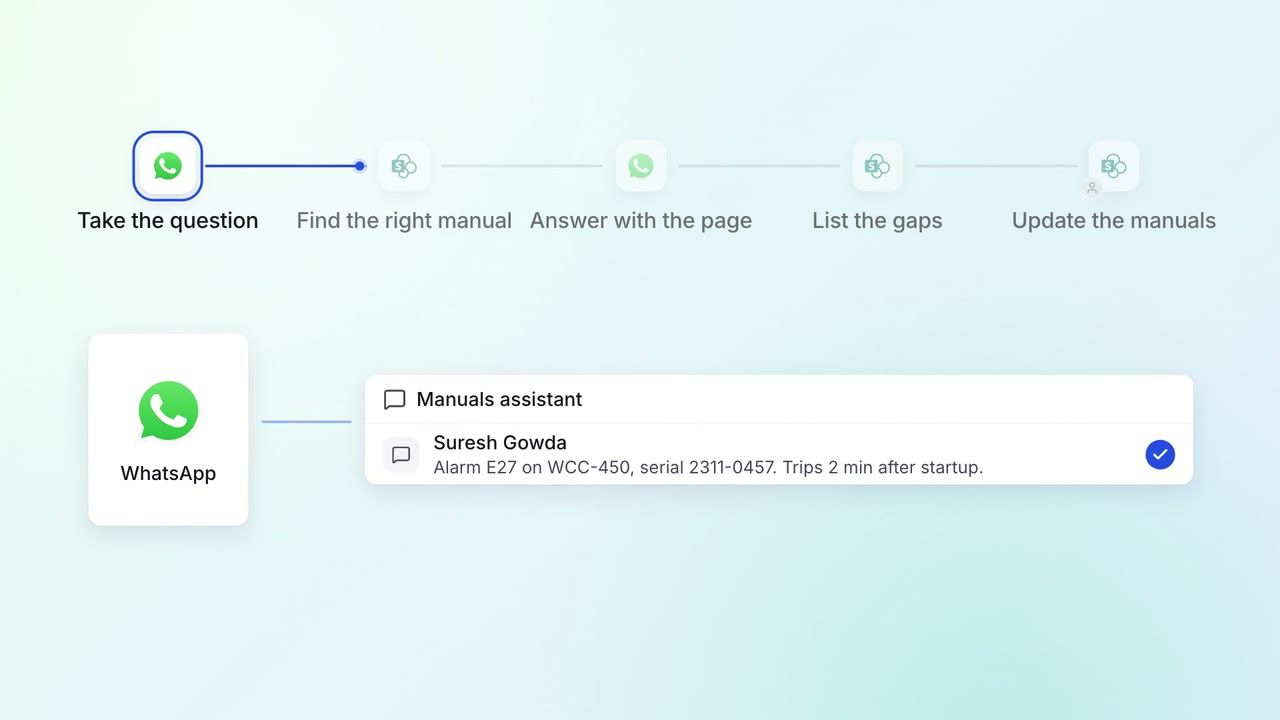
Field engineers get answers from every product manual on WhatsApp, with the page
- SharePoint
 WhatsApp Business
Leadership Meeting follow-ups
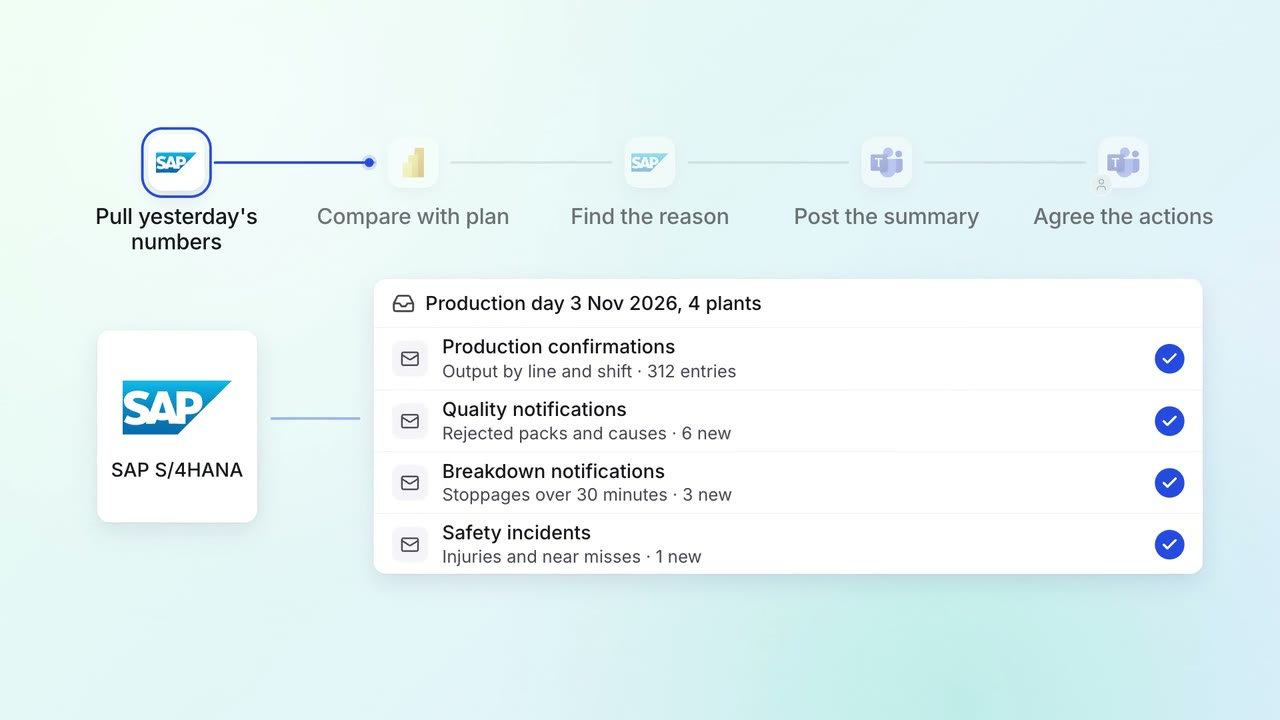
Leadership gets a 7 am summary of every plant's yesterday, with the reasons
 SAP S/4HANA
- Power BI
- Microsoft Teams