Customer order changes are applied in SAP and confirmed the same day
Each emailed change to an open order is checked against what the plant has made, applied in SAP S/4HANA and confirmed to the customer. Changes that carry a cost wait for your team.
- Used day to day by
- Order desk
- Sales coordinators
How it runs with AI
The AI reads each change email, finds the sales order in SAP S/4HANA and checks every change against what the plant has already made or shipped. It applies the clear changes, holds the rest with the reason and emails the customer a confirmation the same day. Your team spends its time on the changes that carry a cost.
How it is done today
Customers email changes to orders already in SAP: a smaller quantity, a later date, a new delivery address, a cancelled line. Someone on the order desk finds the sales order, asks the plant what has started and edits each line by hand. The confirmation goes out days later, and a missed change shows up when the wrong goods reach the customer.
Step by step
Where the work happens, what the AI does, and where it hands over to a person.
-
Step 1, AI
Picks up every change request that lands in the orders inbox
Needs to know: Registered customer contacts
In
 Outlook
 -
Step 2, AI
Finds the sales order in SAP and checks each change against what the plant has made or shipped
Needs to know: Rules for automatic changes
In
 SAP S/4HANA
 Exception to step 2
Sends the order desk any request it cannot match to an open order
-
Step 3, AI
Applies the clear changes in SAP and holds the rest, with the customer's email as the reference
Needs to know: Sales coordinator per customer
In
SAP S/4HANA , Outlook Exception to step 3
Holds lines already made or shipped, and tells the sales coordinator why
-
Step 4, AI
Emails the customer a confirmation of what changed and what is under review
Needs to know: Approved reply wording
In
Outlook -
Step 5, Person
Agrees with the customer what happens to goods already made, then releases the line
In
SAP S/4HANA
What stays with a person
- Agrees with the customer what happens to goods already made, then releases the line
Apps in this example
- Outlook
- SAP S/4HANA
The same flow works with the apps you use.
This fits you if
- Customers change more than 200 open orders a month
- Changes arrive by email, often several in one message
- Your sales orders and production status are recorded in SAP S/4HANA
- Customers sometimes receive goods they had already changed or cancelled
What to watch for
- Your team sets the rules for what the AI applies on its own, for example a later date or a smaller quantity on a line the plant has yet to start
- Earlier dates, larger quantities, price changes and goods already made, packed or shipped go to the order desk with the reason
- Charges for cancelled goods made to a customer's design stay with your sales team. The AI holds the line and explains what was made
- The AI acts only on emails from contacts registered for that customer in SAP. Anything else goes to the order desk to check
- Each change in SAP carries the customer's email as its reference, so anyone can see why a line changed
Often done together
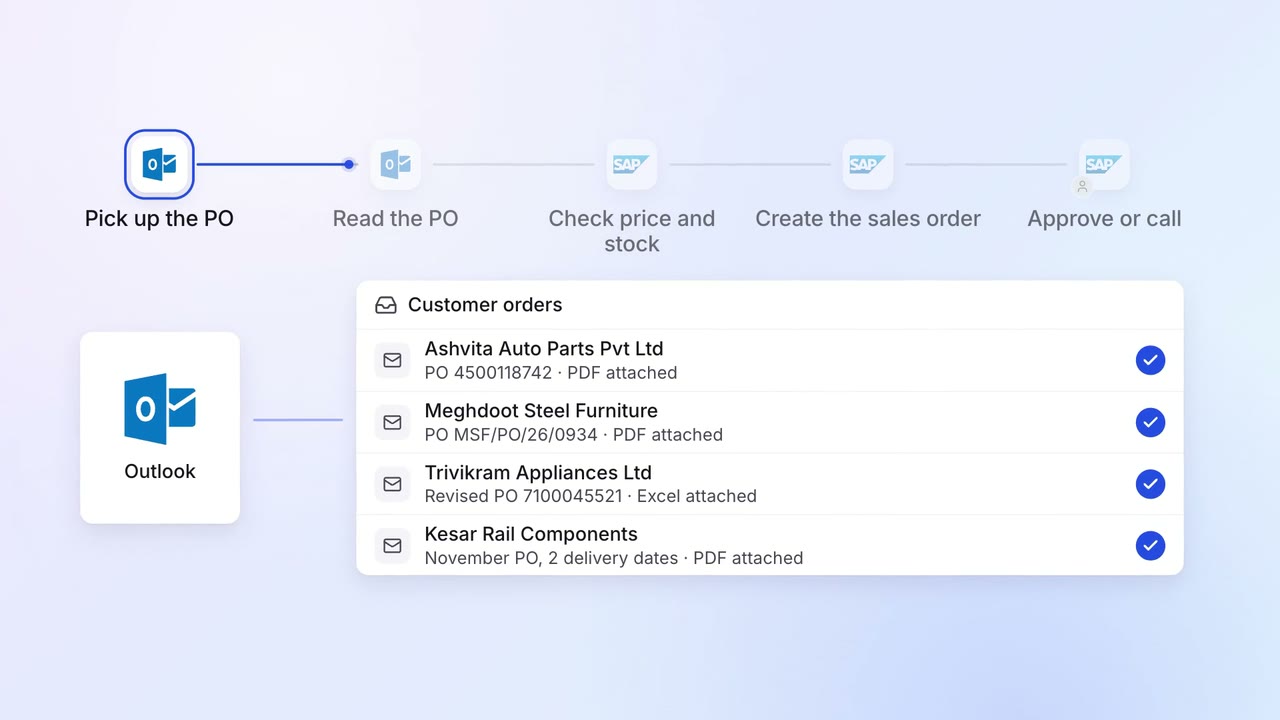
Operations Order processing
Customer POs become sales orders in SAP, checked against price and stock
- Outlook
- SAP S/4HANA
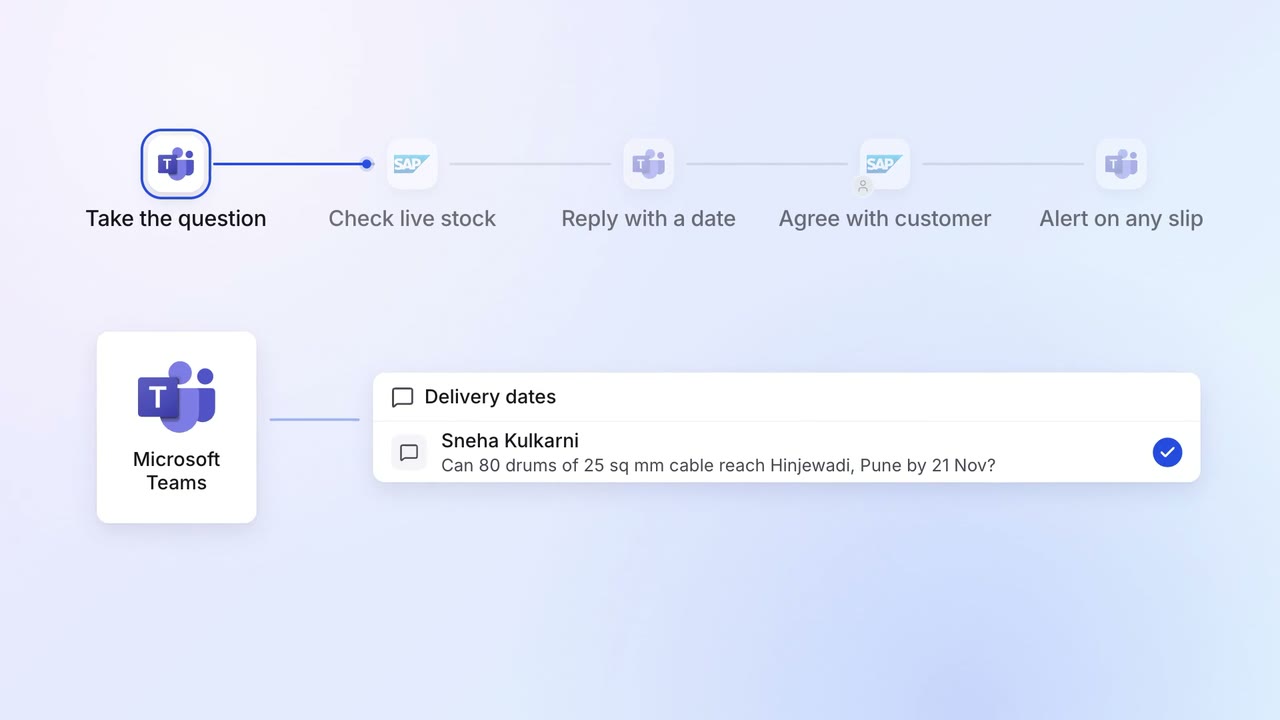
Operations Order processing
Salespeople promise delivery dates the plants can meet
- SAP S/4HANA
 Microsoft Teams
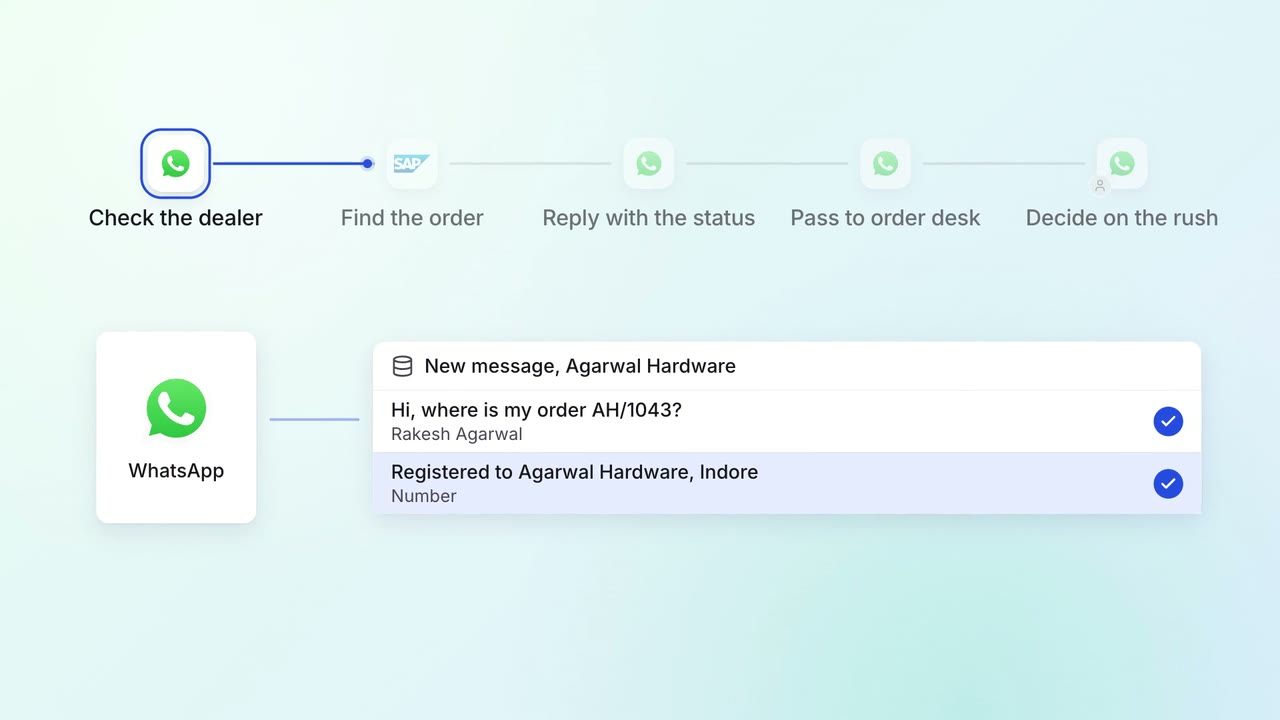
Customer service Incoming queries
Dealers and customers get their order status on WhatsApp, straight from SAP
 WhatsApp Business
- SAP S/4HANA