Staff claim expenses with a photo of the bill, checked for policy and GST on the spot
Staff photograph each bill in an expenses app. The claim is checked against their limits and for the company's GSTIN, approved by their manager, posted in Tally Prime and paid with salary through Keka.
- Used day to day by
- Employees
- Line managers
- Accounts team
How it runs with AI
Staff photograph each bill in an expenses app on their phone when they pay. The app reads the bill, checks it carries the company's name and GSTIN while the employee can still ask for a corrected one, and checks each amount against the limits for their grade in Keka. The manager approves on Slack, the claim posts in Tally Prime with the bills filed in Google Drive, and the amount is paid with the next salary.
Step by step
Where the work happens, what the AI does, and where it hands over to a person.
-
Step 1, AI
Reads the seller, dates, amount and GST details from the photo, and checks the bill carries the company's name and GSTIN
Needs to know: Company name and GSTINs
In Expenses app
Exception to step 1
Asks the employee to get the bill reissued with the company's GSTIN before leaving the counter
-
Step 2, AI
Checks each bill against the limits for the employee's grade and city, using their grade from Keka
Needs to know: Expense policy, Grade limits, City categories
In Expenses app ,
 Keka
Keka -
Step 3, Person
Approves the claim on Slack, and decides on anything over the limit
In
 Slack
Slack -
Step 4, AI
Posts the approved claim in Tally Prime and files the bill photos in Google Drive
Needs to know: Expense ledger mapping, Folder rules for bills
In
 Tally Prime ,
  Google Drive
 -
Step 5, AI
Adds the amount to the employee's next salary in Keka and tells them on Slack
Needs to know: Payroll cut-off date
In
Keka , Slack
What stays with a person
- Approves the claim on Slack, and decides on anything over the limit
Apps in this example
- Expenses app
- Keka
- Tally Prime
- Google Drive
- Slack
The same flow works with the apps you use.
This fits you if
- Staff travel to customers, sites or branches and claim expenses every month
- Claims arrive as paper bills or scanned PDFs with a form
- Your accounts are in Tally Prime and payroll runs in Keka
- Bills without the company's GSTIN are found after the trip
What to watch for
- Your finance team sets the limits for each grade and city, and keeps them current in the policy the app reads
- Managers decide on anything over the limit. The app shows the gap and the reason the employee gives
- A faded or torn bill goes to the accounts team to read by hand
- Paying the claim stays with your payroll team. The amount joins the salary run they review and release
Often done together
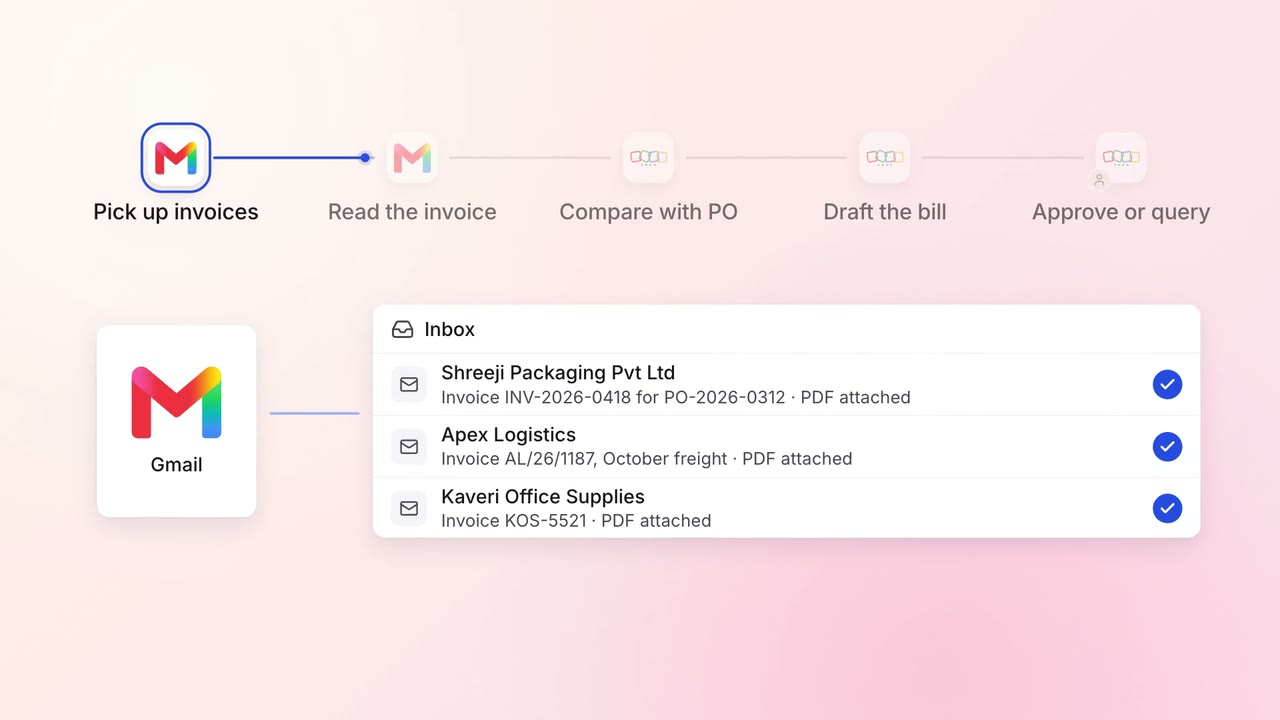
Finance Supplier bills and payments
Supplier invoices go straight into Zoho Books, checked against the PO
 Gmail
Gmail Zoho Books
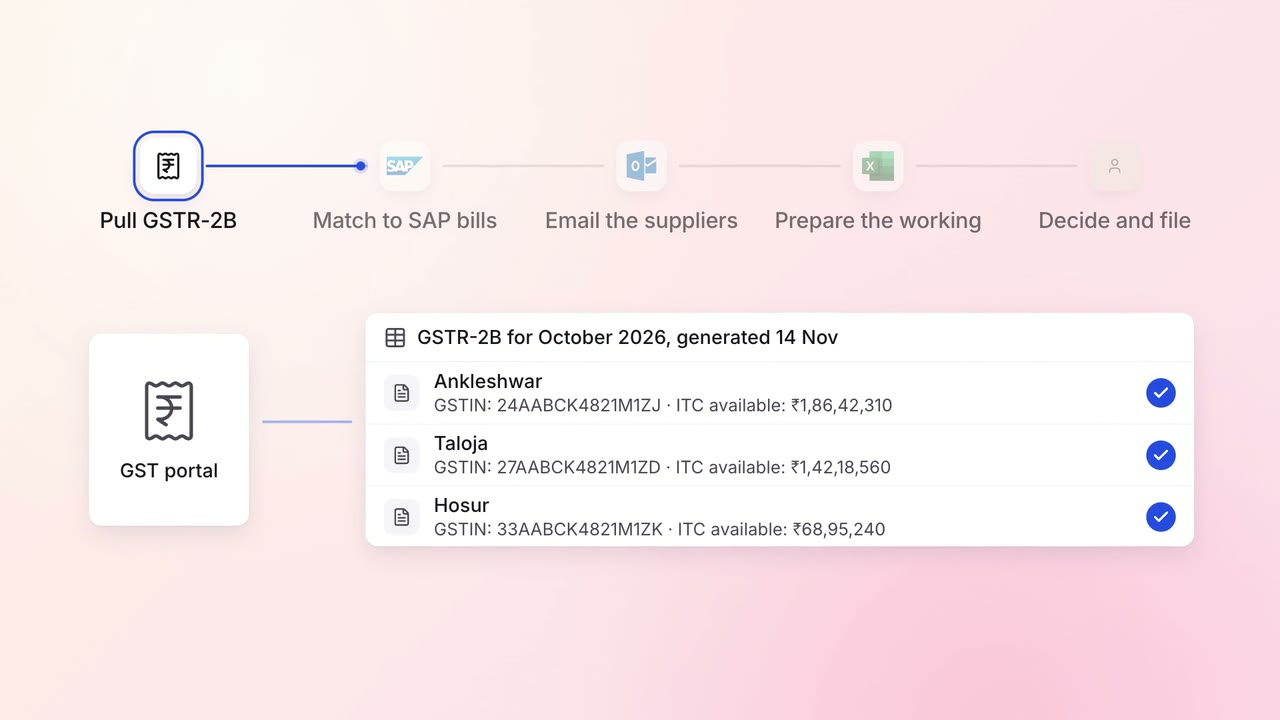
Finance GST and TDS
GST input credit is checked against GSTR-2B before every return
- GST portal
 SAP S/4HANA
 Outlook
 Excel
Excel
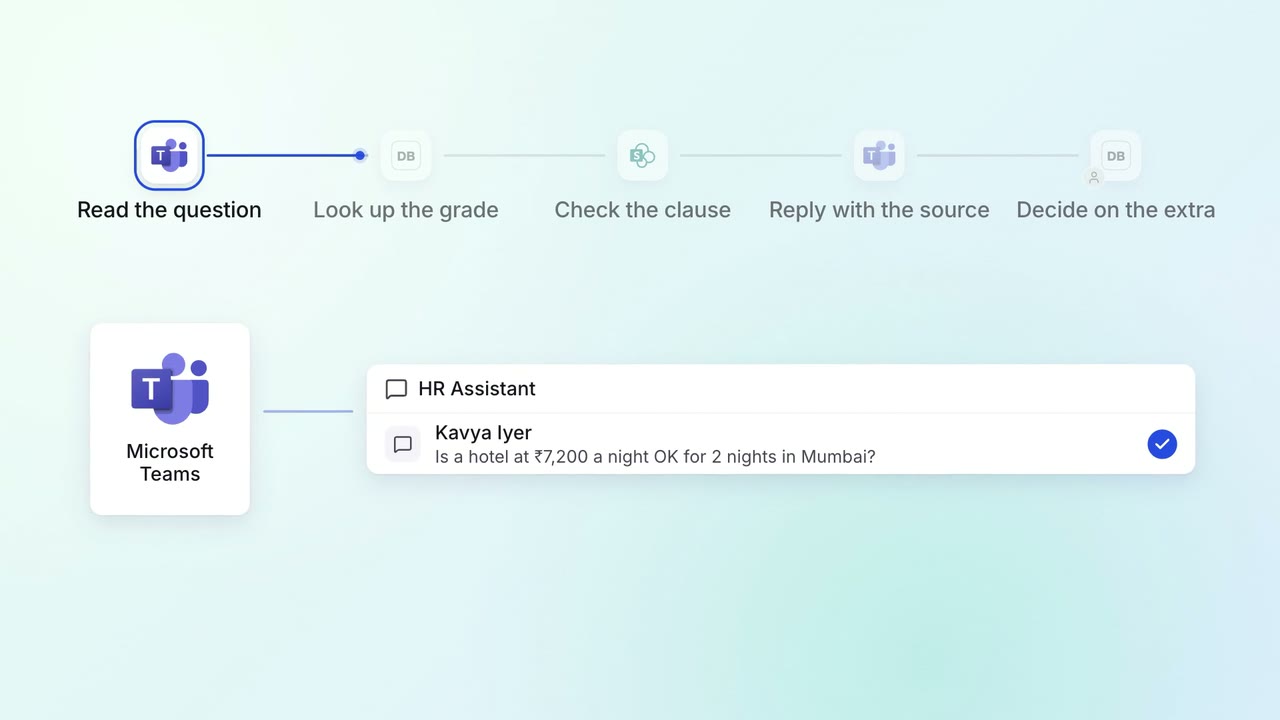
HR Policy questions
Staff get policy answers on Teams, with the clause each answer comes from
 Microsoft Teams
 Darwinbox
 SharePoint