Supplier invoices go straight into Zoho Books, checked against the PO
Each emailed invoice becomes a draft bill in Zoho Books, with any difference from the purchase order marked. Your team approves it.
- Used day to day by
- Accounts team
- Finance head
How it runs with AI
The AI reads each invoice email as it arrives, checks every line against the purchase order and leaves a draft bill in Zoho Books. Any difference in price or quantity is flagged with the reason, so the team spends its time on the invoices that need a decision.
How it is done today
Suppliers email their invoices as PDFs. Someone on the accounts team opens each one, finds the purchase order, checks the prices and quantities by eye, and types the bill into Zoho Books. Mistakes show up weeks later, at month end or when a supplier chases payment.
Step by step
Where the work happens, what the AI does, and where it hands over to a person.
-
Step 1, AI
Picks up every new invoice email and its PDF
Needs to know: Supplier email addresses
In
 Gmail
Gmail -
Step 2, AI
Reads the supplier, invoice number, line items and GST from the PDF
Needs to know: Supplier GSTINs
In
Gmail -
Step 3, AI
Matches it against the purchase order in Zoho Books
Needs to know: Matching tolerances
In
 Zoho Books
 Exception to step 3
Flags each difference to the accounts team, with the reason
-
Step 4, AI
Creates a draft bill with the differences noted
Needs to know: Accounts for each item
In
Zoho Books -
Step 5, Person
Approves the bill, or raises the difference with the supplier
In
Zoho Books , Gmail
What stays with a person
- Approves the bill, or raises the difference with the supplier
Apps in this example
- Gmail
- Zoho Books
The same flow works with the apps you use.
This fits you if
- You receive more than 100 supplier invoices a month
- Most invoices arrive by email as PDFs
- Your purchase orders are raised in Zoho Books
- Someone types the bills into Zoho Books by hand today
What to watch for
- Handwritten or poorly scanned invoices need a person to check the reading
- Your team sets the tolerance up front, for example how large a rounding difference can be before it counts
- Paying the supplier stays with your team. The automation prepares the bill and your team releases the payment
Often done together
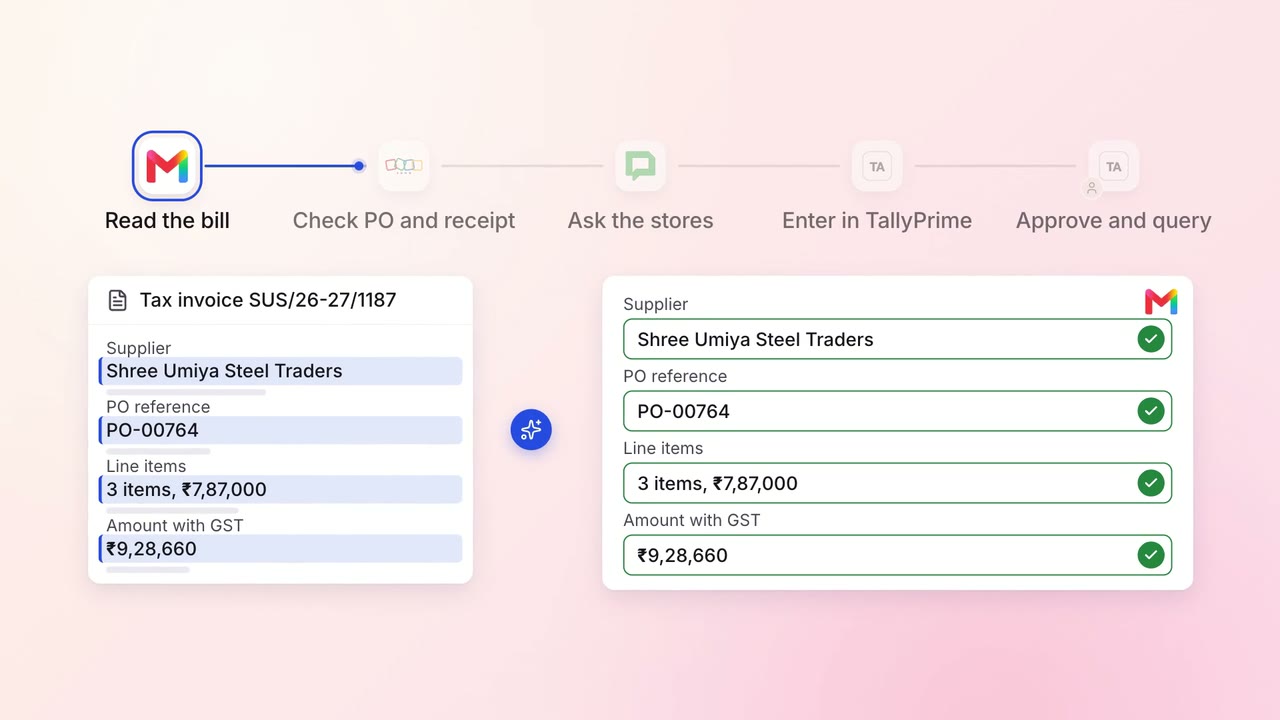
Finance Supplier bills and payments
Supplier bills are checked against what actually arrived, then entered in TallyPrime
- Gmail
- Zoho Inventory
 Google Chat
 TallyPrime
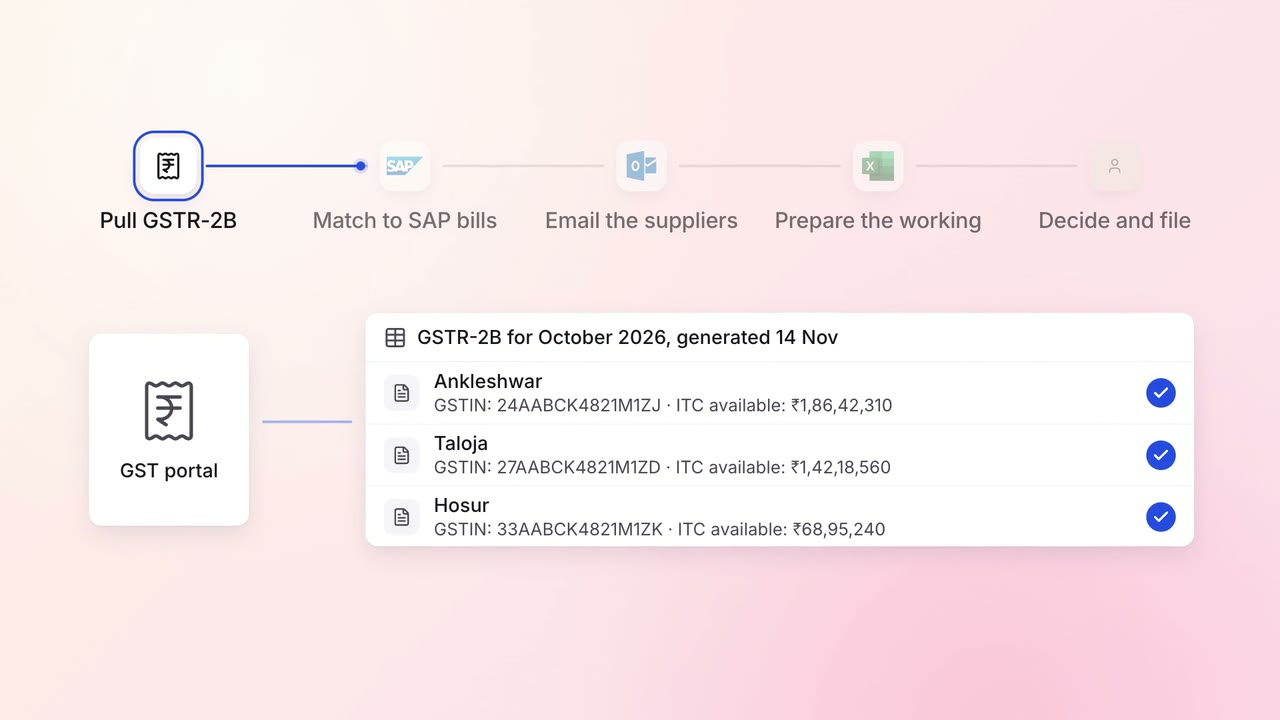
Finance GST and TDS
GST input credit is checked against GSTR-2B before every return
- GST portal
 SAP S/4HANA
 Outlook
 Excel
Excel
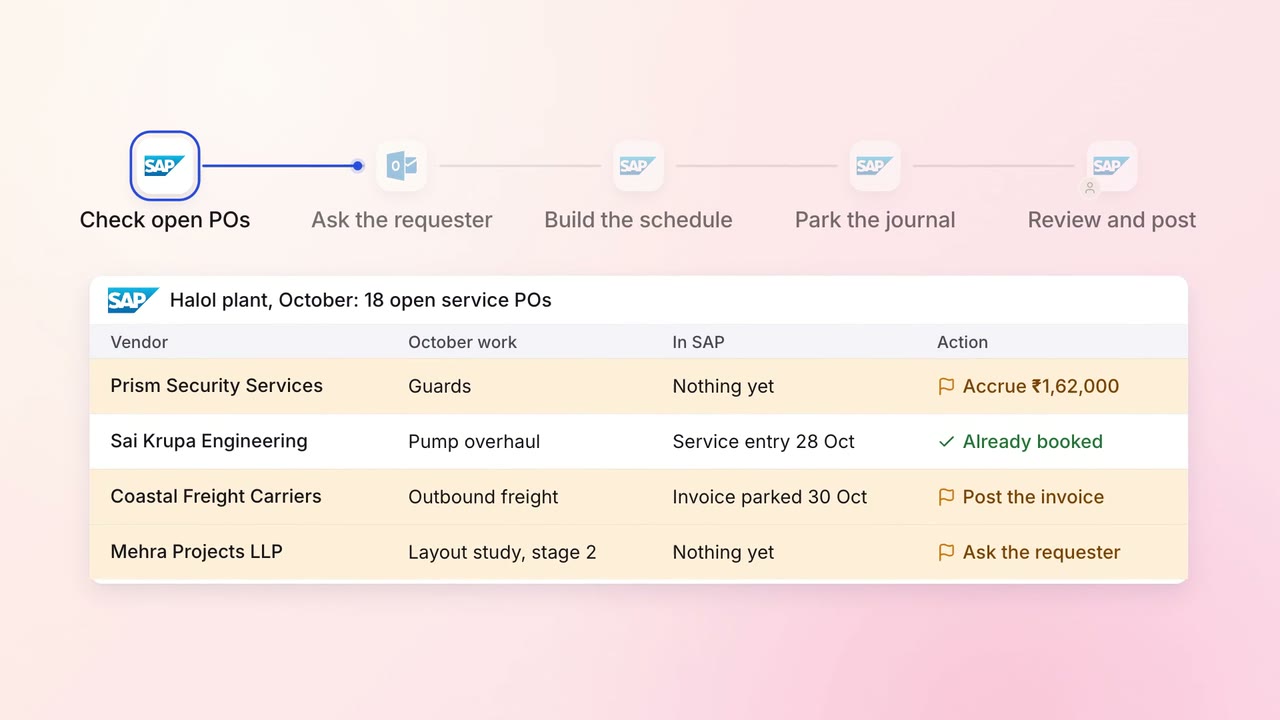
Finance Month-end close
Month-end accruals are ready on day 1, drafted from open POs and goods receipts
- SAP S/4HANA
- Outlook