GST input credit is checked against GSTR-2B before every return
The AI matches GSTR-2B to the bills in SAP for every GSTIN, writes to suppliers about the gaps and prepares the credit working. Your tax manager files.
- Used day to day by
- Tax team
- Payables team
How it runs with AI
As soon as GSTR-2B is out, the AI takes it for each GSTIN and matches every invoice to the bills in SAP S/4HANA. It writes to suppliers whose invoices are missing or different, picks out bills left unpaid too long and prepares the credit working for each return. The tax manager reviews the differences, makes the IMS choices and files.
How it is done today
GSTR-2B arrives only days before GSTR-3B is due. In those days the GST team exports the purchase register from SAP for each GSTIN, matches it to GSTR-2B in Excel and emails suppliers about missing invoices. Gaps found late roll into the next month, and some credit goes unclaimed.
Step by step
Where the work happens, what the AI does, and where it hands over to a person.
-
Step 1, AI
Takes GSTR-2B for each GSTIN as soon as it is out
Needs to know: Company GSTINs
In GST portal
-
Step 2, AI
Matches GSTR-2B to the bills in SAP, invoice by invoice
Needs to know: Supplier GSTINs, Matching tolerance
In GST portal ,
 SAP S/4HANA
 Exception to step 2
Suggests keeping an invoice pending in IMS until its bill is in SAP
-
Step 3, AI
Emails each supplier whose invoice is missing or different
Needs to know: Supplier accounts contacts, Approved email wording
In
 Outlook
 Exception to step 3
Tells the buyer if next month's GSTR-2B still shows the gap
-
Step 4, AI
Prepares the GSTR-3B credit working for each GSTIN
Needs to know: Tax team's credit rules, Blocked credit list
In
 Excel , SAP S/4HANA
 -
Step 5, Person
Decides the IMS actions and files GSTR-3B
In GST portal
What stays with a person
- Decides the IMS actions and files GSTR-3B
What the check looks at
- Invoices in GSTR-2B. The working claims credit only on invoices that show in your GSTR-2B, so supplier gaps are chased first.
- Bills unpaid for too long. Bills still unpaid past the time the rules allow are left out of the claim, and come back in once they are paid.
- Last year’s invoices. Invoices from last year that are still missing are listed early, so suppliers are chased while the credit can still be claimed.
- IMS. The working suggests which invoices to accept, reject or keep pending, and your tax manager makes each choice before filing.
Apps in this example
- GST portal
- SAP S/4HANA
- Outlook
- Excel
The same flow works with the apps you use.
This fits you if
- You file GSTR-3B for 2 or more GSTINs
- Your GSTINs receive more than 500 supplier invoices a month in total
- Your purchase bills are booked in SAP S/4HANA or another ERP
- The GSTR-2B match happens in Excel in the days before the return is due
What to watch for
- The tax manager takes the IMS actions and files GSTR-3B. The AI prepares the working and suggests which invoices to accept, reject or keep pending
- Your tax team owns the rules the check applies, such as which expenses carry blocked credit, and updates them when the law changes
- GSTR-2B reaches the AI as the Excel or JSON file the portal provides for each GSTIN, or through the GST software you already use
- Supplier emails go from a shared GST mailbox, say they come from an automated assistant and name the person to reply to
Often done together
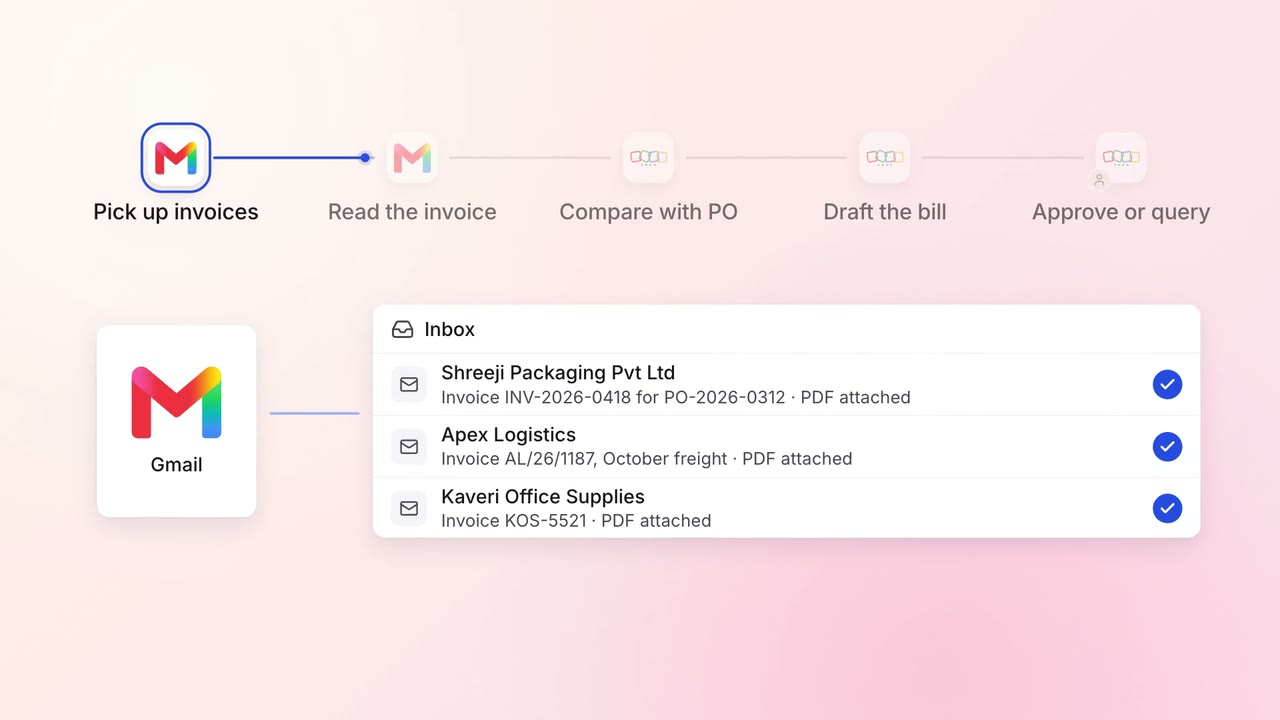
Finance Supplier bills and payments
Supplier invoices go straight into Zoho Books, checked against the PO
 Gmail
Gmail Zoho Books
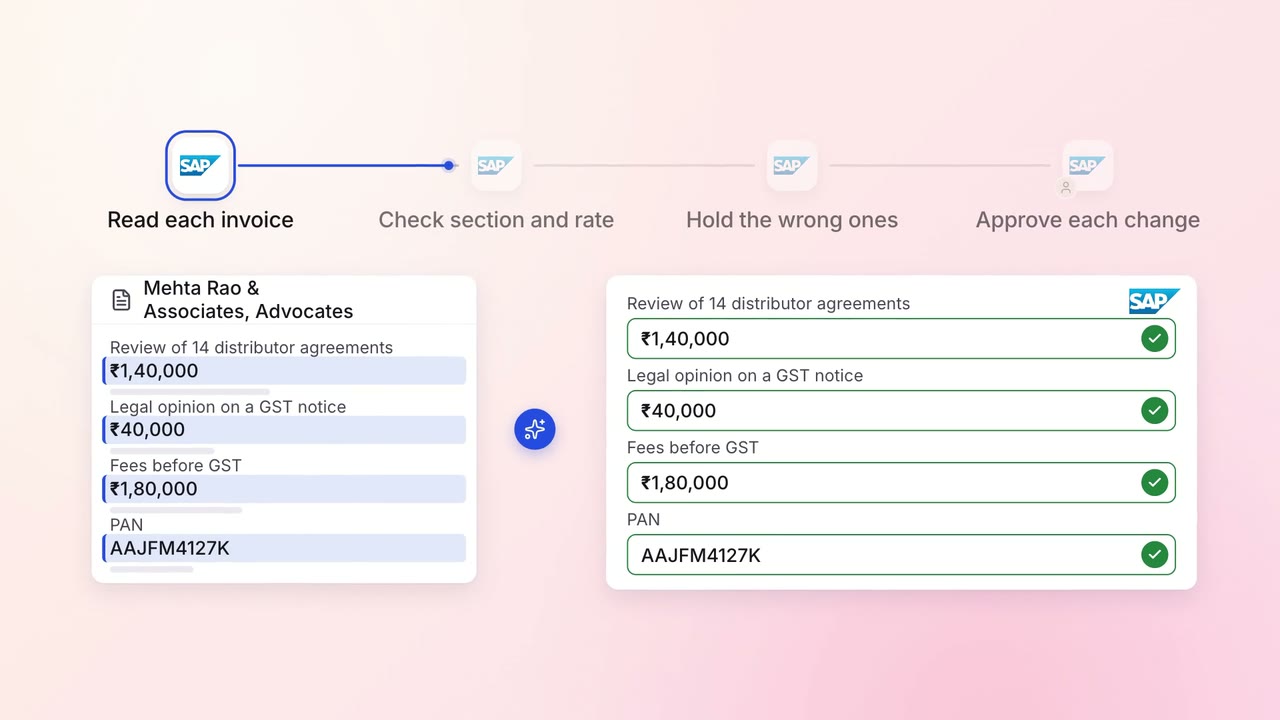
Finance GST and TDS
TDS on every vendor payment is checked for the right section and rate
- SAP S/4HANA
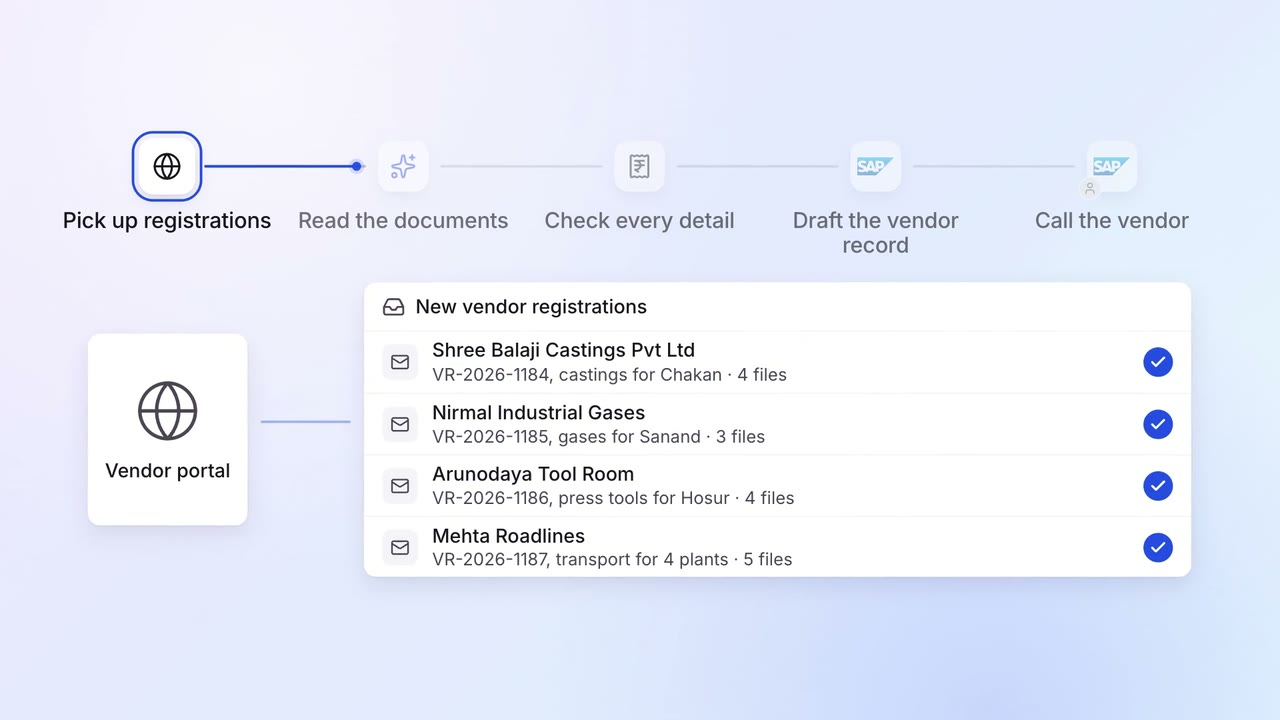
Operations Vendor management
New vendors are set up in SAP with their GST, PAN and bank details checked
- Vendor portal
- GST portal
- SAP S/4HANA