Any budget variance explained in minutes, down to the records behind it
Finance asks on Teams why a cost is over budget. An automated assistant reads the MIS, the bills and orders in Dynamics 365 and the budget on SharePoint, and splits the gap into its causes.
- Used day to day by
- Financial controllers
- Finance team
- Finance head
- Business unit heads
What the assistant uses here
Answers from your systems, within each person's access.
- Channels Reaches people where they already talk
- Your approval Acts in your systems only after a person approves
How it runs with AI
Plant controllers and the finance team ask an automated assistant on Teams in plain words. It checks what the person asking may see, reads the actual and budget from the MIS in Power BI, matches the bills in Dynamics 365 to their purchase orders and compares them with the budget assumptions on SharePoint. The answer arrives in about a minute, with each cause, its amount and a link to the record behind it.
How the assistant works here
Where people ask, what it draws on, and what comes back.
Where people ask
-
 Microsoft Teams, steps 1 and 5
Who asks
- Financial controllers
- Finance team
- Finance head
- Business unit heads
What it draws on
Apps
-
 Power BI, steps 2, 4 and 6
 -
 Microsoft Dynamics 365, step 3
 -
 SharePoint, step 4
Context
- Chart of accounts, step 1
- Plant and cost names, step 1
- Who may see what, step 2
- MIS structure, step 2
- Rate contracts, step 3
- Approved budget assumptions, step 4
- Who handles unclear postings, step 5
What comes back, and who decides
- An answer with its sources, step 5
Who decides
- The plant controller decides what goes in the MIS note and what to raise with dispatch and sales, step 6
How a request runs
-
Step 1, the assistant: Reads a variance question asked in plain words on Teams
-
Step 2, the assistant: Checks that the person may see this plant's accounts, then reads the actual and budget from the MIS
-
Step 3, the assistant: Matches each bill behind the cost in Dynamics 365 to its purchase order
-
Step 4, the assistant: Compares volume, rates and one-off costs with the budget assumptions and splits the gap into its causes
-
Step 5, the assistant: Replies on Teams with each cause, its amount and a link to its record
Exception Passes the question to the MIS team, with the chat attached, when a posting has no clear cause
- Person
Step 6, a person: The plant controller decides what goes in the MIS note and what to raise with dispatch and sales
The same flow works with the apps you use.
Who controls it
-
Access
The assistant answers only from what the person asking may see in Dynamics 365, Power BI and SharePoint. A plant controller sees their own plant, and pay by person stays with HR and the finance head
-
Approvals
It explains what happened. Decisions such as recovering freight from a customer or changing the forecast stay with finance and the business heads
-
Record
Every question, source, action and approval is recorded
This fits you if
- Plant heads and business heads ask finance why costs moved, often in the week of the MIS review
- Your ledger, bills and purchase orders are in Microsoft Dynamics 365
- Your budget is set by plant and account, with its assumptions kept on SharePoint
- Your finance team already works in Microsoft Teams
What to watch for
- The budget assumptions it compares against must be the approved version. The finance head marks that file on SharePoint once the budget is signed off
- A posting it cannot explain, such as a journal with no narration, goes to the MIS team with the question attached
Often done together
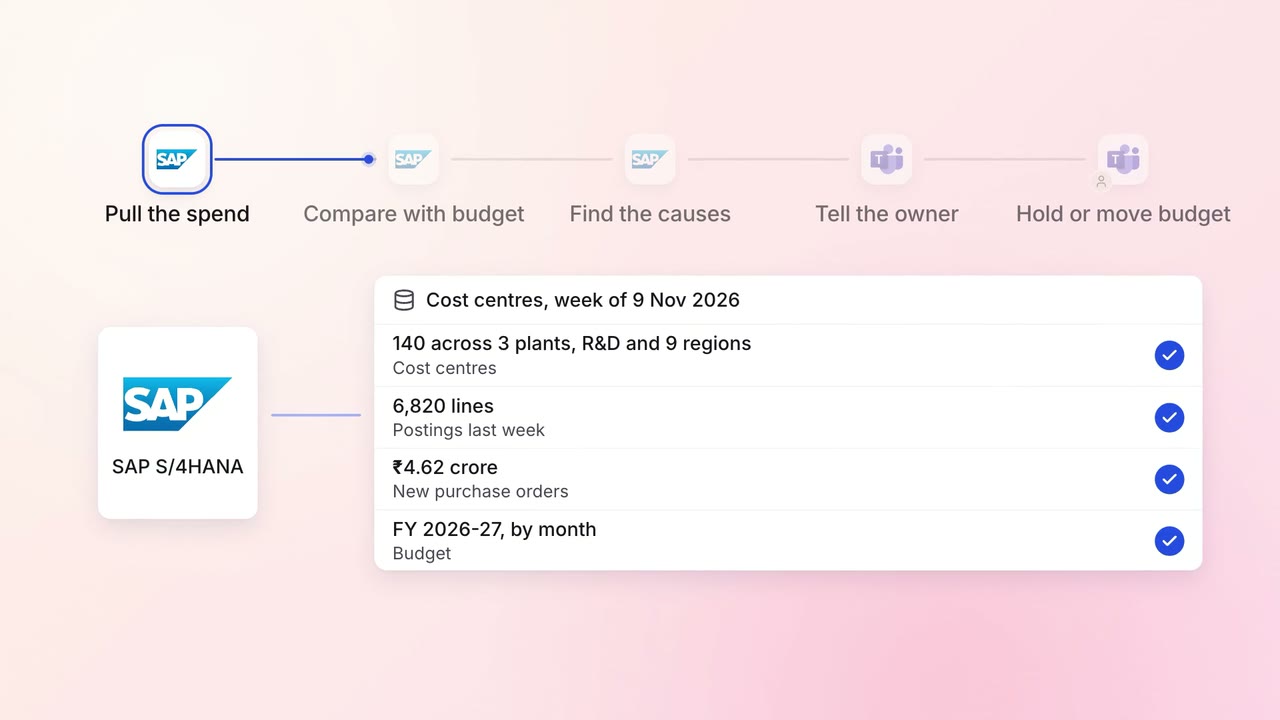
Finance MIS and cash flow
Cost-centre owners hear about overspends the week they happen
 SAP S/4HANA
- Microsoft Teams
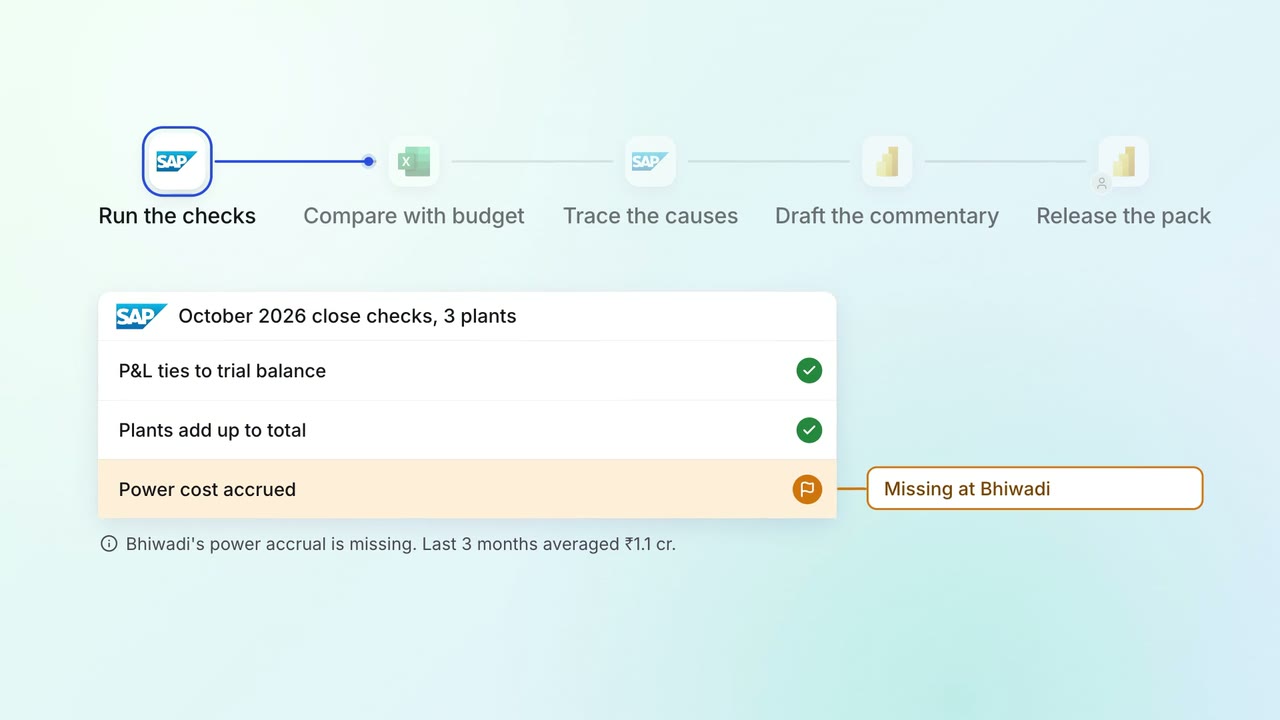
Leadership Management reports
The monthly MIS pack arrives with the numbers checked and the variances explained
- SAP S/4HANA
 Excel
Excel- Power BI
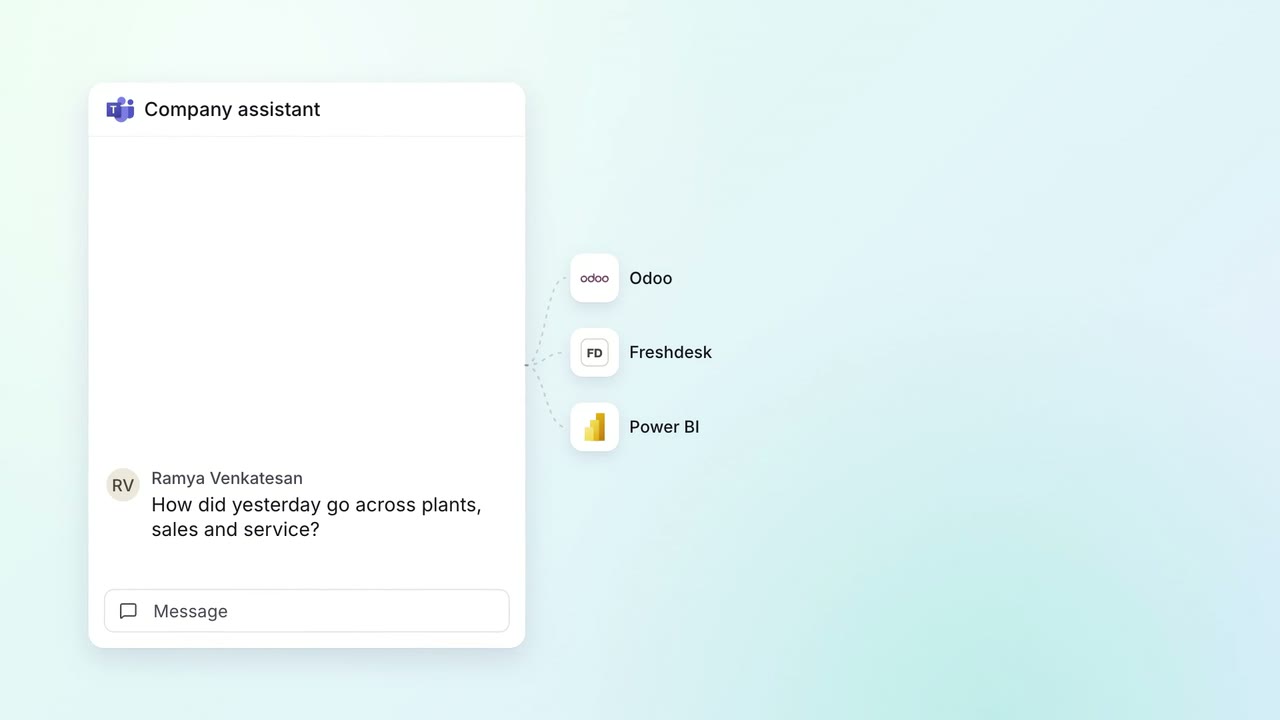 Company assistant
Leadership Management reports
Leaders ask how yesterday went and get plants, sales and service in one answer
- Microsoft Teams
 Odoo
Odoo Freshdesk
- Power BI