Leaders ask how yesterday went and get plants, sales and service in one answer
Leaders ask on Teams in plain words and get yesterday's output, orders and service calls against plan, with the reason behind each miss and the source of every figure.
- Used day to day by
- Managing director
- Leadership team
- Plant heads
- Sales head
- Customer service head
What the assistant uses here
Answers from your systems, within each person's access.
- Channels Reaches people where they already talk
- Your approval Acts in your systems only after a person approves
How it runs with AI
Leaders ask the company assistant on Teams in plain words, at any hour. It reads yesterday's output and orders from Odoo and the service calls from Freshdesk, compares each with the plan in Power BI and finds the reason behind each miss. Every figure in the answer names its source, and each person sees only what their role allows.
How the assistant works here
Where people ask, what it draws on, and what comes back.
Where people ask
-
 Microsoft Teams, steps 1, 4 and 5
Who asks
- Managing director
- Leadership team
- Plant heads
- Sales head
- Customer service head
What it draws on
Apps
-
 Odoo, steps 2 and 3
 -
 Freshdesk, steps 2 and 3
 -
 Power BI, step 2
Context
- Access rules by role, step 1
- Company names and terms, step 1
- Daily plan by area, step 2
- Where each figure lives, step 2
- Owner of each figure, step 3
- How figures are reported, step 4
What comes back, and who decides
- An answer with its sources, step 4
Who decides
- Decides what to do about each miss and asks the people who own them, step 5
How a request runs
-
Step 1, the assistant: Reads the question on Teams and the asker's role, which sets what the answer can include
-
Step 2, the assistant: Reads yesterday's output and orders from Odoo and the service calls from Freshdesk, and compares each with the plan in Power BI
-
Step 3, the assistant: Finds the reason behind each miss in Odoo's maintenance and stock records and the notes on open Freshdesk tickets
Exception Says the reason is not yet recorded, and names the person who owns that figure
-
Step 4, the assistant: Replies on Teams with the answer, each figure linked to the record it comes from
- Person
Step 5, a person: Decides what to do about each miss and asks the people who own them
The same flow works with the apps you use.
Who controls it
-
Access
Each person's role sets what they see. Plant heads see their own plant, regional managers their own customers and leaders everything. Someone in IT keeps these roles in step with the permissions in Odoo and Freshdesk
-
Approvals
The assistant reads and changes nothing. Moving stock, approving overtime and every other decision stay with the people who own them
-
Record
Every question, source, action and approval is recorded
This fits you if
- Your numbers live in more than one system, such as Odoo for plants and sales and Freshdesk for service
- Leaders call around each morning to learn how yesterday went
- Your daily plan sits in a Power BI dashboard
- Your company already uses Microsoft Teams
What to watch for
- The assistant answers from what the systems hold. A shift entered late in Odoo shows as missing, and the answer says so
- In the first month, the finance head checks a sample of answers against the Power BI dashboard each week
Often done together
Leadership Meeting follow-ups
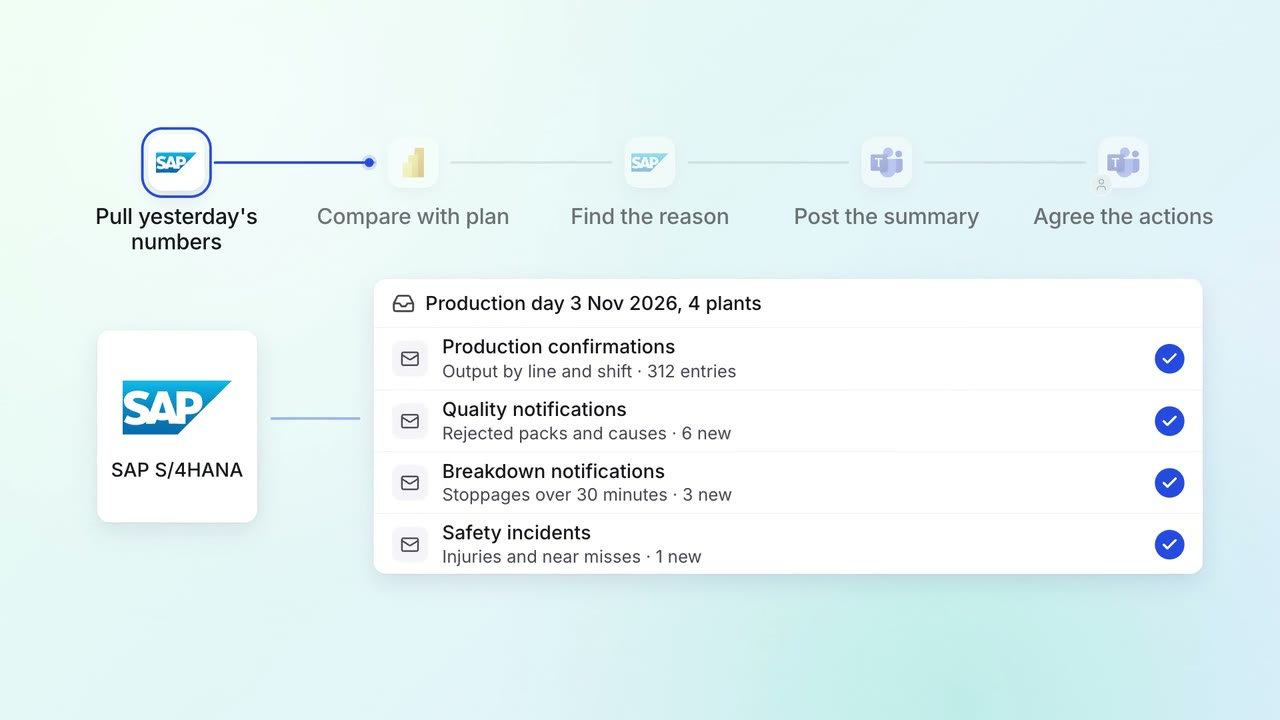
Leadership gets a 7 am summary of every plant's yesterday, with the reasons
 SAP S/4HANA
- Power BI
- Microsoft Teams
Leadership Management reports
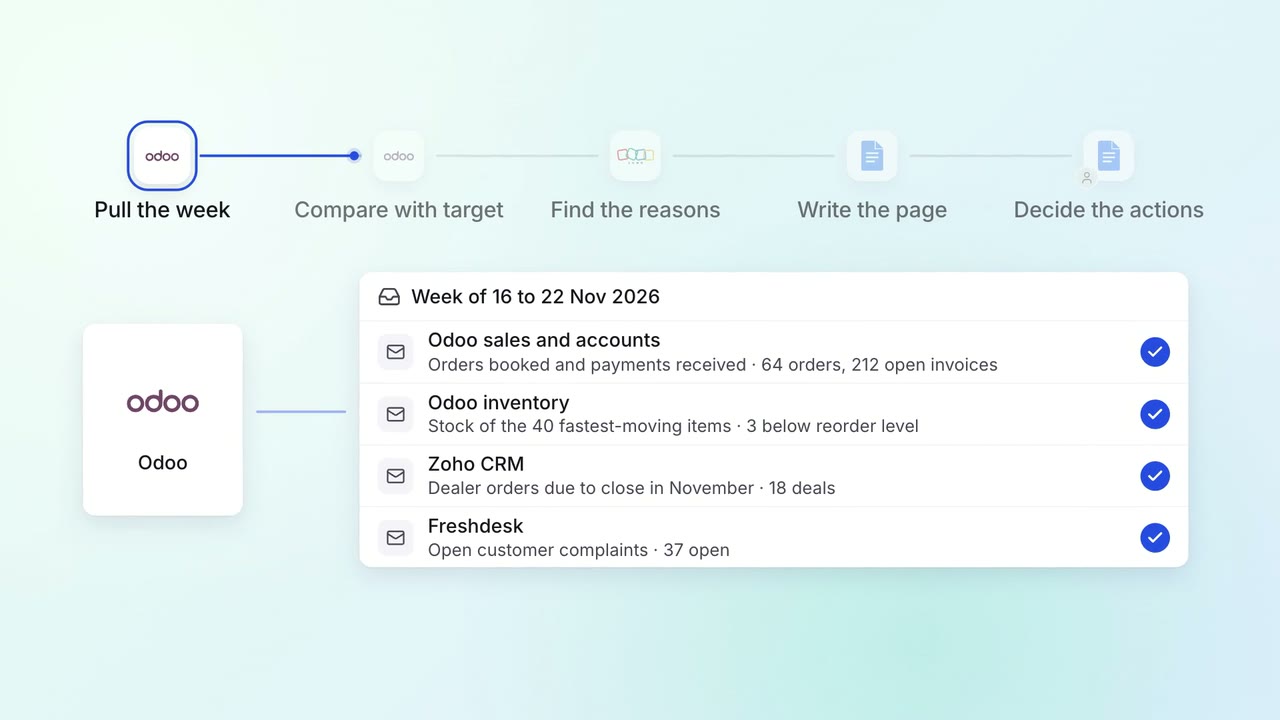
The Monday review starts from one page of sales, collections, stock and open issues
- Odoo
 Zoho CRM
- Freshdesk
 Google Docs
Leadership Meeting follow-ups
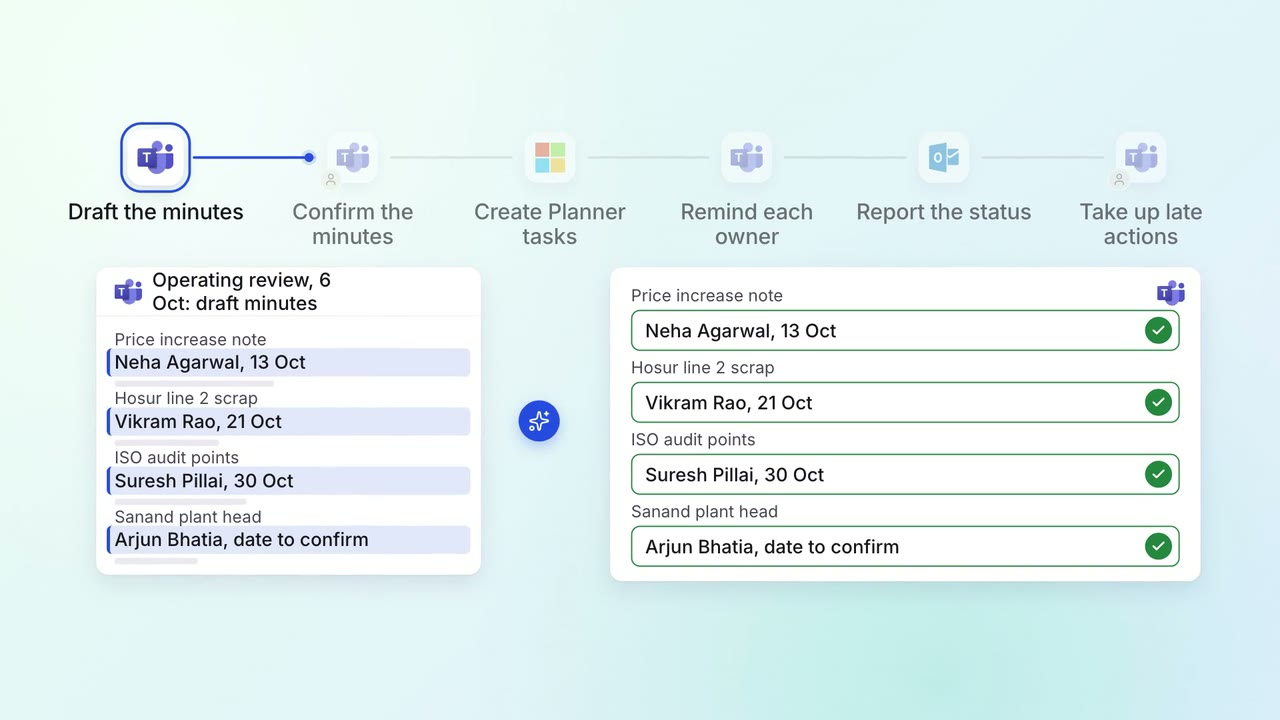
Every action from a leadership meeting gets an owner, a date and a follow-up
- Microsoft Teams
 Microsoft Planner
 Outlook