Intercompany balances across your entities agree before the close starts
The AI compares intercompany balances in SAP every night from the 20th, traces each difference to its document and asks the right accountant to post the fix.
- Used day to day by
- Finance team
- Accountants
- Financial controllers
How it runs with AI
From the 20th of each month, the AI compares the balances between every pair of entities in SAP each night and traces each difference to the invoice, credit note or TDS entry behind it. It asks the accountant who needs to act on Teams, with the document attached. By month end every difference is fixed or explained, and the controller signs off a ready workbook.
How it is done today
After the month ends, each entity's accountant exports intercompany balances from SAP and emails them to group finance. Someone pastes them into Excel, matches every pair of entities and emails both sides about each difference. The close waits days while invoices in transit, one-sided credit notes and TDS entries get found and posted.
Step by step
Where the work happens, what the AI does, and where it hands over to a person.
-
Step 1, AI
Compares the balances between every pair of entities each night
Needs to know: Partner codes by entity
In
 SAP S/4HANA
 -
Step 2, AI
Traces each difference to the document behind it
Needs to know: Usual difference types, Cross-charge calendar
In
SAP S/4HANA -
Step 3, AI
Asks the accountant who needs to act, with the document attached
Needs to know: Accountant for each entity
In
 Microsoft Teams
 Exception to step 3
Alerts the financial controller if the difference is still open the next evening
-
Step 4, AI
Prepares the reconciliation workbook for sign-off
Needs to know: Elimination rules, Workbook format
In
 Excel , SAP S/4HANA
 -
Step 5, Person
Signs off the workbook, and the close starts on agreed numbers
In
Excel
What stays with a person
- Signs off the workbook, and the close starts on agreed numbers
The differences it finds most often
- Invoices in transit. The selling entity has billed, and the goods are still on the road to the buyer.
- Credit notes on one side. A rate correction or a return sits in the seller’s books only.
- TDS on fees. The paying entity deducts TDS and shows only the net amount as owed, while the billing entity shows the full amount.
- Wrong partner code. An entry is booked against a different group entity, so 2 pairs are out by the same amount.
- Cross-charge timing. Shared costs are charged at month end by one side and booked early next month by the other.
Apps in this example
- SAP S/4HANA
- Microsoft Teams
- Excel
The same flow works with the apps you use.
This fits you if
- You run 3 or more legal entities in SAP that bill each other
- Intercompany differences hold up your close by a day or more
- Your entities cross-charge goods, shared services or management fees every month
- Your auditors ask for an intercompany reconciliation at each quarter end
What to watch for
- Each entity's accountant posts their own corrections. The AI points to the document and the fix, and the person who owns those books makes the entry
- The AI relies on every intercompany entry in SAP carrying the partner entity's code. Entries booked against an ordinary customer or vendor code are mapped once at the start
- The financial controller decides how to treat differences still open at month end, such as goods in transit
Often done together
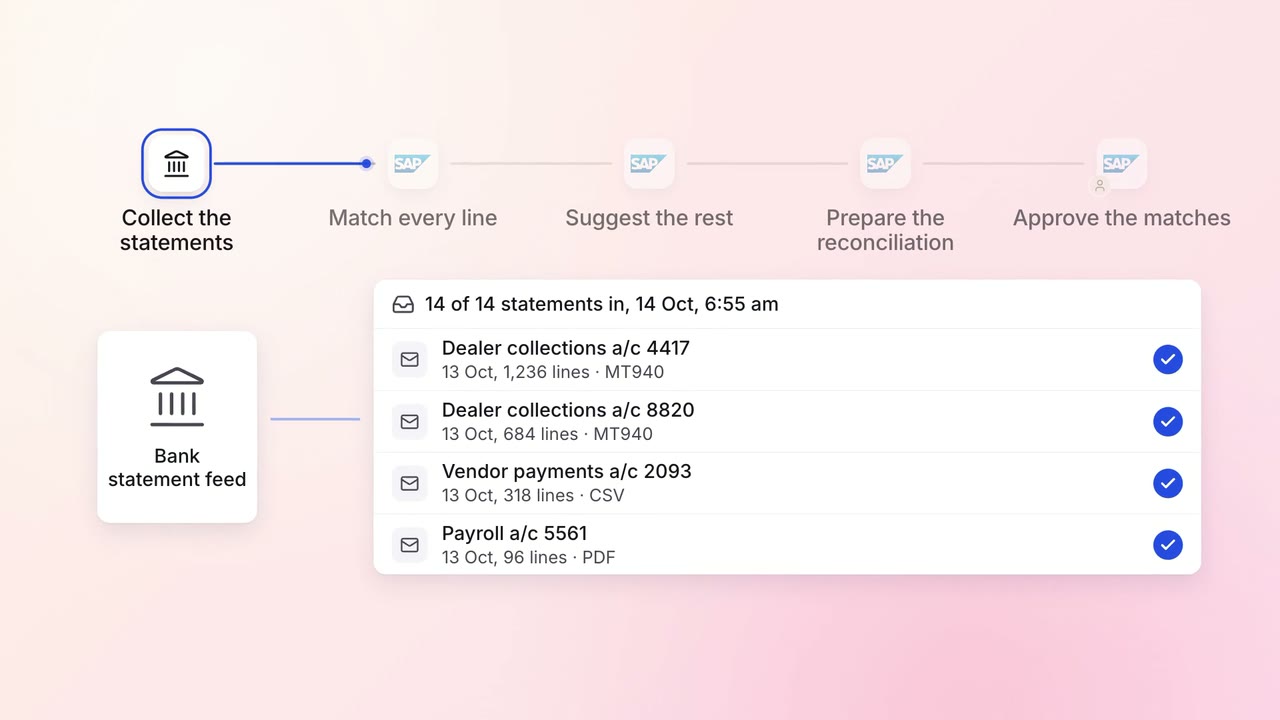
Finance Month-end close
Every bank account is reconciled each morning, with only the exceptions left for the team
- Bank statements
- SAP S/4HANA
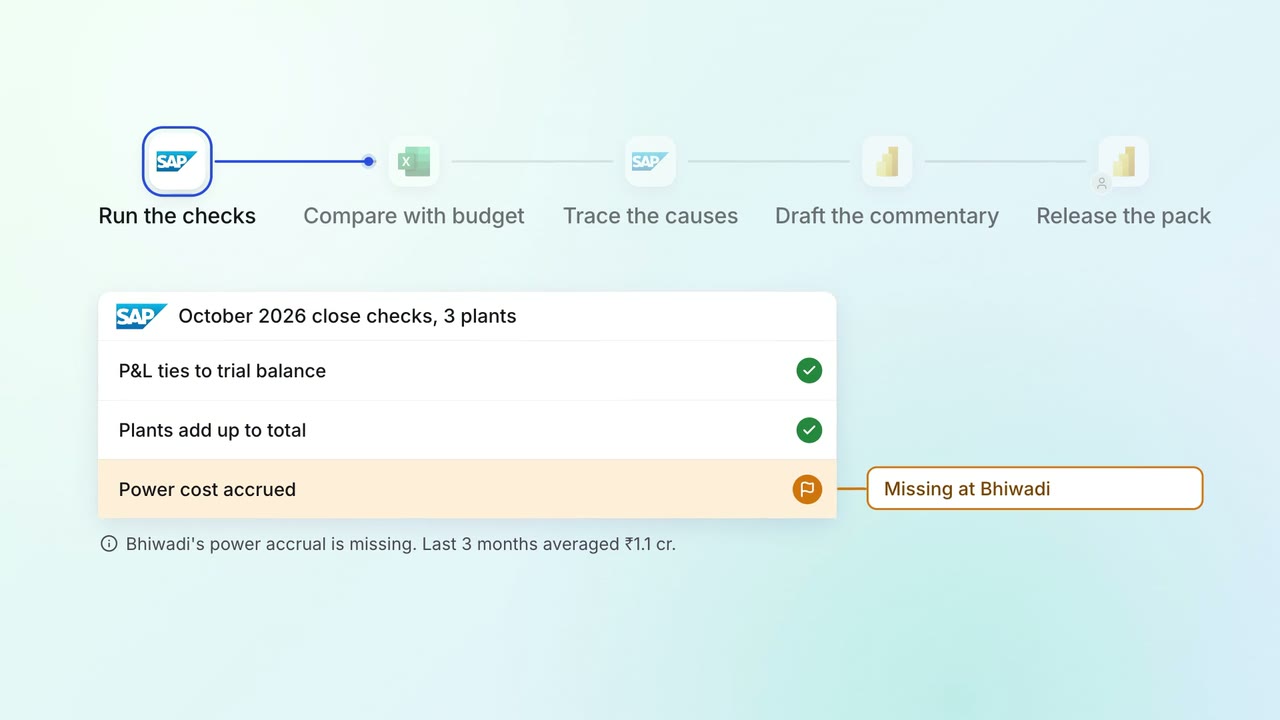
Leadership Management reports
The monthly MIS pack arrives with the numbers checked and the variances explained
- SAP S/4HANA
- Excel
 Power BI
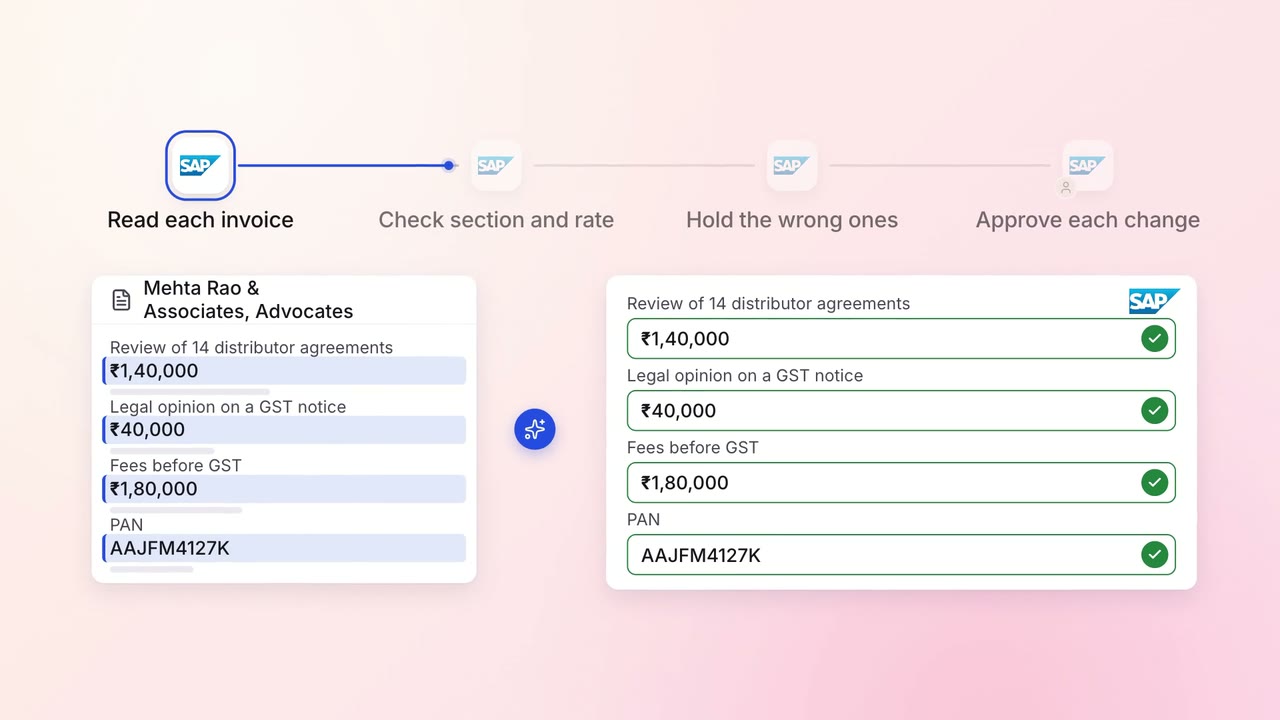
Finance GST and TDS
TDS on every vendor payment is checked for the right section and rate
- SAP S/4HANA