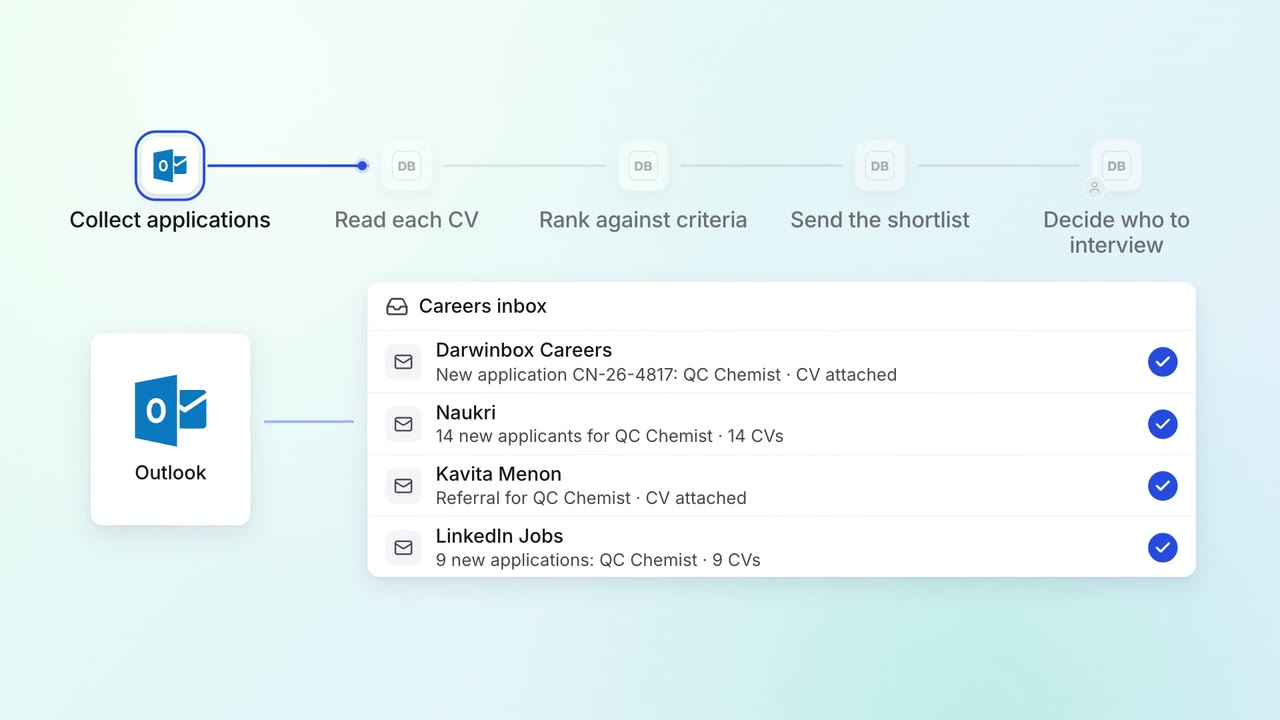
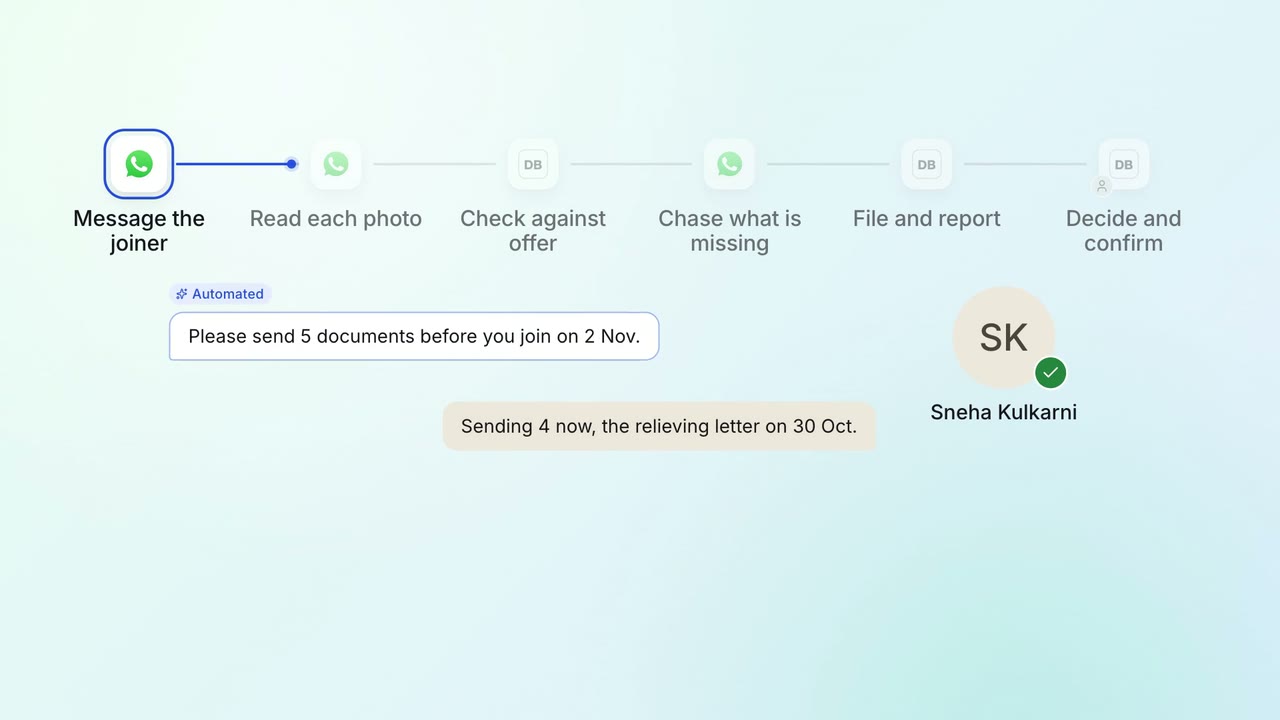
Interviews are booked across busy panels the day the shortlist is approved
The AI finds the times the whole panel is free in Outlook, offers them to each candidate and books the interview with a Teams link. The panel interviews and decides.
- Used day to day by
- Recruiters
- Hiring managers
How it runs with AI
As soon as the hiring manager asks for interviews, the AI reads the panel's Outlook calendars, holds the times when everyone is free and checks any doubtful ones on Teams. It offers each candidate a choice of times, books the one they pick with a Teams link and updates Darwinbox. The recruiter handles the exceptions.
How it is done today
Each panel interview needs several busy people and a candidate in the same hour, often across plants and cities. A recruiter checks calendars, messages each interviewer on Teams, emails the candidate and starts again when someone has a clash. One interview can take days and many messages to settle.
Step by step
Where the work happens, what the AI does, and where it hands over to a person.
-
Step 1, AI
Reads the hiring manager's request for the next interview round
Needs to know: Interview rounds by role, Panel for each round
In
 Outlook
 -
Step 2, AI
Finds the times every panel member is free in Outlook
Needs to know: Working hours by location, Interview length
In
Outlook -
Step 3, AI
Holds the slots and checks the doubtful one with the panel on Teams
Needs to know: Slot hold rules
In
 Microsoft Teams , Outlook
 Exception to step 3
Finds the next time the whole panel is free when someone has a clash
-
Step 4, AI
Emails each candidate a choice of times and books the one they pick
Needs to know: Approved email wording, Reminder timing
In
Outlook Exception to step 4
Sends a reminder after a day, then passes the candidate to a recruiter
-
Step 5, AI
Sends the Teams invite and the interview pack, and updates Darwinbox
Needs to know: Interview pack contents
In
Outlook , Microsoft Teams ,  Darwinbox
 -
Step 6, Person
Interviews the candidate, and the hiring manager decides who goes forward
In
Microsoft Teams , Darwinbox
What stays with a person
- Interviews the candidate, and the hiring manager decides who goes forward
Apps in this example
- Outlook
- Microsoft Teams
- Darwinbox
The same flow works with the apps you use.
This fits you if
- Your interview panels have 3 or more people, often in different cities
- Recruiters arrange interviews through email and Teams messages today
- Your panel members keep their calendars in Outlook
- Candidates wait a day or more to hear their interview time
What to watch for
- The assistant sees free and busy times in each calendar, and meeting details stay private
- It books against what Outlook shows, so the panel keeps calendars current and flags any clash on Teams
- Candidates are told they are writing to an automated assistant and get a named recruiter for questions
- Who goes forward, and any offer, stays with the hiring manager and HR