Joining documents are collected and checked before day one
Joiners send their documents on WhatsApp. The AI reads each one, checks it against the offer in Darwinbox and chases what is missing. HR signs off.
- Used day to day by
- Plant HR
- HR head
How it runs with AI
The AI messages each joiner on WhatsApp the day the offer is accepted, reads every photo they send and checks names, dates and numbers against the offer in Darwinbox. It asks again for anything blurred or missing and files the documents in the joiner's record. HR sees who is ready for day one and decides on any mismatch.
How it is done today
Once an offer is accepted, HR emails the joiner a list of documents. They come back over the next few weeks as email attachments, WhatsApp photos to the recruiter and paper copies on day one. The HR executive at each plant checks names and dates by eye, chases by phone and types the details into Darwinbox, so some joiners miss their first salary run.
Step by step
Where the work happens, what the AI does, and where it hands over to a person.
-
Step 1, AI
Messages each joiner on WhatsApp the day the offer is accepted
Needs to know: Documents each role needs, Approved message template
In
 WhatsApp Business ,
  Darwinbox
 -
Step 2, AI
Reads every photo the joiner sends
Needs to know: Accepted document types
In
WhatsApp Business -
Step 3, AI
Checks each detail against the offer in Darwinbox
Needs to know: Acceptable name variations
In
Darwinbox Exception to step 3
Sends any mismatch in name or date of birth to HR to decide
-
Step 4, AI
Asks the joiner again for anything blurred or missing
Needs to know: Each joiner's start date, Reminder timing
In
WhatsApp Business -
Step 5, AI
Files the documents in Darwinbox and shows HR who is ready
Needs to know: Access rules for records
In
Darwinbox -
Step 6, Person
Confirms each joiner for day one, after deciding the flagged items
In
Darwinbox
What stays with a person
- Confirms each joiner for day one, after deciding the flagged items
Apps in this example
- WhatsApp Business
- Darwinbox
The same flow works with the apps you use.
This fits you if
- You bring in more than 20 joiners a month across several sites
- Joiners send documents as email attachments, WhatsApp photos and paper copies
- HR executives at each site chase documents by phone in the week before joining
- Some joiners miss their first salary run because their bank details arrive late
What to watch for
- Aadhaar, PAN and bank details are personal data. Screens and reports show only the last 4 digits, and the files sit in Darwinbox under the same access rules as the rest of the employee record
- Joiners agree to share documents on WhatsApp when they accept the offer, and can upload to the Darwinbox portal instead. WhatsApp requires the first message to use a template it has approved
- A different name, a different date of birth or a missing relieving letter can have many reasons. Whether the joiner starts on the day is HR's decision. The automation marks it and passes it on
Often done together
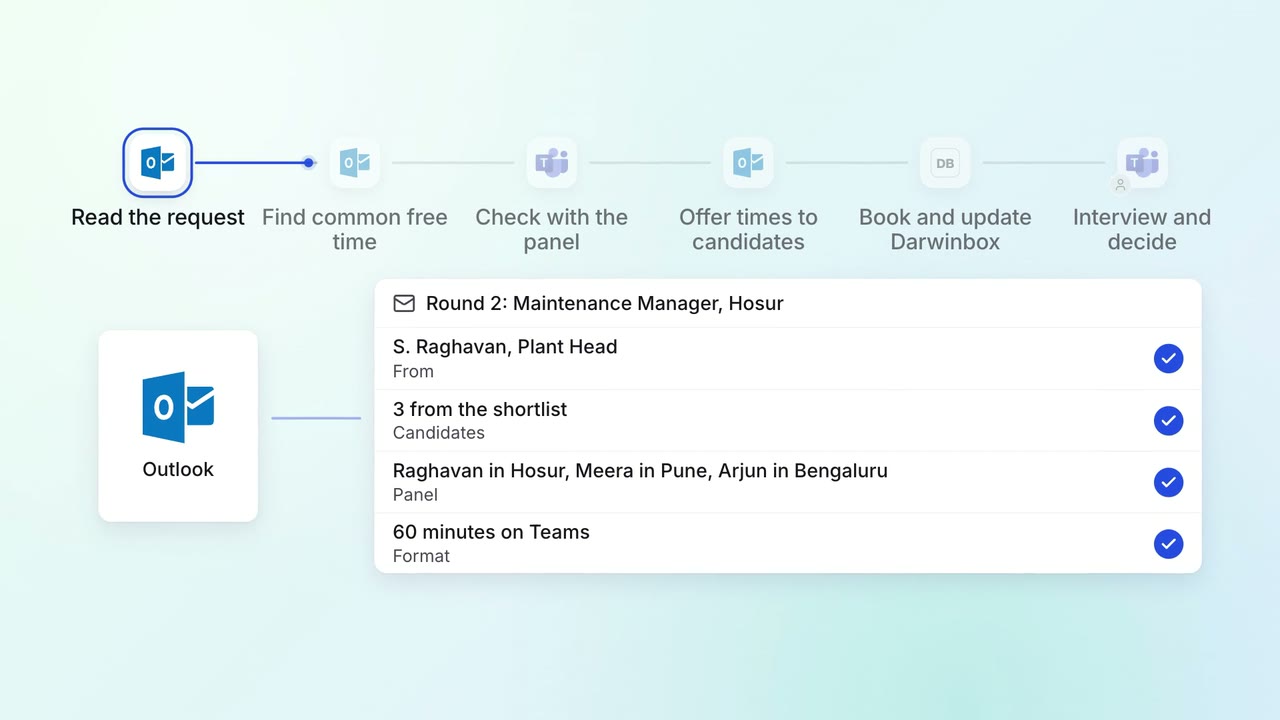
HR Hiring
Interviews are booked across busy panels the day the shortlist is approved
 Outlook
 Microsoft Teams
- Darwinbox
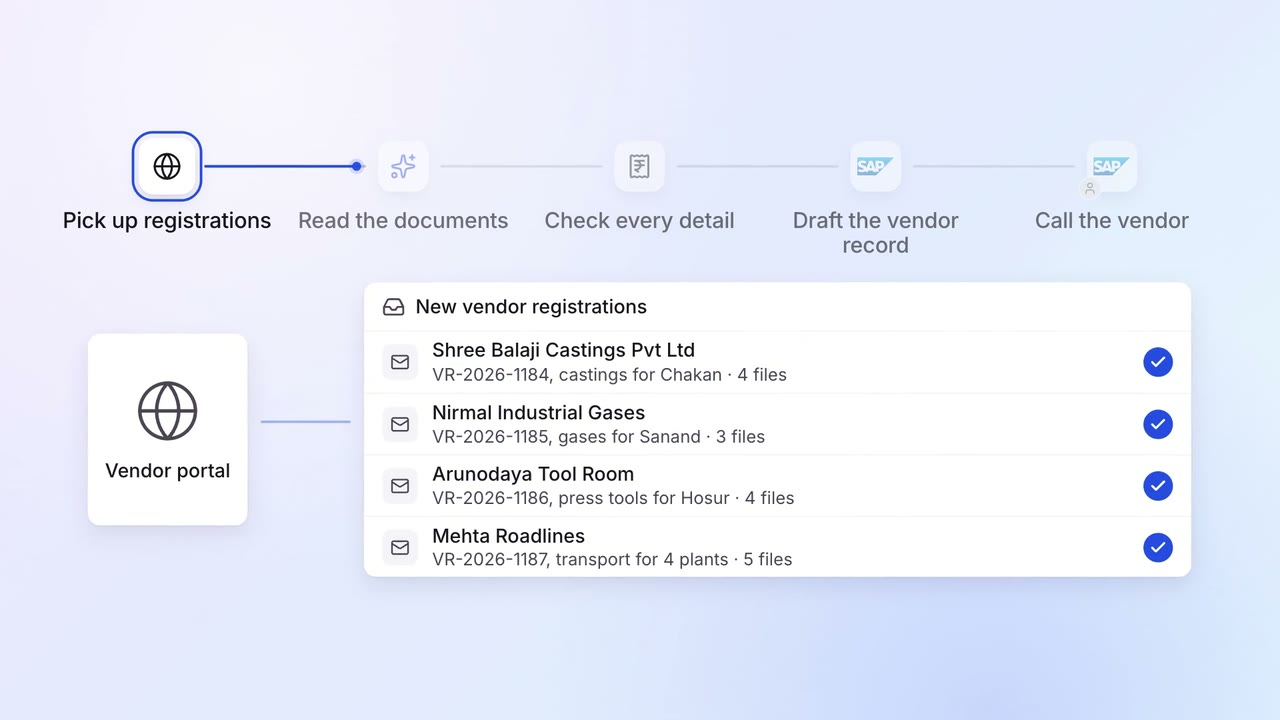
Operations Vendor management
New vendors are set up in SAP with their GST, PAN and bank details checked
- Vendor portal
- GST portal
 SAP S/4HANA
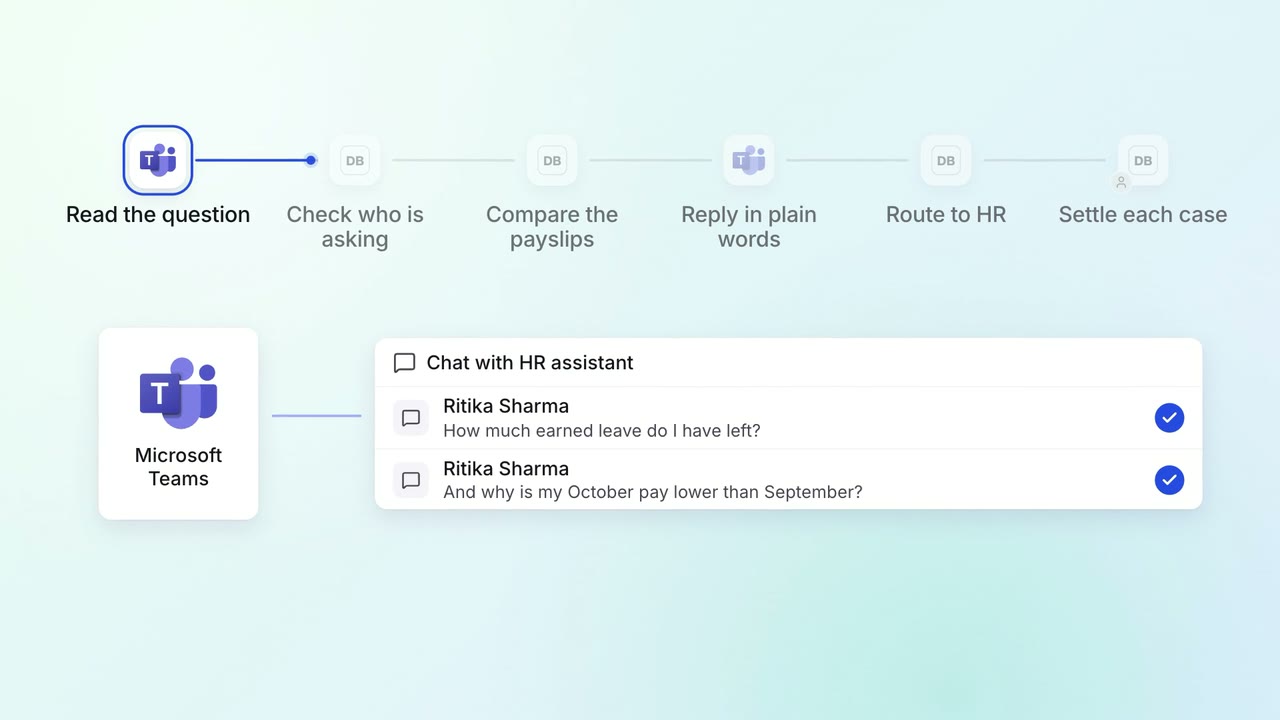
HR Leave, attendance and payroll questions
Employees get answers on leave balances and payslips on Teams, any time
- Microsoft Teams
- Darwinbox