Investor and analyst questions get draft answers from your published numbers
The AI answers each analyst email from your results, investor presentation and call transcript, with the source page for every number. Questions that need anything unpublished go to your investor relations head.
- Used day to day by
- Investor relations team
- Finance head
- Company secretary
How it runs with AI
The AI reads each email in the investor relations mailbox and splits it into separate questions. It answers each one only from documents you have already published, with the document and page for every number, and marks any question that needs unpublished information. Your head of investor relations checks every draft, decides on the marked questions and sends the reply.
How it is done today
After every results announcement, analysts and fund managers email the investor relations team with follow-up questions. Someone searches the results, the investor presentation and the call transcript for each answer, and checks with the CFO on anything that looks new. Replies take days, and the team has to be sure every answer stays within what is already public.
Step by step
Where the work happens, what the AI does, and where it hands over to a person.
-
Step 1, AI
Reads each email in the investor relations mailbox and splits out every question
Needs to know: Analysts who cover you
In
 Outlook
 -
Step 2, AI
Finds each answer in your published results, presentations, call transcripts and annual report
Needs to know: Published disclosures only, Latest stated guidance
In
 SharePoint
 Exception to step 2
Shows both figures to the investor relations head when two documents differ
-
Step 3, AI
Marks any question that needs unpublished information and holds it for the investor relations head
Needs to know: What is public so far, Disclosure policy
In
SharePoint -
Step 4, AI
Drafts the reply in Outlook, with the document and page under every number
Needs to know: Past replies to analysts, House reply style
In
Outlook -
Step 5, Person
Checks every answer, decides on the held question and sends the reply
In
Outlook
What stays with a person
- Checks every answer, decides on the held question and sends the reply
What the AI answers from
The AI reads one SharePoint library, and your investor relations team adds each document to it on the day it becomes public:
- Quarterly results and results press releases filed with the stock exchanges
- Investor presentations
- Earnings call transcripts posted on your website
- Annual reports and other stock exchange announcements
Draft results, board papers and internal forecasts stay in folders outside the AI’s access.
Apps in this example
- Outlook
- SharePoint
The same flow works with the apps you use.
This fits you if
- Your shares are listed and analysts cover your company
- Analyst and investor questions arrive by email after every results announcement
- Your results, presentations and call transcripts are kept in SharePoint or on your website
- Your investor relations team finds and checks each answer by hand today
What to watch for
- Price-sensitive information reaches analysts only after it is public. The AI drafts answers only from published, already-disclosed numbers, with the source page for each
- New information, like current-quarter volumes, revised guidance or customer names, goes to your investor relations head. If it needs to be shared, your company announces it through the stock exchanges, so everyone gets it at the same time
- Your head of investor relations checks and sends every reply. If something unpublished goes out by mistake, your company makes it public promptly
- Where 2 documents give different figures, for example guidance updated on the call, the draft uses the latest and shows both to the investor relations head
Often done together
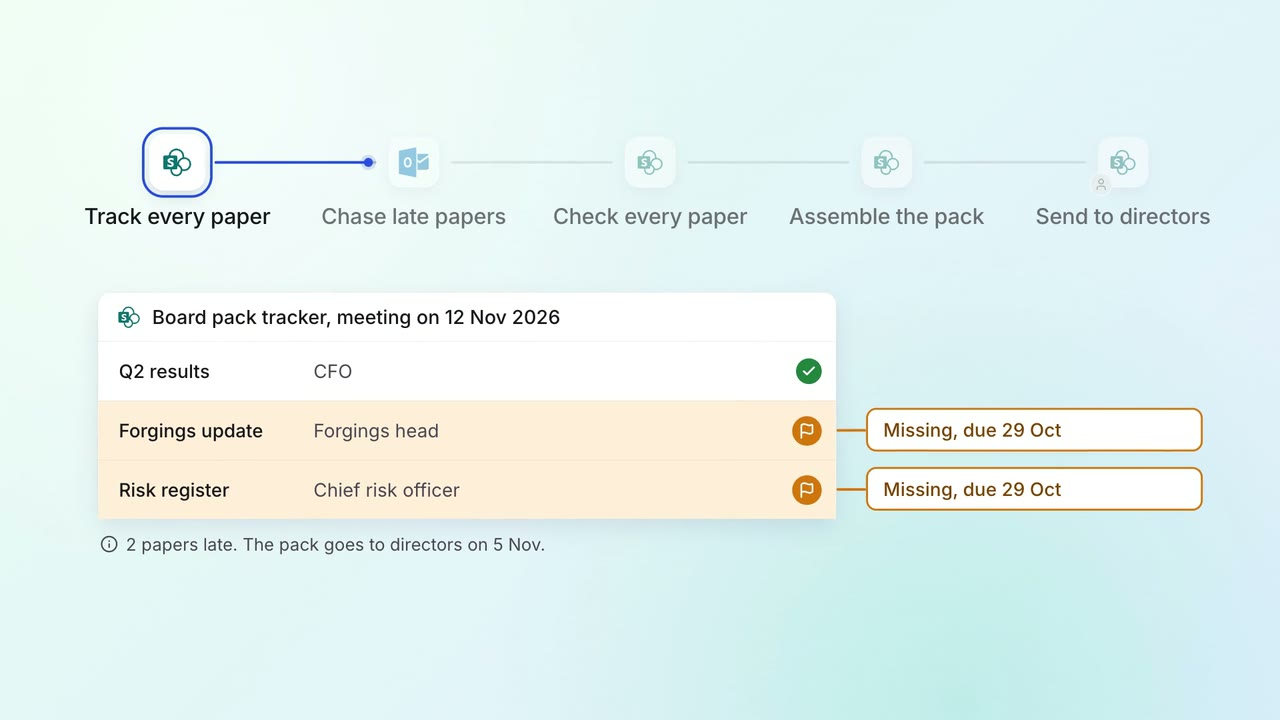
Leadership Board and investor packs
The board pack comes together from every department's papers, with late ones chased
- SharePoint
- Outlook
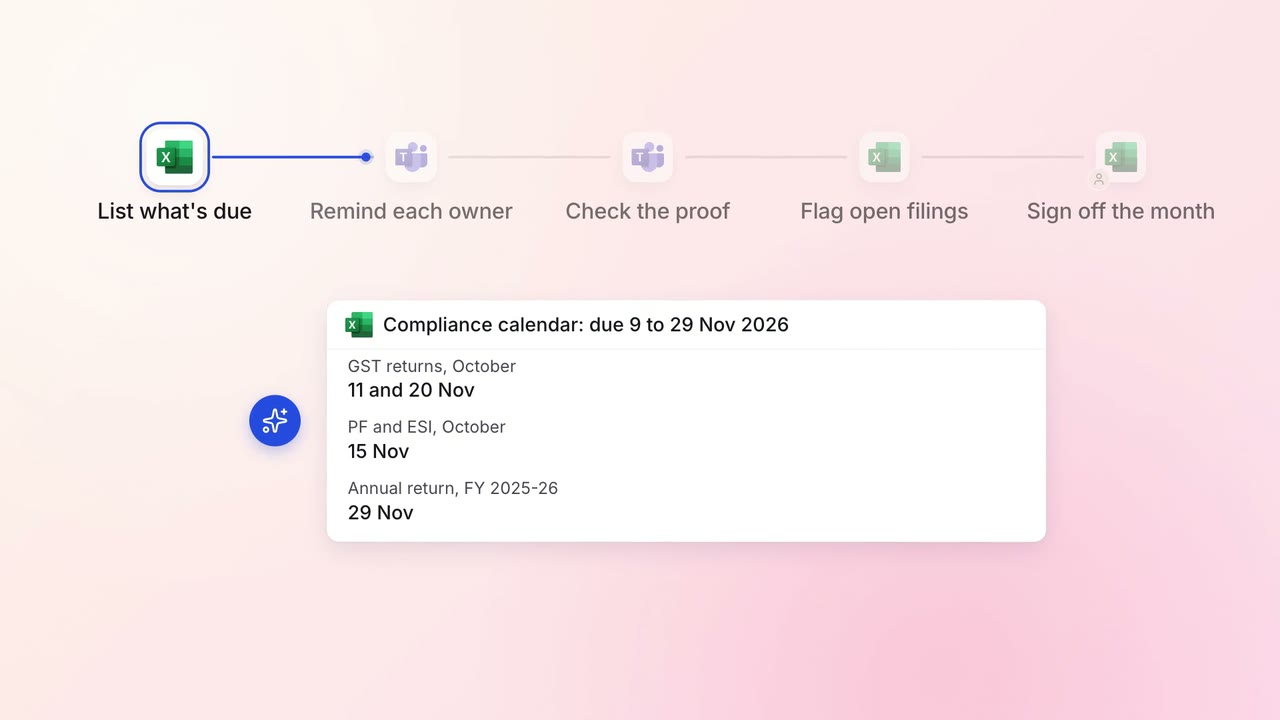
Legal and compliance Regulatory tracking
Every statutory filing across your companies is tracked to its due date
 Excel
Excel Microsoft Teams
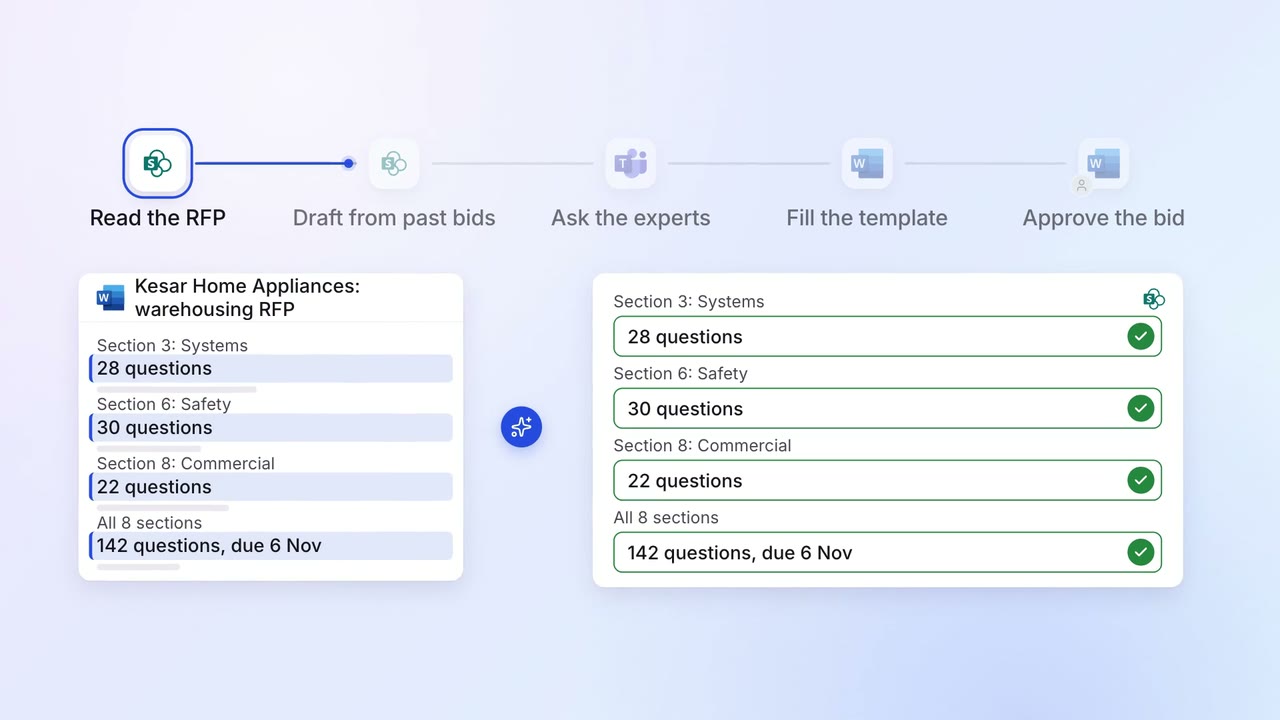
Sales Proposals and quotes
Most RFP questions are answered from your past bids, and experts fill the gaps
- SharePoint
 Microsoft Word
- Microsoft Teams