Every joiner's accounts and laptop are ready before day one
When HR confirms a joiner in Darwinbox, the AI sets up the accounts, gets the manager's approval for extra access, assigns a laptop in Intune and chases every ServiceNow task until the joiner is ready.
- Used day to day by
- IT team
- HR team
- Hiring managers
How it runs with AI
The AI picks up each joiner in Darwinbox as soon as HR confirms the joining date. It builds the access list for that role and site, gets the manager's approval on Teams for anything beyond the standard, creates the accounts, assigns the laptop in Intune and chases every ServiceNow task. IT knows well ahead which joiners still have an open task.
How it is done today
HR emails IT a list of joiners, often a few days before they start. IT creates the account, then raises separate requests for the laptop, the SAP role and the shared folders, and each one waits on a different person. Many joiners spend their first morning waiting for a laptop or a login.
Step by step
Where the work happens, what the AI does, and where it hands over to a person.
-
Step 1, AI
Picks up each confirmed joiner with the role, site, manager and joining date
Needs to know: When a joiner is confirmed
In
 Darwinbox
 Exception to step 1
Moves every task when HR changes the date, and closes them all if the offer is withdrawn
-
Step 2, AI
Builds the access list from the standard list for that role and site
Needs to know: Standard access by role, Access by site, Items needing approval
In
Darwinbox ,  ServiceNow
 -
Step 3, Person
Approves the SAP role and anything beyond the standard list on Teams
In
 Microsoft Teams
 -
Step 4, AI
Creates the accounts, assigns the laptop and opens a ServiceNow task for each step
Needs to know: Laptop models by role, Who owns each task
In
 Entra ID , Intune , ServiceNow
 -
Step 5, AI
Chases the owner of each open ServiceNow task on Teams until the joiner is ready
Needs to know: Task owners by site, Joining dates
In
Microsoft Teams , ServiceNow Exception to step 5
Alerts the IT lead about any task still open close to the joining date
What stays with a person
- Approves the SAP role and anything beyond the standard list on Teams
Apps in this example
- Darwinbox
- Entra ID
- Microsoft Teams
- Intune
- ServiceNow
The same flow works with the apps you use.
This fits you if
- More than 30 people join each month across your sites and offices
- HR records joiners in Darwinbox and IT works from ServiceNow
- Your laptops are set up through Intune and Windows Autopilot
- Joiners sometimes wait for a laptop, email or SAP access after they start
What to watch for
- The standard access list for each role belongs to IT and the department head, who review it twice a year. Anything beyond it, such as rights to approve payments in SAP, also needs the role owner's approval
- On day one, IT hands the joiner a Temporary Access Pass from Entra ID, a one-time code that works for a set time, so the first sign-in happens in person
- Accounts made ahead of day one stay unused until the joiner arrives. When HR marks a no-show in Darwinbox, the AI disables the account that day and the laptop goes back to stock
Often done together
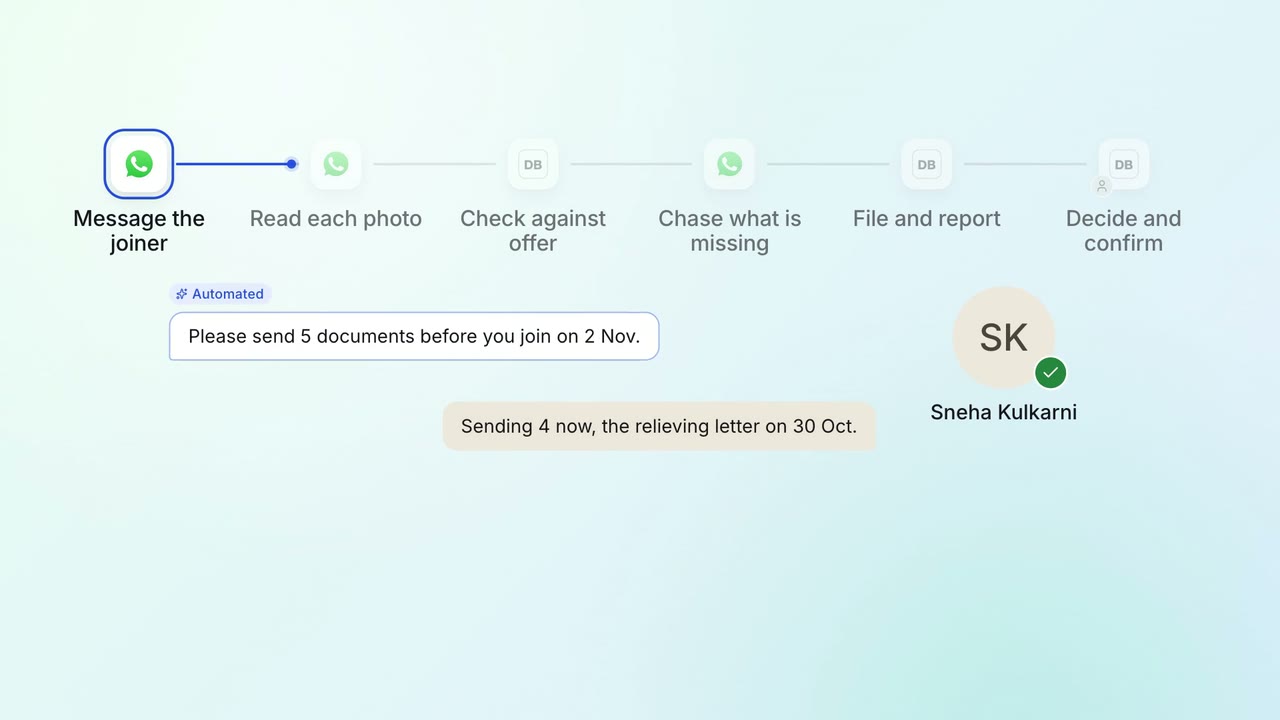
HR Onboarding
Joining documents are collected and checked before day one
 WhatsApp Business
- Darwinbox
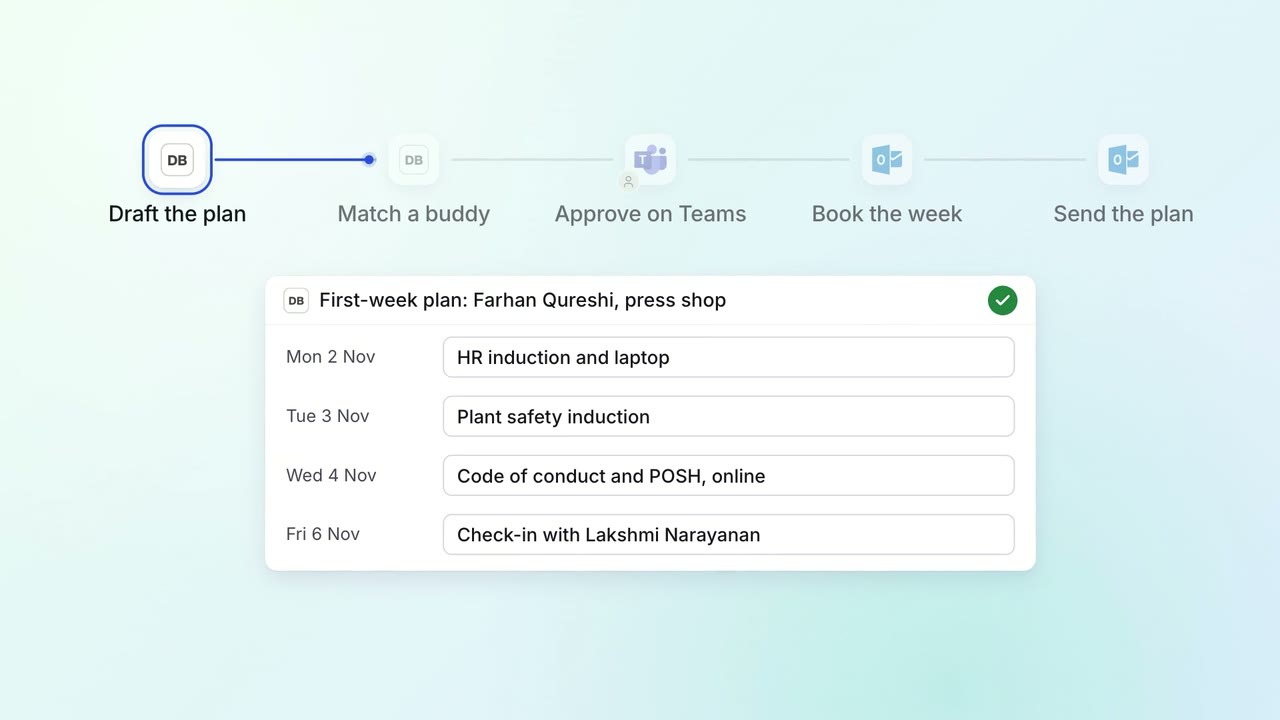
HR Onboarding
Every joiner gets a first-week plan, a buddy and trainings booked before day one
- Darwinbox
- Microsoft Teams
 Outlook
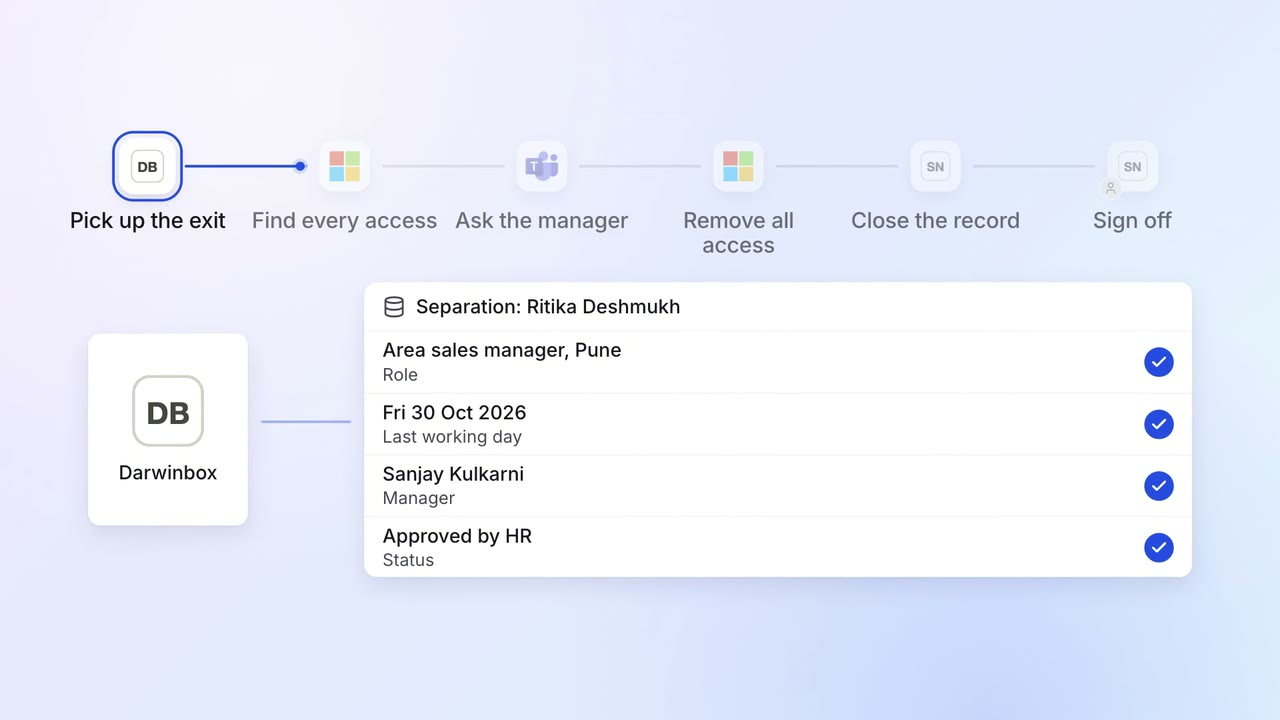
IT Access for joiners and leavers
Every leaver's access ends on the last day, with a record for audit
- Darwinbox
- Entra ID
- Microsoft Teams
- ServiceNow
 SAP S/4HANA
 Salesforce