New joiners get their first-month questions answered on Slack, with the source
Joiners ask the onboarding assistant on Slack about leave, apps, policies and who does what. It answers from their own Keka record, the Notion handbook and the Freshservice catalogue, and raises IT requests for them.
- Used day to day by
- New joiners
- HR team
- Hiring managers
What the assistant uses here
Answers from your systems, within each person's access.
- Channels Reaches people where they already talk
- Your approval Acts in your systems only after a person approves
How it runs with AI
Joiners ask the onboarding assistant on Slack, at any hour. It reads their own Keka record, finds the rule in the Notion handbook and checks the Freshservice catalogue, then answers with the source. It raises IT requests for them, and anything that needs a decision goes to their manager or HR.
How the assistant works here
Where people ask, what it draws on, and what comes back.
Where people ask
-
 Slack, steps 1 and 5
Who asks
- New joiners
- HR team
- Hiring managers
What it draws on
Apps
-
 Keka, steps 2 and 6
 -
 Notion, step 3
 -
 Freshservice, steps 4 and 6
Context
- Each joiner's start date, step 1
- Who can see what, step 2
- Current handbook, step 3
- Probation rules, step 3
- IT service catalogue, step 4
- Approver for each request, step 4
- Who does what page, step 5
- Topics passed to HR, step 5
What comes back, and who decides
- An answer with its sources, step 5
Who decides
- The joiner's manager decides on unpaid leave and each request, step 6
How a request runs
-
Step 1, the assistant: Picks up the questions a joiner asks the onboarding assistant on Slack
-
Step 2, the assistant: Opens only the joiner's own Keka record for their start date, probation, leave and manager
-
Step 3, the assistant: Checks each request against the rules in the Notion handbook
-
Step 4, the assistant: Raises a Freshservice request for any licence or access, and sends it to the manager
-
Step 5, the assistant: Answers every question in one reply, each with its source
Exception Passes questions outside the handbook to HR, with the chat attached
- Person
Step 6, a person: The joiner's manager decides on unpaid leave and each request
The same flow works with the apps you use.
Who controls it
-
Access
It runs with each person's own access, so it shows only what they could open themselves
-
Approvals
Leave, licences and access stay with the manager or HR to approve. The assistant prepares the request
-
Record
Every question, source, action and approval is recorded
Who sees what
- Each joiner sees only their own Keka record: start date, probation, leave and manager. Pay details stay with HR.
- The handbook, the “who does what” page and the IT catalogue are open to everyone, so anyone can ask about them.
- The assistant knows who is asking from their Slack sign-in, matched to their Keka record.
- HR sees every question asked, so it can spot what the handbook should cover next.
This fits you if
- You hire 5 or more people a month
- Your handbook and team pages live in Notion
- Leave and probation are tracked in Keka, and IT requests in Freshservice
- HR and managers answer the same joiner questions every month
What to watch for
- Answers are as current as the handbook, so HR updates the Notion page on the day a policy changes
- Pay, appraisal and personal matters go straight to a person in HR, and the assistant tells the joiner who will reply
- HR reads a sample of answers each week in the first month and fixes any page that causes follow-up questions
Often done together
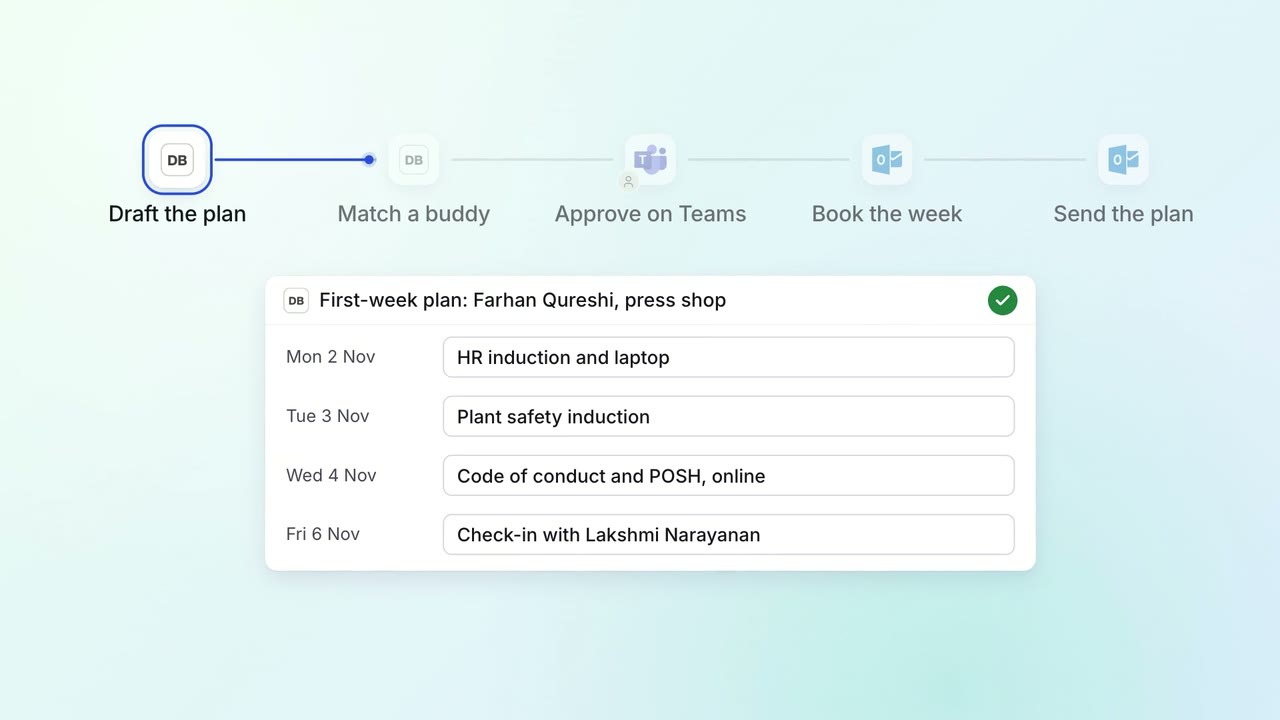
HR Onboarding
Every joiner gets a first-week plan, a buddy and trainings booked before day one
 Darwinbox
 Microsoft Teams
 Outlook
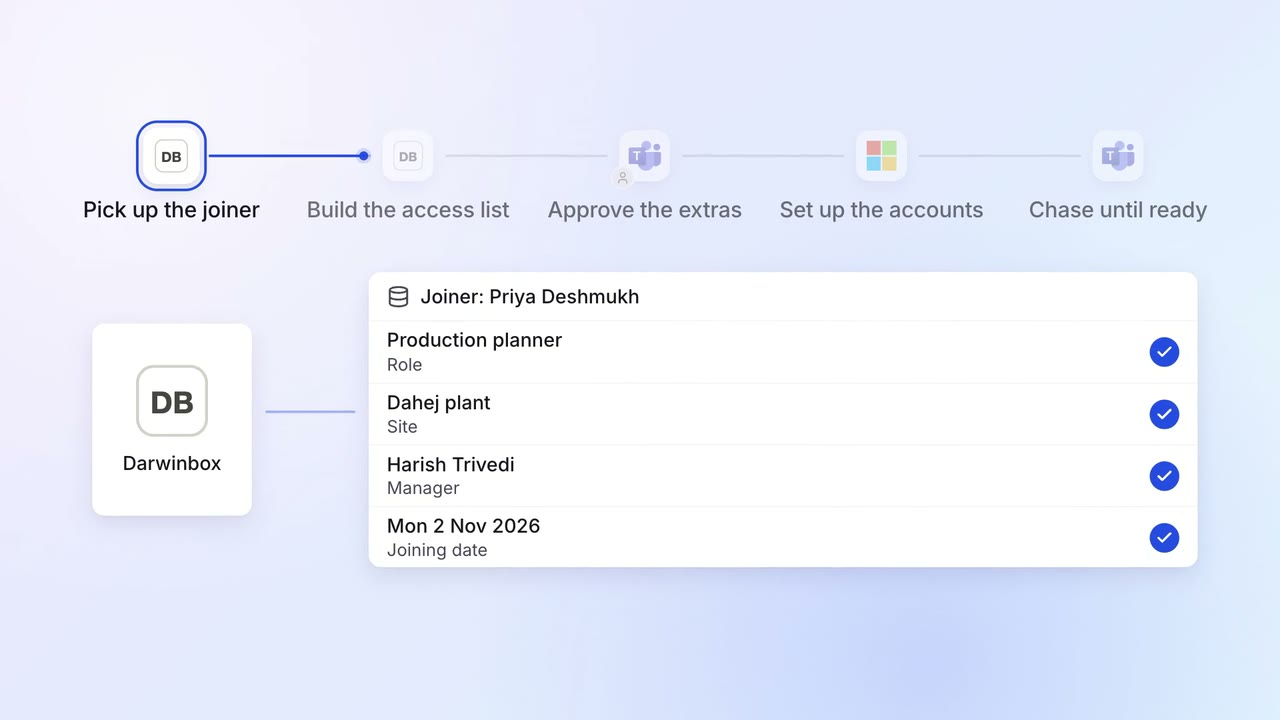
IT Access for joiners and leavers
Every joiner's accounts and laptop are ready before day one
- Darwinbox
 Entra ID
- Microsoft Teams
- Intune
 ServiceNow
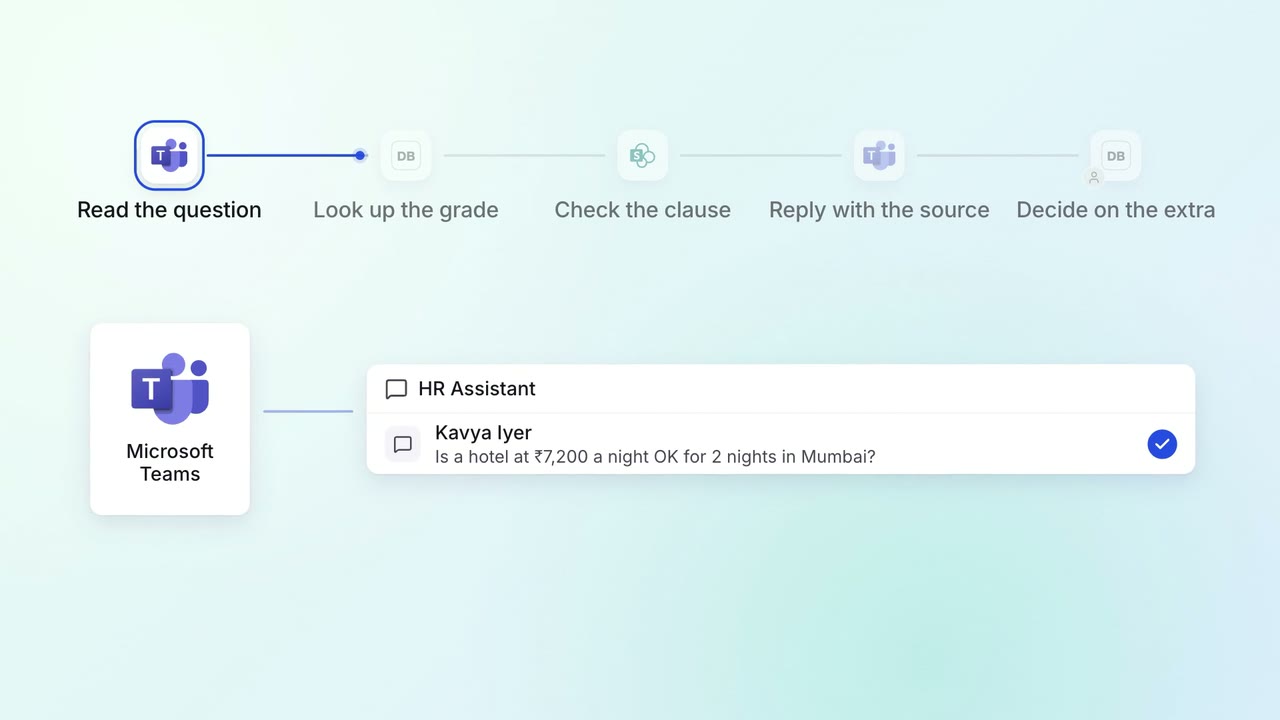
HR Policy questions
Staff get policy answers on Teams, with the clause each answer comes from
- Microsoft Teams
- Darwinbox
 SharePoint