Late supplier deliveries are chased every day, and buyers see who is slipping
Each morning the AI emails suppliers about late or unconfirmed PO lines in SAP and records their new dates. Buyers get a weekly on-time score for every supplier.
- Used day to day by
- Purchase team
- Purchase head
- Production planners
How it runs with AI
The AI checks every open line across your plants each morning and emails the supplier when a line is late or has no confirmed date. It reads the reply, records the new date in SAP and warns the buyer when that date puts production at risk. Every Monday the buyers get each supplier's recent on-time score.
How it is done today
Buyers run the open purchase order report in SAP, pick out the late lines and email or call each supplier for a date. The new dates stay in their inboxes, so SAP still shows the old ones and production planning hears about a delay when the material is missing. Supplier on-time scores are put together by hand in Excel, once a quarter at best.
Step by step
Where the work happens, what the AI does, and where it hands over to a person.
-
Step 1, AI
Checks every open purchase order line in SAP each morning
Needs to know: What counts as late
In
 SAP S/4HANA
 -
Step 2, AI
Emails each supplier whose line is late or unconfirmed
Needs to know: Supplier contacts, Reminder rules
In
 Outlook
 Exception to step 2
Sends a reminder the next morning, then asks the buyer to call
-
Step 3, AI
Records the supplier's new dates in SAP and warns the buyer
Needs to know: Production need dates, Buyer for each supplier
In
Outlook , SAP S/4HANA -
Step 4, AI
Sends buyers a weekly on-time score for every supplier
Needs to know: On-time target, Scoring period
In
SAP S/4HANA , Outlook -
Step 5, Person
Calls each slipping supplier and decides on the next step
In
SAP S/4HANA
What stays with a person
- Calls each slipping supplier and decides on the next step
Apps in this example
- SAP S/4HANA
- Outlook
The same flow works with the apps you use.
This fits you if
- You have hundreds of open purchase order lines across your plants at any time
- Buyers chase suppliers line by line, by email and phone
- New dates agreed with suppliers stay in inboxes while SAP shows the old date
- Supplier on-time scores are put together by hand in Excel
What to watch for
- The on-time score relies on goods receipt dates, so stores post each receipt in SAP on the day the goods arrive
- Some suppliers answer by phone. The buyer enters a date agreed on a call in SAP, and the AI works from that date
- Penalties, a second source or moving volume to another supplier are decisions for the buyers and the purchase head. The automation gives them the dates and the record
- The emails go from the purchase team's shared mailbox and say they come from an automated assistant, so suppliers know a buyer is one reply away
Often done together
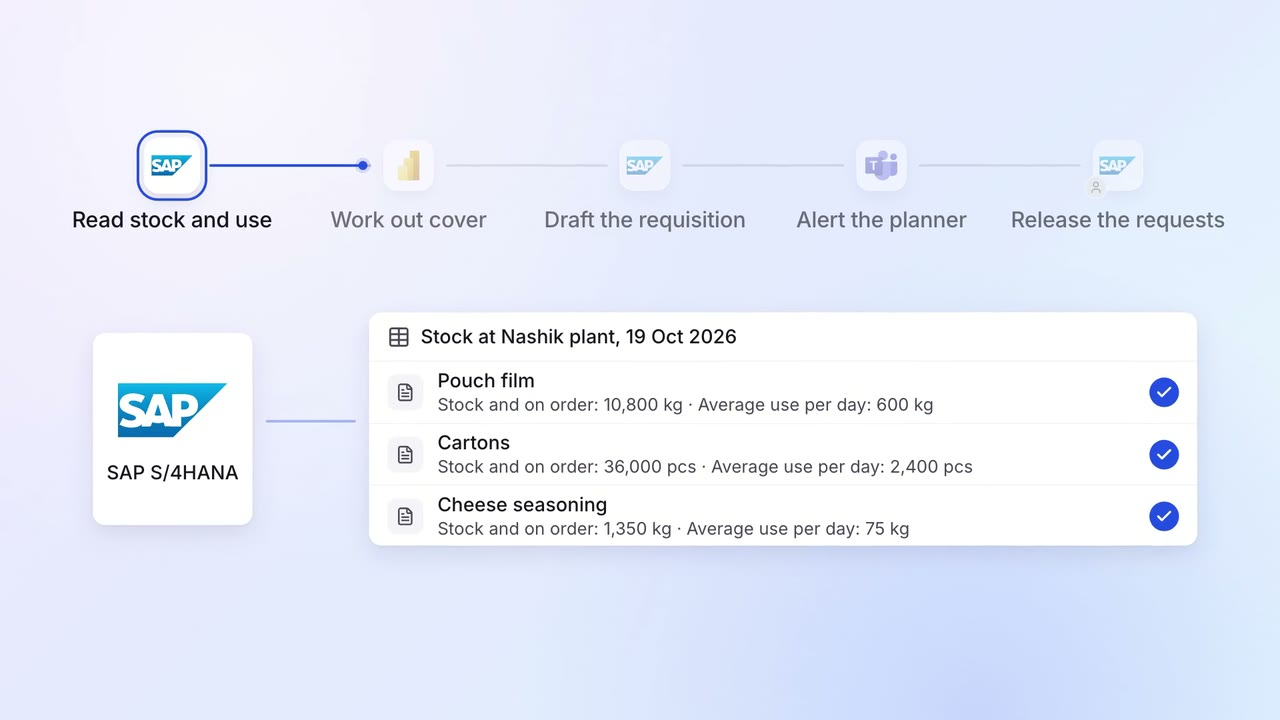
Operations Inventory and purchasing
Purchase requests go in before stock runs out, based on what you actually use
- SAP S/4HANA
 Power BI
 Microsoft Teams
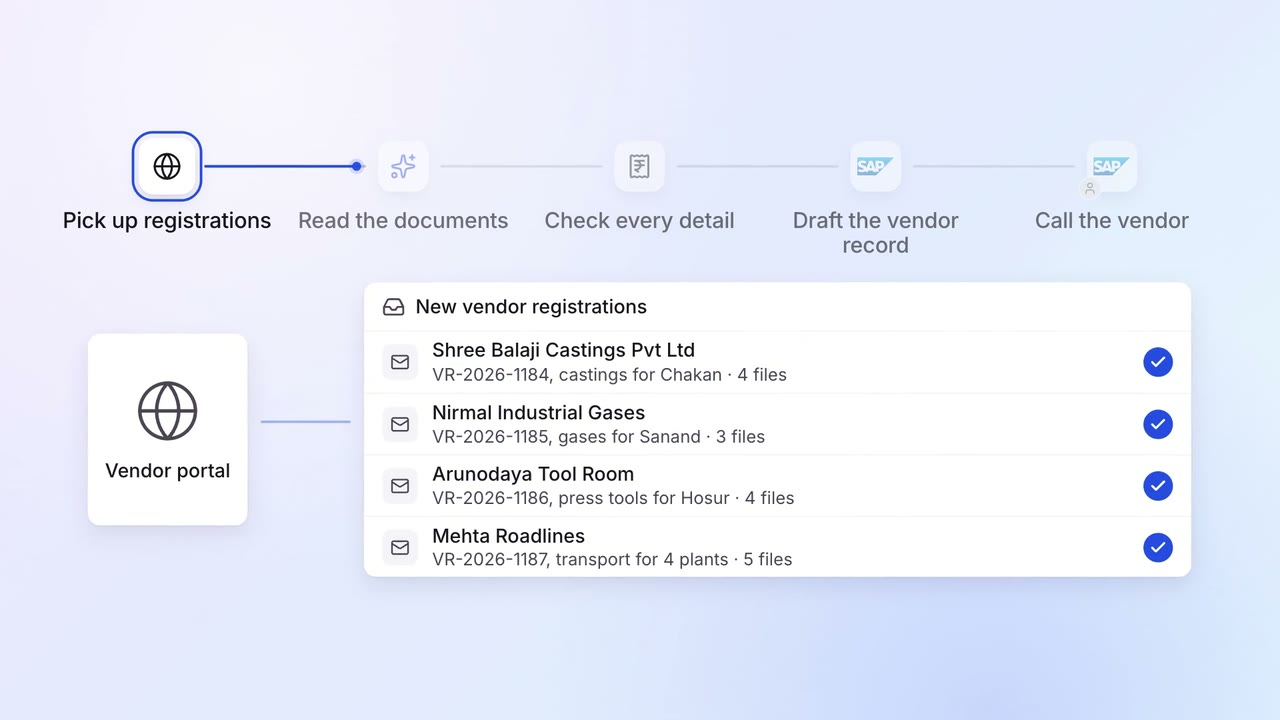
Operations Vendor management
New vendors are set up in SAP with their GST, PAN and bank details checked
- Vendor portal
- GST portal
- SAP S/4HANA
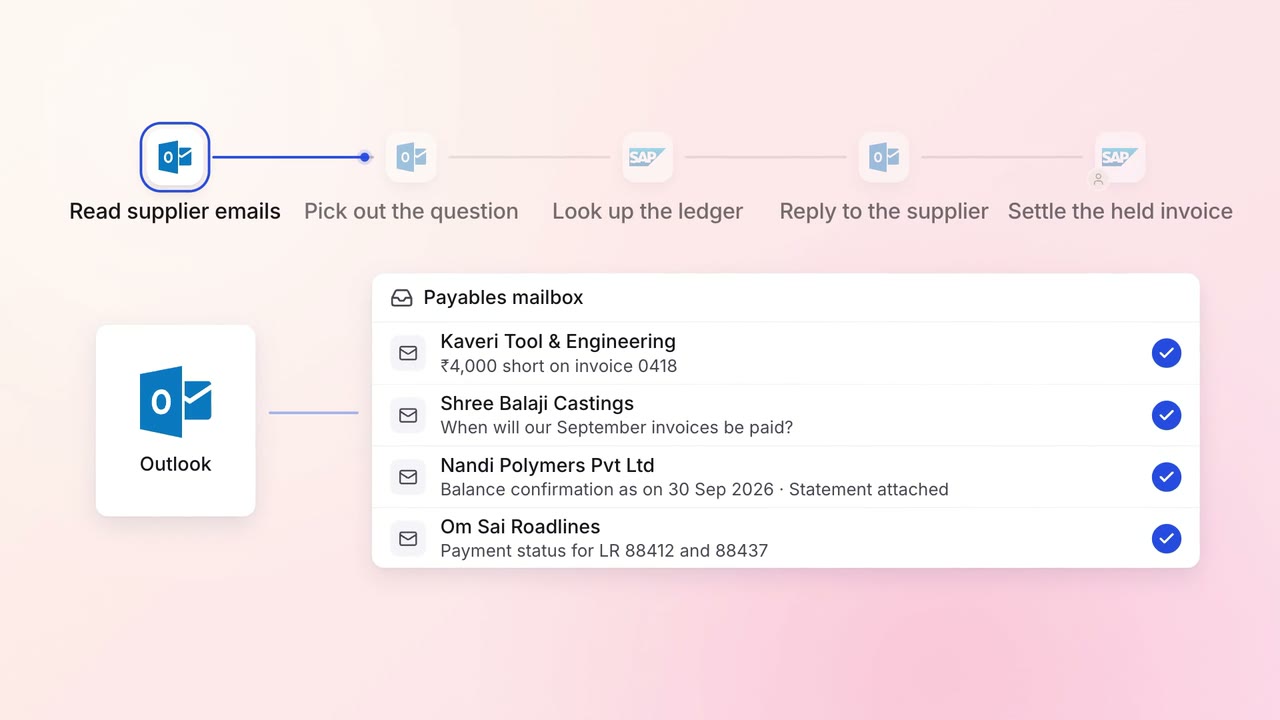
Finance Supplier bills and payments
Supplier payment queries get an answer the same day, straight from the ledger
- Outlook
- SAP S/4HANA