Supplier payment queries get an answer the same day, straight from the ledger
The AI reads each supplier email, looks up the invoices and payments in SAP and replies with the facts. Disputes reach your payables team with a draft reply.
- Used day to day by
- Payables team
- Financial controllers
How it runs with AI
The AI reads each supplier email as it arrives, finds the invoices it mentions in SAP and replies the same day with the payment date, the bank reference and any TDS deducted. When an invoice is on hold or the supplier disputes an amount, the payables team gets the case with the facts gathered and a draft reply.
How it is done today
Suppliers email the payables mailbox to ask when an invoice will be paid or why a payment came in short. Someone looks up each invoice in SAP, traces the payment and works out the deductions, often after a call to the plant that received the goods. Replies take days, and suppliers write again in the meantime.
Step by step
Where the work happens, what the AI does, and where it hands over to a person.
-
Step 1, AI
Reads every supplier email in the payables mailbox
Needs to know: Registered vendor emails
In
 Outlook
 -
Step 2, AI
Picks out the supplier, the invoices and the question
Needs to know: Vendor codes by supplier
In
Outlook ,  SAP S/4HANA
 -
Step 3, AI
Looks up the invoices and payments in SAP
Needs to know: Hold reasons, Deduction rules
In
SAP S/4HANA -
Step 4, AI
Replies the same day with the facts from the ledger
Needs to know: Approved reply wording, Payables contact person
In
Outlook Exception to step 4
Sends held invoices and disputes to the payables team with a draft reply
-
Step 5, Person
Settles the held invoice with the plant and the supplier
In
SAP S/4HANA , Outlook
What stays with a person
- Settles the held invoice with the plant and the supplier
Apps in this example
- Outlook
- SAP S/4HANA
The same flow works with the apps you use.
This fits you if
- Your payables mailbox gets more than 300 supplier emails a month
- Most of them ask when an invoice will be paid or why a payment came in short
- Invoices are posted in SAP at several plants or entities
- Suppliers often write a second time before they hear back
What to watch for
- The assistant states only what SAP shows, such as posted invoices, approved payment runs, bank references and deductions. Requests to pay early or to release a held invoice go to your payables team, who decide
- The assistant replies only to email addresses registered for that vendor in SAP, so each supplier sees just its own account
- Requests to change bank details go straight to the payables team for a call-back check, since they are a common route for fraud
- Every reply says it comes from an automated assistant and names a person in payables to contact
Often done together
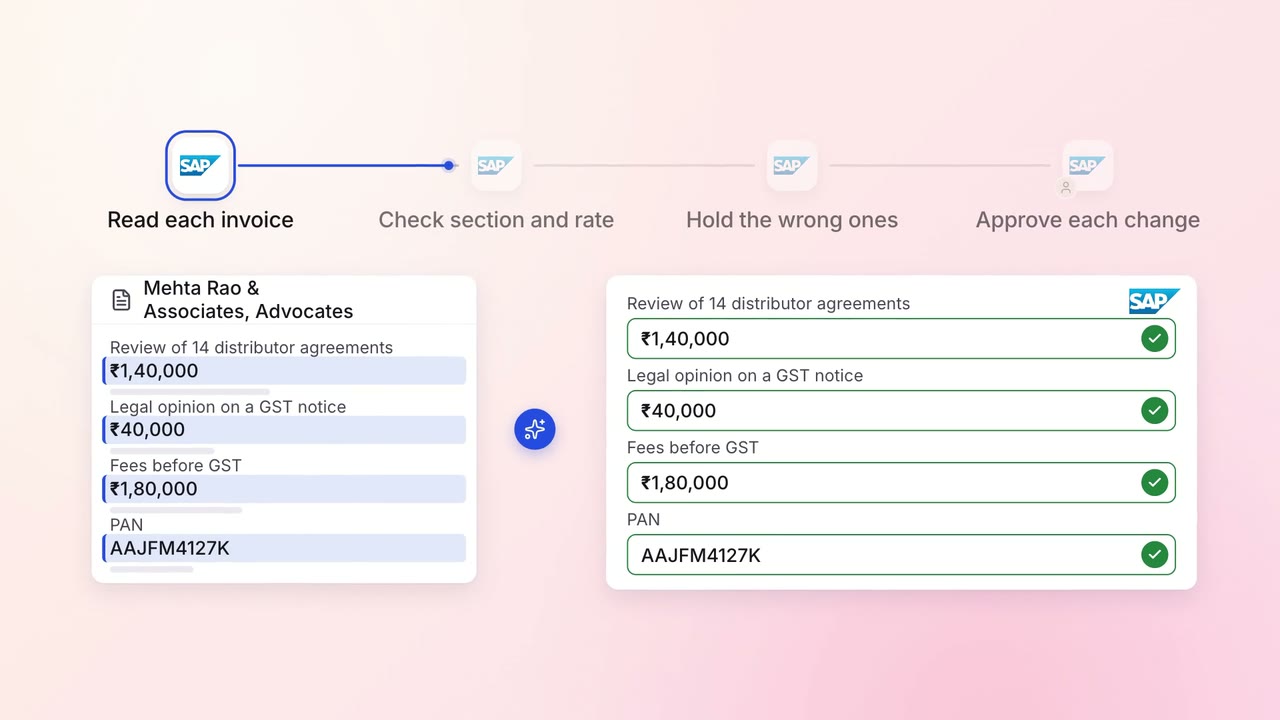
Finance GST and TDS
TDS on every vendor payment is checked for the right section and rate
- SAP S/4HANA
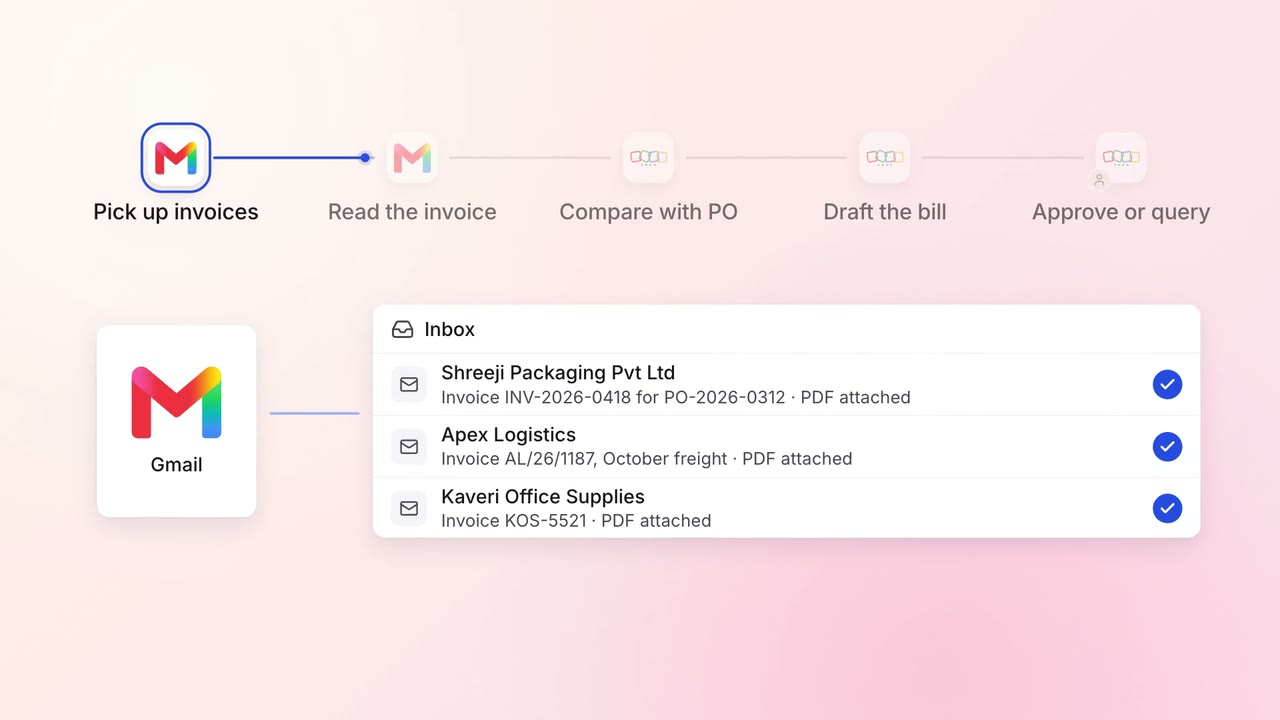
Finance Supplier bills and payments
Supplier invoices go straight into Zoho Books, checked against the PO
 Gmail
Gmail Zoho Books
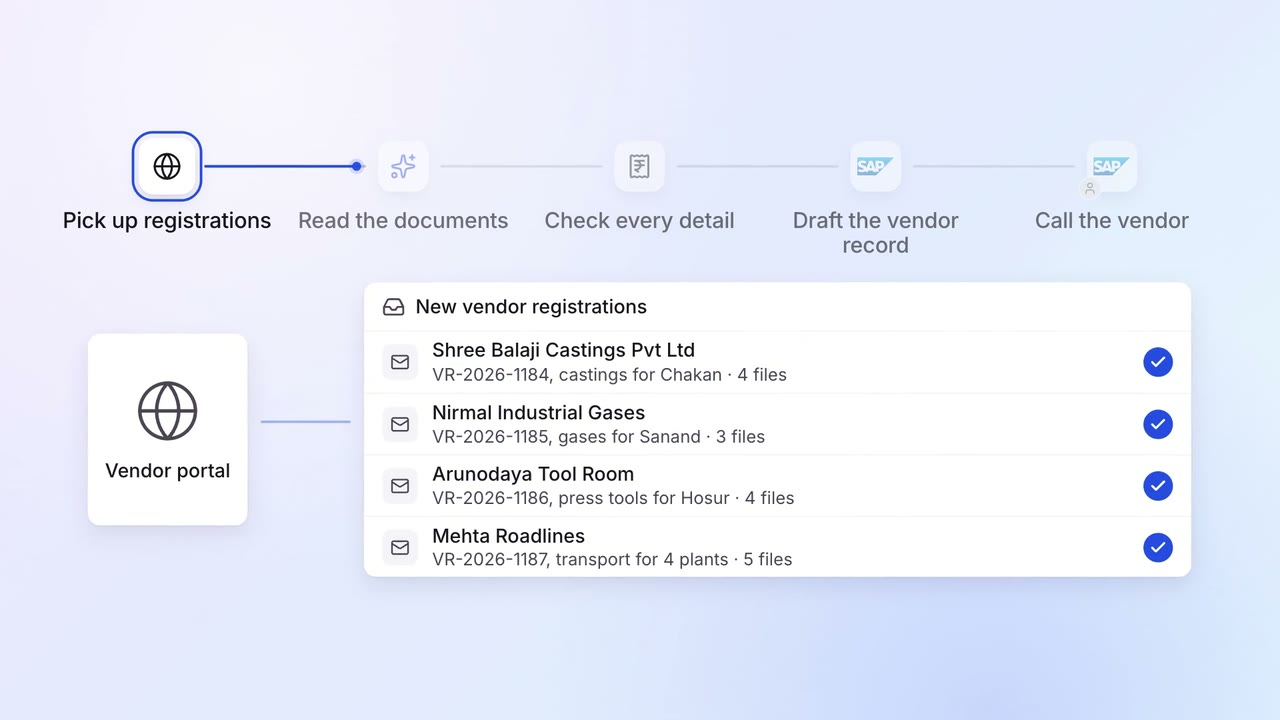
Operations Vendor management
New vendors are set up in SAP with their GST, PAN and bank details checked
- Vendor portal
- GST portal
- SAP S/4HANA