Employees get answers on leave balances and payslips on Teams, any time
Employees ask in a private Teams chat and the assistant answers from their own Darwinbox record. Questions that need a decision go to HR.
- Used day to day by
- Employees
- HR team
- Payroll team
How it runs with AI
Employees ask the HR assistant in a private Teams chat, at any hour. It knows who is asking from their Microsoft 365 sign-in, reads only that person's Darwinbox record and replies in plain words. Questions that need a correction or a decision reach HR with the chat summarised.
Step by step
Where the work happens, what the AI does, and where it hands over to a person.
-
Step 1, AI
Picks up a question sent in a private Teams chat
Needs to know: Topics it may answer
In
 Microsoft Teams
 -
Step 2, AI
Matches the person's Teams sign-in to their own employee record
Needs to know: Who can see what
In
Microsoft Teams ,  Darwinbox
 Exception to step 2
Hands the chat to HR if the sign-in matches no employee record
-
Step 3, AI
Compares this month's payslip with last month's
Needs to know: Pay components, Leave rules
In
Darwinbox -
Step 4, AI
Replies with the balance or the reason, in plain words
Needs to know: Privacy rules for pay
In
Microsoft Teams -
Step 5, AI
Passes questions that need a correction or a decision to HR, with the chat summarised
Needs to know: Topics passed to HR, HR owner per topic
In
Darwinbox , Microsoft Teams -
Step 6, Person
Settles each question passed on, and the employee hears back in the same chat
In
Darwinbox , Microsoft Teams
What stays with a person
- Settles each question passed on, and the employee hears back in the same chat
Who sees what
- Each employee sees only their own leave and pay, in a private chat with the assistant.
- The assistant knows who is asking from their Microsoft 365 sign-in and opens only that person’s Darwinbox record.
- Pay figures go only into that private chat. In a group chat or channel, the assistant asks the person to message it directly.
- Every answer is logged with the records it opened, so HR can check any reply.
Apps in this example
- Microsoft Teams
- Darwinbox
The same flow works with the apps you use.
What to watch for
- Answers are as accurate as the data in Darwinbox. When a balance or pay line looks wrong, the assistant passes it to HR to correct at the source
- Pay corrections, leave exceptions and full and final settlements stay with HR and payroll. The assistant explains the numbers and your team makes the decisions
- HR and payroll agree up front which questions the assistant answers on its own, and review that list every quarter
- Teams reaches staff with a Microsoft 365 account. Shop-floor staff need their own route, such as a plant kiosk with a badge login, set up separately
Often done together
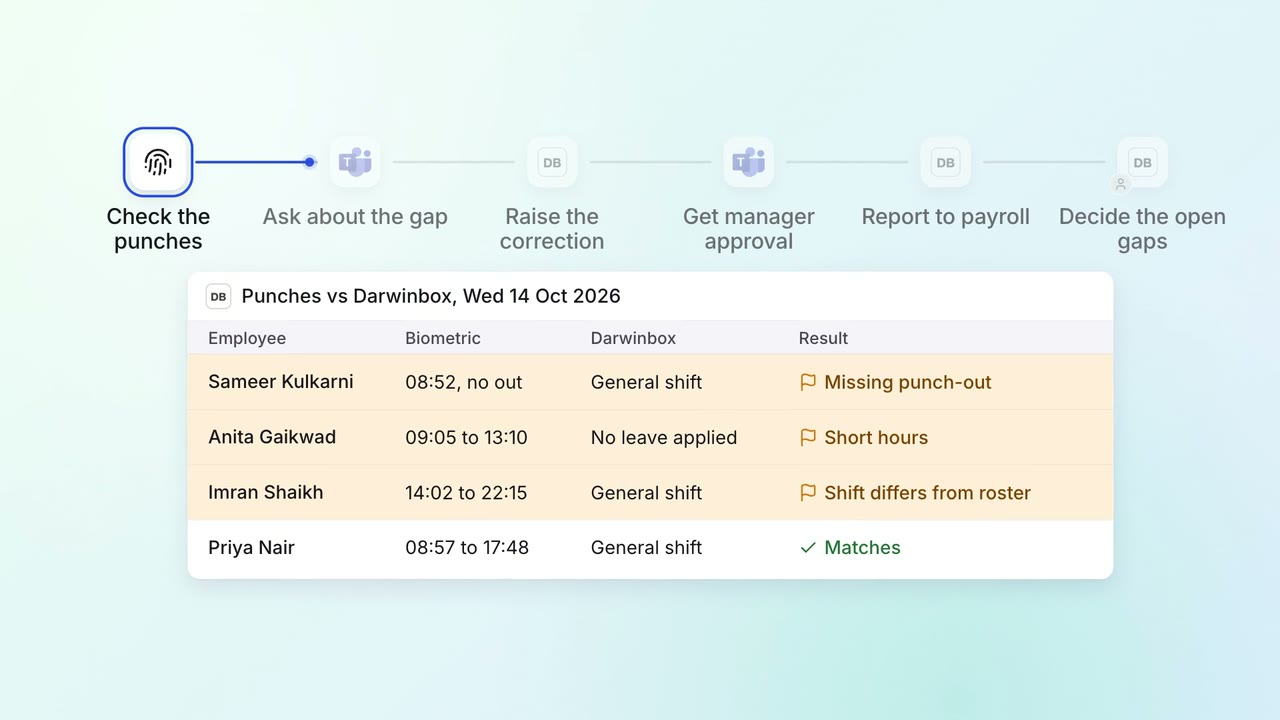
HR Leave, attendance and payroll questions
Attendance gaps are chased and cleared before payroll runs
- Biometric system
- Darwinbox
- Microsoft Teams
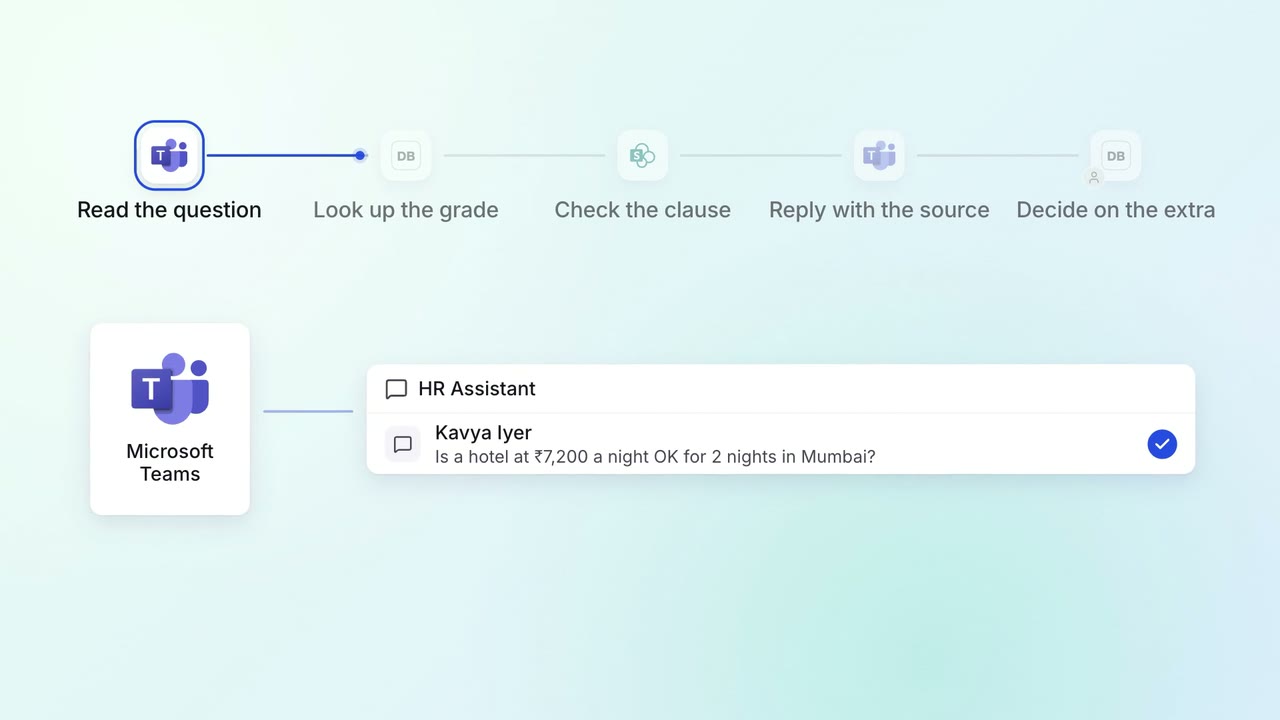
HR Policy questions
Staff get policy answers on Teams, with the clause each answer comes from
- Microsoft Teams
- Darwinbox
 SharePoint
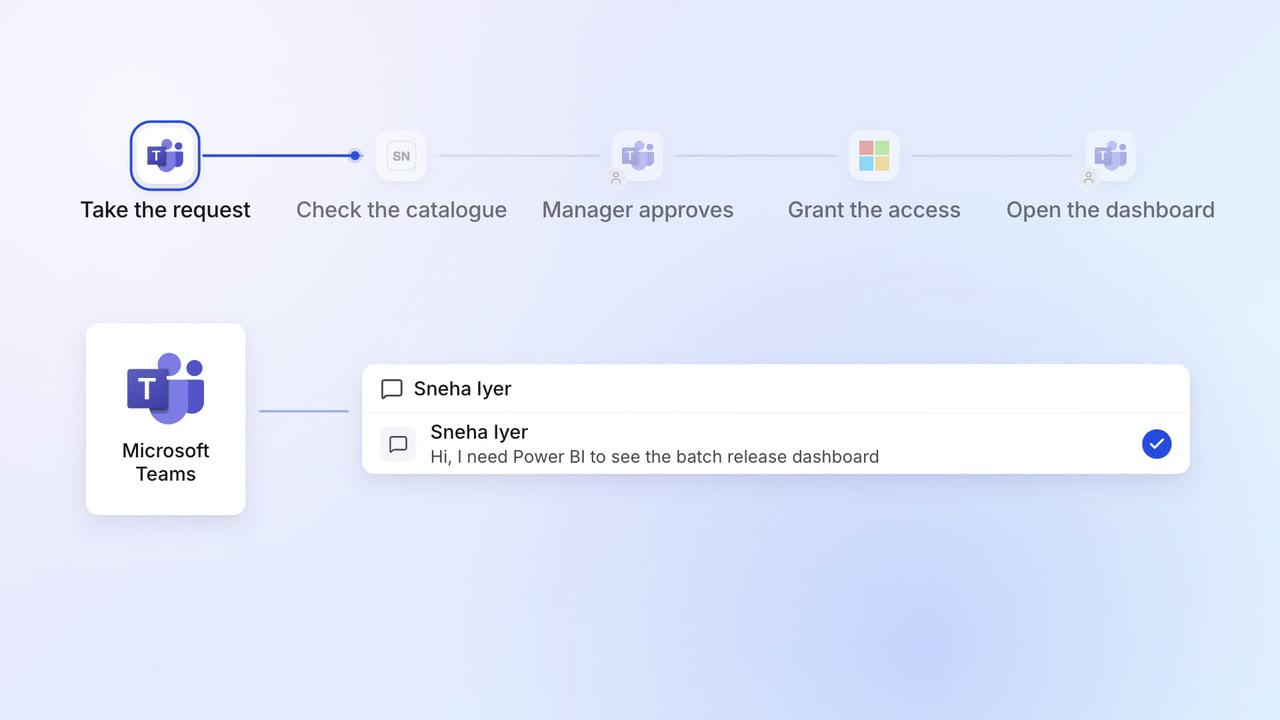
IT Helpdesk
Password resets and software access are handled on Teams in minutes
- Microsoft Teams
 ServiceNow
 Entra ID