Legal notices and consumer court cases reach your legal team the same day
The AI finds legal notices among customer care tickets, emails and scanned post, and hands each one to your legal team the day it arrives, with the demand, the deadline and the customer's history.
- Used day to day by
- Legal team
- Support team leads
- Customer service head
How it runs with AI
The AI reads every ticket, email and scanned letter as it arrives and picks out the legal ones. It reads who sent each notice, what they demand and by when, adds the customer's history from Freshdesk and passes the case to the right lawyer the same day, with agent replies paused. Your legal team decides every response.
Step by step
Where the work happens, what the AI does, and where it hands over to a person.
-
Step 1, AI
Reads every new ticket, email and scanned letter, attachments included
Needs to know: Signs of legal papers
In
 Outlook ,
  Freshdesk
 -
Step 2, AI
Picks out the legal notices and reads the sender, the demand and the deadline
Needs to know: Kinds of legal papers
In
Outlook , Freshdesk Exception to step 2
Sends any letter it is unsure about to a care team lead to check
-
Step 3, AI
Adds the customer's history from Freshdesk
Needs to know: Customer ticket history
In
Freshdesk -
Step 4, AI
Moves the case to legal, pauses agent replies and emails the lawyer a summary
Needs to know: Lawyer for each region, Reminder rules
In
Outlook , Freshdesk Exception to step 4
Reminds the lawyer ahead of the reply date until a reply is logged
-
Step 5, Person
Reads the case the same day and decides how to respond
In
Outlook
What stays with a person
- Reads the case the same day and decides how to respond
Apps in this example
- Outlook
- Freshdesk
The same flow works with the apps you use.
This fits you if
- Customer care handles more than 10,000 tickets and emails a month
- Legal notices reach you by email, inside Freshdesk tickets and by post to several offices
- Your legal team has heard about a case days after the notice arrived
- Agents use standard replies for refunds and repeat complaints
What to watch for
- Letters that come by post reach the AI once they are scanned. Each office's front desk scans legal post into one mailbox the day it arrives
- Replies to advocates and consumer courts, and any offer of a refund or settlement, stay with your legal team. Every message the AI sends goes to your own people
- The AI reads the deadline written on the notice, and your lawyers confirm the real one
- The AI is set to pass on anything in doubt, so any letter that names an advocate, a court or a consumer commission goes to a person. A legal team member reviews a weekly list of what was sent to legal and what was cleared
Often done together
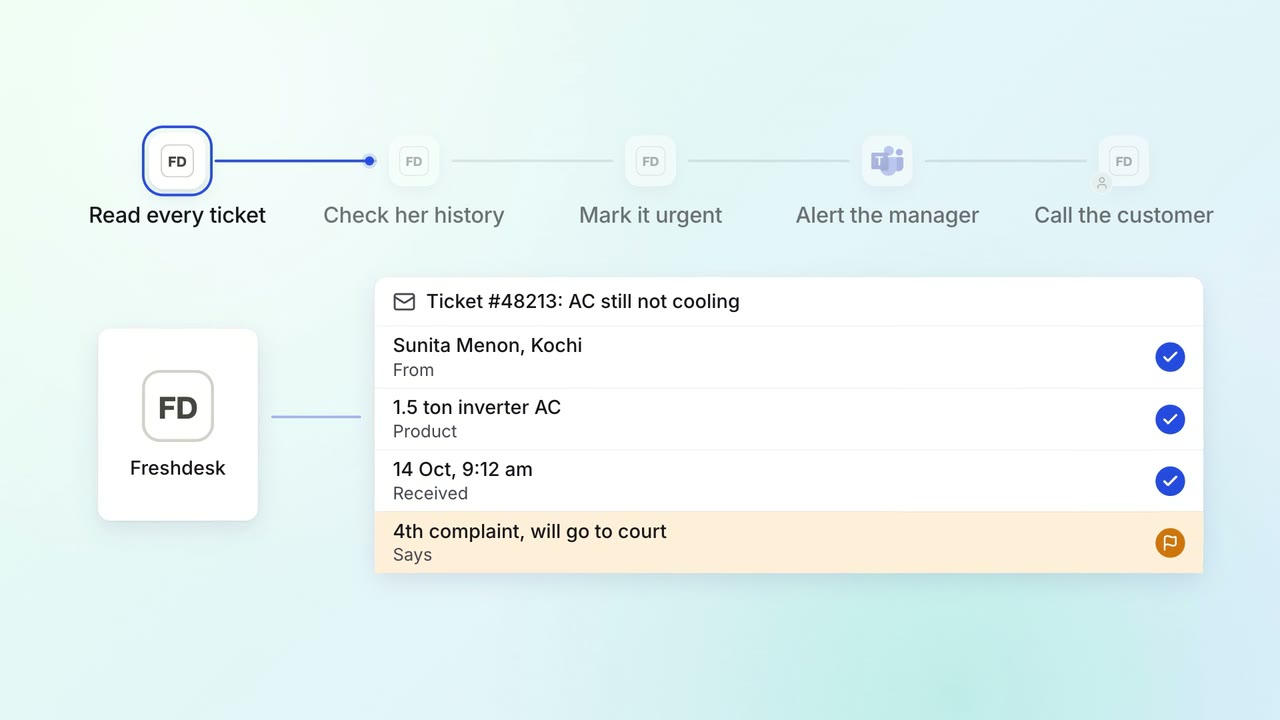
Customer service Complaints and escalations
Angry customers and repeat complaints reach a senior person the same day
- Freshdesk
 Microsoft Teams
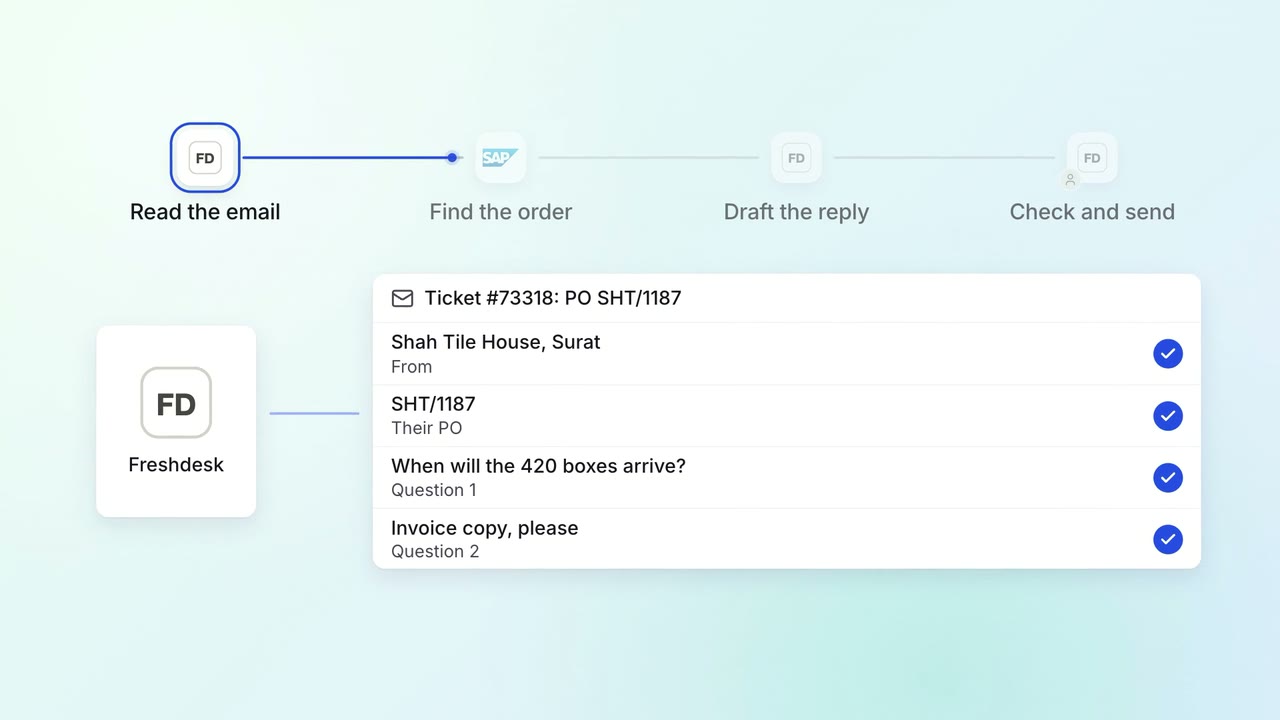
Customer service Incoming queries
Agents get a drafted reply to every email, with the order details filled in
- Freshdesk
 SAP S/4HANA
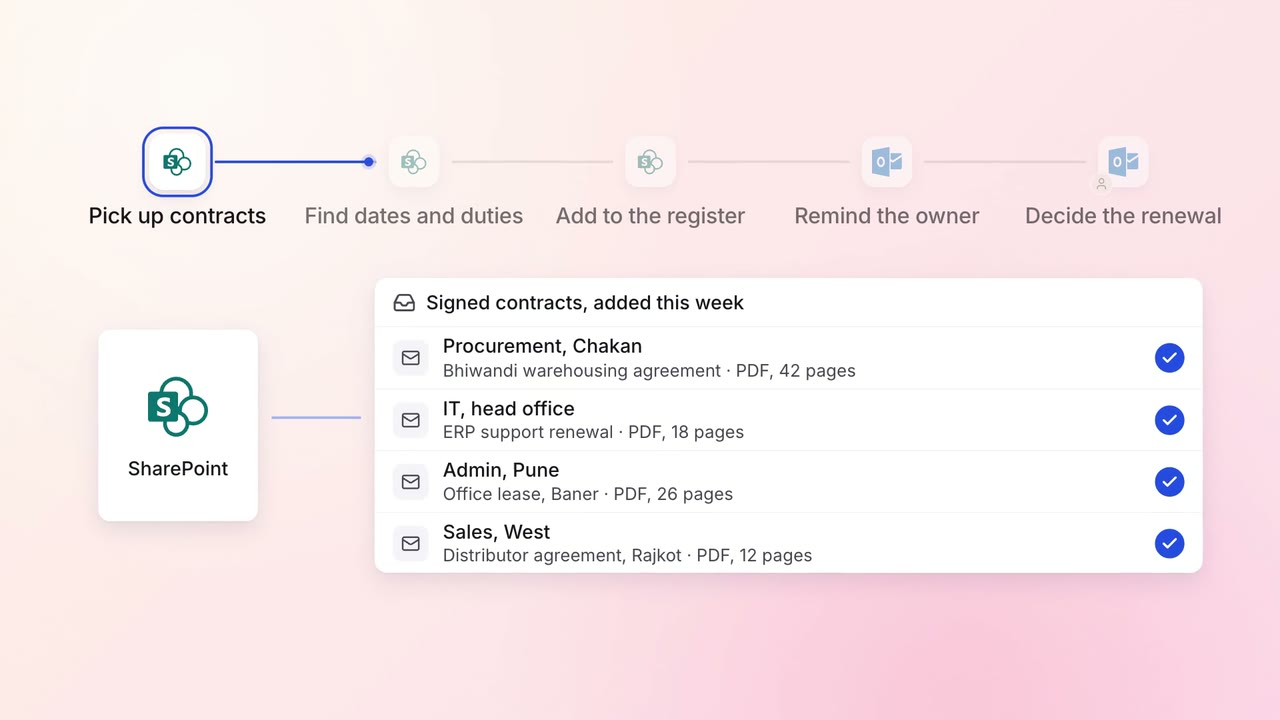
Legal and compliance Contract review
Every contract's renewal dates and obligations are tracked, with reminders in time to act
 SharePoint
- Outlook