Licence renewals start on time, with every document collected and checked
Each renewal starts on its own date. The AI collects the documents by email, checks them against your checklist and sends the application to the owner to sign.
- Used day to day by
- Admin manager
- Business owner
- Plant heads
- Quality head
How it runs with AI
The AI reads every licence in your Google Drive folder and puts each renewal's start date on Google Calendar. On that date it emails whoever holds each document, reminds them until it arrives and checks it against your checklist. When the file is complete, it sends the application to the owner in Zoho Sign, and the admin manager files it.
How it is done today
The admin manager keeps licence expiry dates in a diary. Renewal work starts when someone notices a date, and the documents come in a rush from the testing lab, the accountant and the plant team. A missing or outdated paper turns up just as the application is ready to file.
Step by step
Where the work happens, what the AI does, and where it hands over to a person.
-
Step 1, AI
Reads every licence in the Google Drive folder and its expiry date
Needs to know: Licences each site holds
In
 Google Drive
 -
Step 2, AI
Puts each renewal's start date on Google Calendar for the person responsible, with the checklist linked
Needs to know: Renewal lead times, Who handles each licence
In
 Google Calendar , Google Drive
 -
Step 3, AI
Emails whoever holds each document on the start date, and reminds them until it arrives in the folder
Needs to know: Who holds each document, Renewal checklist
In
 Gmail , Google Drive
 Exception to step 3
Tells the admin manager when a document is still missing after its due date
-
Step 4, AI
Checks each document against the renewal checklist, then sends the complete application for signature
Needs to know: Renewal checklist, Document age limits
In
Google Drive , Gmail ,  Zoho Sign
 Exception to step 4
Emails the sender for the right document, with the reason
-
Step 5, Person
The owner signs the application in Zoho Sign, and the admin manager files it
In
Zoho Sign
What stays with a person
- The owner signs the application in Zoho Sign, and the admin manager files it
Apps in this example
- Google Drive
- Google Calendar
- Gmail
- Zoho Sign
The same flow works with the apps you use.
This fits you if
- Your sites hold 5 or more licences and registrations, each with its own renewal date
- Your current licences are saved in Google Drive, or can be
- Each renewal needs documents from several people, inside and outside the company
- A renewal has started late, or a document turned up missing just before filing
What to watch for
- Your admin manager sets each renewal's checklist and how early it starts, with your consultant where you use one
- The owner signs every application, and filing stays with the admin manager or your consultant. The AI prepares the file and sends the reminders
- The AI sends an application for signature only when every document on its checklist has passed
- When a renewed licence arrives, it goes into the Drive folder, so the next expiry date is read from the new copy
Often done together
Legal and compliance Regulatory tracking
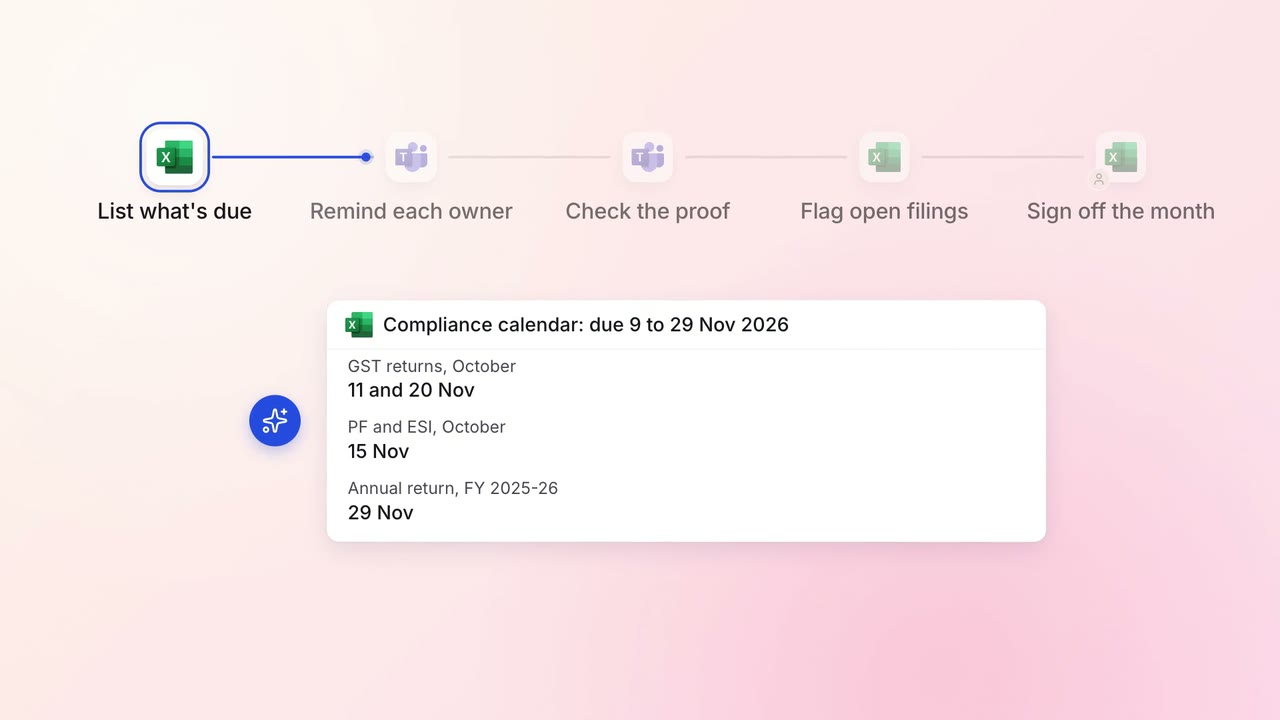
Every statutory filing across your companies is tracked to its due date
 Excel
Excel Microsoft Teams
Legal and compliance Contract review
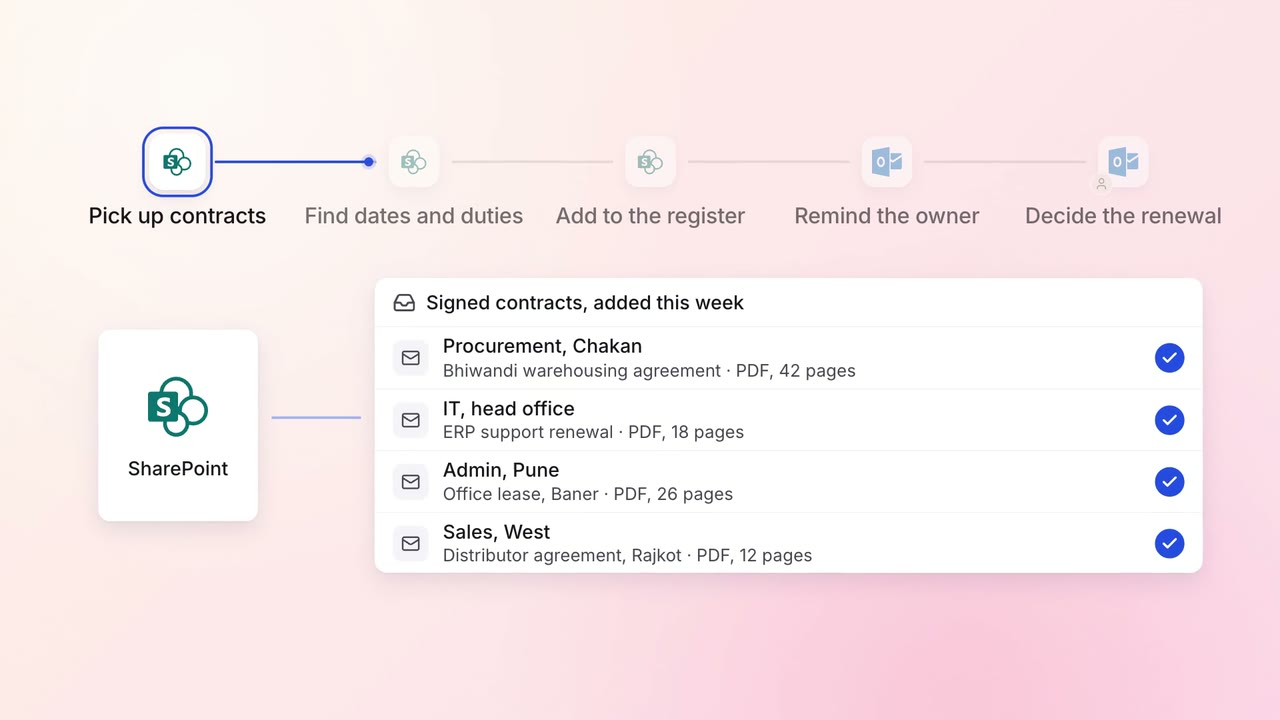
Every contract's renewal dates and obligations are tracked, with reminders in time to act
 SharePoint
 Outlook
Legal and compliance Regulatory tracking
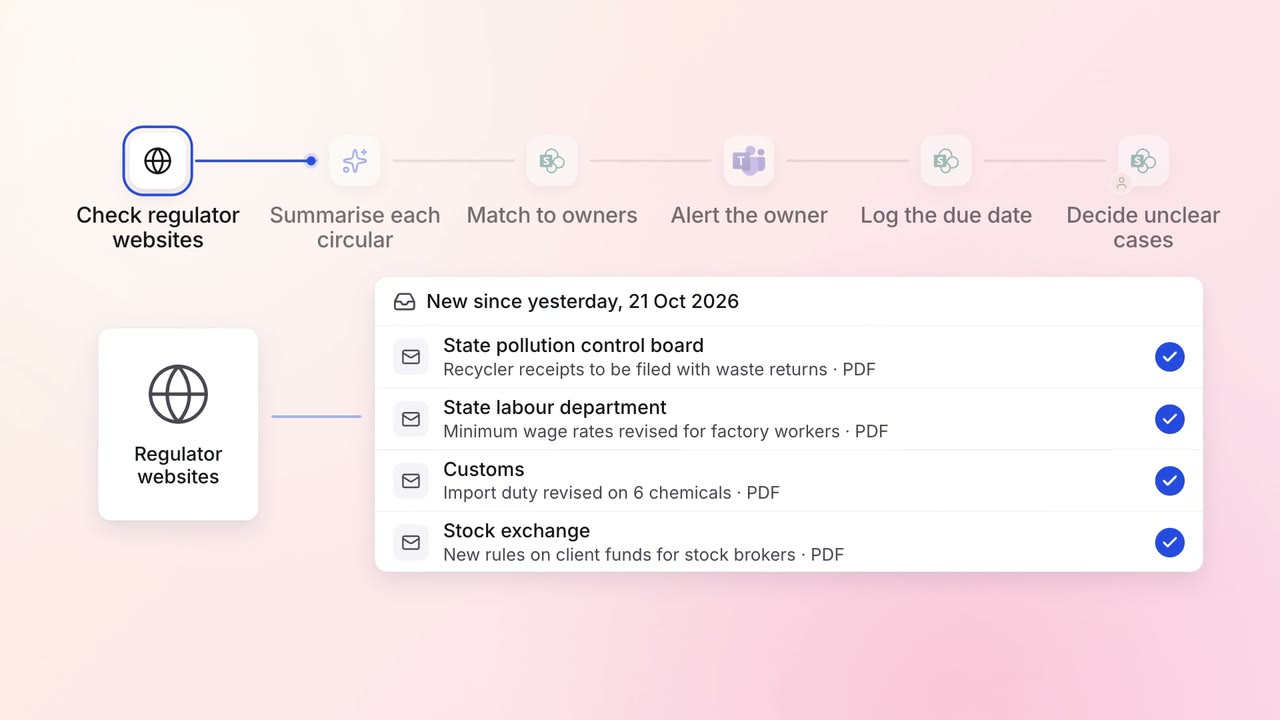
Every new circular is summarised and sent to the team that must act on it
- Regulator websites
- SharePoint
- Microsoft Teams