Orders from your website, Amazon and Flipkart become sales orders, with stock checked
Each new order from your website, Amazon or Flipkart becomes a sales order in Zoho Inventory, with free stock checked. Orders that are short wait for your order desk.
- Used day to day by
- Order desk
- Operations head
How it runs with AI
The AI picks up every order as it arrives from your website, Amazon or Flipkart and matches it to your item codes. It checks free stock at each factory and warehouse, and creates the sales order in Zoho Inventory. Orders in stock go to packing at once, and an order that is short waits for the order desk with the date of the next batch.
Step by step
Where the work happens, what the AI does, and where it hands over to a person.
-
Step 1, AI
Picks up each new order from the website, Amazon and Flipkart as it arrives
Needs to know: Order sources in scope
In
 Shopify , Amazon Seller Central , Flipkart Seller Hub
 -
Step 2, AI
Reads each Flipkart listing on the order and matches it to your item codes, splitting a combo into its items
Needs to know: Listings and item codes, What each combo contains
In Flipkart Seller Hub ,
 Zoho Inventory
 Exception to step 2
Sends any order it cannot match to an item code to the order desk
-
Step 3, AI
Checks free stock in Zoho Inventory for every line, at the factory and the warehouse
Needs to know: Stock locations per channel, Next batch dates
In
Zoho Inventory Exception to step 3
Holds any order that is short and tells the order desk the next batch date
-
Step 4, AI
Creates the sales orders in Zoho Inventory and sends the ones in stock to packing
Needs to know: Packing queue per site
In
Zoho Inventory -
Step 5, Person
Agrees a delivery date with the buyer for the order on hold, then releases it
In
Zoho Inventory
What stays with a person
- Agrees a delivery date with the buyer for the order on hold, then releases it
Apps in this example
- Shopify
- Amazon Seller Central
- Flipkart Seller Hub
- Zoho Inventory
The same flow works with the apps you use.
This fits you if
- You sell the same products on your website, Amazon and Flipkart
- You ship Amazon and Flipkart orders yourself, from your own stock
- Your stock and sales orders are kept in Zoho Inventory
- Your order desk handles more than 40 orders a day
What to watch for
- Amazon and Flipkart orders use the marketplace's own listing names, and a combo holds more than one item. When the AI cannot match one to an item code with confidence, the order desk picks the item
- Splitting, delaying or cancelling an order stays with your order desk, because it changes what the customer was promised
- Free stock is only as accurate as Zoho Inventory, so goods made, received and returned need to be entered the same day
Often done together
Operations Order processing
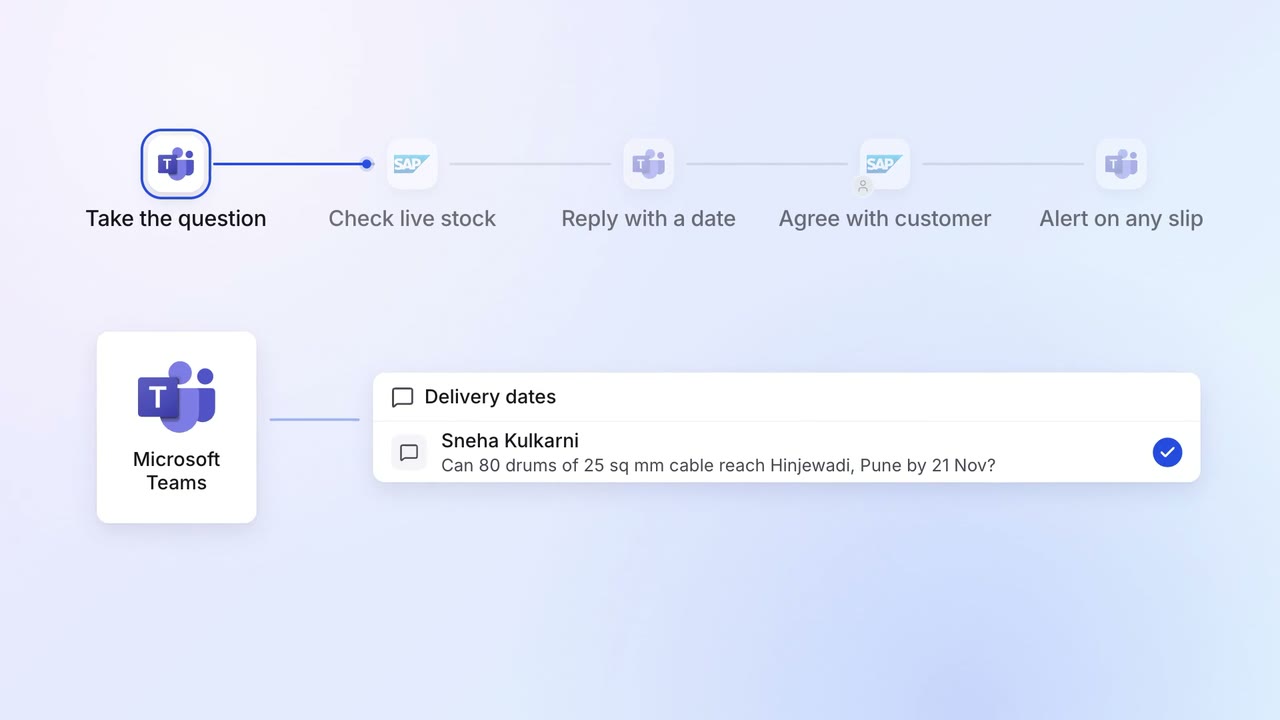
Salespeople promise delivery dates the plants can meet
 SAP S/4HANA
 Microsoft Teams
Operations Dispatch paperwork
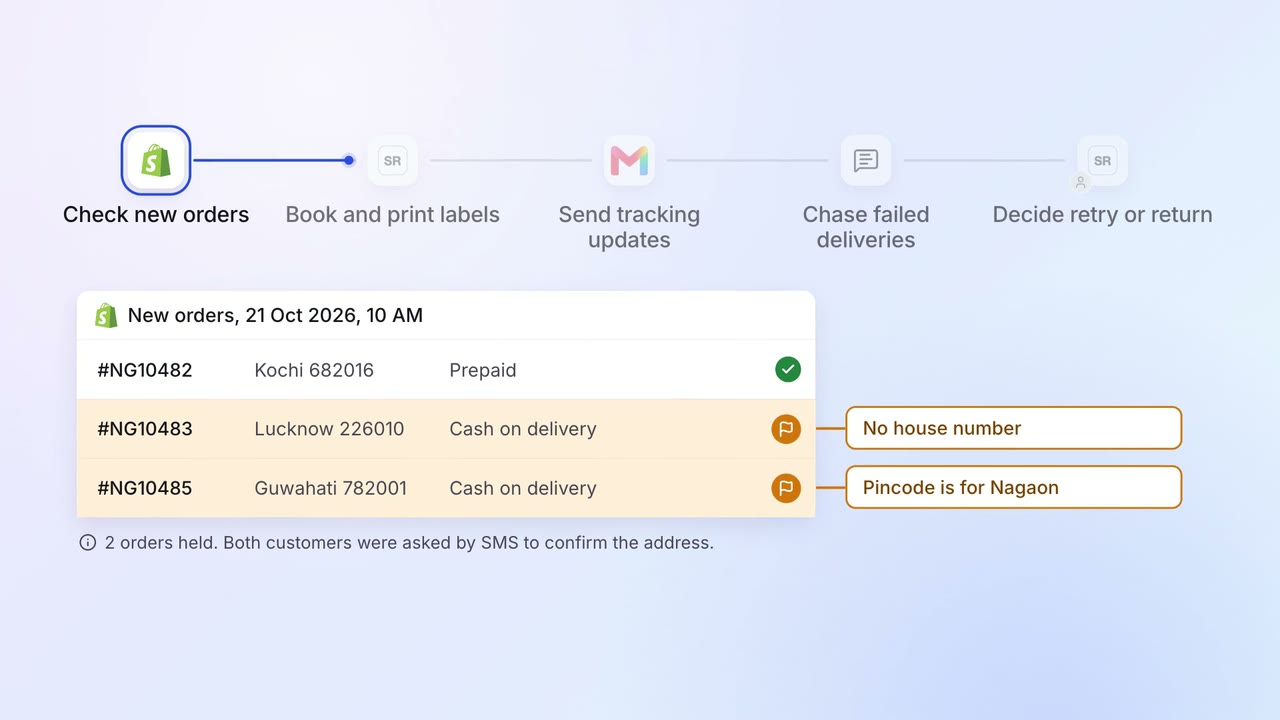
Parcels are booked and labelled as they are packed, and customers hear by email and SMS
- Shopify
 Shiprocket
 Gmail
Gmail- MSG91
Operations Dispatch paperwork
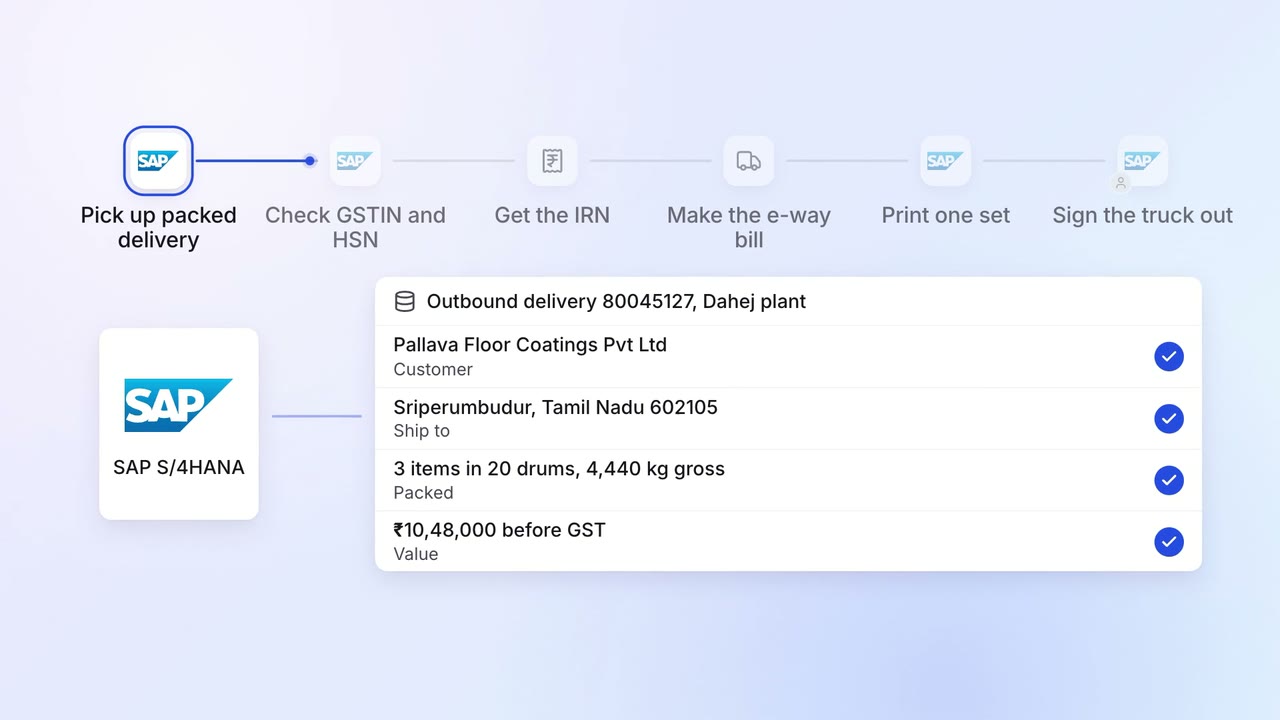
E-way bills, invoices and packing lists are ready when the truck arrives
- SAP S/4HANA
- E-invoice portal
- E-way bill portal