Plant heads set up their own morning brief in plain words, with no request to IT
A plant head tells the company assistant on Teams what he wants to see each morning. From then on a short brief from SAP and Power BI arrives at the time he chose, showing only what his own access allows.
- Used day to day by
- Plant heads
- Branch managers
- IT team
What the assistant uses here
Answers from your systems, within each person's access.
- Schedule Runs at a set time, under the owner's own access
- Channels Reaches people where they already talk
- Analysis Runs the numbers as code and shows the working
How it runs with AI
A manager tells the company assistant on Teams what he wants and when, in plain words. The assistant saves it as a scheduled brief that runs under his own access, reads SAP and Power BI at that time, and posts a short summary with a chart. He changes it the same way, by asking.
How it is done today
Every manager wants a different morning view: output, rejections, dispatches or cash. Each new report is a request to IT or an analyst, so most managers make do with a standard report and open several apps to fill the gaps.
How the assistant works here
Where people ask, what it draws on, and what comes back.
Where people ask
-
 Microsoft Teams, steps 1 and 5
Who asks
- Plant heads
- Branch managers
- IT team
What it draws on
Apps
-
 SAP S/4HANA, step 3
 -
 Power BI, step 4
Context
- Plant and line names, step 1
- What each role may see, step 2
What comes back
- A chart with its working, step 4
- A message at the set time, step 5
How a request runs
-
Step 1, the assistant: Turns a manager's plain request on Teams into a scheduled brief
-
Step 2, the assistant: Runs the brief at the chosen time, under the manager's own access
-
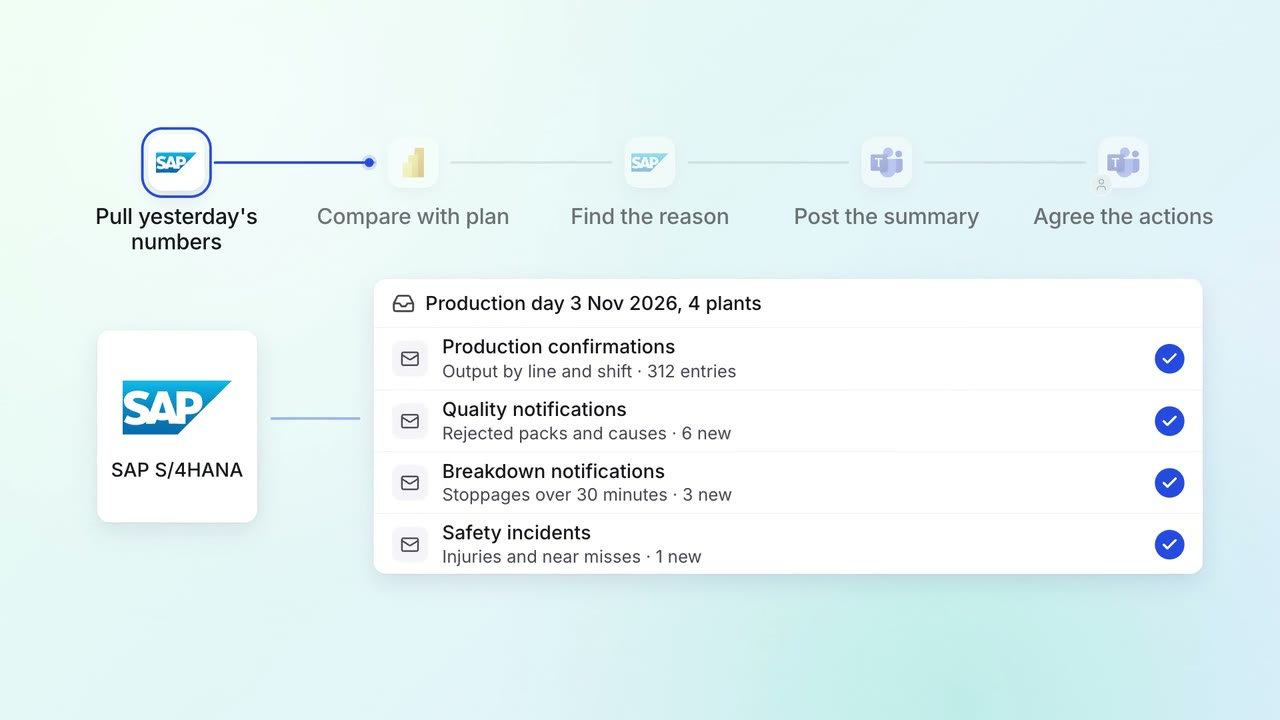
Step 3, the assistant: Reads yesterday's output against plan, line by line, in SAP
-
Step 4, the assistant: Charts the week's rejections from Power BI
-
Step 5, the assistant: Posts the brief on Teams before the morning meeting
The same flow works with the apps you use.
Who controls it
-
Access
Each brief runs with the access of the person who set it up, so it shows nothing they could not open themselves
-
Approvals
A person approves before it changes anything in your systems
-
Record
A brief summarises the systems. The figures that matter for decisions are linked to the report they came from
This fits you if
- Managers ask IT or analysts for reports that suit their own role
- The numbers sit in your ERP and a reporting app such as Power BI
- Your managers already work on Teams
What to watch for
- IT turns scheduled briefs on for the company and can see every schedule that runs
Often done together
Leadership Meeting follow-ups
Leadership gets a 7 am summary of every plant's yesterday, with the reasons
- SAP S/4HANA
- Power BI
- Microsoft Teams
 Company assistant
Leadership Management reports
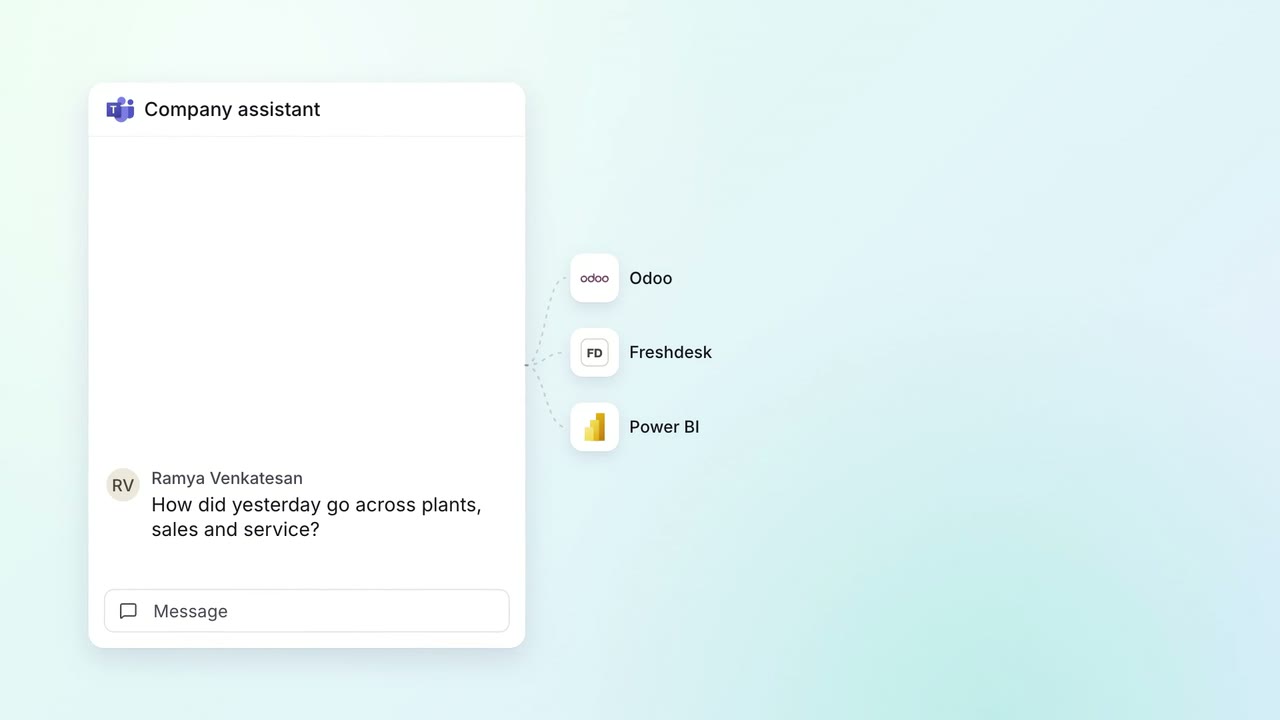
Leaders ask how yesterday went and get plants, sales and service in one answer
- Microsoft Teams
 Odoo
Odoo Freshdesk
- Power BI
 Company assistant
IT Helpdesk
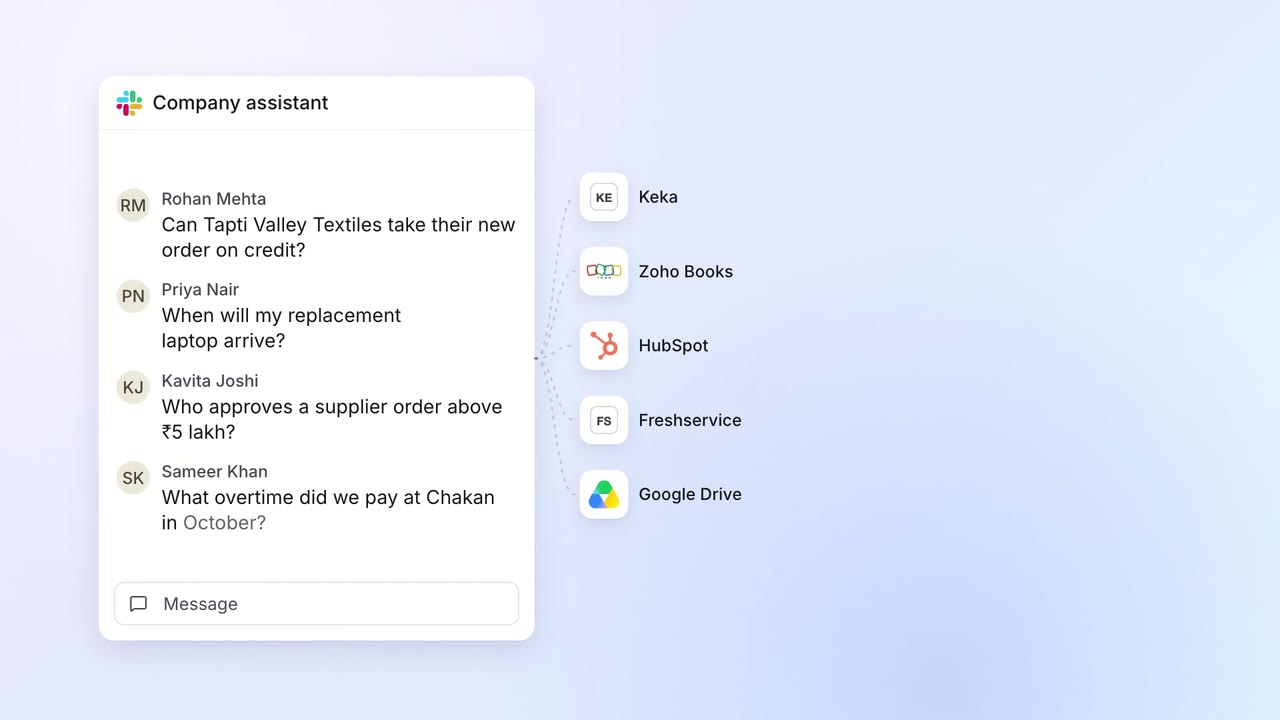
Staff get answers from every company system on Slack, within their own access
 Slack
Slack Keka
Keka Zoho Books
 HubSpot
 Freshservice
 Google Drive