Offer letters are drafted from the approved grade and reach the approvers the same day
The AI checks the agreed salary against the grade band, the role's budget and peers, drafts the letter and sends it for approval. People approve and sign.
- Used day to day by
- Recruiters
- HR business partners
- Hiring managers
How it runs with AI
When the hiring manager records a selection in Darwinbox, the AI checks the agreed salary against the grade band, the role's budget and peers at the same grade and site. It drafts the letter and breakup from that entity's template and sends it to the right approvers on Teams, with the checks attached. Once they approve and the HR head signs, the candidate receives it on Leegality to sign.
How it is done today
Once a candidate is selected, a recruiter works out the salary breakup in an Excel calculator, copies it into the Word template for the right entity and site, and emails it to each approver. Pay against peers in the same grade gets checked only when an approver asks. A letter can take days and several rounds of email to reach the candidate.
Step by step
Where the work happens, what the AI does, and where it hands over to a person.
-
Step 1, AI
Picks up the selection and the agreed salary from Darwinbox
Needs to know: Role and grade list
In
 Darwinbox
 -
Step 2, AI
Checks the salary against the grade band, the role's budget and peers at the same grade and site
Needs to know: Grade bands, Role budgets, Peer pay by grade
In
Darwinbox Exception to step 2
Adds the extra approver your policy names when the salary is over budget or above the band
-
Step 3, AI
Drafts the letter and salary breakup from the grade's pay structure and the entity's template
Needs to know: Pay structure by grade, Letter template by entity
In
Darwinbox -
Step 4, AI
Sends the draft and the checks to each approver on Teams
Needs to know: Approvers set by policy
In
 Microsoft Teams , Darwinbox
 -
Step 5, Person
The approvers approve the offer or send it back with changes, and the HR head e-signs it
In
Microsoft Teams , Leegality -
Step 6, AI
Sends the signed letter to the candidate on Leegality and updates Darwinbox when they sign
Needs to know: Reminder timing, Recruiter for each candidate
In Leegality ,
Darwinbox Exception to step 6
Reminds the candidate after 2 days and tells the recruiter if the letter is still unsigned after 4
What stays with a person
- The approvers approve the offer or send it back with changes, and the HR head e-signs it
What the pay check looks at
Every offer is checked against 3 references: the salary band for the grade, the budget approved for the role, and what people in the same grade at the same site earn today. When the salary is over budget or above the band, the AI adds the approver your policy names for that case, so the extra sign-off happens in the same round instead of a second one.
Apps in this example
- Darwinbox
- Microsoft Teams
- Leegality
The same flow works with the apps you use.
This fits you if
- You make more than 20 offers a month, across several sites or entities
- Recruiters build salary breakups in an Excel calculator today
- Offer approvals run over email and take several days
- Approvers ask how an offer compares with people already in the grade
What to watch for
- The salary, the approval and the signature stay with people. The AI drafts and checks, and sends the letter only after the HR head signs
- HR owns the grade bands, pay structures and letter templates, and updates them each appraisal cycle. The drafts follow whatever those say
- Salary data is confidential. Peer pay reaches the approvers as a range, and drafts sit in Darwinbox under HR's access rules
- The candidate's email says it comes from an automated assistant and names their recruiter for questions
Often done together
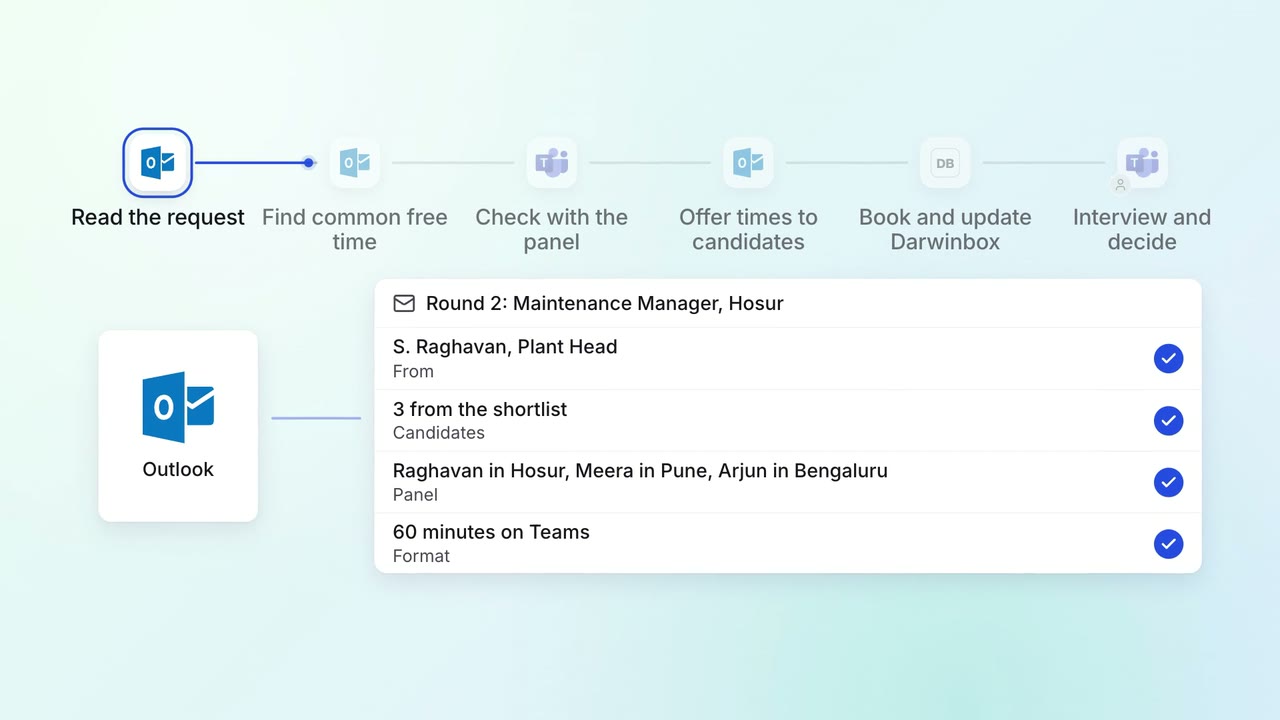
HR Hiring
Interviews are booked across busy panels the day the shortlist is approved
 Outlook
- Microsoft Teams
- Darwinbox
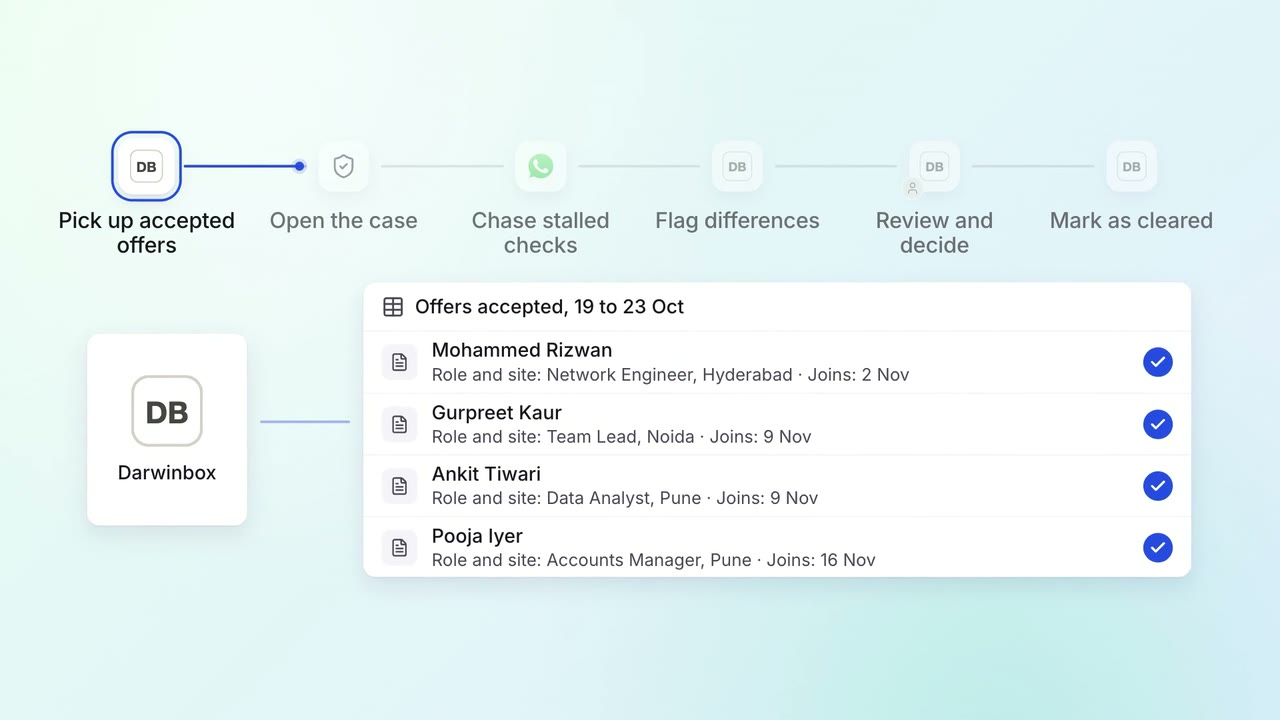
HR Hiring
Background checks start the day the offer is accepted and are tracked to clearance
- Darwinbox
- Verification portal
 WhatsApp Business
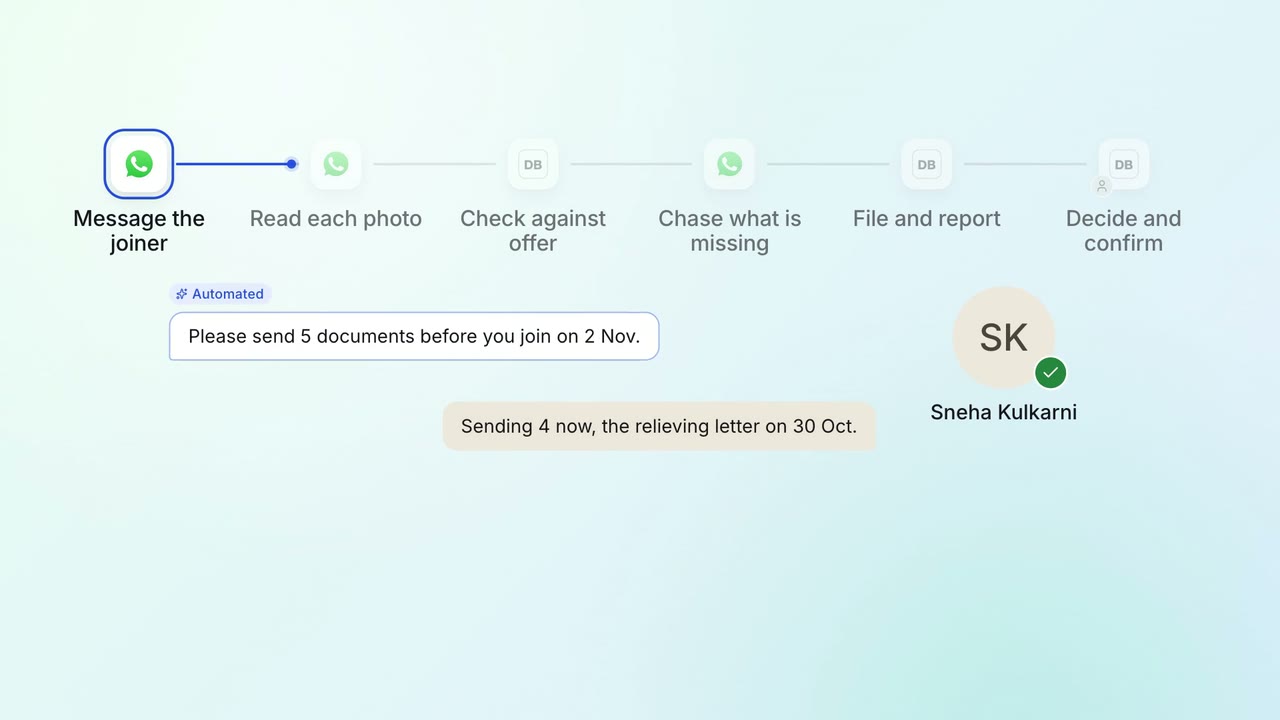
HR Onboarding
Joining documents are collected and checked before day one
- WhatsApp Business
- Darwinbox