Product photos and specs become listings on Amazon, Flipkart and your website
Each new product's photos and spec sheet in Google Drive become draft listings for Amazon, Flipkart and your Shopify website, each in that channel's format. Your e-commerce lead approves.
- Used day to day by
- E-commerce team
- Business owner
How it runs with AI
When the studio adds a product folder to Google Drive, the AI reads the spec sheet and checks every photo. It writes a draft for each channel in that channel's format: a title and bullet points for Amazon, key features and a specifications table for Flipkart, and a full page for the website, all from the figures on the sheet. The e-commerce lead approves, and all 3 go live the same day.
How it is done today
Every new product, counting each size and colour, is sold on Amazon, on Flipkart and on the company's own Shopify website. The e-commerce team writes every listing 3 times from the spec sheet and the studio's photos, so new products take weeks to go live everywhere.
Step by step
Where the work happens, what the AI does, and where it hands over to a person.
-
Step 1, AI
Picks up each new product folder in Google Drive, with its photos and spec sheet
Needs to know: Studio folder layout
In
 Google Drive
 -
Step 2, AI
Reads the size, body, price and warranty from the spec sheet
Needs to know: Spec sheet layout, Fields each channel needs
In
Google Drive -
Step 3, AI
Checks every photo for focus, background and stray labels, and picks the main photo for each channel
Needs to know: Each channel's photo rules
In
Google Drive Exception to step 3
Asks the studio to reshoot each flagged photo, with the reason
-
Step 4, AI
Writes a draft listing for each channel in that channel's format, using only figures from the sheet
Needs to know: Each channel's listing format, Brand voice
In Amazon Seller Central , Flipkart Seller Hub ,
 Shopify , Google Drive
 -
Step 5, Person
Approves the drafts, and all 3 listings go live the same day
In
Google Drive
What stays with a person
- Approves the drafts, and all 3 listings go live the same day
Apps in this example
- Google Drive
- Shopify
- Amazon Seller Central
- Flipkart Seller Hub
The same flow works with the apps you use.
This fits you if
- You sell the same products on Amazon, Flipkart and your own website
- You add more than 10 new products a month, counting sizes and colours
- Spec sheets and studio photos already sit in a shared Google Drive folder
- Your team writes each listing by hand, once per channel
What to watch for
- Prices and discounts come from the spec sheet. Changing them stays with the owner and the e-commerce lead
- Each listing says only what the spec sheet says. A claim such as a warranty period appears only when the sheet states it
- Amazon and Flipkart change their listing formats from time to time. Someone on the team checks each channel every quarter and updates the format the AI follows
- The e-commerce lead can overrule a photo flag when the photo is fine for that channel
Often done together
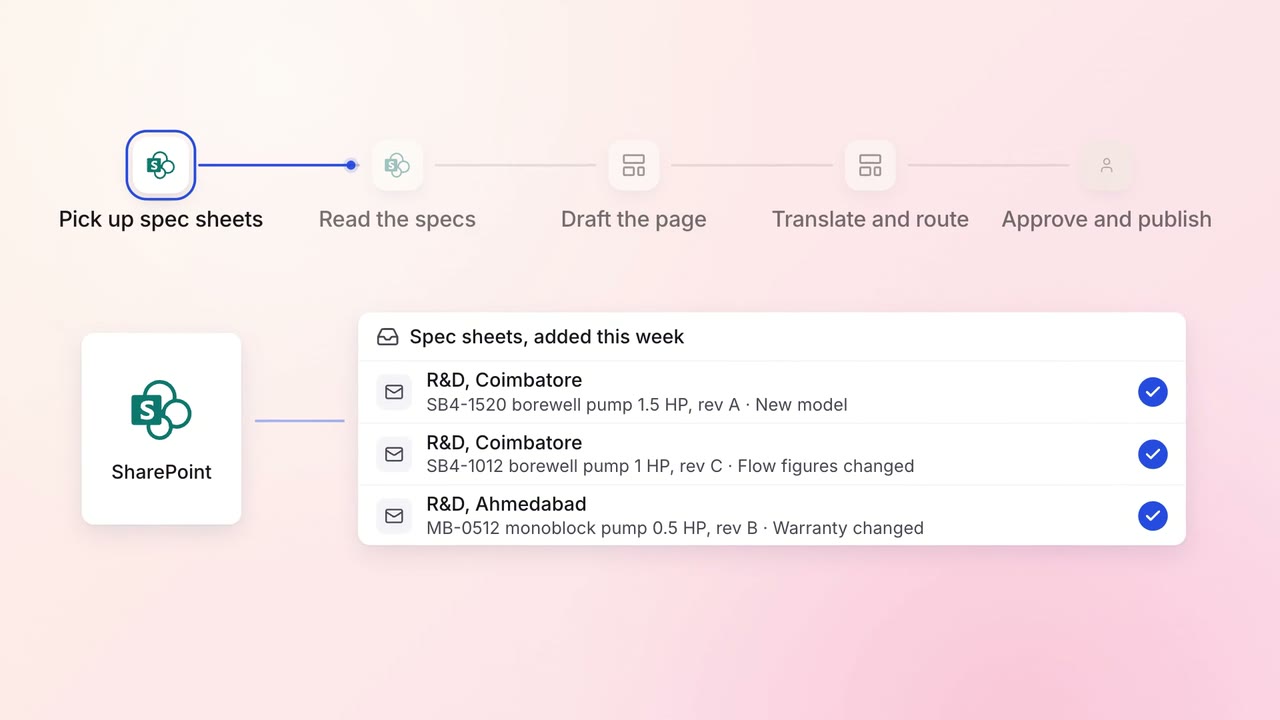
Marketing Content
Product pages are drafted from spec sheets, in every language you sell in
 SharePoint
- Website CMS
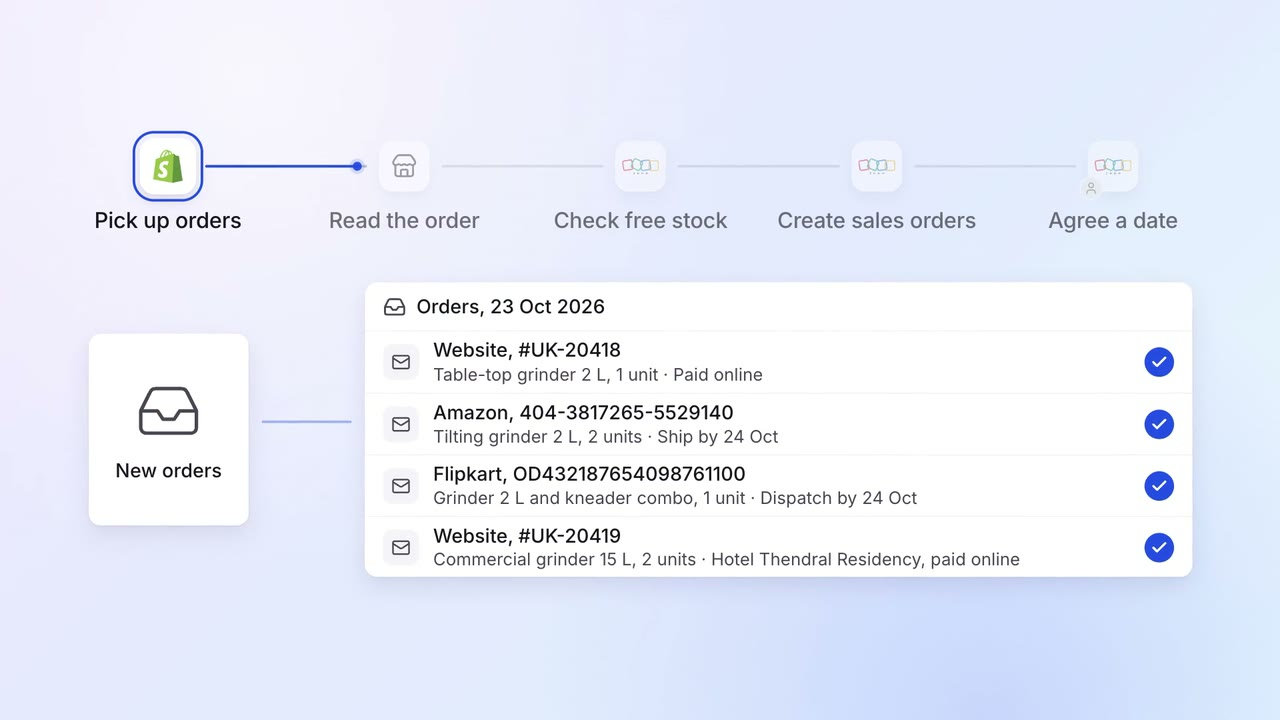
Operations Order processing
Orders from your website, Amazon and Flipkart become sales orders, with stock checked
- Shopify
- Amazon Seller Central
- Flipkart Seller Hub
 Zoho Inventory
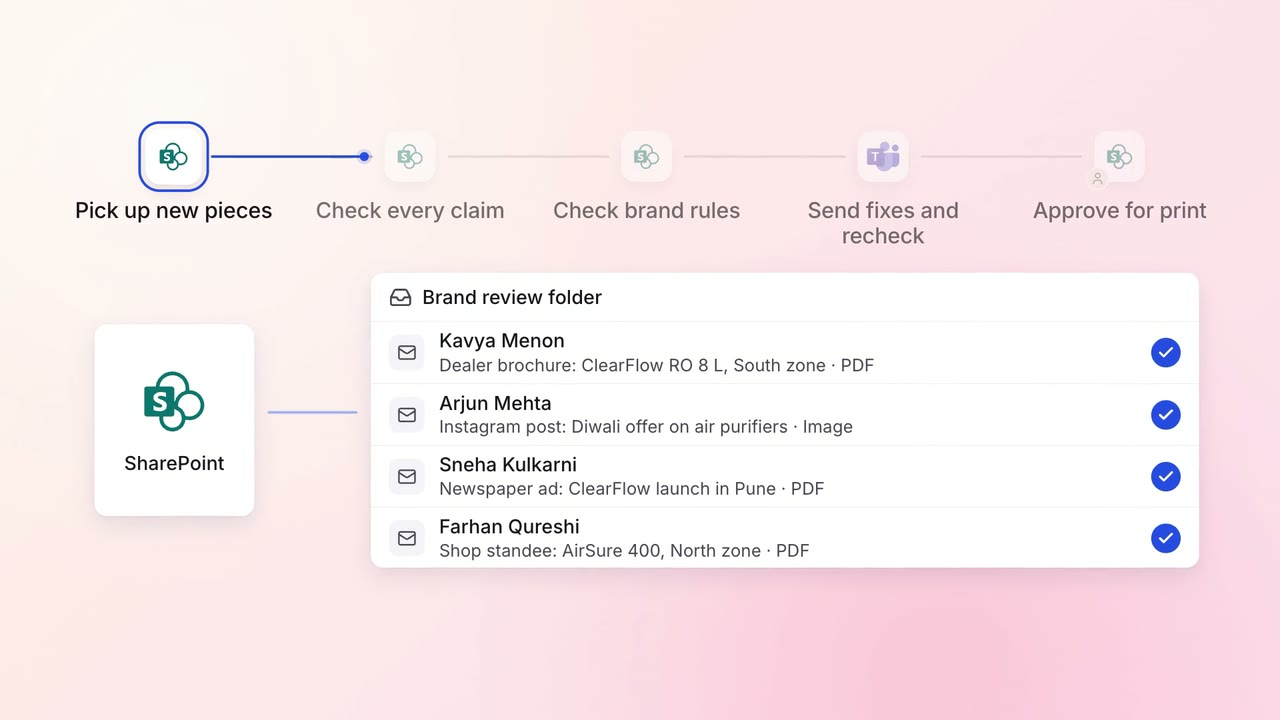
Marketing Content
Every brochure and post is checked against brand rules and approved claims before it goes out
- SharePoint
 Microsoft Teams