Each priority project gets a shared space where the team and the assistant work from one record
A priority project gets its own space in the company assistant, with the plan, quotes, minutes and decisions. Anyone on the project asks there and gets answers from the project's own record, and new minutes update the decision log by themselves.
- Used day to day by
- Project lead
- Project team
- Project sponsor
What the assistant uses here
Answers from your systems, within each person's access.
- Trigger Starts on its own when something happens
- Channels Reaches people where they already talk
- Team space A project's files, decisions and instructions in one place
How it runs with AI
The project has a space in the company assistant with its plan, quotes, minutes and decision log from SharePoint, and instructions on how to answer. When new minutes are saved, the assistant adds the decisions to the log. Anyone on the team asks in the space on Teams and gets the answer from the project's own record, with the document it came from.
How it is done today
Project files sit in email threads, shared folders and people's notes. New members spend weeks catching up, and settled decisions get reopened because nobody can find when or why they were made.
How the assistant works here
Where people ask, what it draws on, and what comes back.
Where people ask
-
 Microsoft Teams, steps 3 and 5
Who asks
- Project lead
- Project team
- Project sponsor
What it draws on
Apps
-
 SharePoint, steps 1, 2 and 4
Context
- Team space, step 1
- Project instructions, step 1
- Decision log format, step 2
What comes back
- An answer with its sources, step 5
How a request runs
-
Step 1, the assistant: Holds the project's plan, quotes, minutes and decision log in one shared space
-
Step 2, the assistant: Adds the decisions to the log when new minutes are saved
-
Step 3, the assistant: Takes a question asked in the project's space on Teams
-
Step 4, the assistant: Finds the decision in the log, with its date, reason and who signed it off
-
Step 5, the assistant: Answers from the project's own record, with a link to the decision
The same flow works with the apps you use.
Who controls it
-
Access
It runs with each person's own access, so it shows only what they could open themselves
-
Approvals
A person approves before it changes anything in your systems
-
Record
Decisions added from minutes show the meeting they came from, and the project lead can correct any entry
This fits you if
- You run a few priority projects with people from several teams
- Project documents sit in SharePoint or a shared drive
- Decisions are minuted, but hard to find later
What to watch for
- The space holds only the project's own files, and only its members can ask it
- Questions the record cannot answer go to the project lead, not to a guess
Often done together
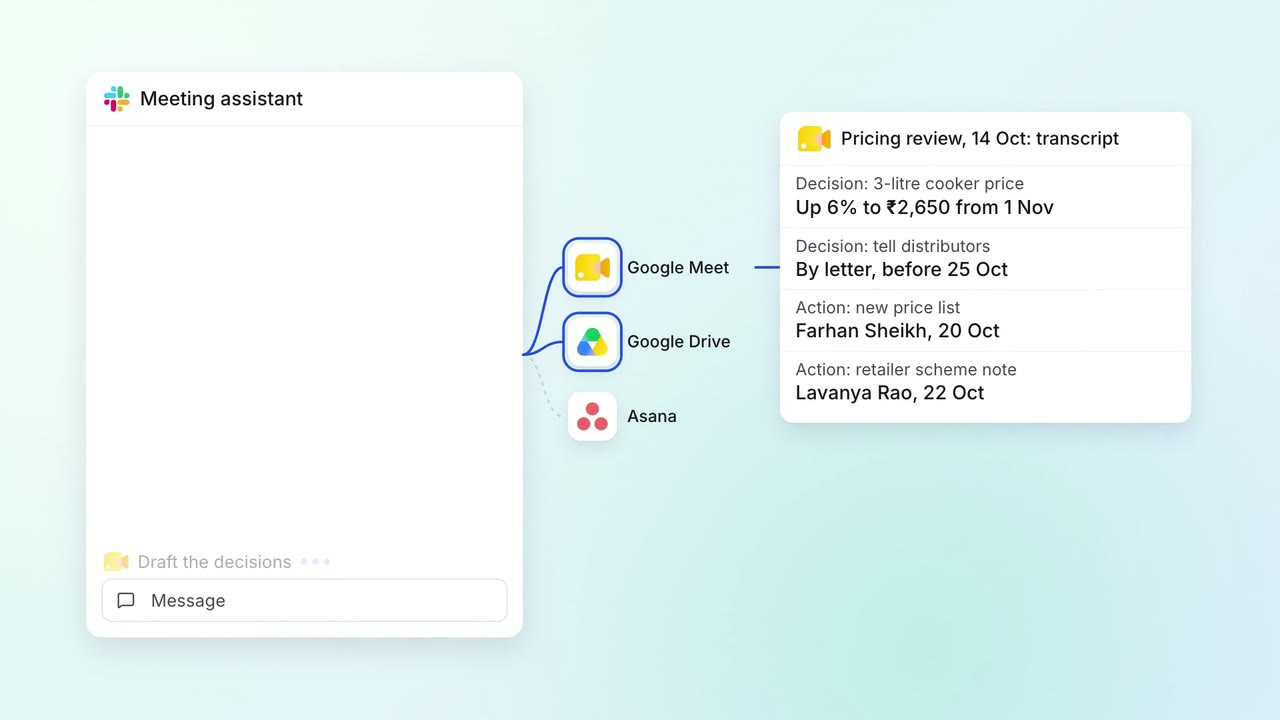 Company assistant
Leadership Meeting follow-ups
Every meeting's decisions are on record, and anyone can ask what was agreed
 Google Meet
 Google Drive
 Asana
Asana Slack
Slack
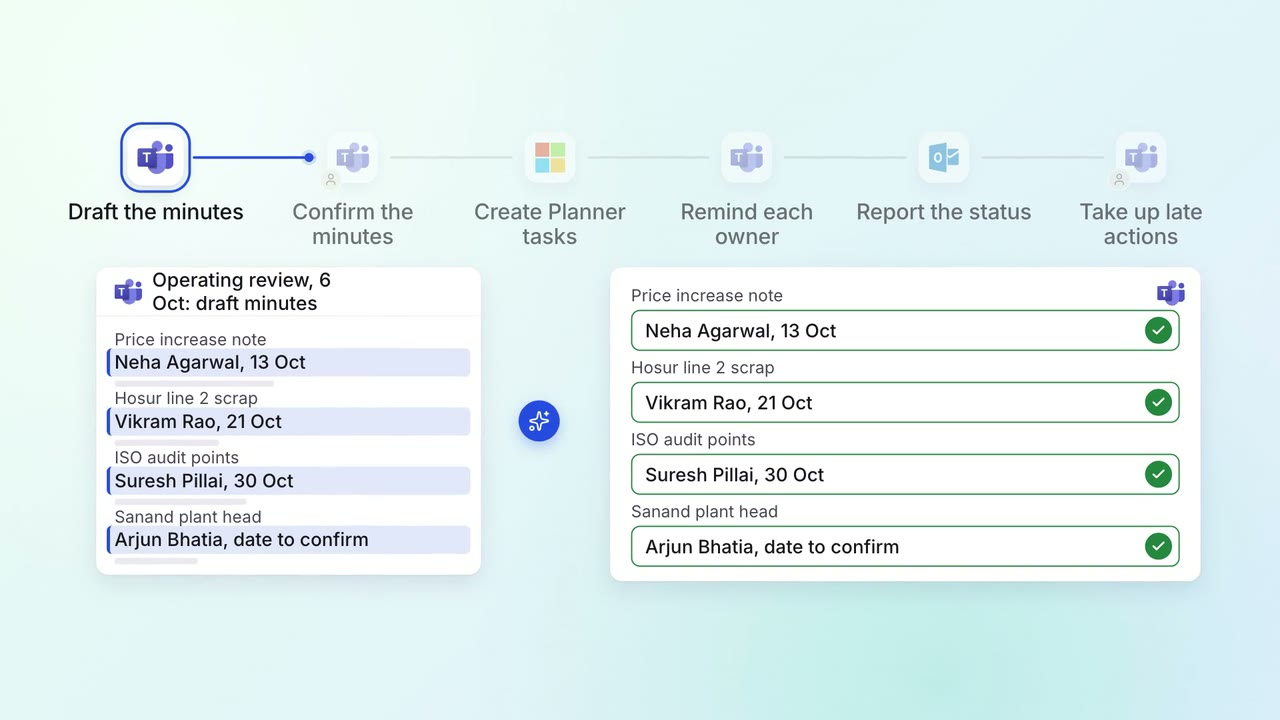
Leadership Meeting follow-ups
Every action from a leadership meeting gets an owner, a date and a follow-up
- Microsoft Teams
 Microsoft Planner
 Outlook
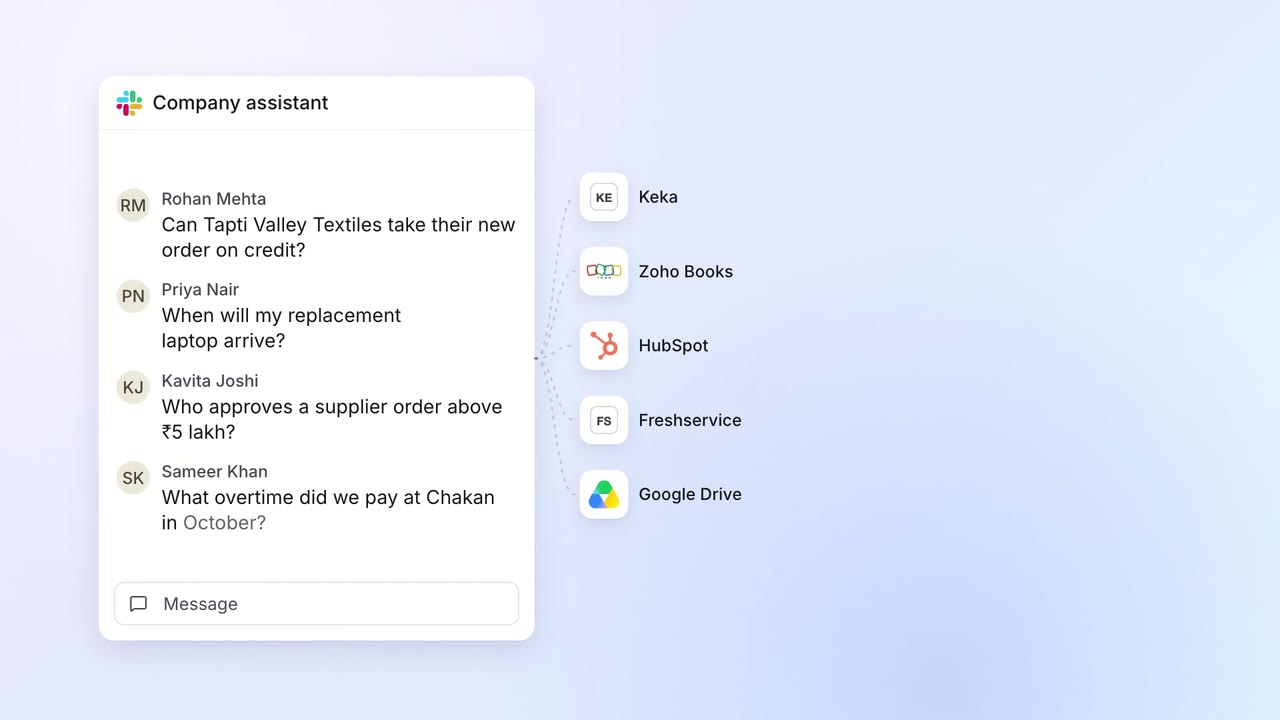 Company assistant
IT Helpdesk
Staff get answers from every company system on Slack, within their own access
- Slack
 Keka
Keka Zoho Books
 HubSpot
 Freshservice
- Google Drive