Retailer scheme claims are checked the day they arrive and paid within a week
Retailers claim scheme payouts in an app with photos of their invoices and shelf. Each claim is checked against the scheme the same day, and your team approves the payouts.
- Used day to day by
- Retailers
- Trade marketing team
- Accounts team
How it runs with AI
Retailers claim in an app by photographing their distributor invoices and their shelf. The AI reads each invoice, checks it against the scheme rules in Salesforce and every earlier claim, checks the photo and drafts the payout in Zoho Books. Your trade marketing head approves the week's payouts, Razorpay pays each retailer, and the retailer sees in the app what counted and why.
Step by step
Where the work happens, what the AI does, and where it hands over to a person.
-
Step 1, AI
Picks up each claim a retailer sends from the app, with invoice and shelf photos
Needs to know: Open schemes, Registered retailers
In Retailer app
-
Step 2, AI
Reads the distributor, invoice number, date and quantity from each invoice photo
Needs to know: Distributor invoice layouts, Products in each scheme
In Retailer app
-
Step 3, AI
Checks the invoices against the scheme rules in Salesforce and every earlier claim
Needs to know: Scheme rules, Authorised distributors, Earlier claims
In
 Salesforce
 Exception to step 3
Holds the claim for the trade marketing team when an invoice was already claimed by another shop
-
Step 4, AI
Checks the shelf photo for its date, its location and the products on display
Needs to know: Each scheme's display rules, Shop locations, Earlier photos
In Retailer app ,
Salesforce Exception to step 4
Asks the retailer in the app for a new photo when it is old, taken elsewhere or used before
-
Step 5, AI
Drafts the payout in Zoho Books and shows the retailer what counted and why
Needs to know: Payout rate per slab, How payouts are booked
In
 Zoho Books , Retailer app
 -
Step 6, Person
Approves the week's payouts, and Razorpay pays each retailer's bank account
In
 Razorpay , Zoho Books
What stays with a person
- Approves the week's payouts, and Razorpay pays each retailer's bank account
Apps in this example
- Retailer app
- Salesforce
- Zoho Books
- Razorpay
The same flow works with the apps you use.
This fits you if
- You run retailer schemes with purchase slabs, display rules or both
- Retailers buy through distributors, so each claim rests on distributor invoices
- More than 300 retailers claim in a busy month
- Retailers wait more than a month for their payout today
- Your retailers, distributors and schemes are kept in Salesforce
What to watch for
- Your trade marketing head approves every payout batch before money moves, and a person decides each claim held for review
- The team enters each scheme's rules in Salesforce before it launches, covering dates, products, slabs and what the shelf must show. The checks are as clear as those rules
- A blurred invoice or an unclear photo goes to a person, who accepts it or asks the retailer for a better one
- Each retailer's bank account is verified when they join the app, and a person checks any change of bank account before the next payout
- Your accounts team decides how scheme payouts are booked in Zoho Books, and every draft follows that set-up
Often done together
Operations Order processing
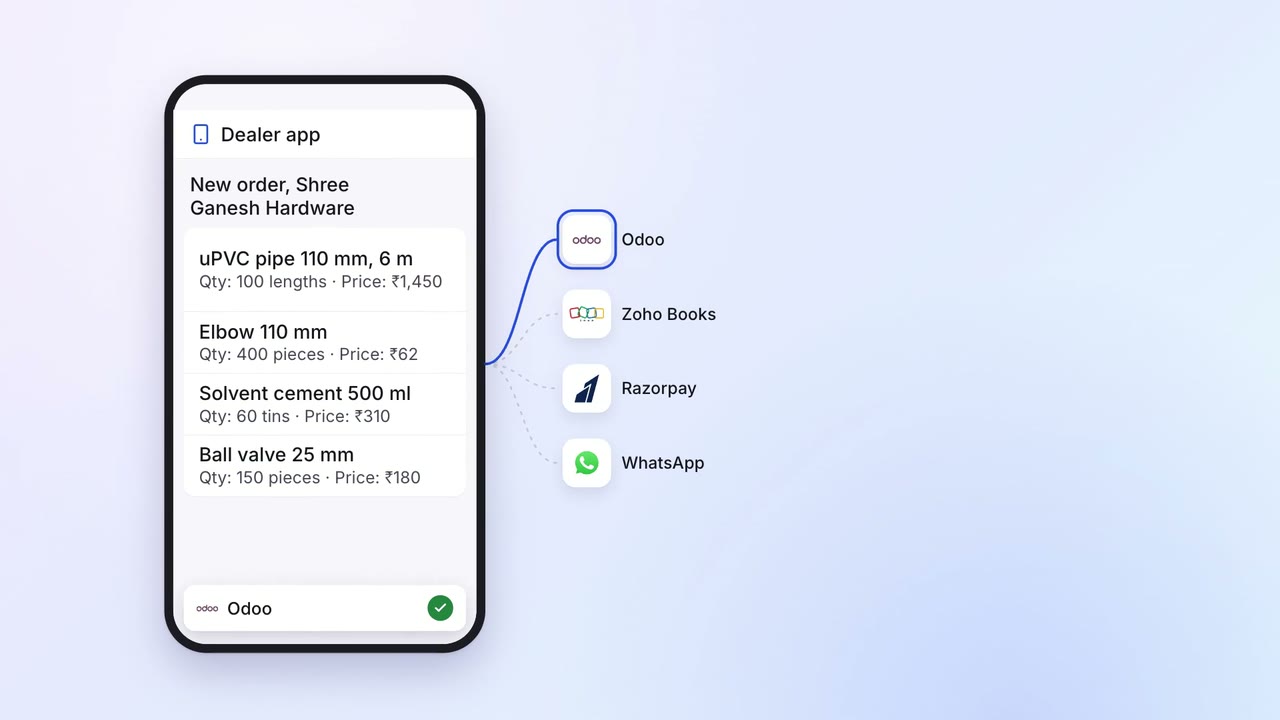
Dealers order in one app that checks stock, credit and schemes, and pay online
- Dealer app
 Odoo
Odoo- Zoho Books
- Razorpay
 WhatsApp
Finance Supplier bills and payments
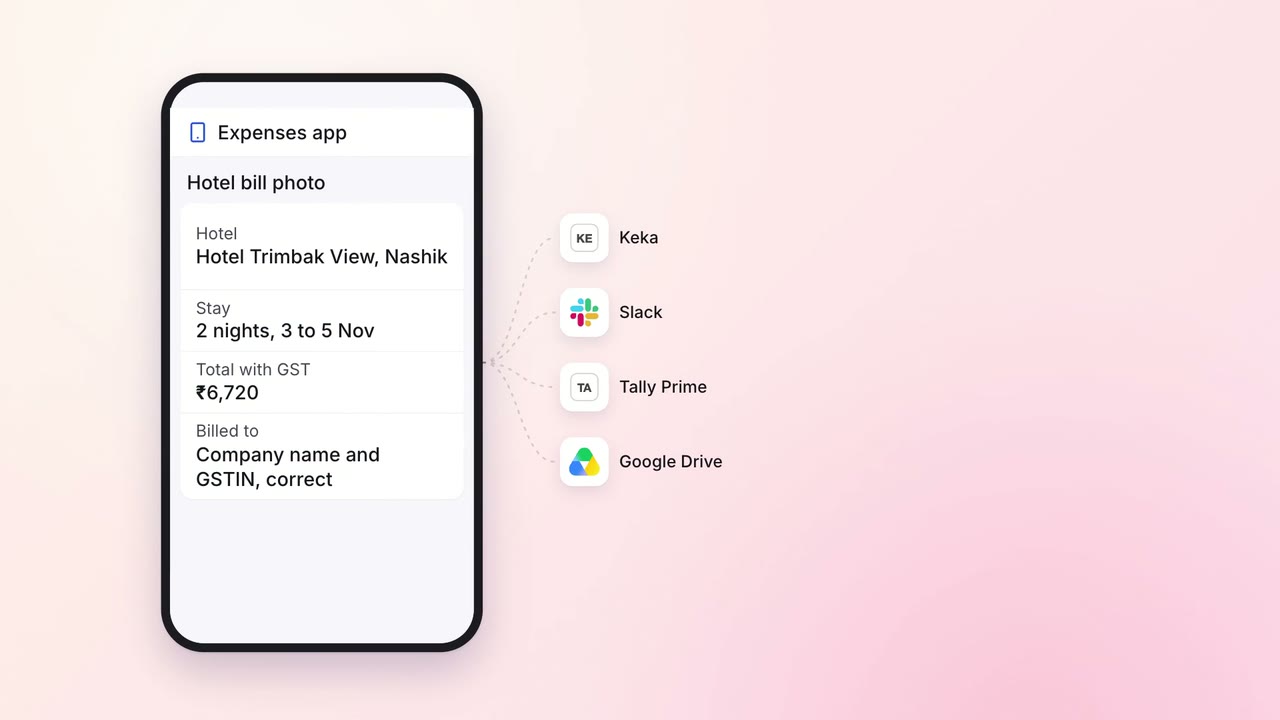
Staff claim expenses with a photo of the bill, checked for policy and GST on the spot
- Expenses app
 Keka
Keka Tally Prime
 Google Drive
 Slack
Slack
Sales Renewals and account care
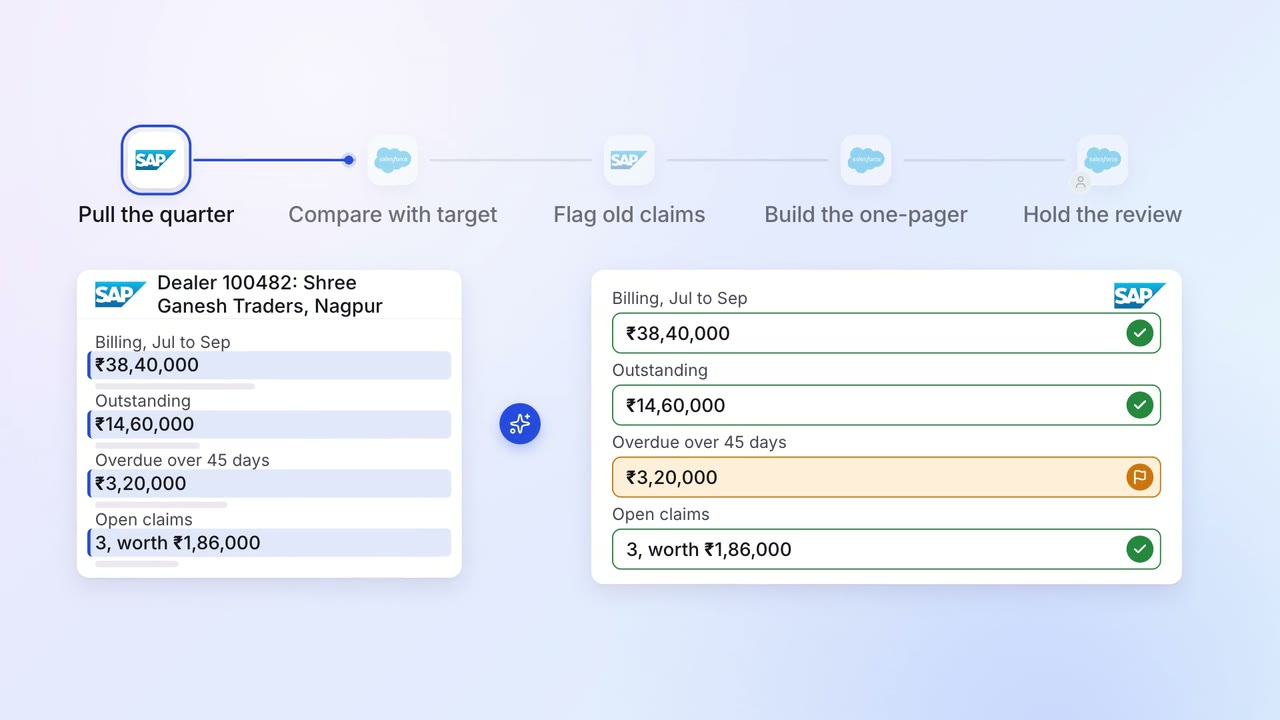
Each dealer review comes with sales, stock and claims on one page
 SAP S/4HANA
- Salesforce