Slow and dead stock is flagged every month, with a plan for each item
Each month the AI marks slow and dead stock at every plant and proposes a plan for each item. Plant heads and finance decide.
- Used day to day by
- Stores team
- Plant heads
- Financial controllers
How it runs with AI
On the first working day of each month the AI reads stock, value and last use for every material at every plant in SAP and marks what is slow or dead. For each item it checks the other plants, open orders and service needs, and proposes a plan: move it, keep it, return it or sell it. Each plant head gets their list before a monthly review, where plant heads and finance agree the plans.
How it is done today
Once a quarter, or when the auditors ask, someone in stores exports stock from SAP into Excel and sorts it by the date each item was last used. The list runs to hundreds of lines with no view of who else could use each item, so it gets discussed and set aside. Meanwhile one plant buys parts that another plant holds unused.
Step by step
Where the work happens, what the AI does, and where it hands over to a person.
-
Step 1, AI
Reads stock, value and the last issue date for every material at every plant
Needs to know: Plants in scope
In
 SAP S/4HANA
 -
Step 2, AI
Marks items unused past your limits as slow or dead
Needs to know: Slow and dead limits, Items exempt from flagging
In
SAP S/4HANA ,  Power BI
 -
Step 3, AI
Checks each item against other plants, open orders and service needs, and proposes a plan
Needs to know: Use at other plants, Warranty and service spares, Supplier return terms
In
SAP S/4HANA , Power BI Exception to step 3
Proposes return, sale or scrap when no plant, order or product uses the item
-
Step 4, AI
Builds the monthly review and sends each plant head their list
Needs to know: Plant heads, Plans still open
In
Power BI ,  Outlook
 -
Step 5, Person
Plant heads and finance agree each plan, and finance decides any write-off
In
Power BI
What stays with a person
- Plant heads and finance agree each plan, and finance decides any write-off
The plans it proposes
- Move the item to a plant that uses it
- Keep it, with the reason: open orders, warranty spares or a planned shutdown
- Return it to the supplier, where the contract allows
- Sell or scrap items that no current product uses
- Write off what has no buyer, for finance to decide
Apps in this example
- SAP S/4HANA
- Power BI
- Outlook
The same flow works with the apps you use.
This fits you if
- You hold stock at more than one plant or warehouse
- Slow-moving stock gets reviewed once a year, or when the auditors ask
- One plant has bought an item that another plant held unused
- Your stores still hold parts for models you no longer make
What to watch for
- Your team sets the limits, such as 180 days for slow and 365 for dead, and marks items to keep at any age, such as spares for critical machines
- Last use comes from goods issues posted in SAP. Stock taken from the store before its issue is posted shows as unused until the entry is made
- Moving stock to another state or writing it off has tax effects, so your tax team checks each move and write-off before it is made
- Plant heads and finance decide every move, sale and write-off. The AI proposes the plan and keeps the list current
Often done together
Operations Inventory and purchasing
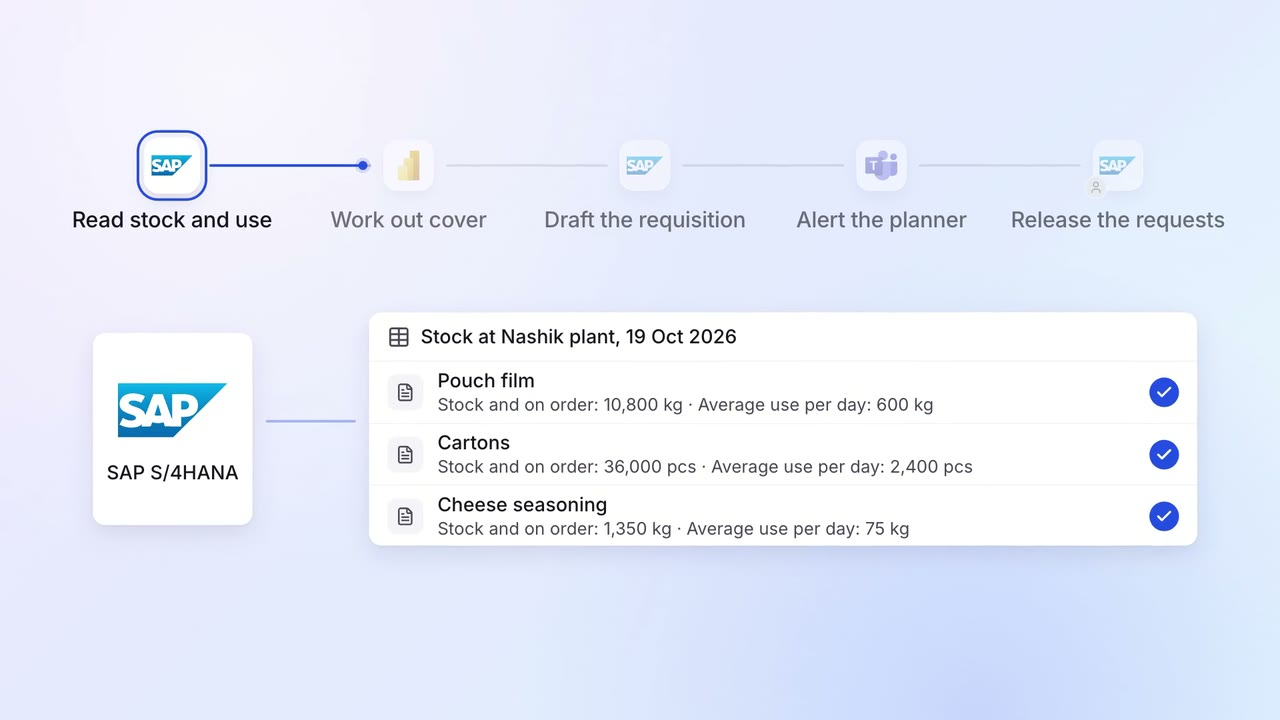
Purchase requests go in before stock runs out, based on what you actually use
- SAP S/4HANA
- Power BI
 Microsoft Teams
Operations Inventory and purchasing
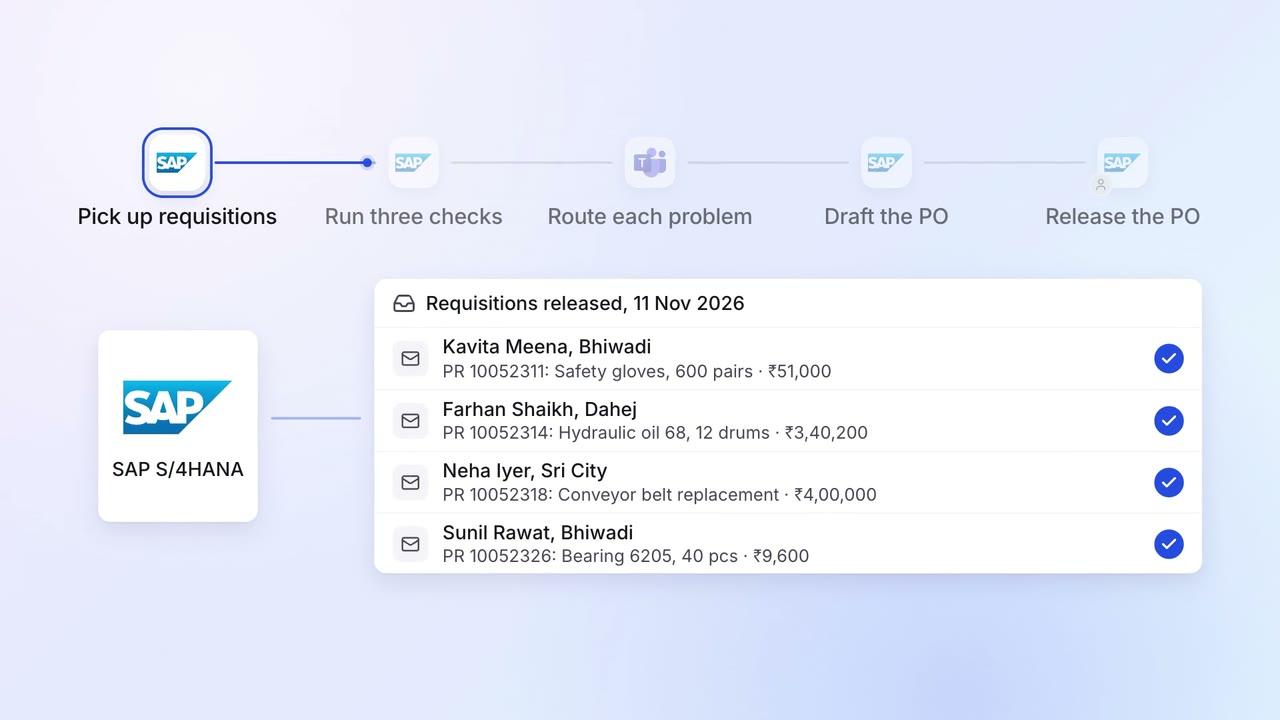
Requisitions are checked for budget, rate contract and duplicates before a PO
- SAP S/4HANA
- Microsoft Teams
Leadership Management reports
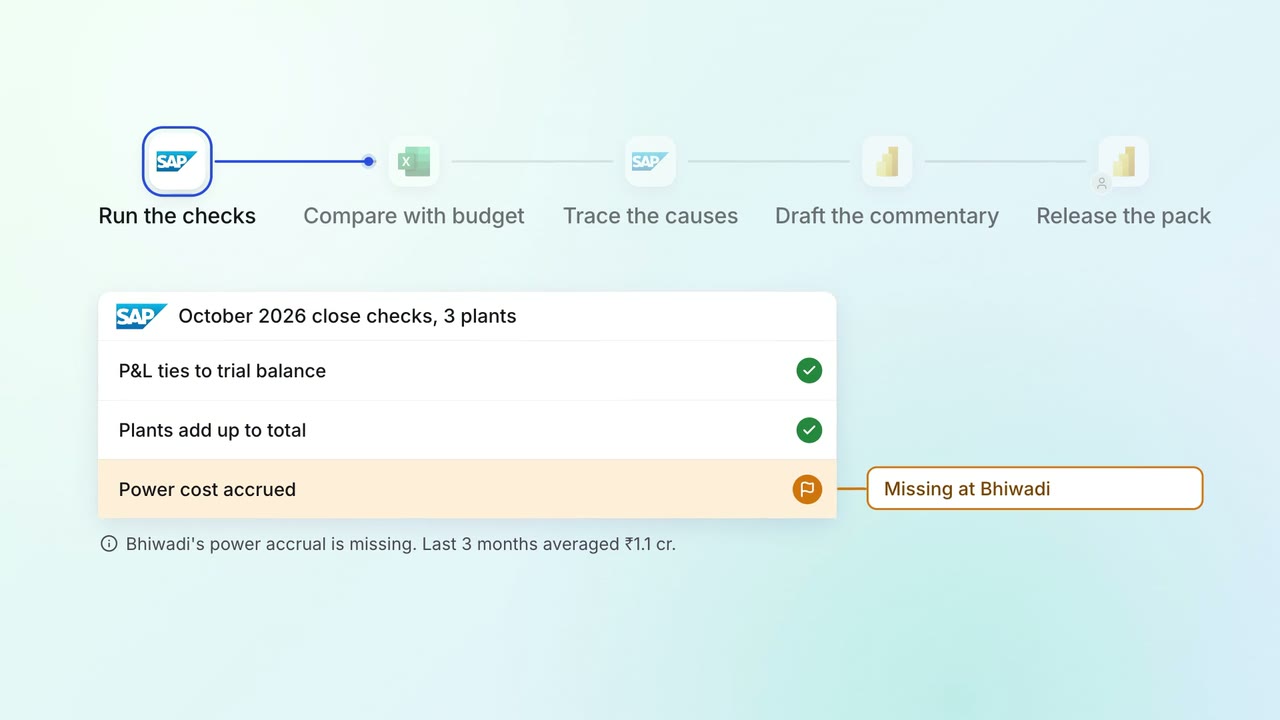
The monthly MIS pack arrives with the numbers checked and the variances explained
- SAP S/4HANA
 Excel
Excel- Power BI