Stock is counted on a phone, and every gap reaches the books and the auditor
Storekeepers scan bin labels with a phone app and type the count. Gaps are recounted, approved and posted to Dynamics 365, and listed for the auditor.
- Used day to day by
- Stores team
- Finance team
How it runs with AI
Storekeepers count a short list of bins every day on a phone app, between issues. The app reads the bin and item labels from the photo and keeps the book quantity hidden until the count is in. It checks each count against Dynamics 365, sends any gap for a second count and drafts the adjustment for the stores manager to approve on Teams. Each gap goes on the auditor's sheet with the photos and the names of who counted and who approved.
Step by step
Where the work happens, what the AI does, and where it hands over to a person.
-
Step 1, AI
Reads the bin and the item from the labels in the phone photo, and keeps the book quantity hidden until the count is in
Needs to know: Bins due for counting, Bin and item codes
In Stores app
-
Step 2, AI
Checks each count against the book stock in Dynamics 365 and marks any gap beyond the tolerance
Needs to know: Tolerance by item type
In Stores app ,
 Microsoft Dynamics 365
 Exception to step 2
Sends each gap to a second storekeeper for a recount, without showing the first count
-
Step 3, AI
Drafts a stock adjustment in Dynamics 365 once the second count agrees
Needs to know: Item values, Approval limits
In
Microsoft Dynamics 365 -
Step 4, Person
Checks the photos and both counts, then approves the adjustment on Teams
In
 Microsoft Teams
 -
Step 5, AI
Posts the approved adjustment in Dynamics 365 and adds each gap to the count log the auditor reads
Needs to know: What the auditor needs
In
Microsoft Dynamics 365 ,  Google Sheets
What stays with a person
- Checks the photos and both counts, then approves the adjustment on Teams
Apps in this example
- Stores app
- Microsoft Dynamics 365
- Google Sheets
- Microsoft Teams
The same flow works with the apps you use.
This fits you if
- Your stores hold more than 1,000 bins
- The stores close for a day or more to count stock
- Count sheets are printed from Microsoft Dynamics 365 and typed back in
- Your auditor asks who counted each bin and who approved each change
What to watch for
- Bins with worn or missing labels get a new label before counting starts. The app tells the storekeeper when it cannot read one
- Your team sets the tolerance for each kind of item, for example 1% for bolts counted by weight and an exact count for bearings
- A stock adjustment changes the value in your books, so the stores manager approves every one, and your finance head approves any above a limit you set
- Your auditor decides how much to rely on the daily counts, and may still attend a count at year end
Often done together
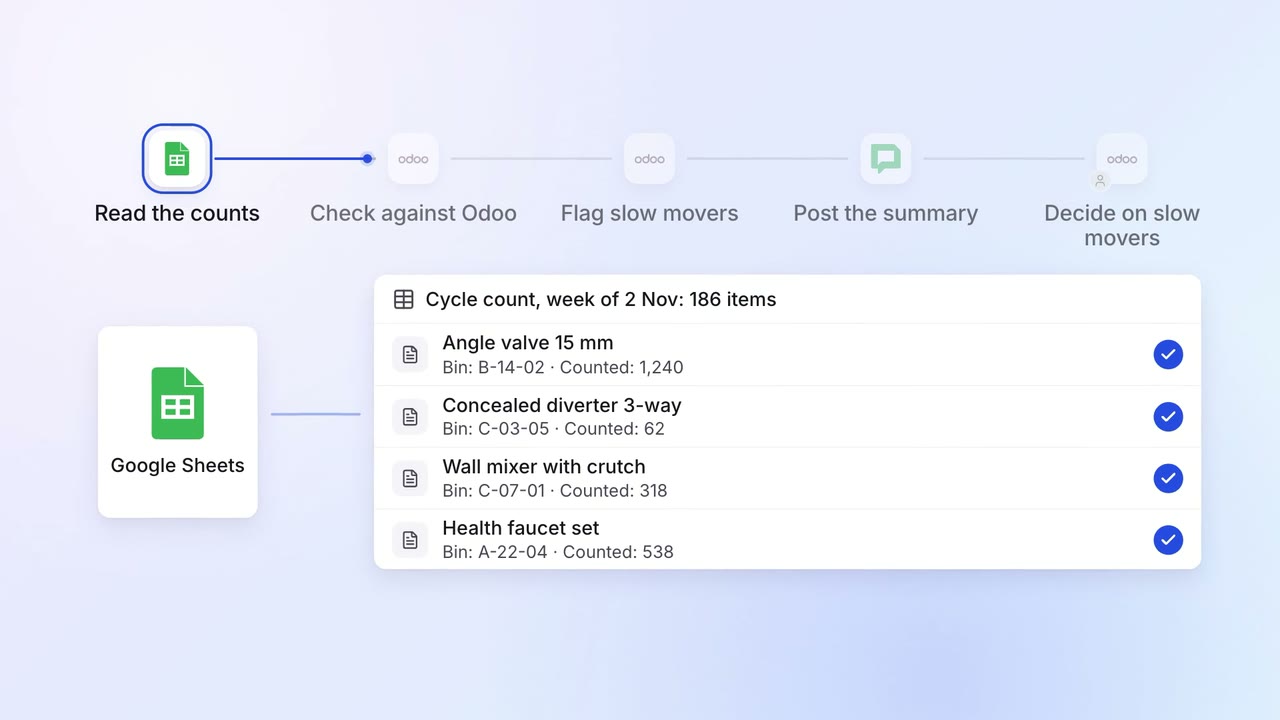
Operations Inventory and purchasing
Stock in Odoo matches the shelves, and slow movers are caught every week
- Google Sheets
 Odoo
Odoo Google Chat
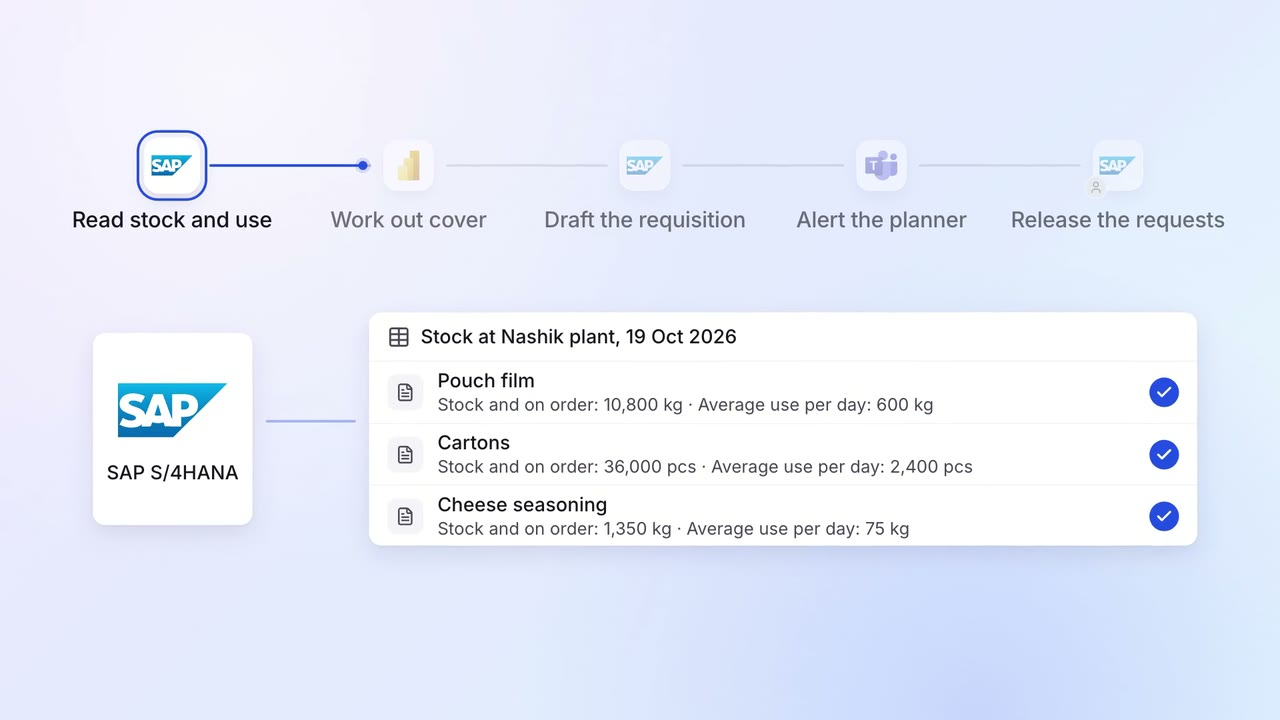
Operations Inventory and purchasing
Purchase requests go in before stock runs out, based on what you actually use
 SAP S/4HANA
 Power BI
- Microsoft Teams
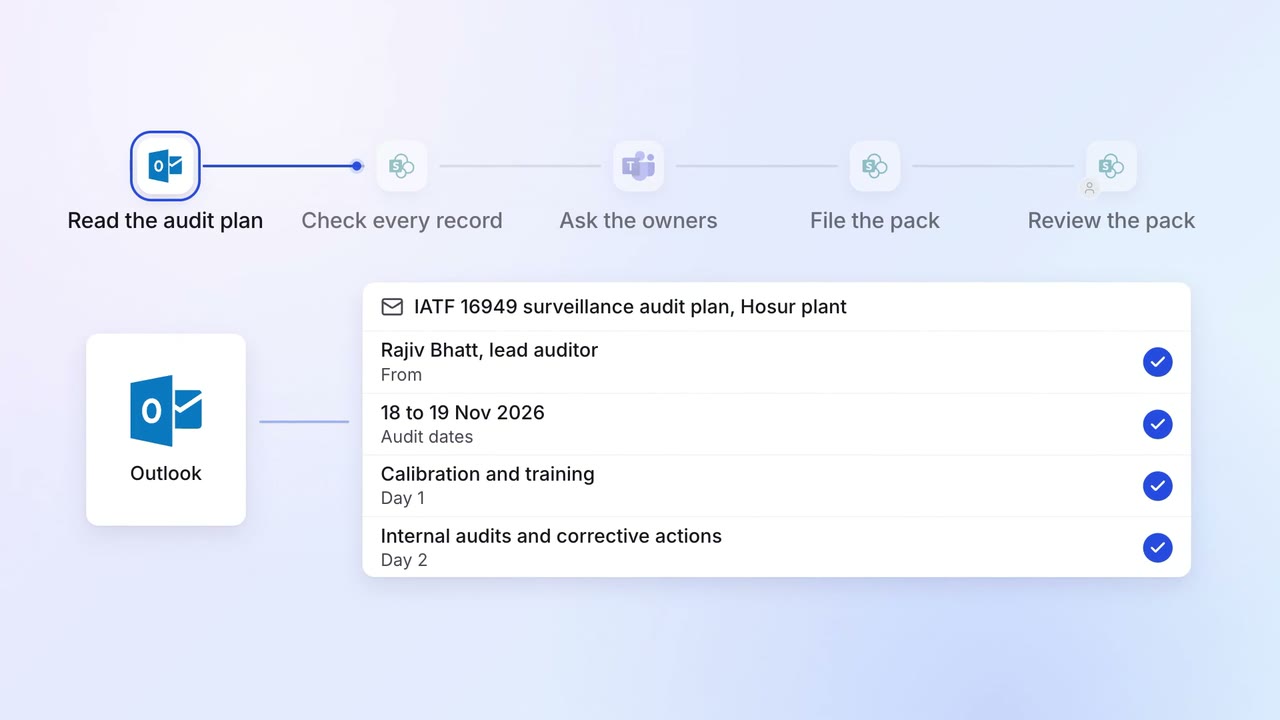
Operations Quality and audits
Evidence for every audit point is ready before the auditor asks
 Outlook
 SharePoint
- SAP S/4HANA
- Microsoft Teams