Unused software licences are found and reclaimed every month
Each month the AI finds paid licences that have gone unused, asks each person on Teams whether they still need theirs and, once IT approves, returns them to the pool for new requests.
- Used day to day by
- IT asset team
- IT head
- Purchase team
How it runs with AI
Each month, the AI checks when each person last used each paid licence, sets aside people on approved leave and asks the rest on Teams whether they still need it. After the IT asset manager approves the list, it removes those licences in Entra ID and returns them to the pool, so new requests are filled before anything is bought.
How it is done today
Paid licences such as Microsoft 365 Copilot, Visio and Project are given out on request and seldom taken back. Once a year, just before renewal, someone exports the usage reports to Excel, checks who is on leave and emails people one by one. Through the rest of the year, new requests are met by buying more licences.
Step by step
Where the work happens, what the AI does, and where it hands over to a person.
-
Step 1, AI
Pulls every paid licence and the date each person last used it
Needs to know: Paid licences in scope
In
 Microsoft 365 admin
 -
Step 2, AI
Sets aside people on approved leave and flags the rest
Needs to know: Unused period limit, Who is on leave, Quarter-end users list
In
Microsoft 365 admin ,  Darwinbox
 -
Step 3, AI
Asks each person on Teams whether they still need the licence
Needs to know: Reporting lines
In
 Microsoft Teams
 Exception to step 3
Asks the person's manager when the reminder gets no reply
-
Step 4, Person
Reviews the replies and approves the licences to reclaim
In
Microsoft Teams -
Step 5, AI
Removes the approved licences and returns them to the pool for new requests
Needs to know: Open licence requests
In
Entra ID , Microsoft 365 admin
What stays with a person
- Reviews the replies and approves the licences to reclaim
Apps in this example
- Microsoft 365 admin
- Entra ID
- Darwinbox
- Microsoft Teams
The same flow works with the apps you use.
This fits you if
- You pay for more than 100 add-on licences such as Copilot, Visio or Project
- Licences are given out on request and reviewed once a year, if at all
- New licence requests are usually met by buying more
- HR records leave in Darwinbox and IT manages licences in Microsoft 365
What to watch for
- The automation works on add-on licences. Mailbox licences stay with your leaver process, because Microsoft deletes a mailbox's data 30 days after its licence is removed
- Most annual licences can be reduced only around renewal. Reclaimed licences fill new requests first, and IT lowers the count it renews by what is left in the pool
- IT sets the rules, such as how long a licence can sit unused, and keeps a list of people who use an app only at quarter end or year end, so their licences stay
- The IT asset manager approves every removal. A person who needs the licence back gets it through the usual request on Teams
Often done together
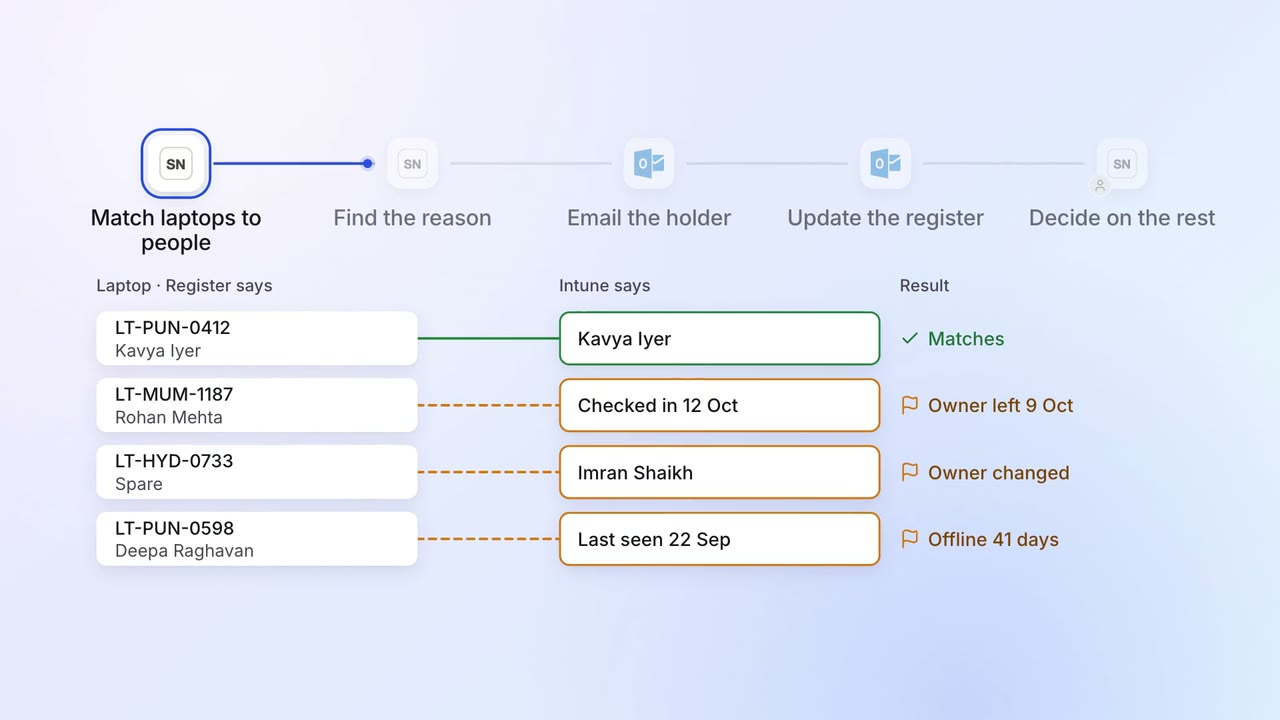
IT Asset tracking
Every laptop is matched to a person, and the missing ones are chased
 ServiceNow
- Intune
- Darwinbox
 Outlook
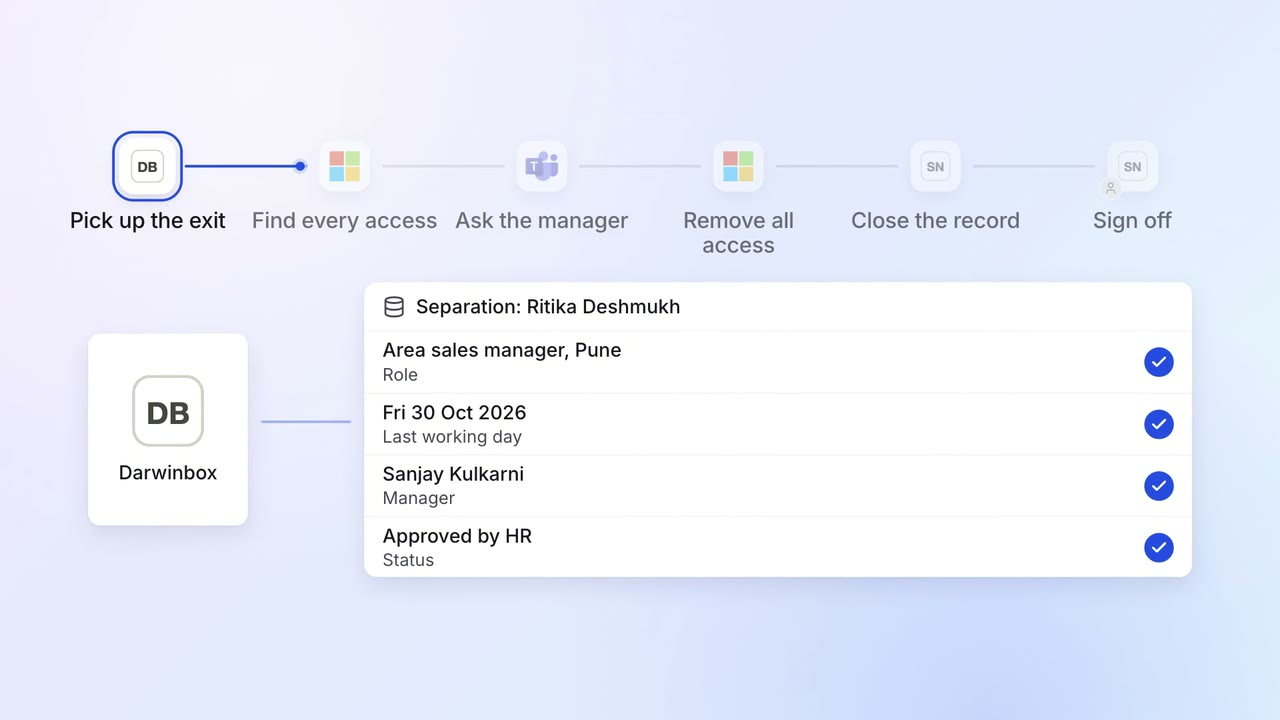
IT Access for joiners and leavers
Every leaver's access ends on the last day, with a record for audit
- Darwinbox
- Entra ID
- Microsoft Teams
- ServiceNow
 SAP S/4HANA
 Salesforce
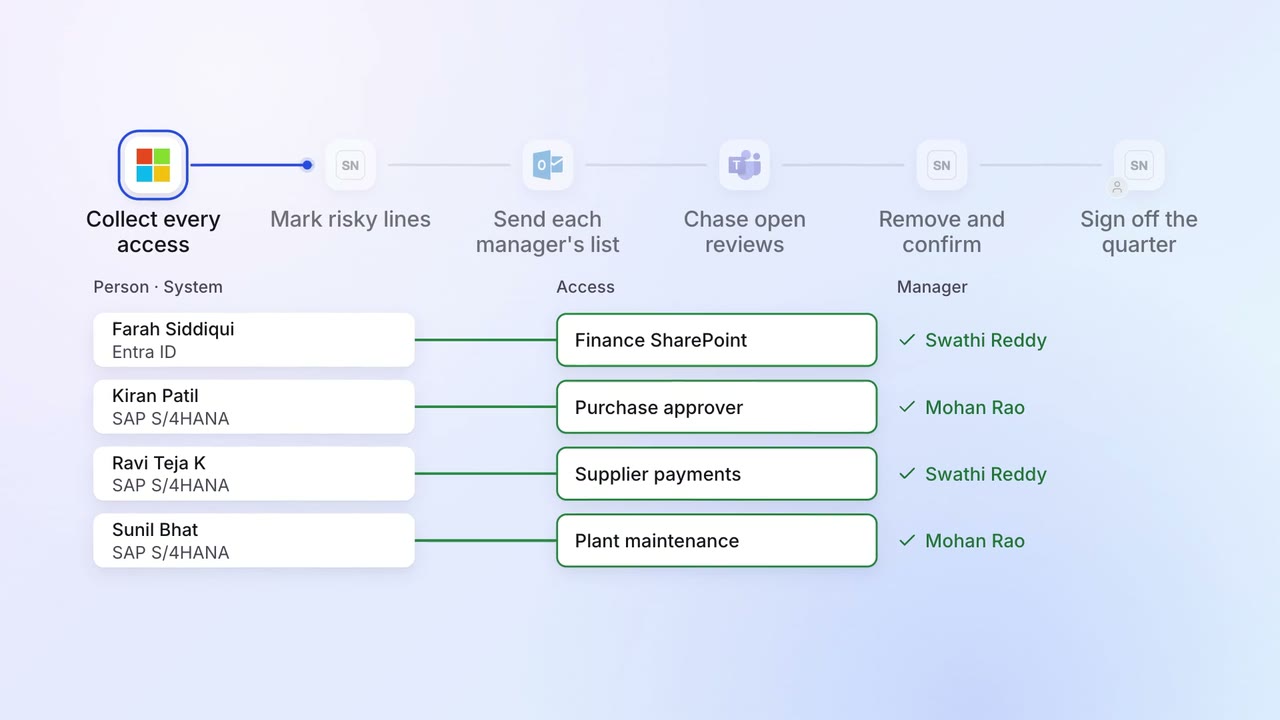
IT Security checks
Quarterly access reviews close on time, with every removal confirmed
- Entra ID
- SAP S/4HANA
- ServiceNow
- Outlook
- Microsoft Teams