Searches that waste your Google Ads budget are found and blocked every week
Every Monday, the AI finds the searches that cost money and brought no leads, and proposes blocks that leave your good searches running. Your paid search manager approves.
- Used day to day by
- Marketing team
- Marketing head
How it runs with AI
Every Monday the AI reads last week's search terms, marks the ones that cost money and brought no leads, and gives each one a reason. It checks every proposed block against the searches that brought leads, and narrows any that would clash. The paid search manager approves the list by email, and the AI adds the blocks to Google Ads and checks the next week that the waste stopped.
How it is done today
Google Ads shows your ads for thousands of different searches each week, including job seekers, students and home buyers. Reading the search terms report takes hours, so it happens once a month or less, and a wasted search can run for weeks. A hurried block can also stop a search that brings leads.
Step by step
Where the work happens, what the AI does, and where it hands over to a person.
-
Step 1, AI
Pulls last week's search terms from Google Ads, with clicks, cost and leads
Needs to know: Campaigns in scope
In
 Google Ads
 -
Step 2, AI
Marks the searches that cost money and brought no leads, each with a reason
Needs to know: Your products and buyers, Your lead definition
In
Google Ads -
Step 3, AI
Checks each proposed block against the searches that brought leads in the last 90 days
Needs to know: Searches that brought leads
In
Google Ads Exception to step 3
Narrows a block to the exact search when a broader one would also stop searches that bring leads
-
Step 4, AI
Emails the paid search manager the proposed blocks, with any borderline searches to decide
Needs to know: Who approves blocks
In
 Outlook
 -
Step 5, Person
Approves the list and decides any borderline searches
In
Outlook -
Step 6, AI
Adds the approved blocks to the shared negative keyword list, then checks the next week that the waste stopped
Needs to know: Campaigns the list covers
In
Google Ads
What stays with a person
- Approves the list and decides any borderline searches
Apps in this example
- Google Ads
- Outlook
The same flow works with the apps you use.
This fits you if
- You spend more than ₹2,00,000 a month on Google search ads
- You run search campaigns for several product lines or regions
- Someone reads the search terms report once a month or less
- Your ads draw clicks from job seekers, students or buyers outside your market
What to watch for
- Google lists only the searches that enough people used, so part of the spend stays out of the report. The check covers every search Google lists
- A block covers the words you give it and their misspellings. Plurals need their own entry, so the AI adds both, like job and jobs
- Your team keeps a short note of what you sell and to whom, and the AI judges each search against it
- Changes to your Google Ads account stay with your paid search manager. The AI adds only the blocks that were approved
Often done together
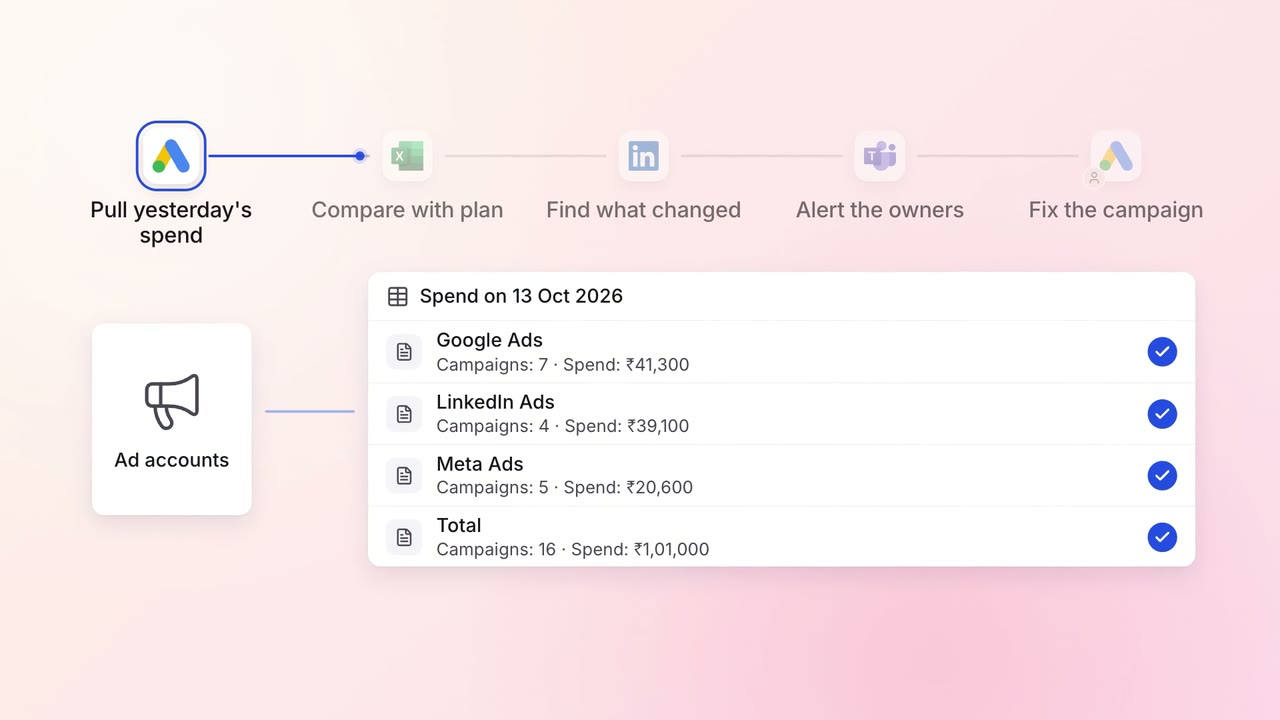
Marketing Campaigns and ads
Ad spend on Google, LinkedIn and Meta is checked against the plan every morning
- Google Ads
 LinkedIn Ads
 Meta Ads
 Excel
Excel Microsoft Teams
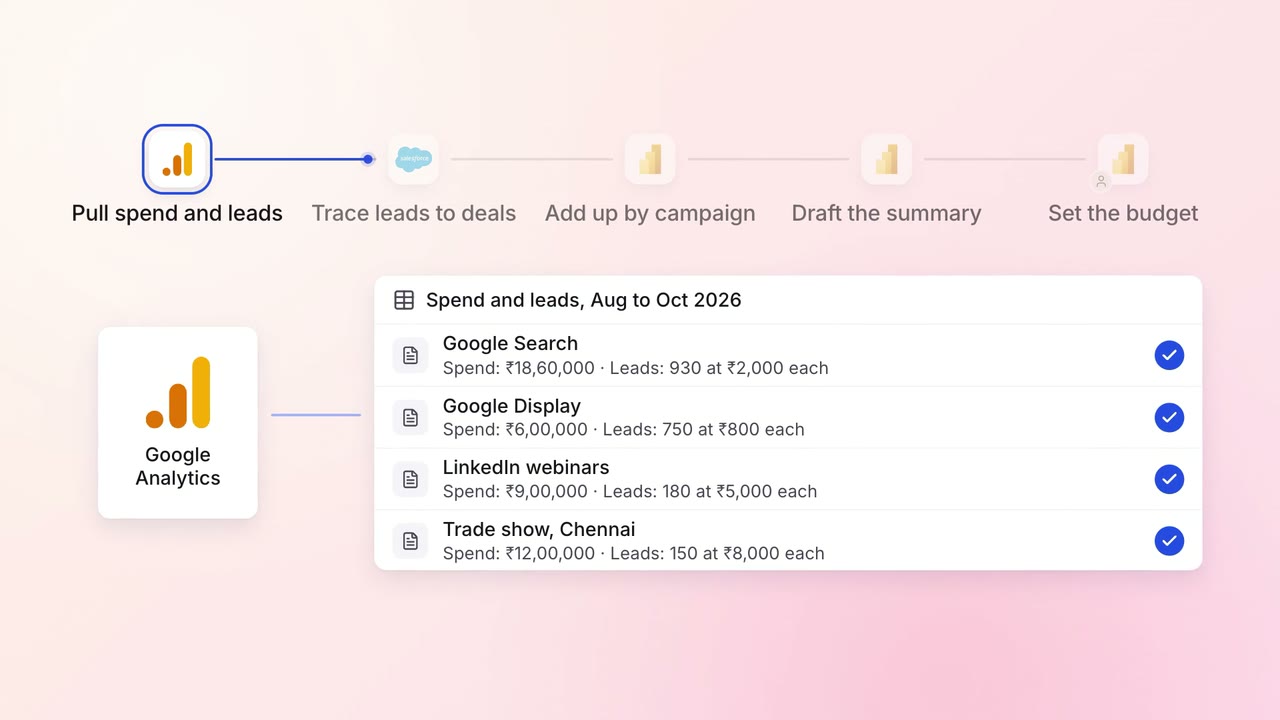
Marketing Reporting
Every campaign is tied to the pipeline and revenue it brings, in one monthly report
 Google Analytics
- Google Ads
- LinkedIn Ads
 Salesforce
 Power BI
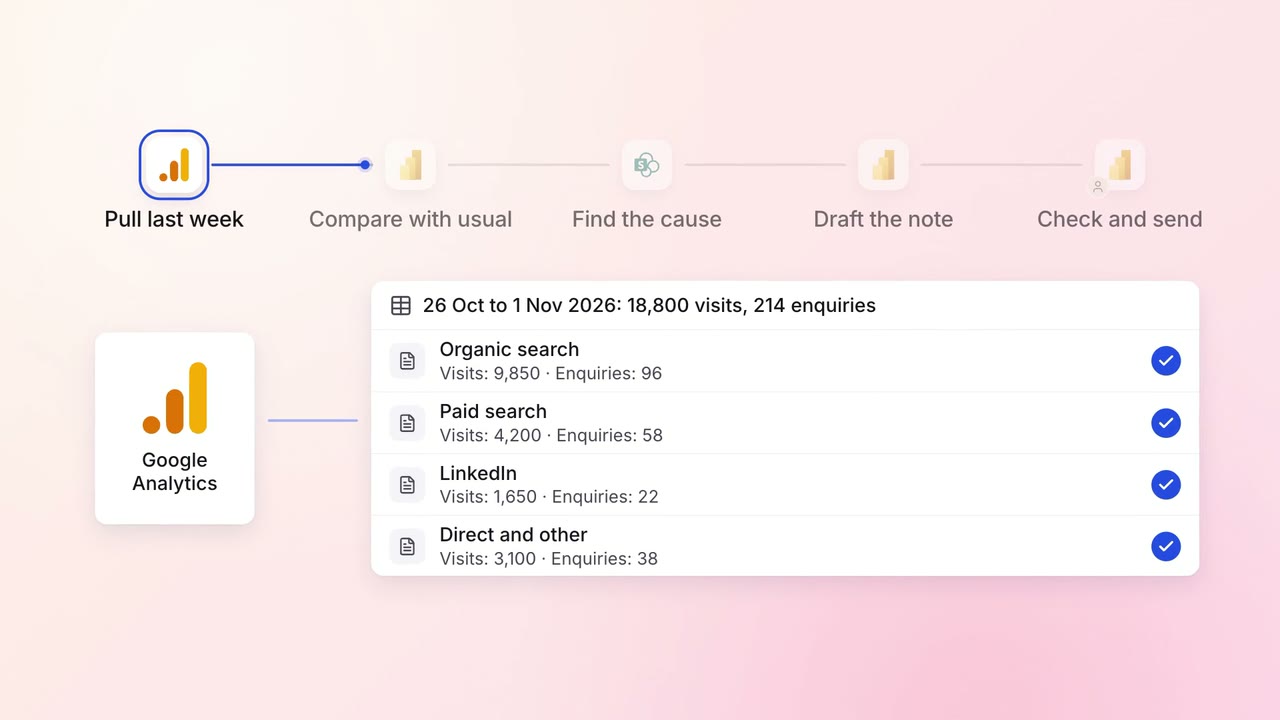
Marketing Reporting
The weekly marketing report arrives with what changed and why
- Google Analytics
- Power BI
 SharePoint
- Microsoft Teams