Background checks start the day the offer is accepted and are tracked to clearance
The AI opens each joiner's case with your verification partner, chases the checks that stall and reads every report for differences. HR decides on each difference and clears the joiner.
- Used day to day by
- HR team
- Recruiters
- Hiring managers
How it runs with AI
The AI opens a case on the verification portal the day the offer is accepted, with the checks the role needs and the joiner's signed consent. It follows every check daily, asks the joiner for anything missing and reads each finished report against what the joiner declared. HR decides on any difference, and Darwinbox shows who is cleared to start.
How it is done today
After an offer is accepted, an HR executive fills in the verification partner's form for each joiner, uploads their documents and logs the case in an Excel tracker. Checks stall on a missing HR contact or an old degree, and HR hears about it when the partner emails. Some joiners start work with checks still open and the tracker a week out of date.
Step by step
Where the work happens, what the AI does, and where it hands over to a person.
-
Step 1, AI
Picks up every accepted offer and the joiner's documents from Darwinbox
Needs to know: Documents each check needs
In
 Darwinbox
 -
Step 2, AI
Opens a case with the verification partner, with the checks the role needs
Needs to know: Check package by role, Consent rules
In Verification portal ,
Darwinbox Exception to step 2
Asks the joiner on WhatsApp to sign the consent form first, if it is missing
-
Step 3, AI
Follows every check daily and chases the joiner or the partner when one stalls
Needs to know: Turnaround time per check, Each joiner's start date
In Verification portal ,
 WhatsApp Business
 Exception to step 3
Tells the recruiter and hiring manager when a check will finish after the joining date
-
Step 4, AI
Reads each finished report against the joiner's CV and application, and flags any difference
Needs to know: Joiner's CV and application, Common harmless differences
In Verification portal ,
Darwinbox -
Step 5, Person
Talks to the joiner about each difference and decides the next step
In
Darwinbox -
Step 6, AI
Marks the joiner cleared in Darwinbox and tells the hiring manager and IT
Needs to know: Who needs to know
In
Darwinbox
What stays with a person
- Talks to the joiner about each difference and decides the next step
Apps in this example
- Darwinbox
- Verification portal
- WhatsApp Business
The same flow works with the apps you use.
This fits you if
- You bring in more than 30 joiners a month, across several sites
- An HR executive fills in your verification partner's forms by hand today
- Check status lives in an Excel tracker and the partner's emails
- Joiners sometimes start before every check is closed
What to watch for
- Each joiner signs a consent form listing the checks before any check starts, and the partner receives only the documents those checks need
- Reports carry personal data. Screens show masked ID numbers, and reports sit in Darwinbox where only HR can open them
- A difference often has an ordinary reason, such as a grade recorded as a job title. HR speaks to the joiner first, and any decision to withdraw an offer stays with HR
- Your verification partner runs the checks. The AI opens the cases, follows them and reads the results
- Joiners are told they are messaging an automated assistant, with a named HR contact for questions
Often done together
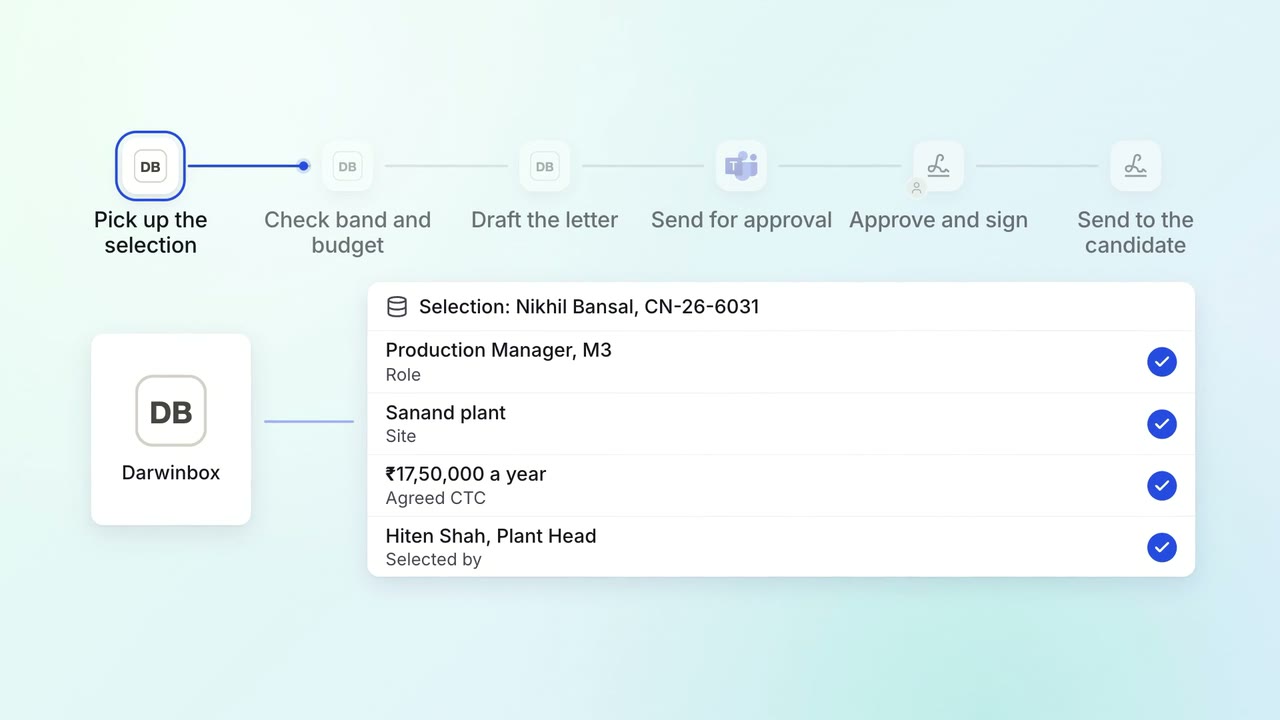
HR Hiring
Offer letters are drafted from the approved grade and reach the approvers the same day
- Darwinbox
 Microsoft Teams
- Leegality
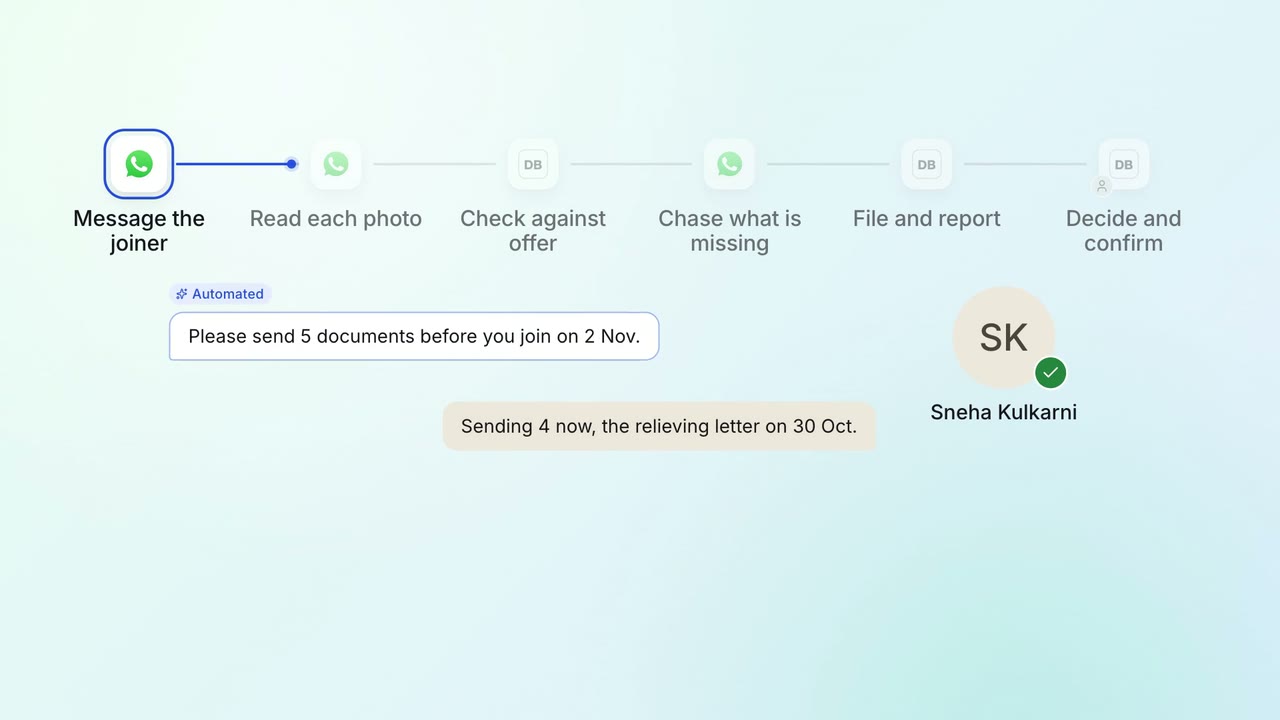
HR Onboarding
Joining documents are collected and checked before day one
- WhatsApp Business
- Darwinbox
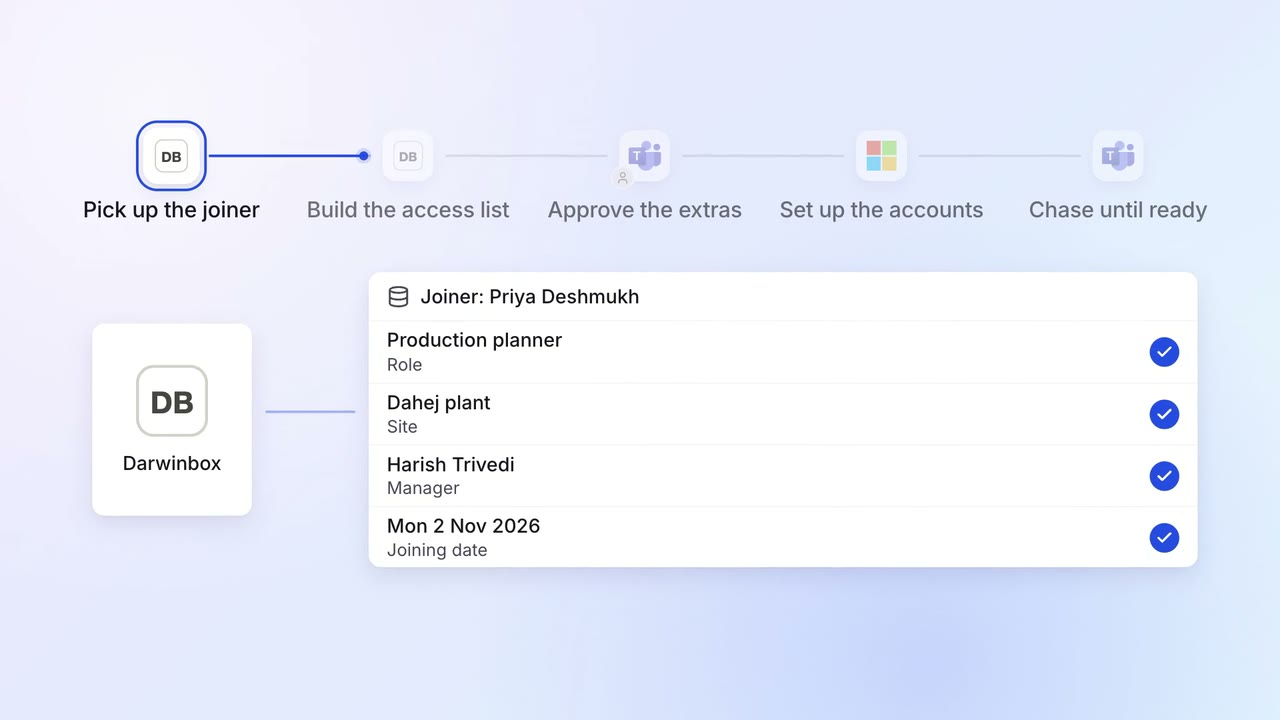
IT Access for joiners and leavers
Every joiner's accounts and laptop are ready before day one
- Darwinbox
 Entra ID
- Microsoft Teams
- Intune
 ServiceNow