PF, ESI and professional tax are worked out from payroll and paid on time
When payroll is locked, the AI works out every PF, ESI and professional tax due from greytHR, checks each person against the portal records and prepares the files. Your finance head pays, and the AI books each payment in Zoho Books.
- Used day to day by
- Accounts team
- HR team
- Finance head
How it runs with AI
When payroll is locked, the AI works out every PF, ESI and professional tax due from greytHR and checks each person against the EPFO and ESIC records and against last month. HR fixes what is missing, and the AI prepares the upload files and one payment summary. The finance head approves and pays, and the AI books each challan in Zoho Books and checks that every due is cleared.
Step by step
Where the work happens, what the AI does, and where it hands over to a person.
-
Step 1, AI
Reads every PF, ESI and professional tax deduction once payroll is locked in greytHR
Needs to know: Work locations by state
In
 greytHR
 -
Step 2, AI
Checks each person against the EPFO and ESIC records, their work location and last month
Needs to know: Last month's filings, Who must be registered
In
greytHR , EPFO portal , ESIC portal Exception to step 2
Sends each fix to HR, with what is missing
-
Step 3, AI
Prepares the PF and ESI upload files and one payment summary for the month
Needs to know: Portal file formats, Due dates
In
greytHR , EPFO portal , ESIC portal -
Step 4, Person
Approves the summary, uploads the files and pays each challan on the portals
In EPFO portal , ESIC portal
-
Step 5, AI
Books each payment in Zoho Books against its liability and checks that every due is cleared
Needs to know: Liability accounts, Due dates
In
 Zoho Books
 Exception to step 5
Alerts the finance head if any due is still unpaid close to its due date
What stays with a person
- Approves the summary, uploads the files and pays each challan on the portals
Apps in this example
- greytHR
- EPFO portal
- ESIC portal
- Zoho Books
The same flow works with the apps you use.
This fits you if
- You run payroll in greytHR and pay PF, ESI and professional tax every month
- Your accounts team prepares the portal files by hand
- You have staff in more than one state
- Joiners without a UAN or exits not marked on the portal hold up your filings
What to watch for
- Paying stays with your finance head. The AI prepares the files and the summary, and the upload and payment happen under your own portal login
- greytHR still calculates pay and deductions. The AI checks them against the portal records and your own rules
- Your team or payroll adviser sets the rules the checks use, and updates them whenever the law changes
- Creating a UAN or registering someone on ESIC needs the employee's details. HR collects them, and the AI tells HR exactly what is missing
Often done together
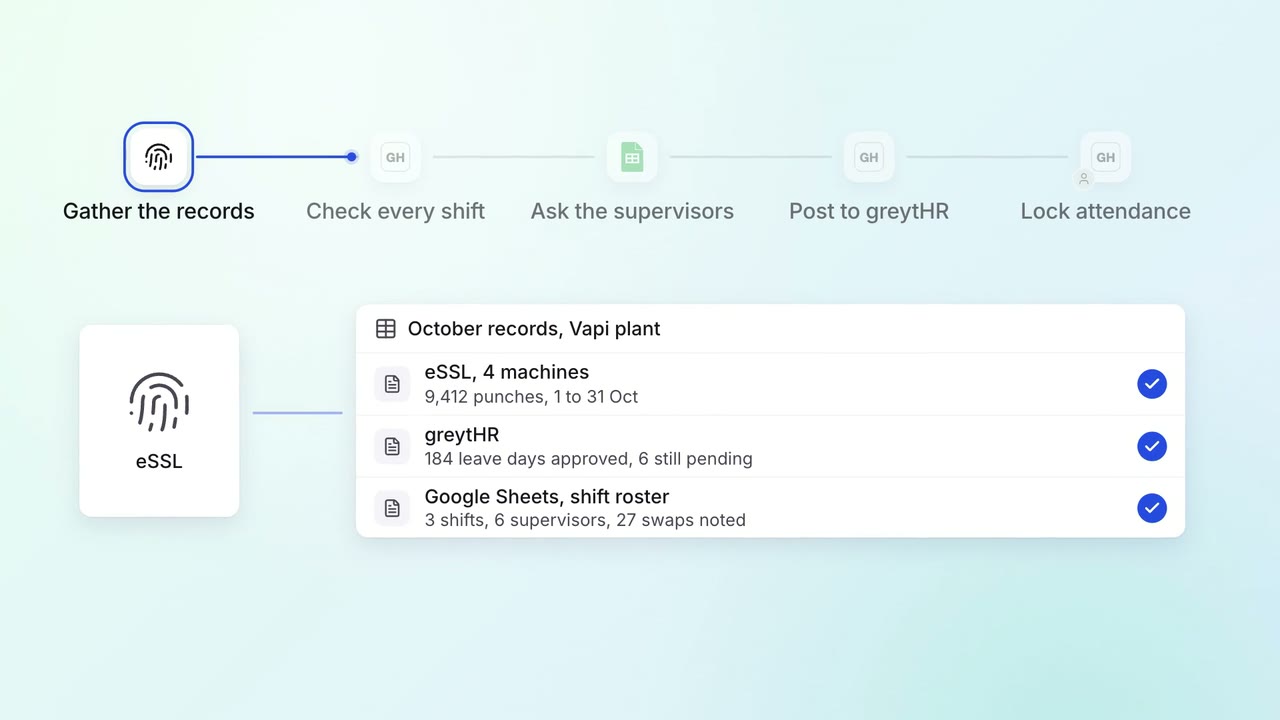
HR Leave, attendance and payroll questions
Paid days and overtime are settled from punches, leave and shifts before payroll
- eSSL
- greytHR
 Google Sheets
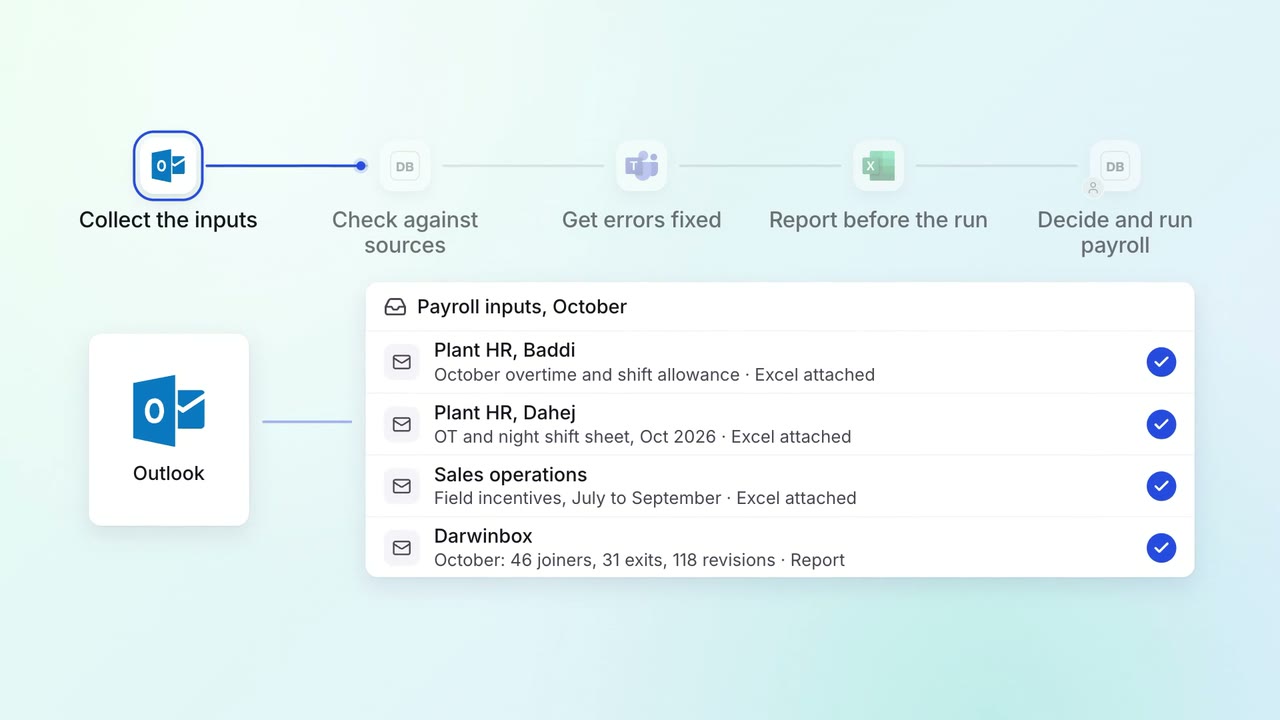
HR Leave, attendance and payroll questions
Every payroll input is checked against its source before the monthly run
 Darwinbox
 Excel
Excel Outlook
 Microsoft Teams
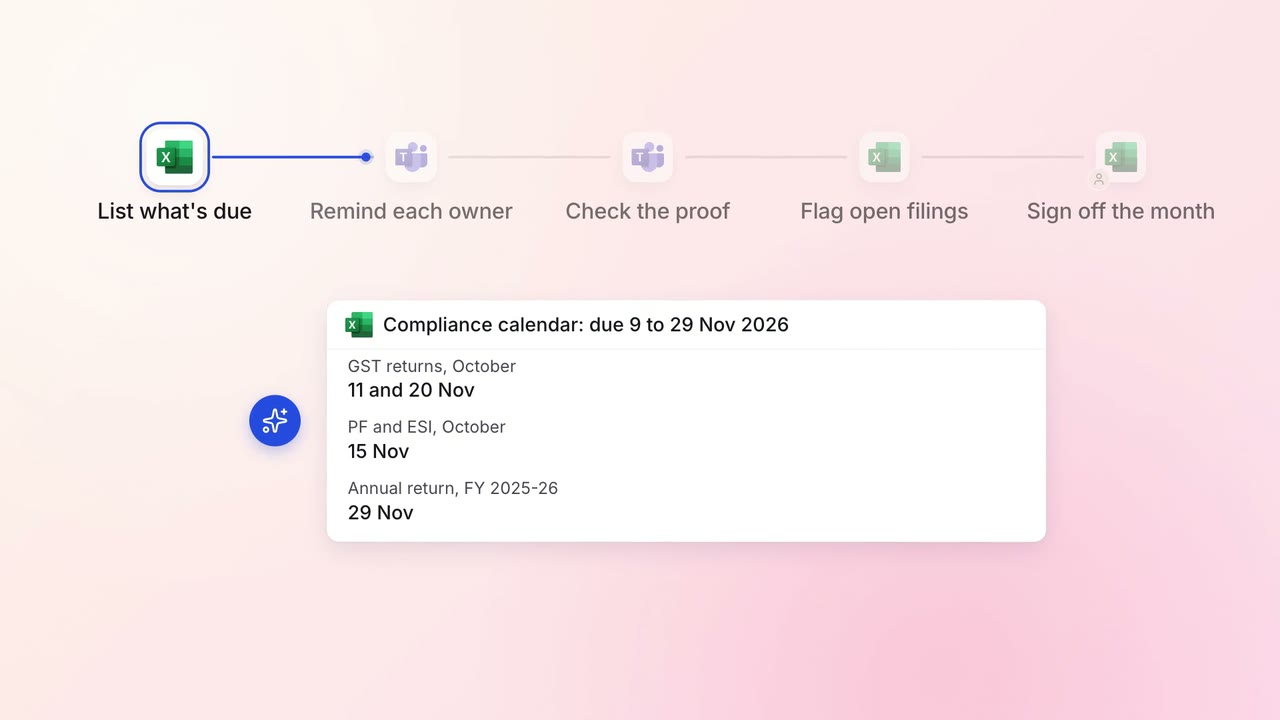
Legal and compliance Regulatory tracking
Every statutory filing across your companies is tracked to its due date
- Excel
- Microsoft Teams