Supplier invoices, test certificates and dispatch papers arrive in one portal, checked against the PO
Suppliers upload each dispatch's papers against the PO. Every document is checked against Dynamics 365 and filed in SharePoint, and any difference goes to the buyer.
- Used day to day by
- Purchase team
- Quality team
- Accounts team
How it runs with AI
Suppliers upload each dispatch's papers to one portal, against the PO, before the truck leaves. The portal reads every document, checks the grade, quantity, rate and GSTIN against Dynamics 365 and files the set in SharePoint under the PO. Quality has the test certificate before the truck arrives. Any difference goes to the buyer on Teams, and the supplier hears the decision by email.
Step by step
Where the work happens, what the AI does, and where it hands over to a person.
-
Step 1, AI
Takes in the papers each supplier uploads for a dispatch, against the PO
Needs to know: Papers each dispatch needs
In Supplier portal
-
Step 2, AI
Reads each document and checks it against the PO and supplier record in Dynamics 365
Needs to know: Rate and quantity tolerances, Grade specifications
In Supplier portal ,
 Microsoft Dynamics 365
 Exception to step 2
Asks the supplier for any missing or unreadable document before the dispatch is accepted
-
Step 3, AI
Files every paper in SharePoint under the PO and sends the test certificate to quality
Needs to know: PO folder structure, Quality contact per plant
In
 SharePoint
 -
Step 4, AI
Alerts the buyer on Teams with the rate difference
Needs to know: Buyer for each PO
In
 Microsoft Teams
 -
Step 5, Person
Accepts the new rate or asks the supplier for a revised invoice
In Supplier portal
-
Step 6, AI
Emails the supplier with the buyer's decision and what to upload next
Needs to know: Supplier contacts
In
 Outlook , Supplier portal
What stays with a person
- Accepts the new rate or asks the supplier for a revised invoice
Apps in this example
- Supplier portal
- Microsoft Dynamics 365
- SharePoint
- Outlook
- Microsoft Teams
The same flow works with the apps you use.
This fits you if
- You receive more than 300 supplier dispatches a month
- Supplier papers reach different buyers by email, or arrive with the truck
- Your purchase orders are raised in Microsoft Dynamics 365
- Material waits at the gate or in stores for a test certificate
What to watch for
- Accepting a rate or quantity that differs from the PO is the buyer's decision. The portal shows the difference and records the decision
- Paying the supplier stays with accounts. The portal hands over a checked invoice, and accounts releases the payment
- Your purchase team gives each supplier a login and agrees a date from which papers come only through the portal
- Scanned or photographed papers go to a person whenever the reading is unclear
Often done together
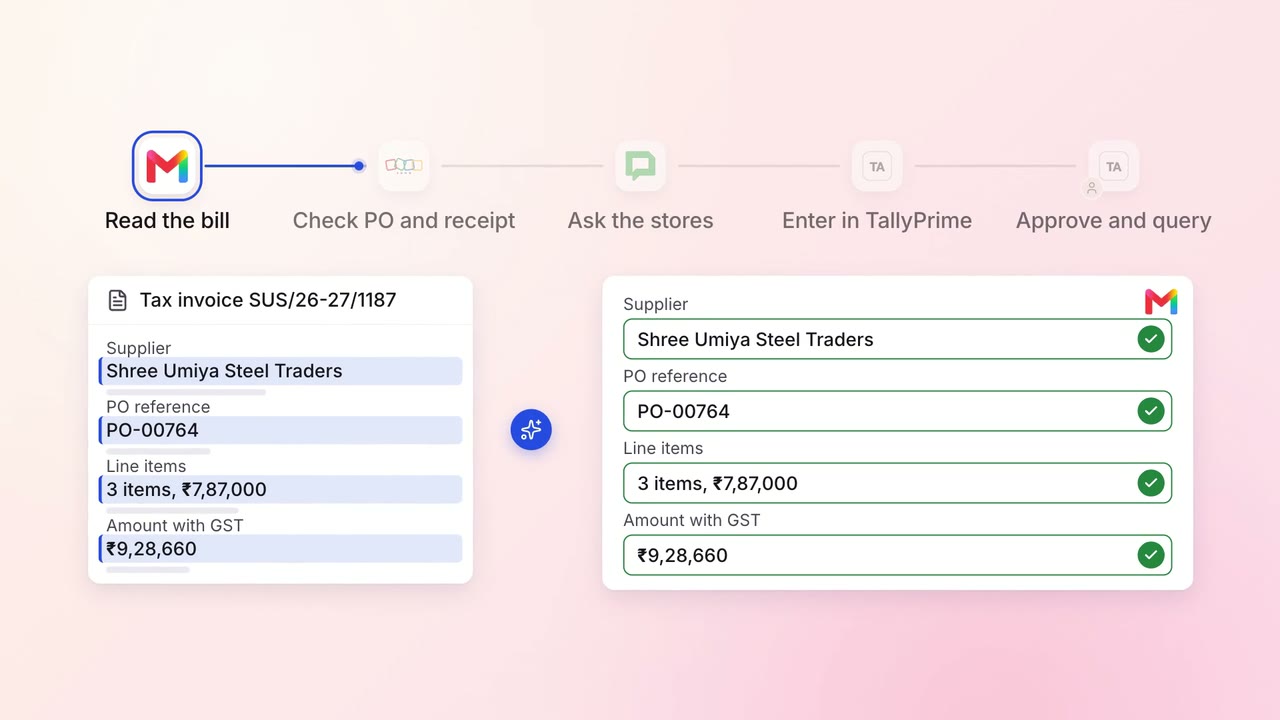
Finance Supplier bills and payments
Supplier bills are checked against what actually arrived, then entered in TallyPrime
 Gmail
Gmail Zoho Inventory
 Google Chat
 TallyPrime
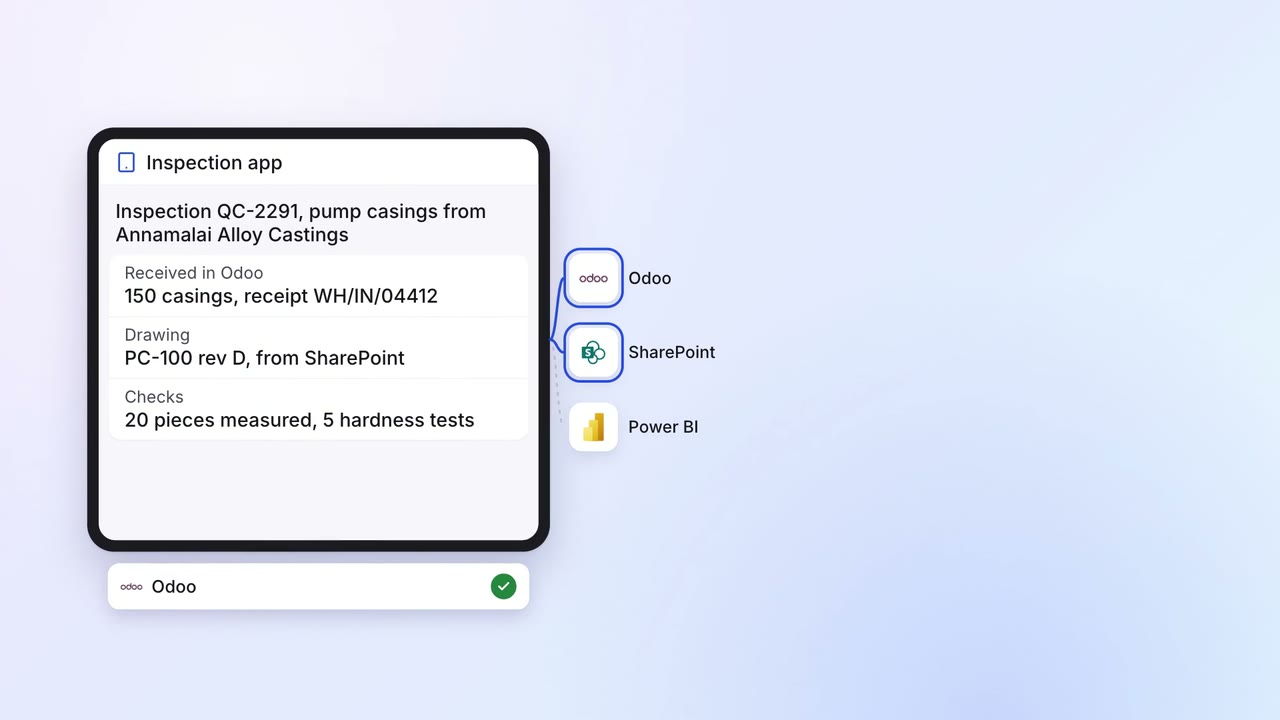
Operations Quality and audits
Incoming material is inspected on a tablet, and only passed lots reach the line
- Inspection app
 Odoo
Odoo- SharePoint
 Power BI
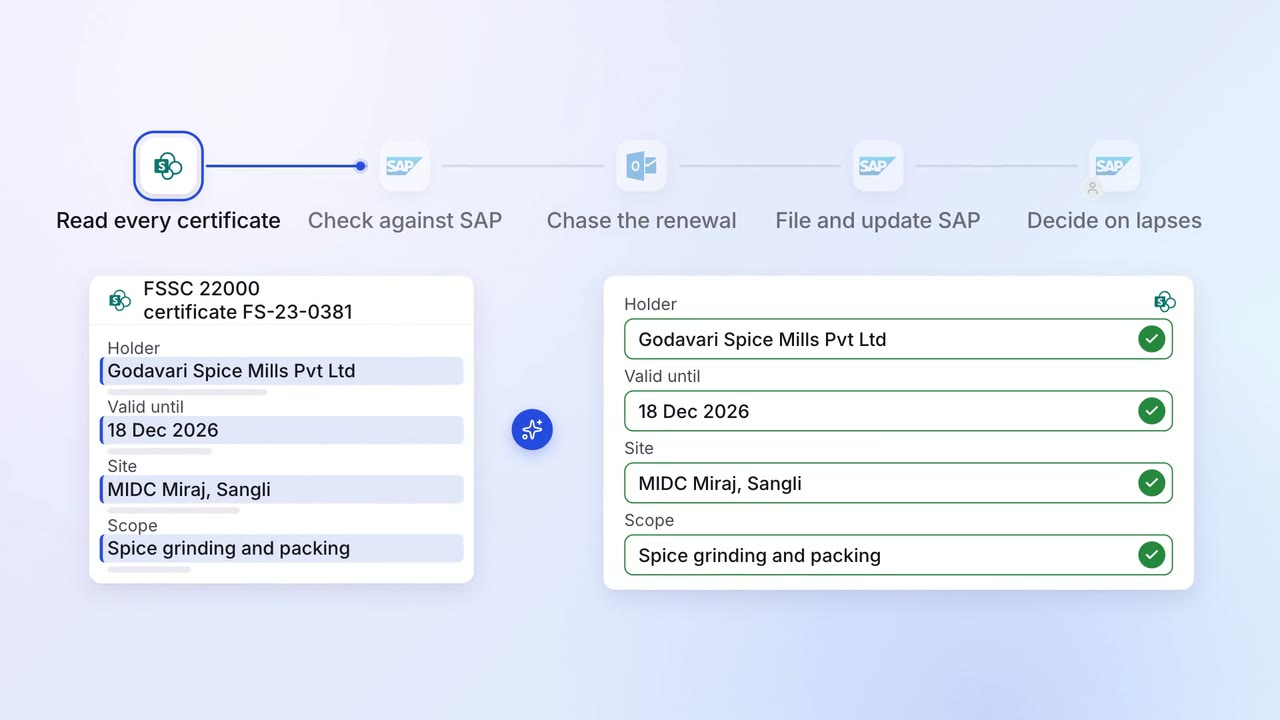
Operations Quality and audits
Supplier certificates and test reports are chased for renewal before they expire
- SharePoint
 SAP S/4HANA
- Outlook
- Microsoft Teams