Every buyer compares supplier quotes the way your best buyer does
A senior buyer's way of comparing quotes is saved as a skill in the company assistant. Once the purchase head approves it, every buyer runs the same comparison on Teams, from the quotes in Outlook and the supplier records in SAP.
- Used day to day by
- Buyers
- Senior buyers
- Purchase head
What the assistant uses here
Answers from your systems, within each person's access.
- Team skill The best way to do a task, saved once and run by everyone
- Channels Reaches people where they already talk
- Your approval Acts in your systems only after a person approves
How it runs with AI
A senior buyer describes how she compares quotes, and the company assistant saves it as a skill. The purchase head reviews the steps and shares it with the purchase team. From then on, any buyer runs it on Teams: it reads the quotes in Outlook, adds freight and packing, checks each supplier's delivery record and payment terms in SAP, and ranks the quotes the same way every time. The buyer still chooses the supplier.
How it is done today
Each buyer compares quotes in their own way, in their own spreadsheet. The careful ones add freight and packing and check how each supplier has delivered; others compare the quoted price alone. The best method stays with one person, and the purchase head sees different reasoning behind every order.
How the assistant works here
Where people ask, what it draws on, and what comes back.
Where people ask
-
 Microsoft Teams, steps 1, 2 and 5
Who asks
- Buyers
- Senior buyers
- Purchase head
What it draws on
Apps
-
 Outlook, steps 3 and 4
 -
 SAP S/4HANA, steps 3 and 4
Context
- Purchase terms and units, step 1
- How the skill was written, step 3
- Freight rates, step 4
- Supplier ratings, step 4
What comes back, and who decides
- A request prepared for approval, step 2
- An answer with its sources, step 5
Who decides
- The purchase head reviews the skill's steps and shares it with every buyer, step 2
How a request runs
-
Step 1, the assistant: Saves a senior buyer's way of comparing quotes as a skill, from her own words on Teams
- Person
Step 2, a person: The purchase head reviews the skill's steps and shares it with every buyer
-
Step 3, the assistant: Runs the skill for any buyer, on the quotes in their own inbox
-
Step 4, the assistant: Ranks the quotes by landed cost, with each supplier's delivery record and terms from SAP
-
Step 5, the assistant: Replies to the buyer on Teams with the ranking and the reasons, and the buyer chooses
The same flow works with the apps you use.
Who controls it
-
Access
It runs with each person's own access, so it shows only what they could open themselves
-
Approvals
A person approves before it changes anything in your systems
-
Record
Every question, source, action and approval is recorded
This fits you if
- Some buyers compare quotes far more carefully than others
- Quotes arrive by email and supplier records sit in your ERP
- Your purchase head wants the same reasoning behind every order
- Your teams already work on Teams
What to watch for
- A skill is only as good as the method behind it. The purchase head reviews each one before it is shared, and again after any change
- Freight and packing come from your own rates and past bills, so keep them current in the ERP
- The skill ranks quotes and gives its reasons. The buyer chooses the supplier and raises the order
Often done together
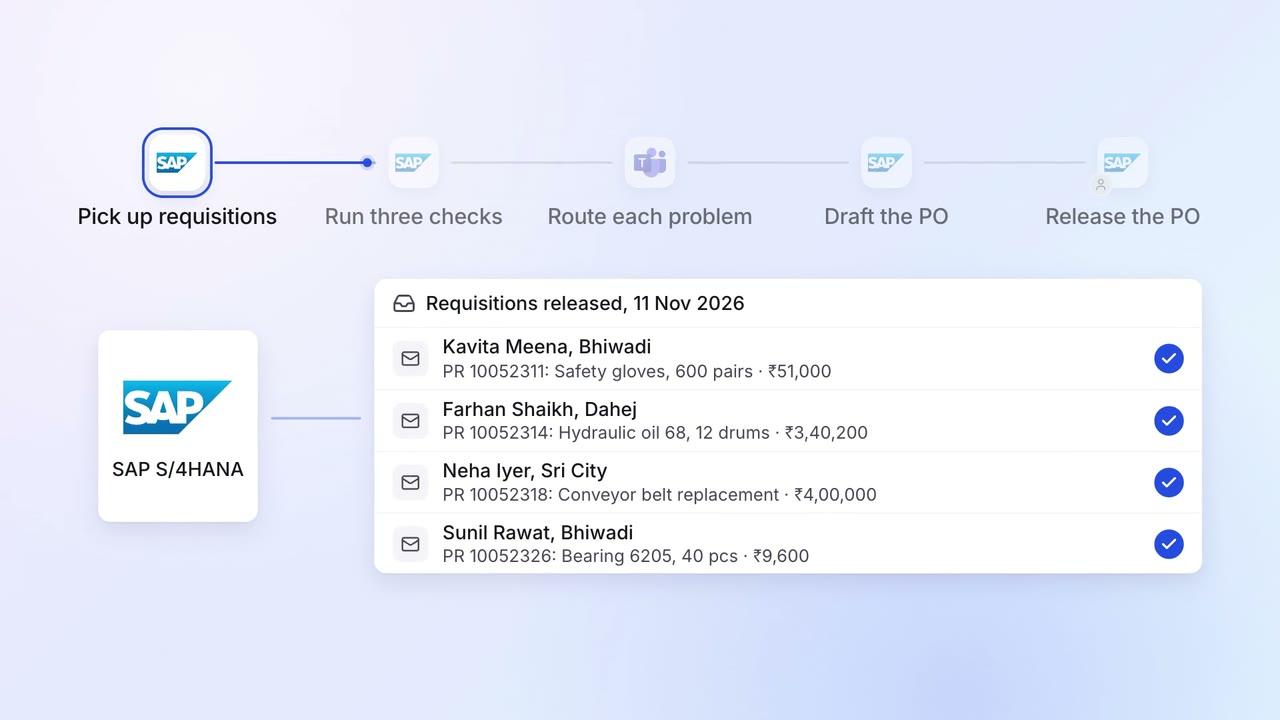
Operations Inventory and purchasing
Requisitions are checked for budget, rate contract and duplicates before a PO
- SAP S/4HANA
- Microsoft Teams
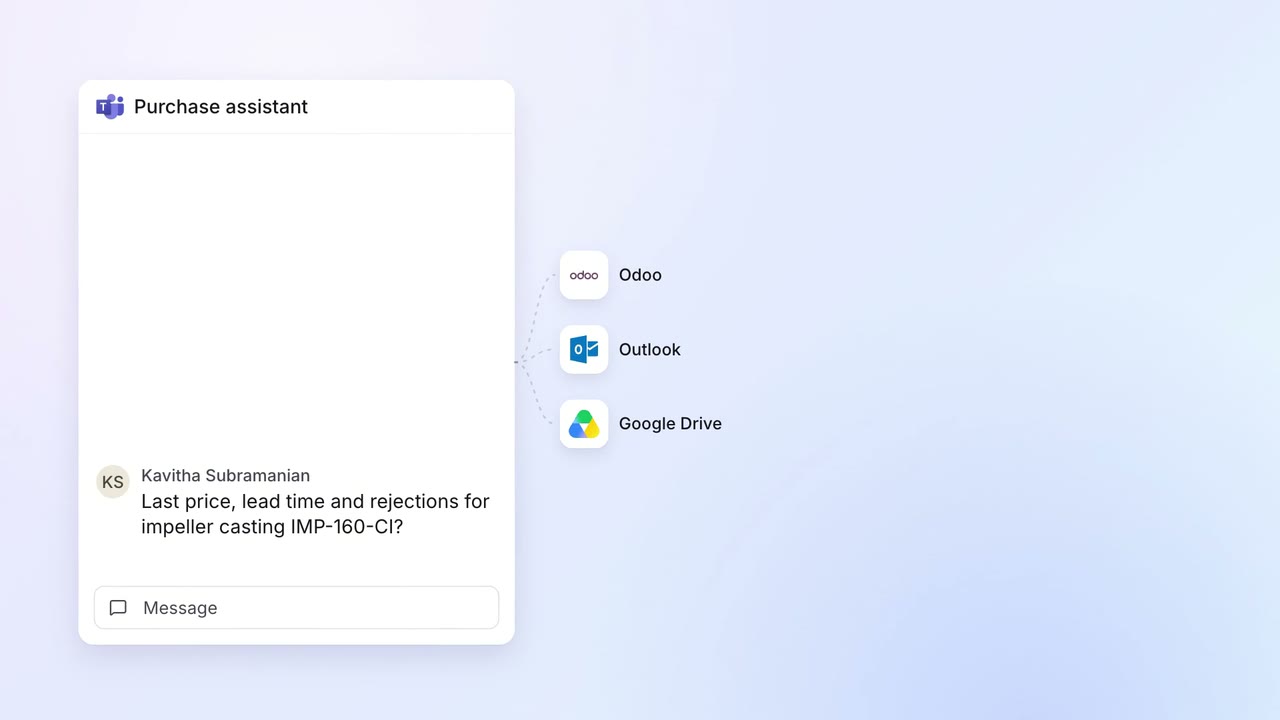 Company assistant
Operations Inventory and purchasing
Buyers get any item's last price, lead time and rejections in one answer
 Odoo
Odoo- Outlook
 Google Drive
- Microsoft Teams
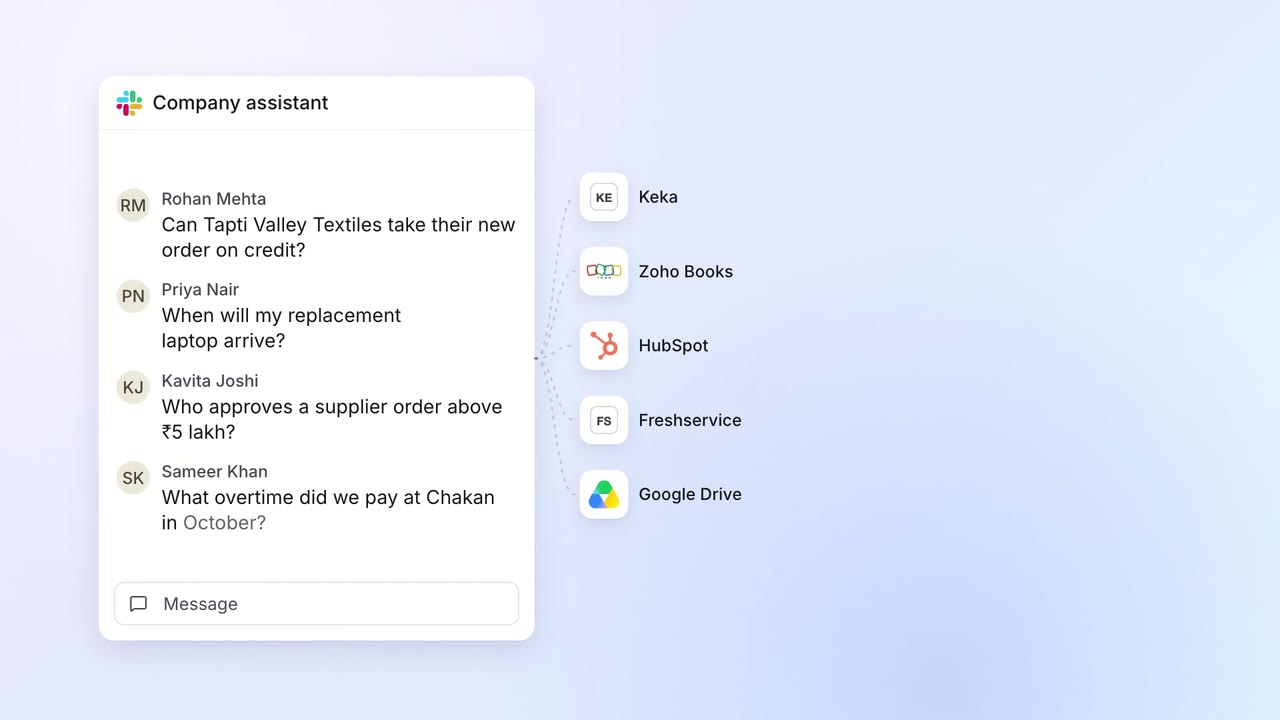 Company assistant
IT Helpdesk
Staff get answers from every company system on Slack, within their own access
 Slack
Slack Keka
Keka Zoho Books
 HubSpot
 Freshservice
- Google Drive